Create your CV
Create it on the left and watch the page redraw on the right. The match score against a job ad is free.
Create your own CV
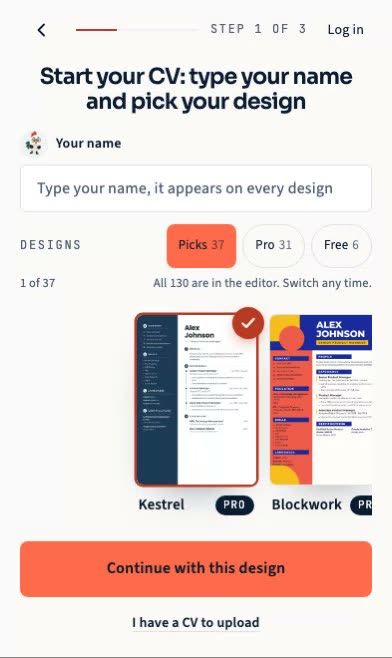
A blank CV is the honest starting point, so type your name and the job title you are aiming at.
Contact
Your name, the job you are going for, and at least one way for employers to reach you.
Shown under your name at the top of your CV
Photo (optional)
Expected in much of Europe and the Gulf, usually left out in the US and UK. Cropped on this device, nothing is uploaded on its own.
About this editor
This is the CVBooster editor. The form is on the left, your CV is on the right, and every keystroke redraws the page at its real A4 size, so what you read here is what the PDF prints.
The match score is free and it runs on this device. Paste the job ad into the job panel and the score compares the words in the posting with the words in your CV, then lists the ones that are missing. Nothing you type is sent anywhere to get it.
Your draft is kept in this browser while you work. Sign in and it is kept on your account instead, so the same CV opens on your phone and on your laptop.
Pro is the part that leaves the page: the rewritten CV, the PDF, the Word file and the premium templates. Some designs are free. It is $16.99 a month or $99 a year, and you can cancel any time.
How to create your resume here, in three steps
1. Pick a template, or start blank
Choose a design in the last step or keep the default one. You can switch templates at any point and nothing you typed is lost, because the words and the design are stored apart. If you already have a CV, hand it over instead of starting from an empty page and carry on from there.
2. Fill the six steps
Contact, summary, experience, education, skills and finish. Each step is one short form, and the page on the right redraws at its real A4 size on every keystroke, so what you read is what the file will print. Put the most recent job first and give each job two or three lines about what changed because you were there.
3. Paste the job ad and check the gaps
Open the job panel and paste the posting. The match score compares the words in the ad with the words in your CV and lists the ones that are missing. It is free and it runs in your browser. Add the missing words where they are true, then take the file.
Some of the templates you can fill
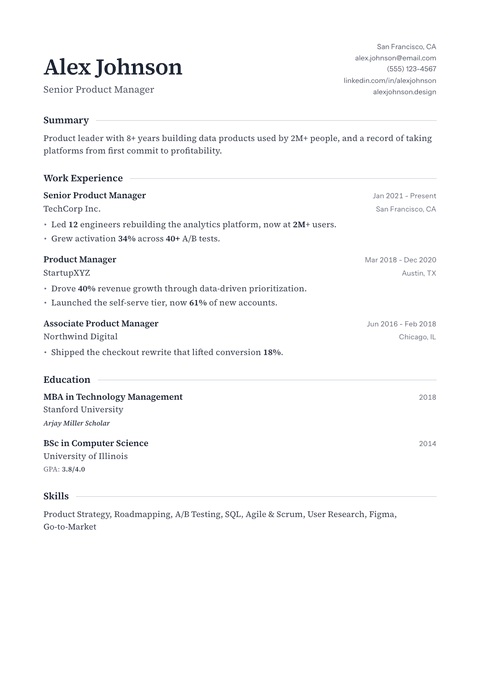
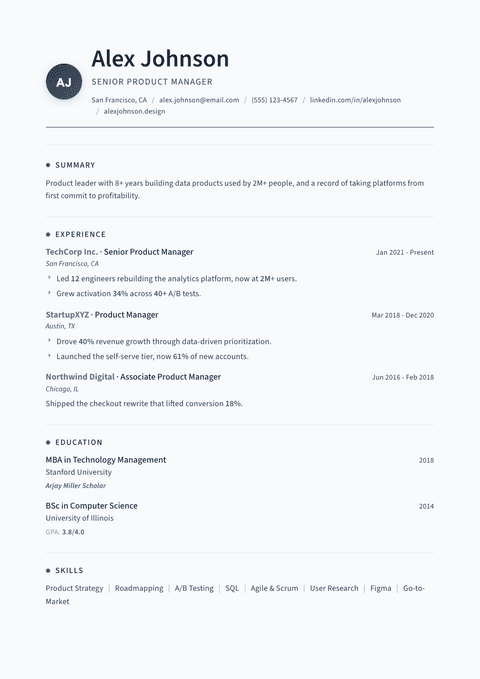
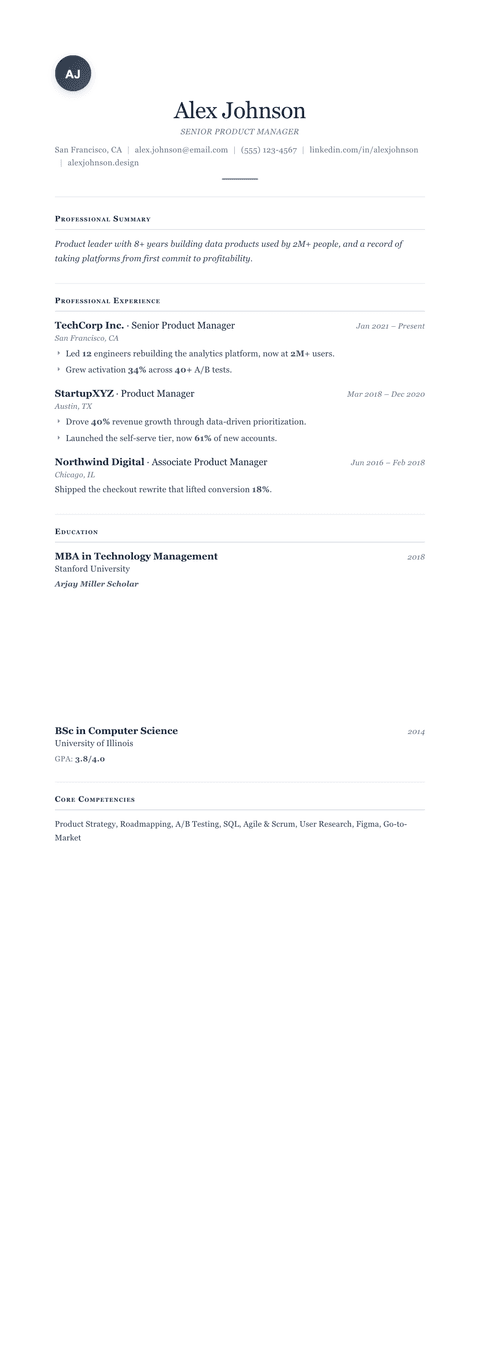
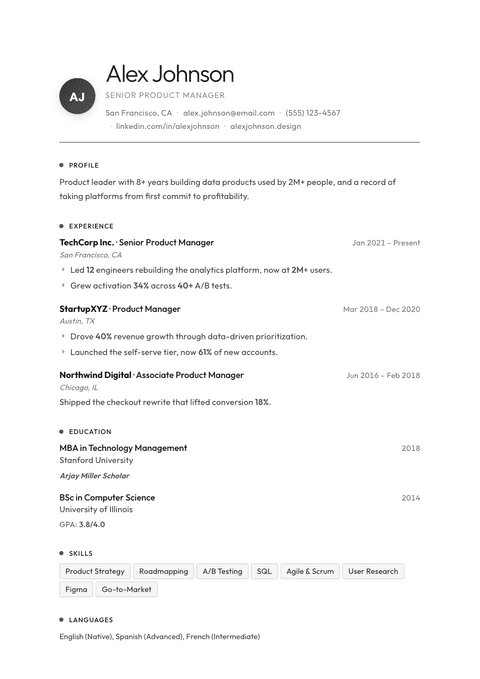
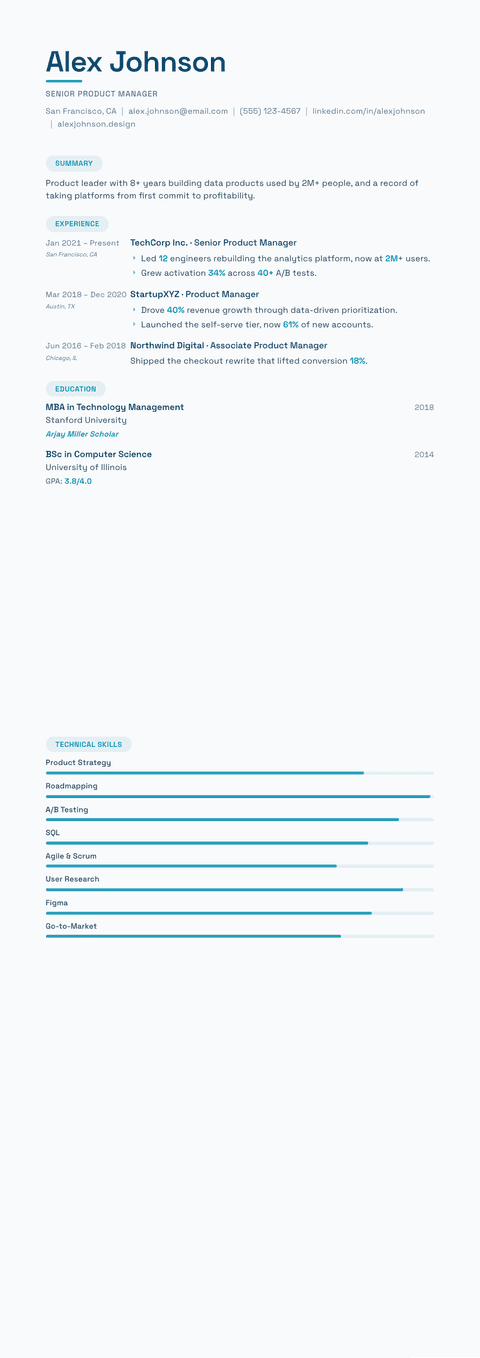
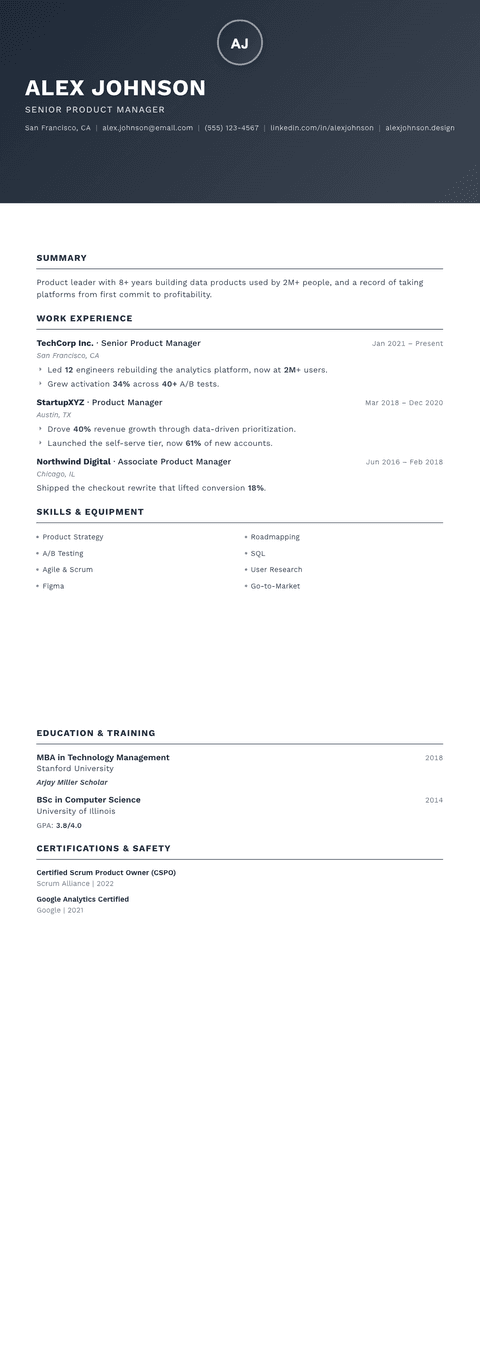
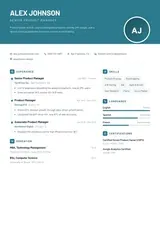
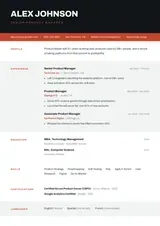
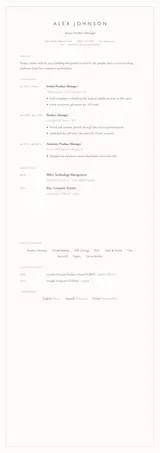
Every template reads the same CV, so you can try a quiet one-column layout for an applicant tracking system and a design with a sidebar for a person, and keep the one that fits the job.
What is free and what is Pro
Building the CV costs nothing. Pro is the part that leaves the page.
| What you do | Plan |
|---|---|
| Fill in a CV in any template, with the live A4 preview | Free |
| Match score and missing words against a pasted job ad | Free |
| Keep the draft in this browser, or on your account after you sign in | Free |
| Switch template and colour without retyping | Free |
| Download as PDF or Word | Pro |
| AI rewrite of your lines to the job ad | Pro |
Questions about the resume builder
Is this resume builder free?
Filling in the CV is free in every template, and so are the live preview and the match score against a job ad. The PDF and Word downloads, the AI rewrite and the premium designs are part of Pro. You see the whole CV before you decide anything.
Do I need an account to start?
No. You can start typing straight away and the draft is kept in this browser. Sign in when you want the same CV on another device, or when you want to download it, and the draft moves to your account.
Is what I type sent anywhere?
The match score is worked out on your device, so the job ad and your CV are not sent anywhere to get it. The text only leaves the browser when you sign in to save it to your account or use a Pro feature such as the AI rewrite.
Can I build my CV on a phone?
Yes. On a phone the form takes the screen, one step at a time, with a Next button at the bottom, and the CV opens full screen when you tap to see it. The same draft opens on a laptop after you sign in.
Can I change the template after I have written everything?
Yes, at any time. The content and the design are kept apart, so a new template redraws the same words. Check the preview after a switch, because a two-column design can push a long CV onto a second page.
Before you start: All resume templates · Resume examples by job · Check an existing CV against a job ad
Start your CV · CV editor. CVBooster for iPhone is on the App Store.
Follow CVBooster: LinkedIn · Instagram · Facebook · YouTube · Pinterest