Is LinkedIn Premium Worth It? A Verdict for Job Seekers
By Mustafa Tarabya, founder of CVBooster · Published · Updated
7 min read
LinkedIn Premium is worth it for a job seeker who will use InMail to reach specific hiring managers or recruiters within a month or two, and usually not worth it for someone who mostly applies through job boards. The one constraint is time: Premium is a subscription, so it pays off during an active search with a list of people to contact, not left running in the background. LinkedIn's own Premium page describes it this way: "LinkedIn Premium products help job seekers and small businesses showcase credibility, find and message the right people, and gain an advantage with exclusive insights." Verdicts by situation and six InMail messages follow. Written by Mustafa Tarabya, who hired for his own company, read every application himself and now writes CVBooster's guides.
Premium shows you who viewed your profile. Mostly it is a recruiter from a company you have never heard of, two former classmates, and someone whose job title is "Visionary". Knowing that does not get you hired. Messaging the right person does, and that is the part worth paying for.
A message that makes Premium pay for itself
The value of Premium in a job search is InMail: a message to someone you are not connected to. Here is one that a hiring manager can answer in a minute.
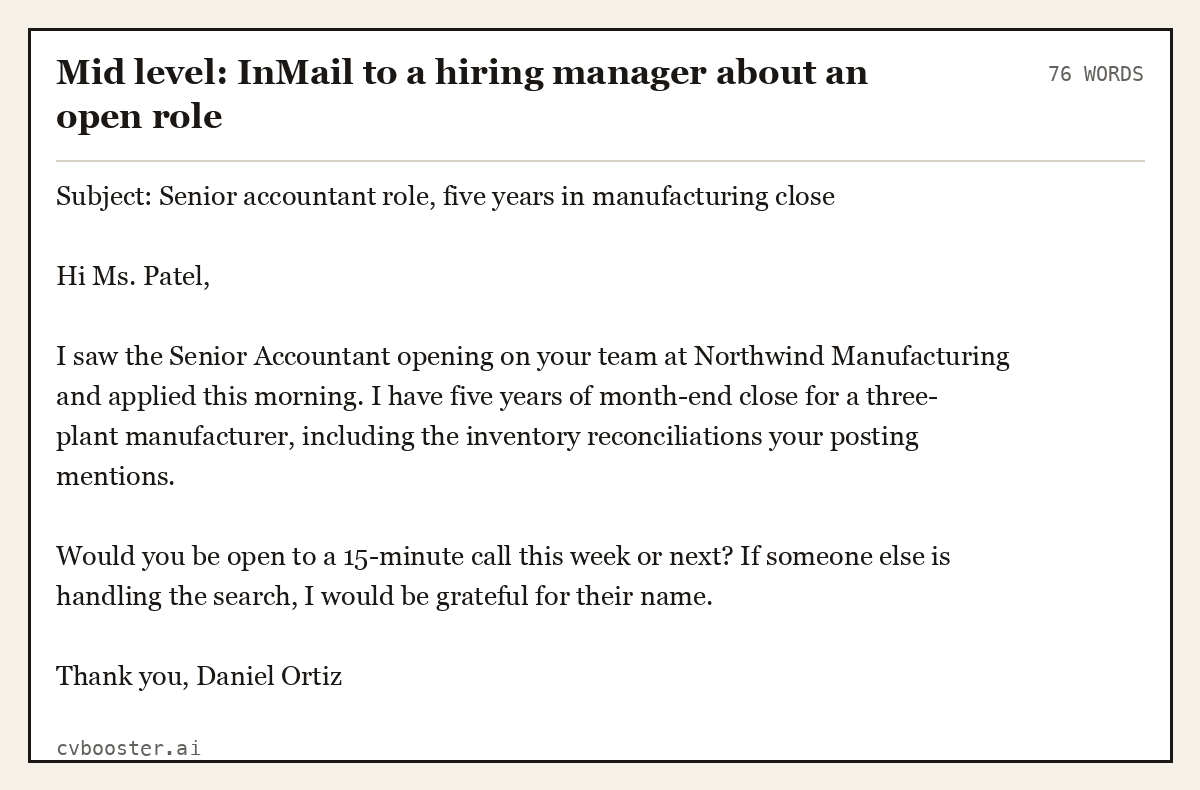
Mid level: InMail to a hiring manager about an open role (76 words)
Subject: Senior accountant role, five years in manufacturing close
Hi Ms. Patel,
I saw the Senior Accountant opening on your team at Northwind Manufacturing and applied this morning. I have five years of month-end close for a three-plant manufacturer, including the inventory reconciliations your posting mentions.
Would you be open to a 15-minute call this week or next? If someone else is handling the search, I would be grateful for their name.
Thank you, Daniel Ortiz
Short, specific, one question that is easy to answer. Ten messages like this to the right people are the whole case for Premium.
What Premium adds over the free account
LinkedIn's Premium page lists the difference: "Linkedin Premium is tailored for job seekers or small businesses who need enhanced features (e.g., company or applicant insights, who's viewed your profile, profile or resume writing assist". For job seekers the features that matter are:
- InMail credits to message people outside your network.
- Who viewed your profile, with more history than the free account.
- Applicant and company insights on job postings.
- AI writing help for your profile and messages.
- LinkedIn Learning courses on some plans.
On InMail, LinkedIn's InMail credits help page is specific: "You'll receive a new allotment of InMail message credits every month, on the first day of your billing cycle." It also explains the refund rule: "Every InMail message that is accepted/declined or responded to directly within 90 days of it being sent is credited back." A good message that gets a reply, even a no, costs you nothing.
Prices vary by plan and country and change over time, so check the current price on your own Premium page before you start. Note the cancellation detail too: "Any InMail messages balance will become zero when a Premium subscription is canceled."
Verdict by situation
Worth it: an active search in a field where you can name the people. If you have a list of companies and can find the hiring managers or team leads, InMail turns a cold application into a conversation.
Worth it: senior or specialist roles. Fewer openings, more hiring by referral and recruiter search. Being reachable and reaching out both matter more.
Worth it for one month: changing careers or cities. You need informational calls with people who do the job you want. Use the free trial if you are eligible and plan the month before you start it.
Usually not worth it: high-volume applying to entry-level postings. The postings get filled from the applicant pool, and a better resume does more than profile insights.
Not worth it: running in the background. If you are not sending messages, you are paying to see who looked at your profile.
On the trial, LinkedIn's FAQ notes: "If you’ve already redeemed a trial for your profile within the last 12 months, you won’t be eligible for another free trial just yet."
InMail messages for the most common situations
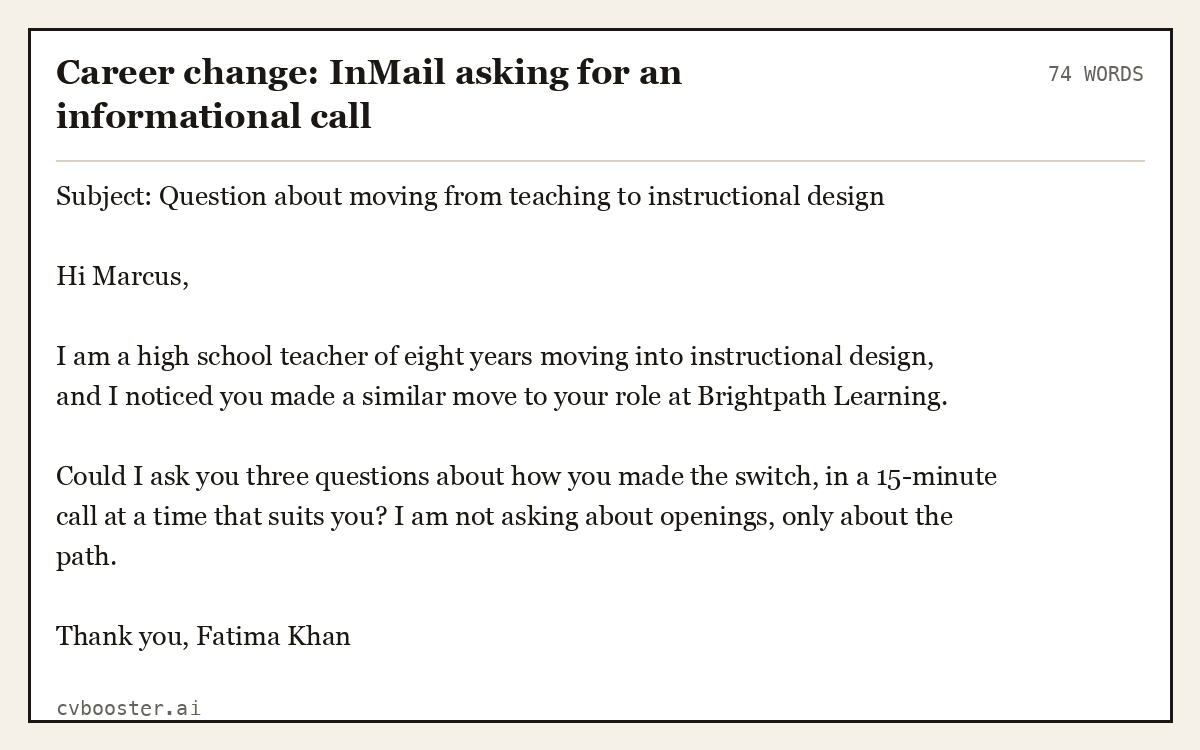
Career change: InMail asking for an informational call (74 words)
Subject: Question about moving from teaching to instructional design
Hi Marcus,
I am a high school teacher of eight years moving into instructional design, and I noticed you made a similar move to your role at Brightpath Learning.
Could I ask you three questions about how you made the switch, in a 15-minute call at a time that suits you? I am not asking about openings, only about the path.
Thank you, Fatima Khan
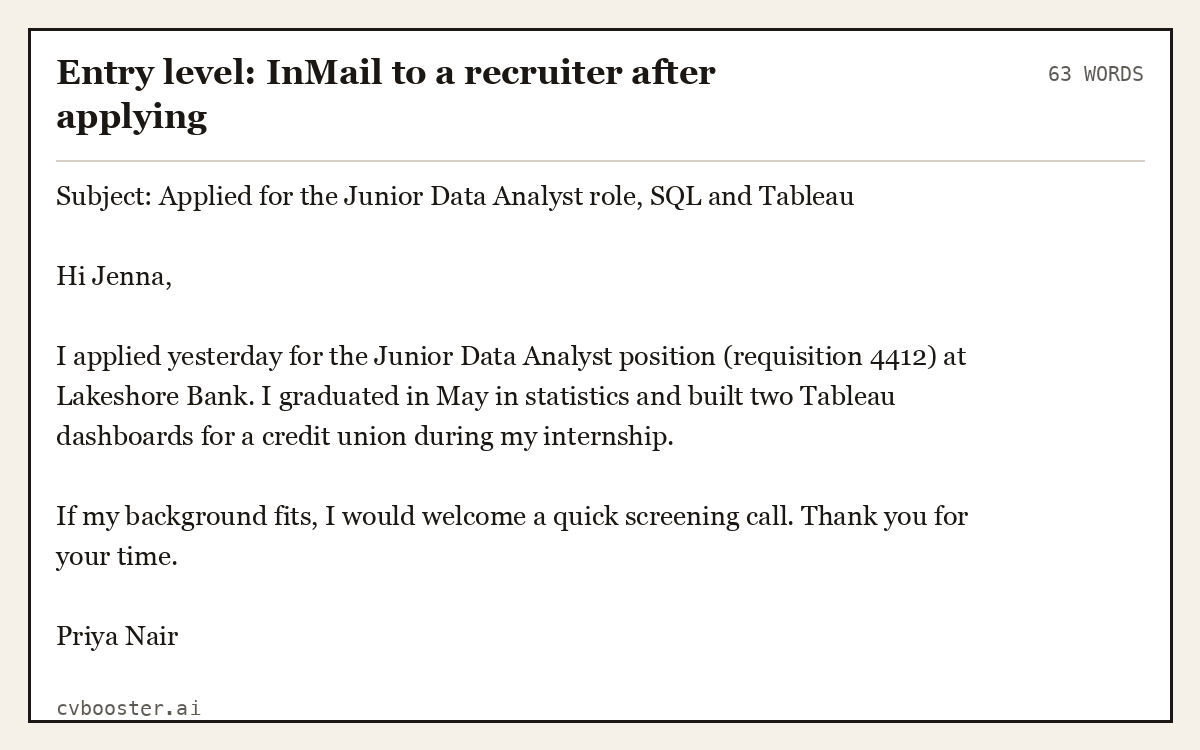
Entry level: InMail to a recruiter after applying (63 words)
Subject: Applied for the Junior Data Analyst role, SQL and Tableau
Hi Jenna,
I applied yesterday for the Junior Data Analyst position (requisition 4412) at Lakeshore Bank. I graduated in May in statistics and built two Tableau dashboards for a credit union during my internship.
If my background fits, I would welcome a quick screening call. Thank you for your time.
Priya Nair
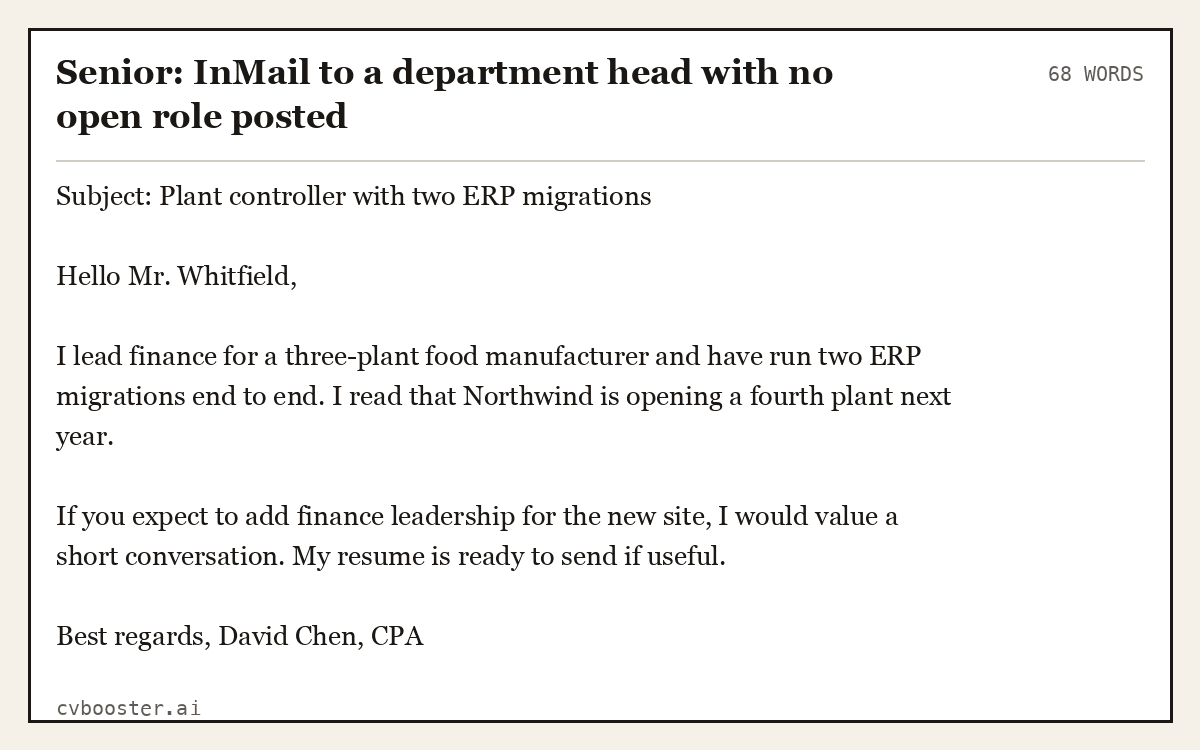
Senior: InMail to a department head with no open role posted (68 words)
Subject: Plant controller with two ERP migrations
Hello Mr. Whitfield,
I lead finance for a three-plant food manufacturer and have run two ERP migrations end to end. I read that Northwind is opening a fourth plant next year.
If you expect to add finance leadership for the new site, I would value a short conversation. My resume is ready to send if useful.
Best regards, David Chen, CPA
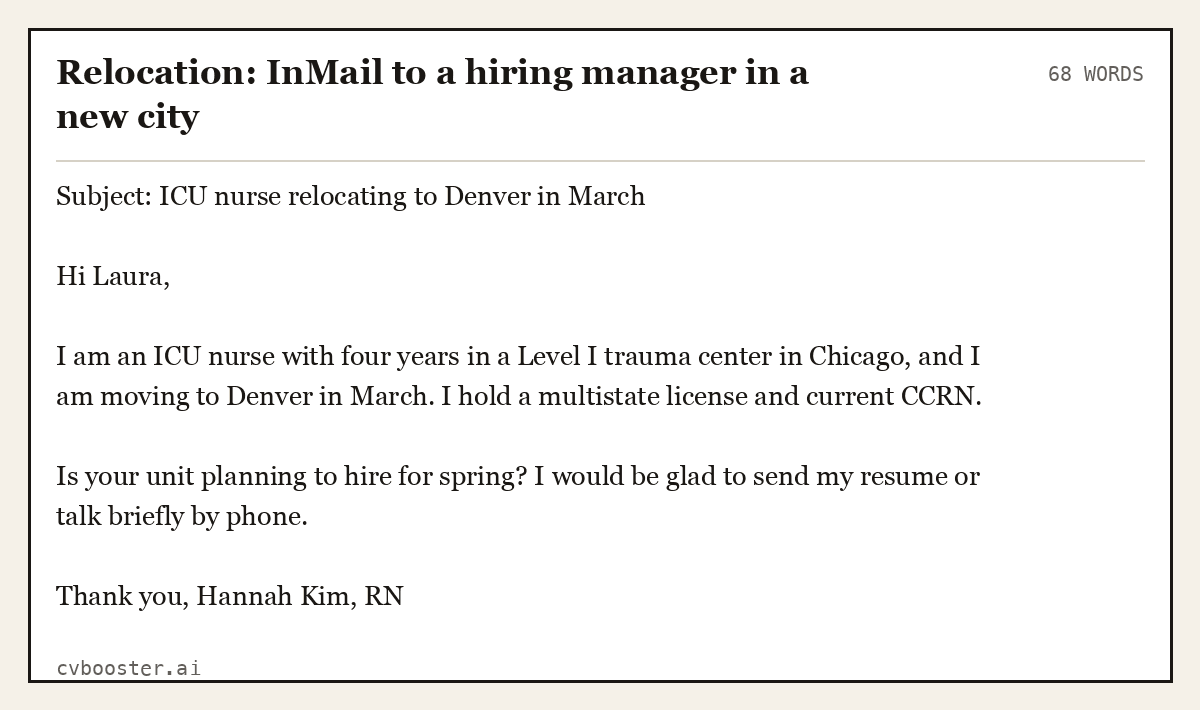
Relocation: InMail to a hiring manager in a new city (68 words)
Subject: ICU nurse relocating to Denver in March
Hi Laura,
I am an ICU nurse with four years in a Level I trauma center in Chicago, and I am moving to Denver in March. I hold a multistate license and current CCRN.
Is your unit planning to hire for spring? I would be glad to send my resume or talk briefly by phone.
Thank you, Hannah Kim, RN
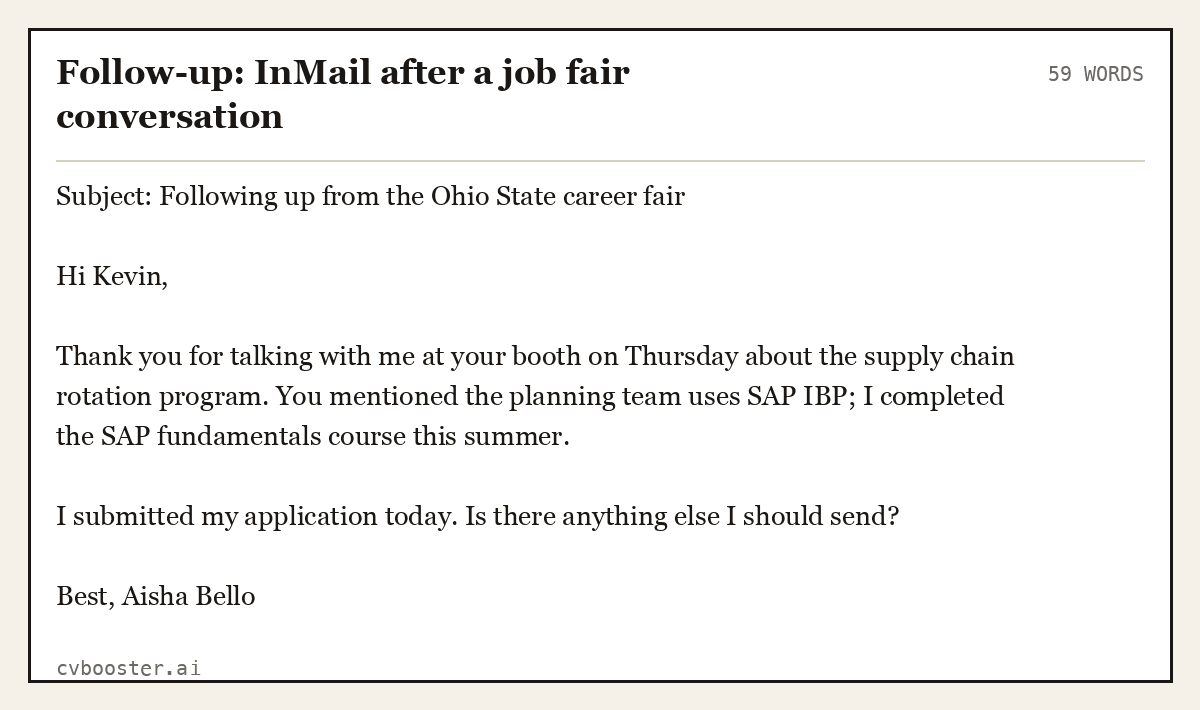
Follow-up: InMail after a job fair conversation (59 words)
Subject: Following up from the Ohio State career fair
Hi Kevin,
Thank you for talking with me at your booth on Thursday about the supply chain rotation program. You mentioned the planning team uses SAP IBP; I completed the SAP fundamentals course this summer.
I submitted my application today. Is there anything else I should send?
Best, Aisha Bello
What to do before you pay for Premium
- Fix the profile first. Headline, photo, About section and current job. Our LinkedIn headline examples cover the first line people see. MIT's LinkedIn guide is a good checklist for the rest.
- Write the list. Twenty companies, and for each one the person who would manage you.
- Draft three messages you can adapt, like the ones above.
- Start Premium on a Monday and send your first messages that week.
- Review after four weeks. Count replies and calls. If there were none, the problem is the list or the message, not the subscription.
A message gets read only if your resume backs it up. CVBooster compares your resume with each job posting: filling any of the 99 templates is free after you sign in, with the ATS score and gap list; the PDF and Word download is Pro. For the outreach side, see our job search strategies and LinkedIn profile vs resume.
Frequently asked questions
Is LinkedIn Premium worth it for job seekers?
It is worth it during an active search if you will send InMail messages to specific hiring managers and recruiters, and track the replies. It is rarely worth it if you only apply to postings or leave it running unused. Use a free trial first, if you are eligible, and set a plan for that month.
Does LinkedIn Premium help you get a job?
Premium itself does not get you hired, but InMail lets you reach people who make hiring decisions, and a reply can turn into an interview. The other features, such as profile viewers and applicant insights, are useful context. Results depend on your list of contacts and the quality of your messages.
What happens to InMail credits if I cancel Premium?
According to LinkedIn's help center, your InMail balance becomes zero when you cancel a Premium subscription. Credits arrive each month on your billing date, and messages that get a reply or are accepted or declined within 90 days are credited back. Use your credits before you cancel.
Can I try LinkedIn Premium for free?
Eligible members can try Premium free. LinkedIn says that if you have redeemed a trial for your profile within the last 12 months, you will not be eligible for another trial yet. Check your own account for the offer, and set a reminder before the trial converts to a paid plan.
Related articles
- Job Application Tracker: Free Template and 6 Filled Examples
- LinkedIn Headline Examples: 40 Headlines by Job and Level
- Not Selected by Employer on Indeed: What It Means and Next
- Salary Requirements: How to State Them, With 7 Wordings
More articles
- Java Interview Questions and Answers: 8 Worked Examples
- Email for Job Application: 7 UK Templates and Examples
Looking for a worked example for your job title? Browse the resume examples by job title.