Job Application Tracker: Free Template and 6 Filled Examples
By Mustafa Tarabya, founder of CVBooster · Published · Updated
6 min read
A job application tracker is a spreadsheet with one row per application and ten columns: company, job title, link to the posting, date applied, resume version, contact, status, next step, next step date and notes. The one constraint is the habit, because a tracker only works if you update it the day something changes. Tufts University's career services center gives the basic version: "Create a spreadsheet with columns for company name, job title, application date, status, follow-up date, and any additional notes." The template and six filled rows follow. Written by Mustafa Tarabya, who hired for his own company, read every application himself and now writes CVBooster's guides.
A recruiter calls and says, "Hi, it's Jenna from Lakeshore, about the analyst role." You applied to four analyst roles at three banks, one of them possibly called Lakeshore. You say "Oh, great" in the voice of someone who has no idea. The tracker is for that call.
The job application tracker template
Copy these columns into Google Sheets or Excel as row 1, then add one row per application.
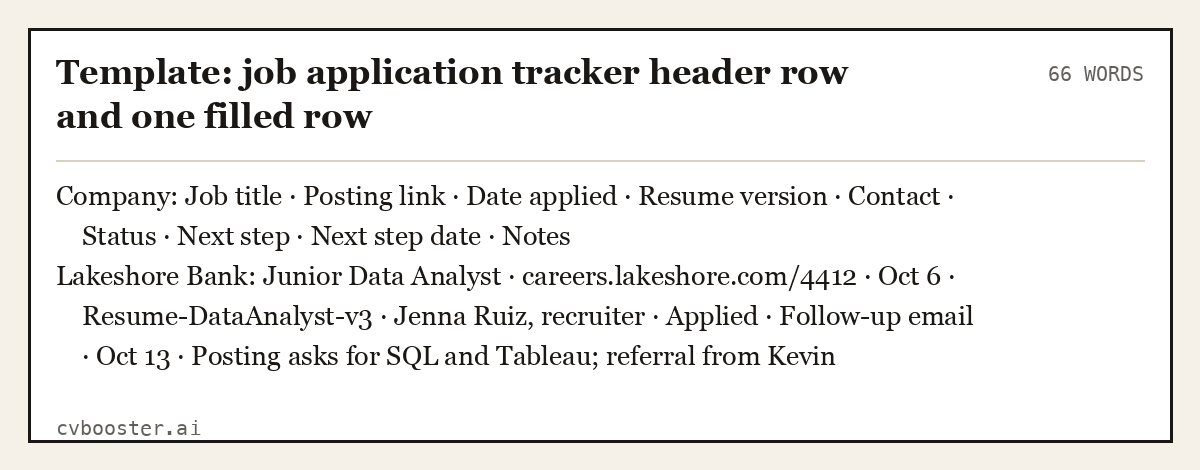
Template: job application tracker header row and one filled row (66 words)
| Company | Job title | Posting link | Date applied | Resume version | Contact | Status | Next step | Next step date | Notes |
|---|---|---|---|---|---|---|---|---|---|
| Lakeshore Bank | Junior Data Analyst | careers.lakeshore.com/4412 | Oct 6 | Resume-DataAnalyst-v3 | Jenna Ruiz, recruiter | Applied | Follow-up email | Oct 13 | Posting asks for SQL and Tableau; referral from Kevin |
Ten columns, one row. When Jenna calls, you search "Lakeshore" and you have the job, the version of the resume you sent and the reason you applied, before she finishes her sentence.
What each column is for
- Company and job title. Exactly as written in the posting, so you can search for them.
- Posting link. Save it, and also save the text of the posting in a document, because adverts often come down before the interview.
- Date applied. The start of every follow-up clock.
- Resume version. The file name of the resume you sent. Tailored resumes differ, and the interviewer has the one you sent.
- Contact. Recruiter or hiring manager name, how you found them, and their email or LinkedIn.
- Status. Pick from a fixed list: Saved, Applied, Screening, Interview, Final round, Offer, Rejected, Withdrawn, No response.
- Next step and next step date. The single most useful pair of columns. Sort by date every morning.
- Notes. Salary range if given, interview names, questions they asked, anything you promised to send.
The Tufts guide also lists the stages to record: "Initial application, phone interview, in-person interview, offer, rejection, or withdrawn."
Filled rows at each stage
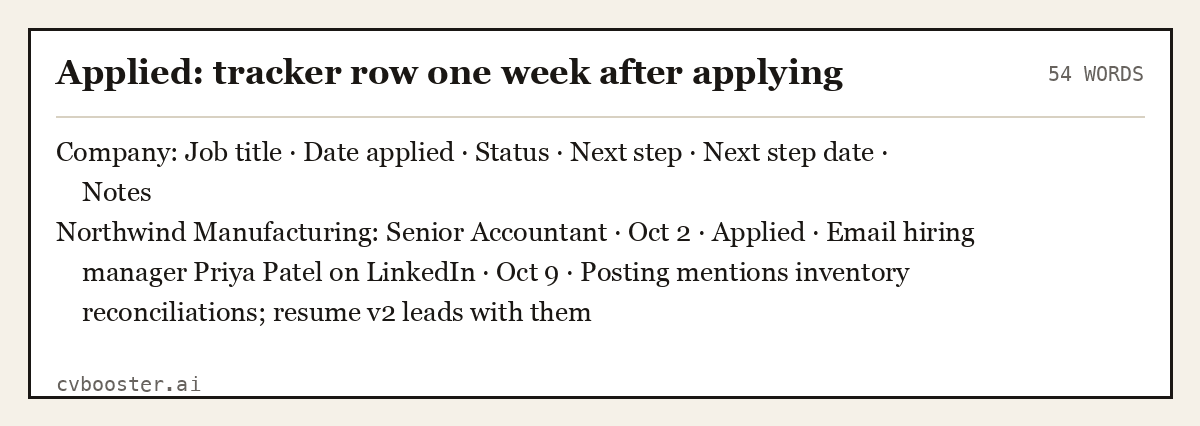
Applied: tracker row one week after applying (54 words)
| Company | Job title | Date applied | Status | Next step | Next step date | Notes |
|---|---|---|---|---|---|---|
| Northwind Manufacturing | Senior Accountant | Oct 2 | Applied | Email hiring manager Priya Patel on LinkedIn | Oct 9 | Posting mentions inventory reconciliations; resume v2 leads with them |
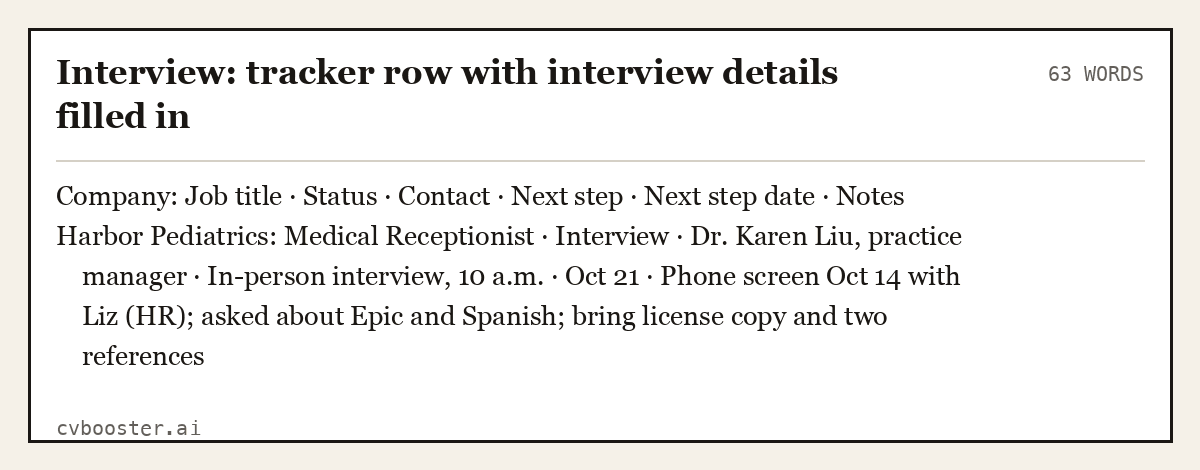
Interview: tracker row with interview details filled in (63 words)
| Company | Job title | Status | Contact | Next step | Next step date | Notes |
|---|---|---|---|---|---|---|
| Harbor Pediatrics | Medical Receptionist | Interview | Dr. Karen Liu, practice manager | In-person interview, 10 a.m. | Oct 21 | Phone screen Oct 14 with Liz (HR); asked about Epic and Spanish; bring license copy and two references |
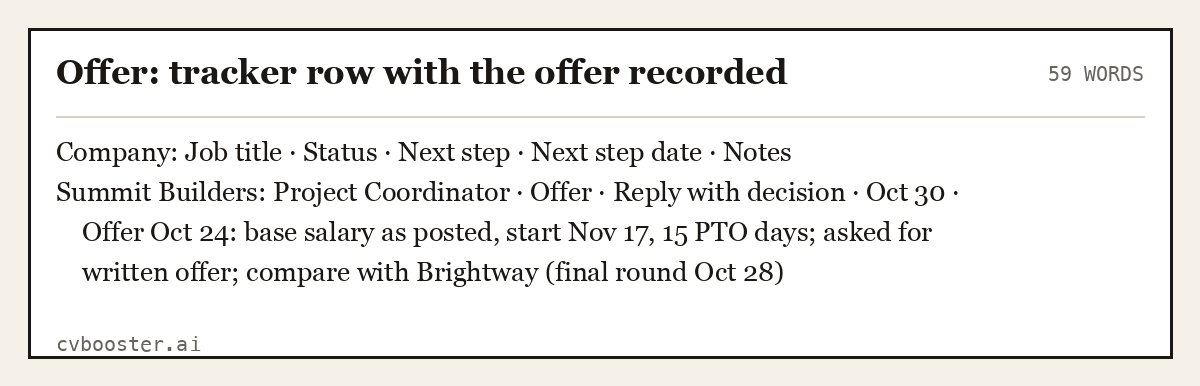
Offer: tracker row with the offer recorded (59 words)
| Company | Job title | Status | Next step | Next step date | Notes |
|---|---|---|---|---|---|
| Summit Builders | Project Coordinator | Offer | Reply with decision | Oct 30 | Offer Oct 24: base salary as posted, start Nov 17, 15 PTO days; asked for written offer; compare with Brightway (final round Oct 28) |
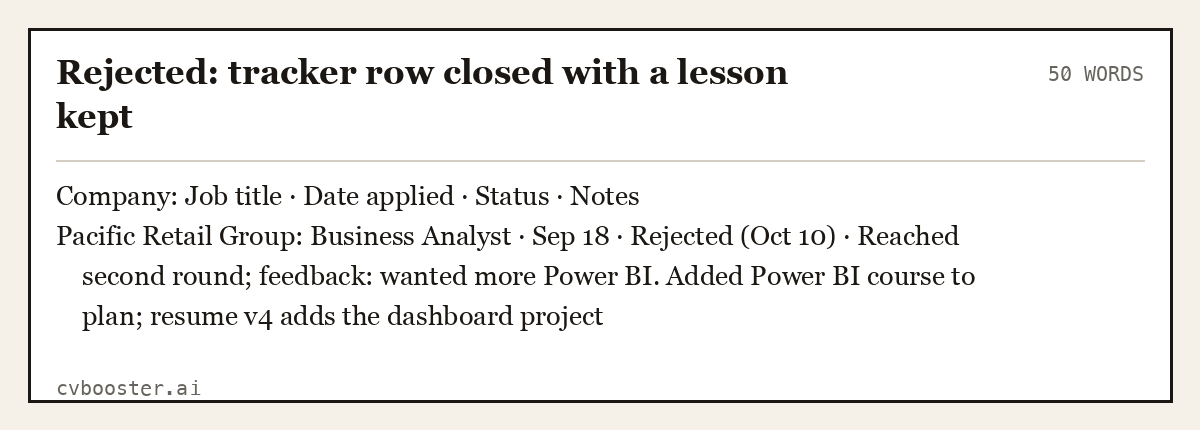
Rejected: tracker row closed with a lesson kept (50 words)
| Company | Job title | Date applied | Status | Notes |
|---|---|---|---|---|
| Pacific Retail Group | Business Analyst | Sep 18 | Rejected (Oct 10) | Reached second round; feedback: wanted more Power BI. Added Power BI course to plan; resume v4 adds the dashboard project |
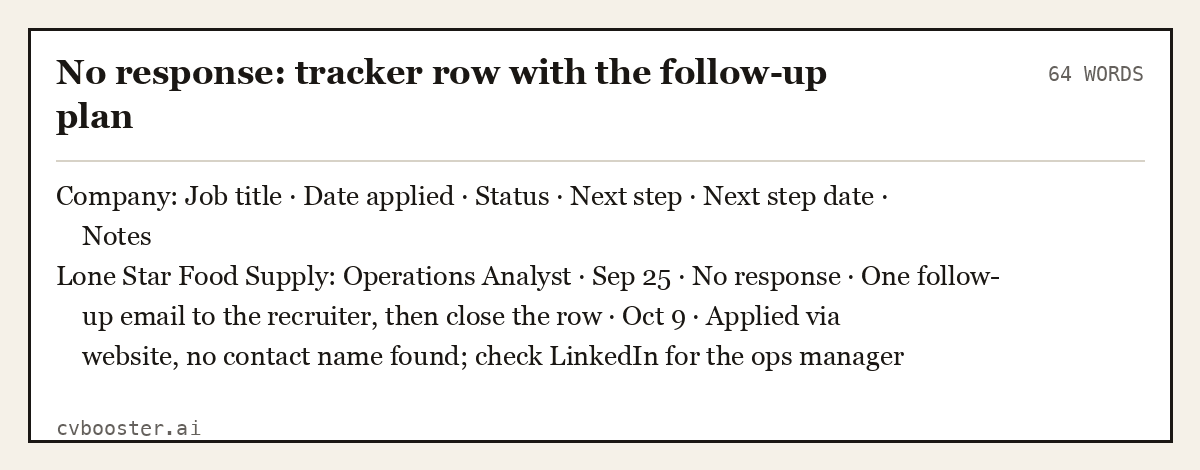
No response: tracker row with the follow-up plan (64 words)
| Company | Job title | Date applied | Status | Next step | Next step date | Notes |
|---|---|---|---|---|---|---|
| Lone Star Food Supply | Operations Analyst | Sep 25 | No response | One follow-up email to the recruiter, then close the row | Oct 9 | Applied via website, no contact name found; check LinkedIn for the ops manager |
Where to build your tracker
Google Sheets. Free, works on your phone, and you can share it with a career advisor. Google's templates help page shows where the Sheets template gallery is; a blank sheet with the columns above is often faster than adapting a template.
Excel. Microsoft Create has job application tracker templates you can download and edit. Turn the header into a table so you can filter by status.
A notebook. Fine if you apply to a few jobs a month. Write the next step date in the margin so you can scan it.
Whichever you choose, add data validation (a drop-down list) to the Status column so every row uses the same words. That is what makes filtering work.
The weekly routine that makes a tracker pay off
- Every morning: sort by next step date and do what is due today.
- Every application: add the row before you close the posting tab.
- Every Friday: count rows by status. If you have many "Applied" rows and no "Screening" rows, the resume is the problem, not the number of applications.
- Seven to ten days after applying: one polite follow-up if you have a contact. Our page on how to respond to an interview request has the reply emails for when they write back.
- After every interview: notes in the row the same day, and a thank-you email. See our thank you letter examples.
When you reach interviews, the interview tracker takes over for the questions, names and follow-ups of each round.
Keep one resume version per job type
The resume version column only works if your versions are named clearly: "Resume-DataAnalyst-v3", not "Resume-final-FINAL2". CVBooster keeps one master resume and tailors a copy to each posting: filling any of the 99 templates is free after you sign in, with the ATS score and the gap list; the PDF and Word download is Pro.
If an Indeed status changes before anyone writes to you, our page on not selected by employer explains it. To spend less time per row, plan your week with the habits in organizational skills.
Frequently asked questions
What should a job application tracker include?
Include the company, job title, posting link, date applied, the resume version you sent, the contact person, the status, the next step, the date of that next step, and notes. Saving a copy of the posting text matters too, because adverts often disappear before the interview.
Is there a free job application tracker template?
Yes. Copy the ten columns on this page into Google Sheets or Excel as the header row, or download a tracker from Microsoft Create's templates. A simple sheet you actually update beats a complex template with tabs you never open, so start with the columns you will use.
How do I keep track of job applications?
Add a row the moment you apply, update the status the same day anything changes, and sort by next step date every morning. Review the counts once a week to see where applications stall. If many are stuck at "Applied", rework the resume before sending more.
What is the difference between a job application tracker and an interview tracker?
A job application tracker covers every application from saved to closed, one row each. An interview tracker goes deeper on the interviews you land: who you met, what they asked, what you answered and what you promised to send. Most job seekers need both once interviews start.
Related articles
- Interview Tracker: A Free Template and 5 Filled Examples
- Is LinkedIn Premium Worth It? A Verdict for Job Seekers
- LinkedIn Headline Examples: 40 Headlines by Job and Level
- Not Selected by Employer on Indeed: What It Means and Next
More articles
- Job Description Template: A Structure That Works
- Job Interview Tips: A Timeline From Preparation to Follow-Up
- Job Offer Letter: What to Check Before Signing
Looking for a worked example for your job title? Browse the resume examples by job title.