LinkedIn Resume Format: Profile vs Resume, Line by Line
By Mustafa Tarabya, founder of CVBooster · Published · Updated
7 min read
There is no special LinkedIn resume format: the resume you upload to LinkedIn should be the same one-column, reverse-chronological Word or PDF file you send anywhere else, and your profile is a separate, wider document. The constraint is the file. LinkedIn's help center says "We recommend a file size less than 2MB and the file format must be either Microsoft Word or PDF." The same LinkedIn Help pages explain Save to PDF, uploading for Easy Apply, and the four resumes LinkedIn stores. Below: how each works, then six before and after examples of the same career written as a profile and as a resume. Written by Mustafa Tarabya, who hired for his own company, read every application himself and now writes CVBooster's guides.
The LinkedIn resume format, in one example
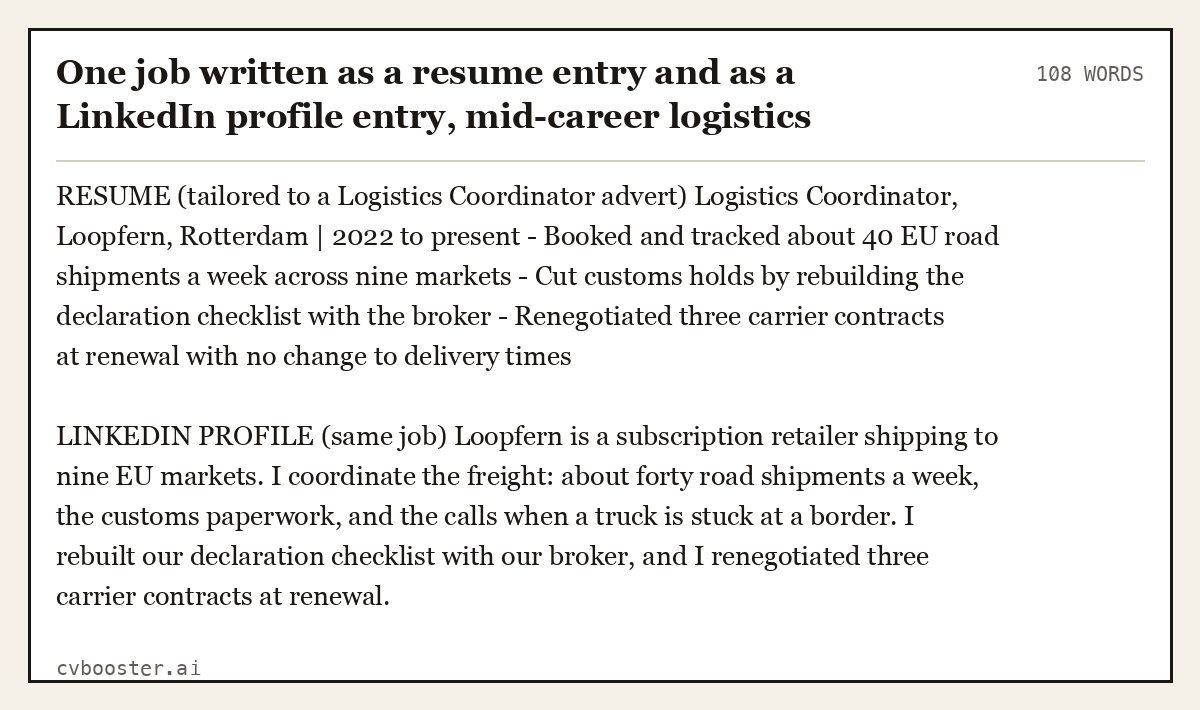
A resume is tailored to one advert and read by one person. A profile is a record that strangers search with words you never see. Same career, two jobs of work. Here is one role written both ways.
One job written as a resume entry and as a LinkedIn profile entry, mid-career logistics (108 words)
RESUME (tailored to a Logistics Coordinator advert) Logistics Coordinator, Loopfern, Rotterdam | 2022 to present - Booked and tracked about 40 EU road shipments a week across nine markets - Cut customs holds by rebuilding the declaration checklist with the broker - Renegotiated three carrier contracts at renewal with no change to delivery times
LINKEDIN PROFILE (same job) Loopfern is a subscription retailer shipping to nine EU markets. I coordinate the freight: about forty road shipments a week, the customs paperwork, and the calls when a truck is stuck at a border. I rebuilt our declaration checklist with our broker, and I renegotiated three carrier contracts at renewal.
The resume version is tight bullets for a shortlist. The profile version adds one sentence of context, because a stranger does not know what Loopfern does.
Turning your profile into a resume: Save to PDF
LinkedIn can export your profile as a resume. Its help page says: "You can save a copy of your profile or another LinkedIn member's profile as a resume in a PDF from the introduction section on your profile." The limits matter:
- Desktop only. "This feature is not available on the LinkedIn mobile app."
- English only. "Profiles must be in English, and the member's language setting must also be English for the feature to work correctly."
- Untailored. The PDF is your whole profile, in LinkedIn's layout. It is a starting point, not a resume you should send.
Use the export to collect your dates and titles in one place, then build a tailored resume from it.
Uploading your resume to LinkedIn
There are three different places, and they do different things, according to LinkedIn's upload help page:
- Job Application Settings. "We'll store your four most recently uploaded resumes on LinkedIn, allowing you to reuse them for future job applications."
- During an application. Under Resume, you select a stored resume or upload a new one. LinkedIn's reuse page notes this only works with Easy Apply; with "Apply on company website" you go to the company's own system.
- On your profile. This shares the file with your network. LinkedIn warns: "You won't be able to use the resume uploaded to your profile for job applications."
To find your resume on LinkedIn later, go to the Job Application Settings page, or Jobs, then Preferences, then "Resumes and application data". LinkedIn's visibility page adds that a resume posted on your profile "will be visible to anyone viewing your profile or that post and may be visible off LinkedIn." Leave your home address and phone number off that copy.
The headline: three before and after examples
The headline follows your name everywhere: search results, comments, invitations. LinkedIn fills it with your current job title by default. The shape that works is role, then specialism, then a locating detail. Still in school? Our sample LinkedIn profile for students page shows seven student headlines with matching About sections. Career changers moving into analytics can borrow the same proof for the application in our data analyst cover letter examples.
LinkedIn headline before and after, career changer into data (29 words)
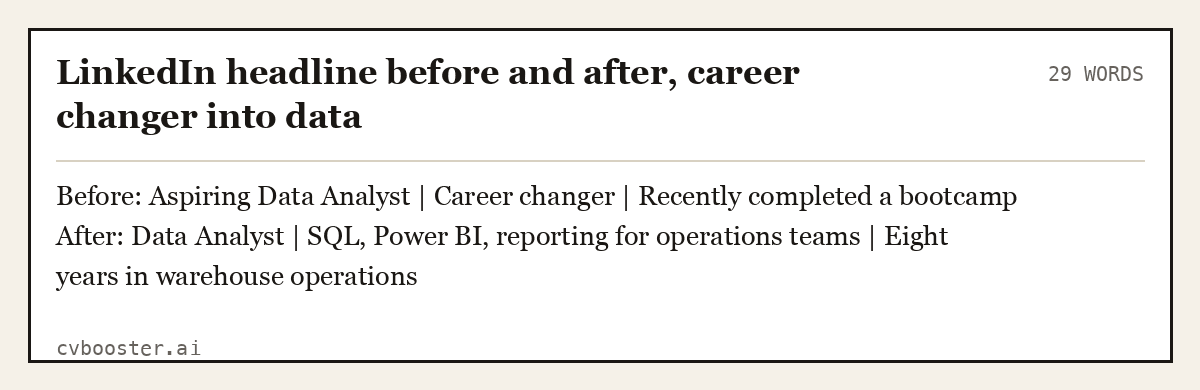
Before: Aspiring Data Analyst | Career changer | Recently completed a bootcamp After: Data Analyst | SQL, Power BI, reporting for operations teams | Eight years in warehouse operations
Every word in the first version is about the transition. In the second, the previous career is the reason to hire her.
LinkedIn headline before and after, nurse relocating (27 words)
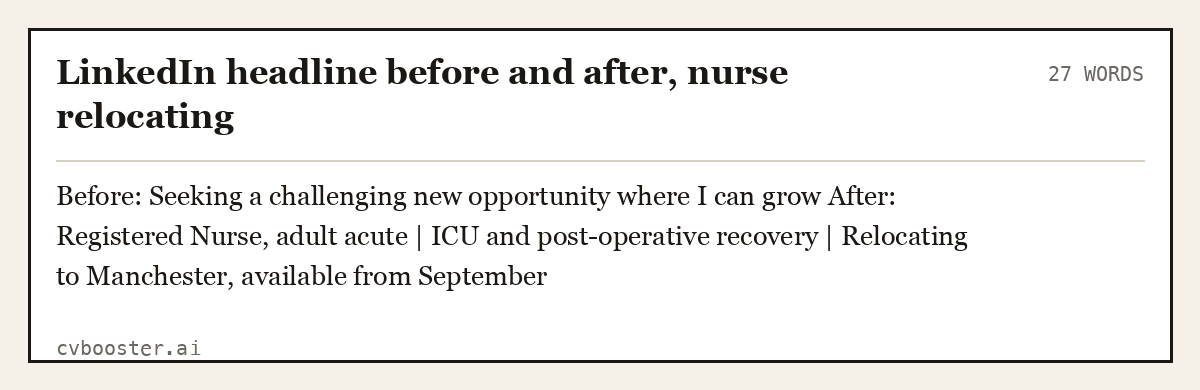
Before: Seeking a challenging new opportunity where I can grow After: Registered Nurse, adult acute | ICU and post-operative recovery | Relocating to Manchester, available from September
LinkedIn headline before and after, first job (23 words)
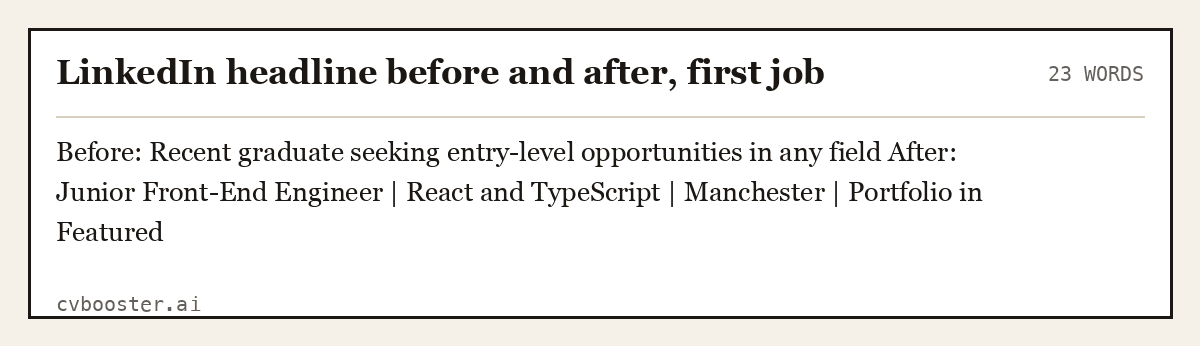
Before: Recent graduate seeking entry-level opportunities in any field After: Junior Front-End Engineer | React and TypeScript | Manchester | Portfolio in Featured
"Any field" is meant to keep doors open. It does the opposite, because nobody searches for any field.
The About section, written out
On most views the About section is collapsed, so the first lines are a second headline. Four moves: what you do and for whom, two specifics with evidence, the range of problems you can be brought in on, and what you want to hear about.
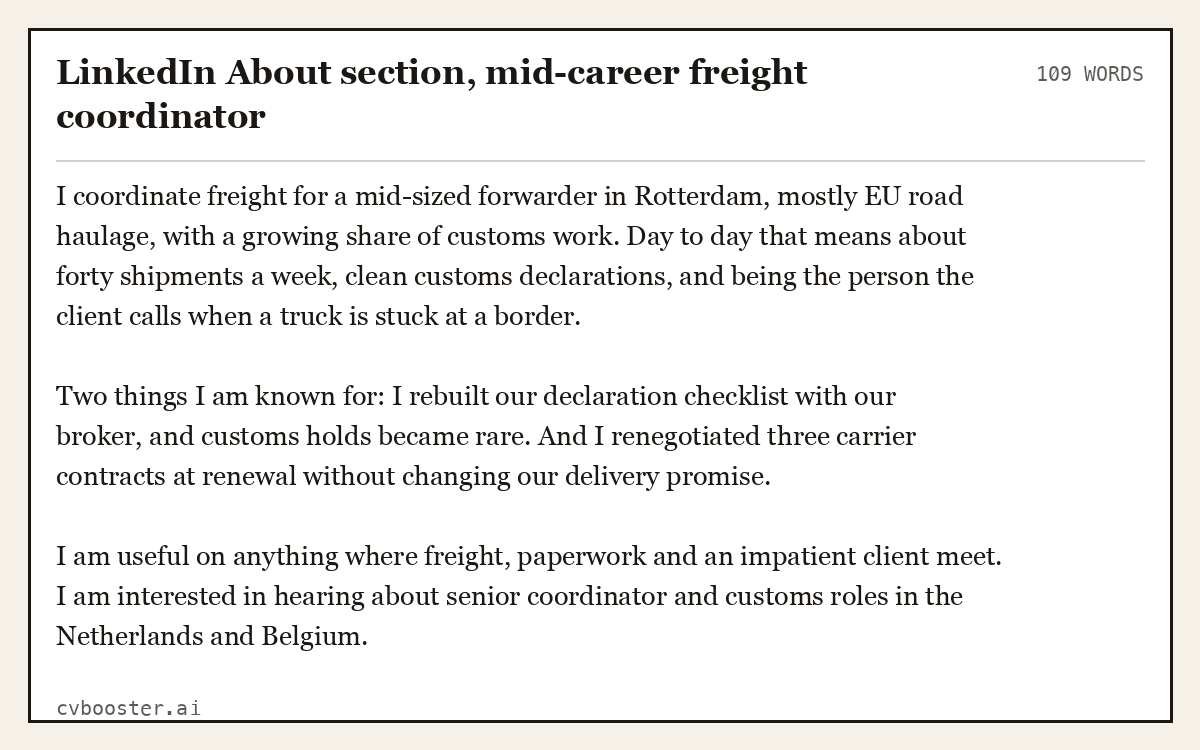
LinkedIn About section, mid-career freight coordinator (109 words)
I coordinate freight for a mid-sized forwarder in Rotterdam, mostly EU road haulage, with a growing share of customs work. Day to day that means about forty shipments a week, clean customs declarations, and being the person the client calls when a truck is stuck at a border.
Two things I am known for: I rebuilt our declaration checklist with our broker, and customs holds became rare. And I renegotiated three carrier contracts at renewal without changing our delivery promise.
I am useful on anything where freight, paperwork and an impatient client meet. I am interested in hearing about senior coordinator and customs roles in the Netherlands and Belgium.
No adjectives about herself, no third-person biography voice. Claims like "calm in a crisis" are made as descriptions of what happens, which is the only form in which they are worth anything.
What recruiters search on
Nouns. Job titles, tools, systems, qualifications, languages, industries, locations. Nobody searches for "passionate" or "results-driven". LinkedIn does not publish how its search ranks profiles, and anyone who quotes a formula is guessing. What is not a guess: a word that does not appear on your profile cannot match a search for that word.
So your profile must contain the industry's word for what you do, not your employer's. If your contract says "Growth Ninja" and the industry says "Performance Marketing Manager", the profile carries both.
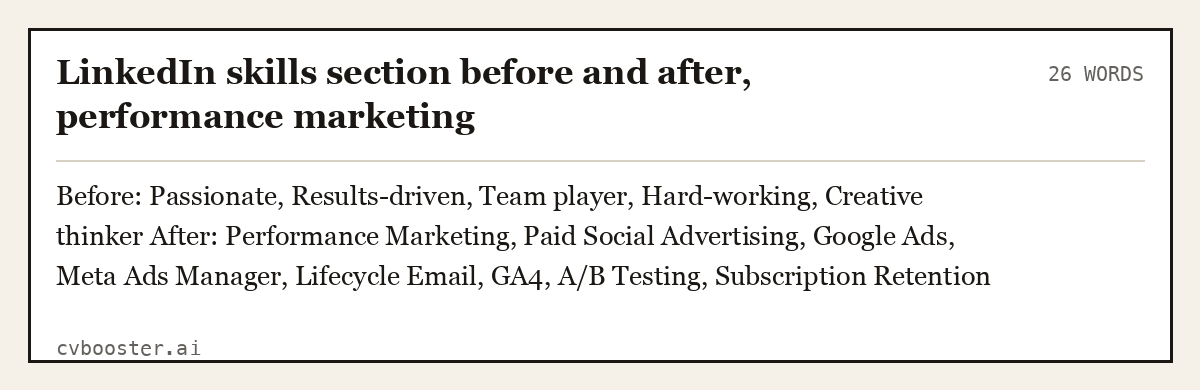
LinkedIn skills section before and after, performance marketing (26 words)
Before: Passionate, Results-driven, Team player, Hard-working, Creative thinker After: Performance Marketing, Paid Social Advertising, Google Ads, Meta Ads Manager, Lifecycle Email, GA4, A/B Testing, Subscription Retention
The first list has no word anybody types into a search box. The second has eight.
Quiet or open job hunting
Most people looking for a job already have one. Before you edit your profile, check the setting that shares profile updates with your network, and switch it off for the duration. Make small edits over weeks rather than rebuilding the page on a Sunday night. If you are hunting openly, say so usefully: the role, the location and the date, not just "open to work".
The check before you call it done
- Your headline contains at least three words a recruiter would type into a search box.
- The first two lines of the About section make sense before anything is expanded.
- The industry's word for your job appears somewhere.
- Your uploaded resume is a Word or PDF file under 2MB, one column, tailored to the job.
- Your custom profile URL is set, so the link on your resume header looks deliberate.
If the resume half needs work, the professional summary guide covers the top of the page, skills to put on a resume covers the skills section, and the best resume format explains why one column parses cleanly.
Frequently asked questions
What is the best resume format for LinkedIn?
A one-column, reverse-chronological resume saved as Word or PDF under 2MB. LinkedIn accepts only those two formats for uploads. The same file works for Easy Apply and for company websites. Avoid tables, text boxes and graphics, which can break when the file is read by an applicant tracking system.
How do I download my LinkedIn profile as a resume?
On desktop, open your profile, click More in the introduction section, and choose Save to PDF. It only works on desktop, and only when the profile and your language setting are in English. The PDF is your whole profile in LinkedIn's layout, so use it as raw material, not as the resume you send.
Where do I find my resume on LinkedIn?
Go to the Job Application Settings page, or open Jobs, then Preferences, then Resumes and application data. LinkedIn keeps your four most recently uploaded resumes there for reuse with Easy Apply. A resume added to your profile is separate and cannot be used for applications.
Should my LinkedIn profile be the same as my resume?
No. The facts must match, but the profile is wider and written in first person, with context for each role. The resume is tailored to one job and uses tight bullets. Copying the resume onto LinkedIn narrows the profile to one advert and makes it miss searches it should catch.
Should I upload my resume to my LinkedIn profile?
Only if you are happy for anyone to read it. LinkedIn says a resume posted on your profile may be visible to anyone viewing it and may be visible off LinkedIn. If you upload one, remove your home address and personal phone number first.
Related articles
- Accounting Executive Resume: 5 Examples by Career Level
- Administration Resume Examples: 8 Samples, Entry to Manager
- Aged Care Resume: 6 Australian Examples and a Template
- Another Word for Resume: CV, Bio and 10 More Options
More articles
- CV Listening Skills: 6 Active Listening Examples to Copy
- LPN Duties for Resume: Responsibilities by Setting
- Interview Questions for an LPN: 9 Full Sample Answers
Looking for a worked example for your job title? Browse the resume examples by job title.