Blank Resume Template: 6 Fill-In Layouts to Copy and Use
By Mustafa Tarabya, founder of CVBooster · Published · Updated
6 min read
A blank resume template is a page with the sections in the right order and nothing in them: your contact details, a short summary, experience, education and skills, with prompts showing what goes where. The one constraint: a template only helps if the layout is plain enough to survive a PDF export and an applicant tracking system. MIT's career office says it plainly: "Resume templates become increasingly difficult to edit with time, so it's best to start with a blank page". Below are six fill-in layouts you can copy into any word processor, one for each common situation, and the steps to turn a filled copy into a PDF. Written by Mustafa Tarabya, who hired for his own company, read every application himself and now writes CVBooster's guides.
A template is a set of empty boxes. The only thing that decides whether the resume works is what you put in them.
Layout 1: the standard blank resume
This is the layout for most people with work history. Copy it, replace every bracket, then delete any line you have no answer for.
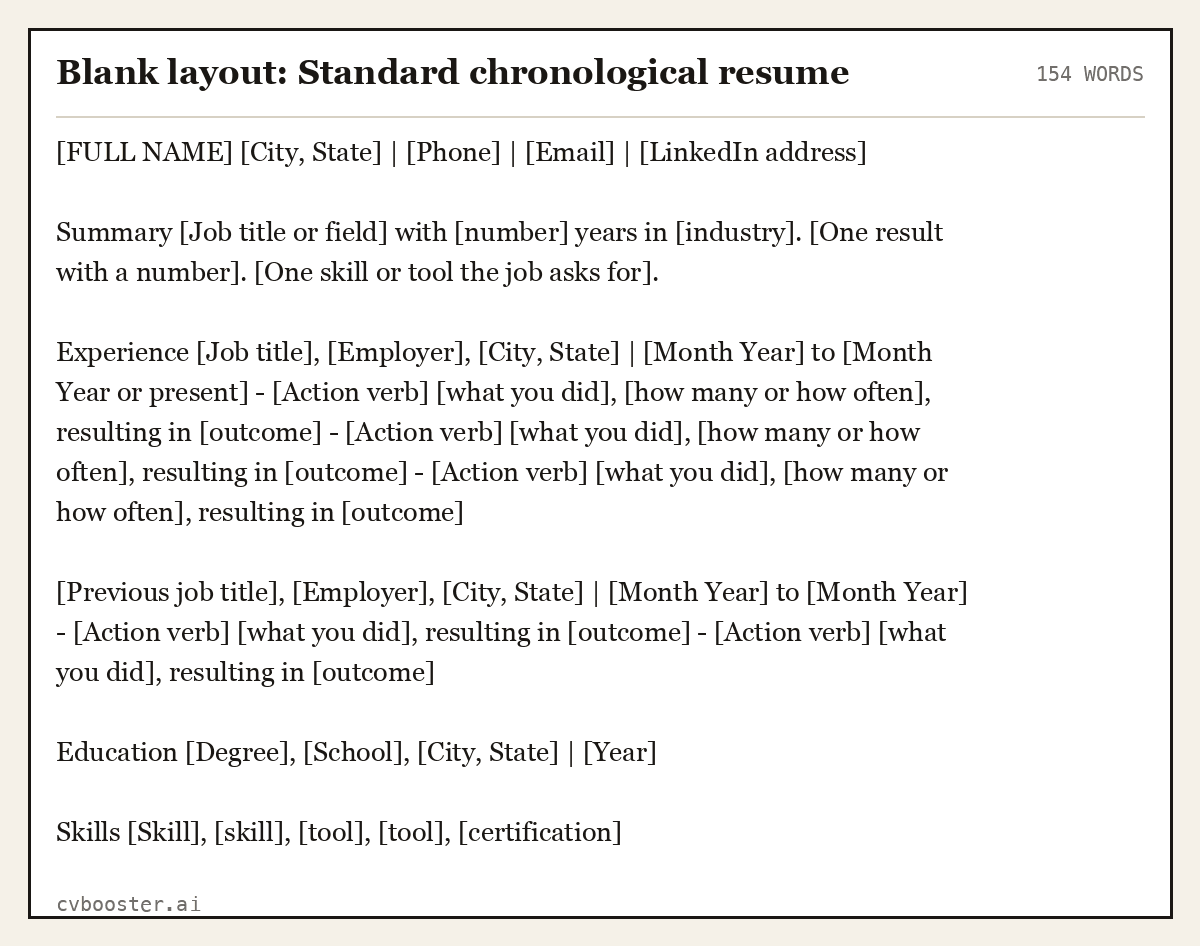
Blank layout: Standard chronological resume (154 words)
[FULL NAME] [City, State] | [Phone] | [Email] | [LinkedIn address]
Summary [Job title or field] with [number] years in [industry]. [One result with a number]. [One skill or tool the job asks for].
Experience [Job title], [Employer], [City, State] | [Month Year] to [Month Year or present] - [Action verb] [what you did], [how many or how often], resulting in [outcome] - [Action verb] [what you did], [how many or how often], resulting in [outcome] - [Action verb] [what you did], [how many or how often], resulting in [outcome]
[Previous job title], [Employer], [City, State] | [Month Year] to [Month Year] - [Action verb] [what you did], resulting in [outcome] - [Action verb] [what you did], resulting in [outcome]
Education [Degree], [School], [City, State] | [Year]
Skills [Skill], [skill], [tool], [tool], [certification]
Create my CV
Or start from one of our free resume templates
How to use a blank template without making it generic
Harvard's resume guide lists the language rules in a short list, including "Active rather than passive" and "Fact-based (quantify and qualify)". Apply them to each bracket:
- Fill every bullet with a verb, a number and a result. If a bracket is left empty after you have tried, delete the line.
- Match the order to your strengths. Students put Education first. Experienced workers put Experience first.
- Keep fonts, spacing and dashes consistent. Choose one plain font, no smaller than 10 points, as the MIT guide suggests.
- Cut to one page unless you have a reason. MIT says to stick to one page "unless you have extensive experience or an advanced degree".
Five more blank layouts
Each is a complete outline to copy into a document.
Layout 2: Student or recent graduate
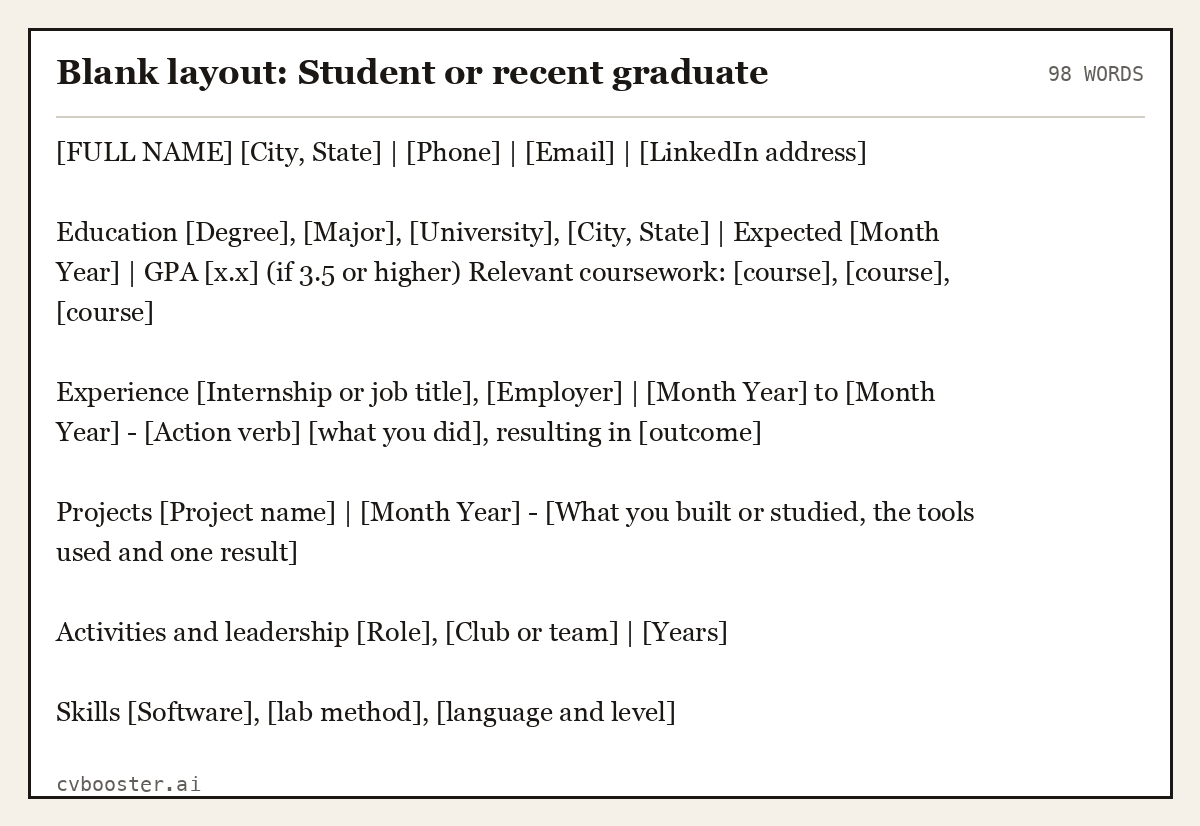
Blank layout: Student or recent graduate (98 words)
[FULL NAME] [City, State] | [Phone] | [Email] | [LinkedIn address]
Education [Degree], [Major], [University], [City, State] | Expected [Month Year] | GPA [x.x] (if 3.5 or higher) Relevant coursework: [course], [course], [course]
Experience [Internship or job title], [Employer] | [Month Year] to [Month Year] - [Action verb] [what you did], resulting in [outcome]
Projects [Project name] | [Month Year] - [What you built or studied, the tools used and one result]
Activities and leadership [Role], [Club or team] | [Years]
Skills [Software], [lab method], [language and level]
Layout 3: First job, no experience
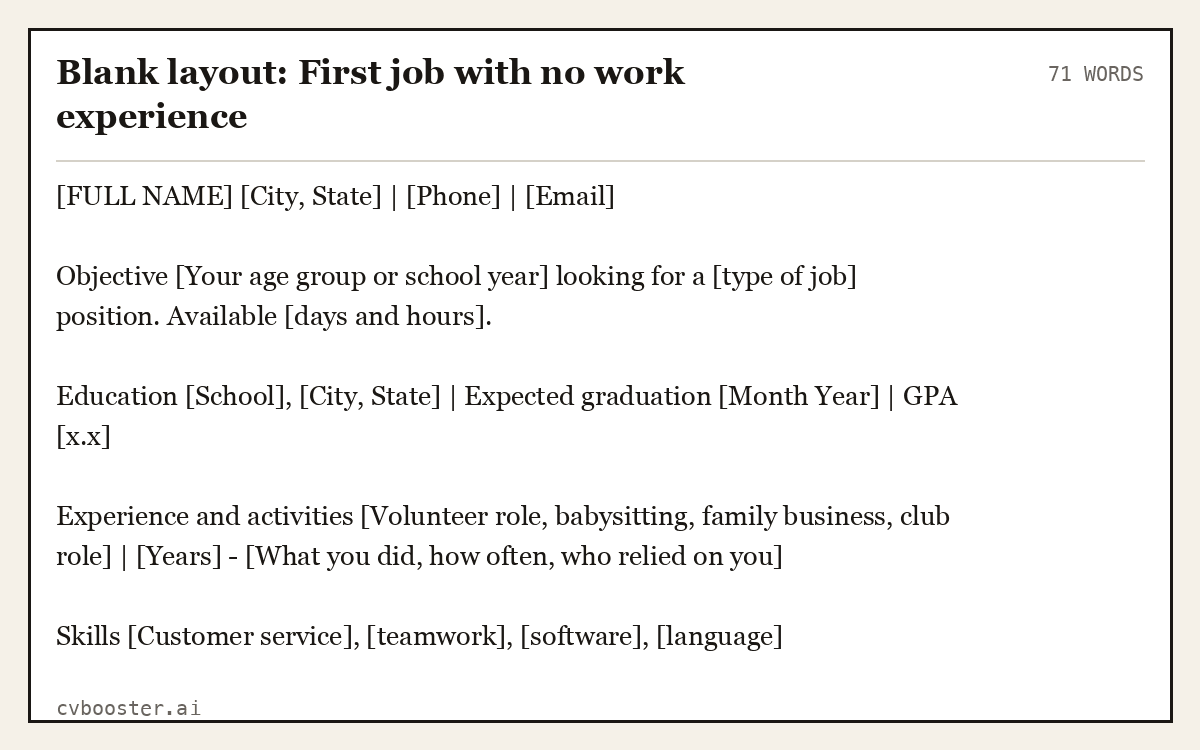
Blank layout: First job with no work experience (71 words)
[FULL NAME] [City, State] | [Phone] | [Email]
Objective [Your age group or school year] looking for a [type of job] position. Available [days and hours].
Education [School], [City, State] | Expected graduation [Month Year] | GPA [x.x]
Experience and activities [Volunteer role, babysitting, family business, club role] | [Years] - [What you did, how often, who relied on you]
Skills [Customer service], [teamwork], [software], [language]
Layout 4: Career change
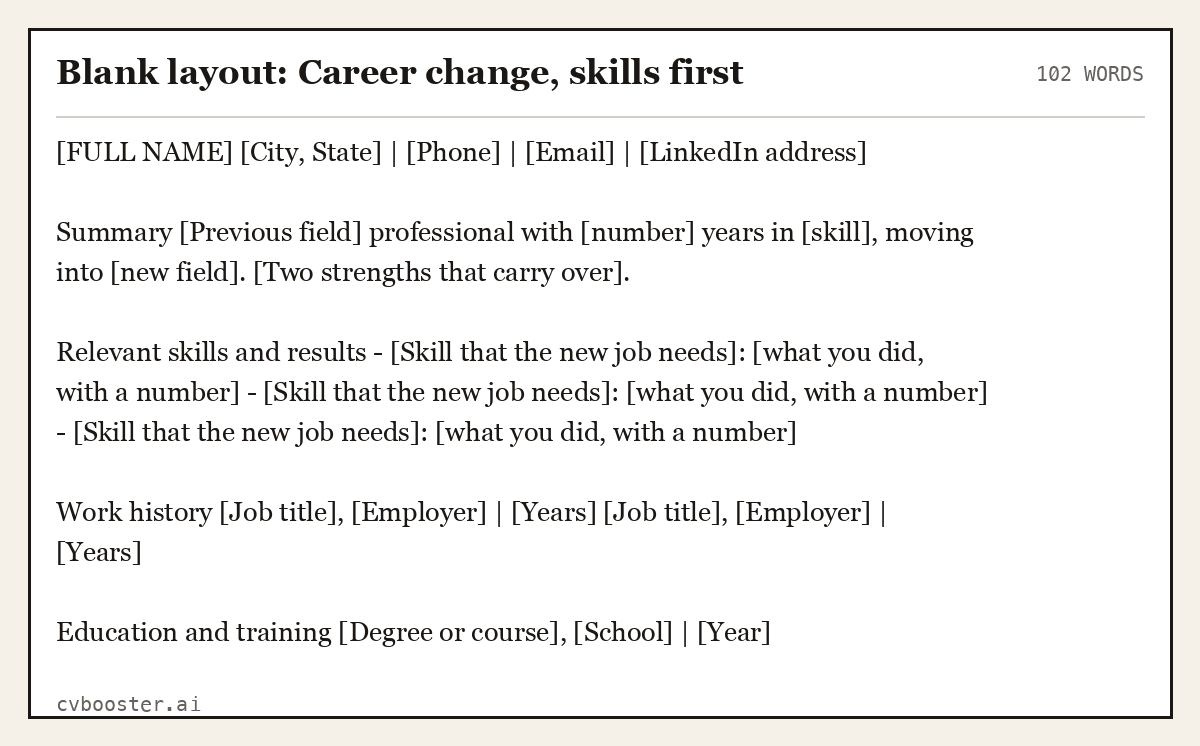
Blank layout: Career change, skills first (102 words)
[FULL NAME] [City, State] | [Phone] | [Email] | [LinkedIn address]
Summary [Previous field] professional with [number] years in [skill], moving into [new field]. [Two strengths that carry over].
Relevant skills and results - [Skill that the new job needs]: [what you did, with a number] - [Skill that the new job needs]: [what you did, with a number] - [Skill that the new job needs]: [what you did, with a number]
Work history [Job title], [Employer] | [Years] [Job title], [Employer] | [Years]
Education and training [Degree or course], [School] | [Year]
Layout 5: Trades and hourly work
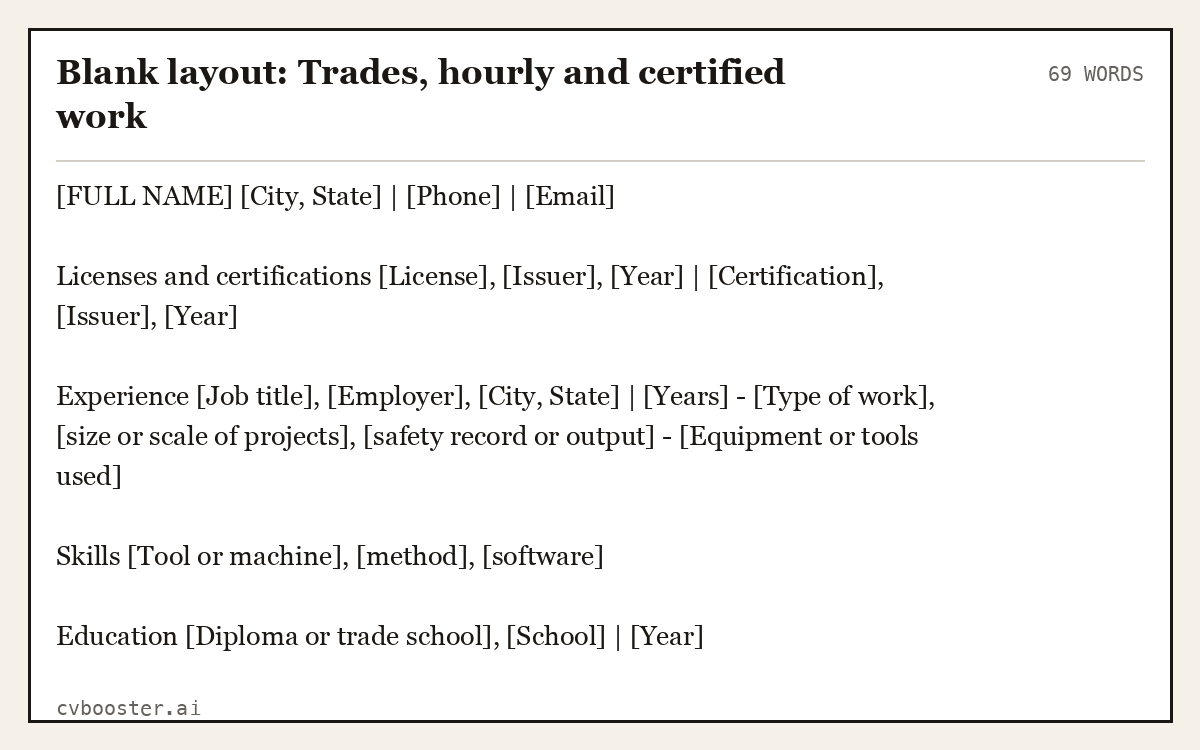
Blank layout: Trades, hourly and certified work (69 words)
[FULL NAME] [City, State] | [Phone] | [Email]
Licenses and certifications [License], [Issuer], [Year] | [Certification], [Issuer], [Year]
Experience [Job title], [Employer], [City, State] | [Years] - [Type of work], [size or scale of projects], [safety record or output] - [Equipment or tools used]
Skills [Tool or machine], [method], [software]
Education [Diploma or trade school], [School] | [Year]
Layout 6: One-page plain version
This is the one to use when a posting says "upload your resume" and gives no other instruction. It has no columns, tables or icons.
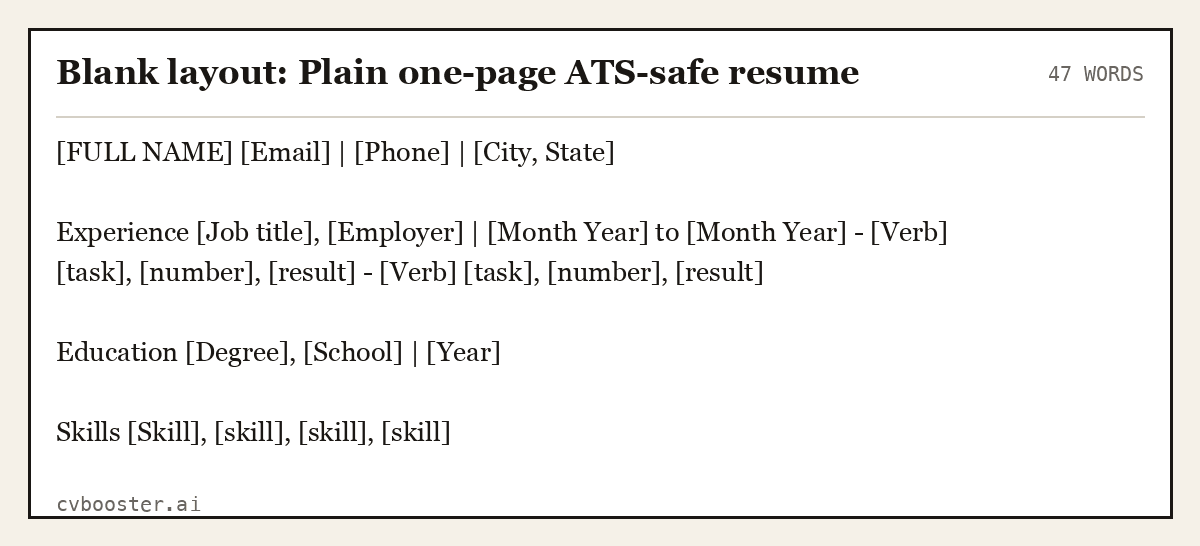
Blank layout: Plain one-page ATS-safe resume (47 words)
[FULL NAME] [Email] | [Phone] | [City, State]
Experience [Job title], [Employer] | [Month Year] to [Month Year] - [Verb] [task], [number], [result] - [Verb] [task], [number], [result]
Education [Degree], [School] | [Year]
Skills [Skill], [skill], [skill], [skill]
How to turn a blank copy into a PDF
- Copy the layout into Word or Google Docs and replace the brackets.
- Keep the page at one column with no text boxes, tables or images.
- Read it once on screen and once printed.
- Save as PDF, with your name in the file name, for example `Maya-Brooks-Resume.pdf`.
Google's help page says "You can use Google-created templates like resumes, budgets, and order forms." If you start in Google Docs, open the template gallery from the top right of the page. Our Google Docs resume templates and Microsoft Word resume templates pages go through the options in each, and simple resume examples shows six filled-in plain resumes. At CVBooster you can fill any of the 99 templates for free; the PDF and Word downloads are Pro. For the file-saving details, see the resume format guide.
Frequently asked questions
Where can I get a blank resume template?
Copy one of the six layouts above into Word or Google Docs, open the template gallery in Google Docs, or use a template inside a resume tool. Whichever you choose, keep a plain single-column layout with standard section headings so the PDF and any applicant tracking system read it correctly.
What should a blank resume template include?
Contact details, a short summary, experience with bullets, education and skills, in that order for most people. Add certifications or projects when the job needs them. Leave out photos, icons, tables and text boxes, because they can break the export and the text order an applicant tracking system reads.
Is a blank resume PDF better than Word?
Edit in Word or Google Docs, then send a PDF. A PDF keeps the layout on any device, while a blank PDF is hard to type into unless it has form fields. Follow the application's instruction if it asks for Word, and keep the PDF as your default.
How do I fill in a blank resume if I have no experience?
Use the first-job layout. Put your school and expected graduation first, then add volunteering, club roles, family work or projects with what you did and how often. Add two or three skills the job asks for, and keep the page to one sheet with no empty sections.
Related articles
- Budtender Resume Examples: 6 Samples From Entry to Lead
- Combination Resume Examples: 6 Complete Hybrid Samples
- Encouraged Synonym for Resume: 25 Stronger Words to Use
- Ensure Synonym for Resume: 25 Stronger Verbs to Use
More articles
- Blue Collar Resume: 5 Examples for Trades and Labor Jobs
- Book on Interviewing: 5 Worth Reading and 6 Model Answers
Looking for a worked example for your job title? Browse the resume examples by job title.