Google Docs CV Template and Resume Templates: the catch
By Mustafa Tarabya, founder of CVBooster · Published · Updated
12 min read
A Google Docs CV template is free: open Google Docs, click Template gallery, pick a layout from the resume row, and a copy opens in your own Drive. The catch is that the template only gives you a layout, so the CV still fails if the words inside it do not answer the job advert. Google's own Docs Editors Help confirms it plainly: "You can use Google-created templates like resumes, budgets, and order forms." Below: where the templates are, which layouts survive PDF export, how to handle a Gulf or bilingual Arabic CV, and six complete filled examples, checked in October 2026. Written by Mustafa Tarabya, who hired for his own company, read every application himself and now writes CVBooster's guides.
Every Google Docs CV template looks perfect in the preview, right up to the moment you type your own name into it and the header wraps onto a second line.
Example 1: a graduate CV in a single-column Docs template
Start with the simplest case, because it shows what a template is for. This is a fresh graduate in Riyadh using a plain single-column layout (the Swiss or Serif style in the gallery). No tables, no side column, one page.
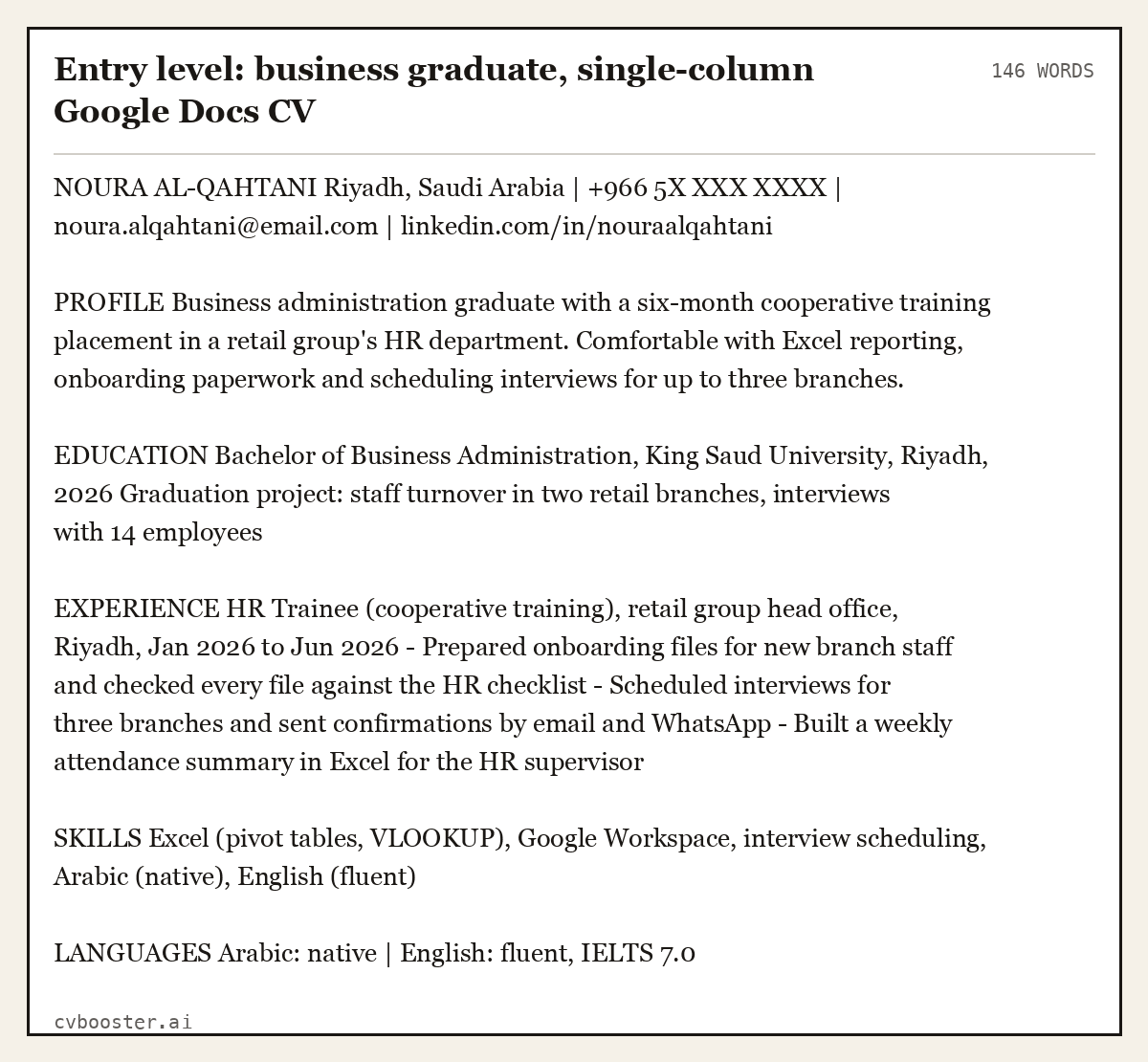
Entry level: business graduate, single-column Google Docs CV (146 words)
NOURA AL-QAHTANI Riyadh, Saudi Arabia | +966 5X XXX XXXX | noura.alqahtani@email.com | linkedin.com/in/nouraalqahtani
PROFILE Business administration graduate with a six-month cooperative training placement in a retail group's HR department. Comfortable with Excel reporting, onboarding paperwork and scheduling interviews for up to three branches.
EDUCATION Bachelor of Business Administration, King Saud University, Riyadh, 2026 Graduation project: staff turnover in two retail branches, interviews with 14 employees
EXPERIENCE HR Trainee (cooperative training), retail group head office, Riyadh, Jan 2026 to Jun 2026 - Prepared onboarding files for new branch staff and checked every file against the HR checklist - Scheduled interviews for three branches and sent confirmations by email and WhatsApp - Built a weekly attendance summary in Excel for the HR supervisor
SKILLS Excel (pivot tables, VLOOKUP), Google Workspace, interview scheduling, Arabic (native), English (fluent)
LANGUAGES Arabic: native | English: fluent, IELTS 7.0
Why it works: the template contributes the clean column and the headings; everything that would get a call is content. The training placement is written like a job, with a title and dates, because that is what it was.
Where the Google Docs CV templates are
On a computer, go to Google Docs and click Template gallery at the top right. Scroll to the Resumes row. Google's help page on templates gives the steps as: "At the top right , click Template Gallery." Click a template and a copy opens; nothing you type changes the original.
The gallery row is short, usually five layouts with names like Swiss, Serif, Coral, Spearmint and Modern Writer, and Google changes the row from time to time. On a phone, the Docs app has the same gallery under New, then Choose template. If you want more choice, plenty of sites share Docs CV templates as "make a copy" links. Open those only from a source you trust, and check the copy is yours (File, Make a copy) before you type personal details into it.
Two of the gallery layouts put contact details or skills in a side area built from a table. That looks tidy in Docs and is exactly where the trouble starts, which is the next section.
Which layouts survive PDF export and ATS parsing
The Google Docs layouts that survive PDF export and ATS parsing are the single-column ones with standard headings and no tables, text boxes or icons. Many employers in the Gulf, the UK and the US take applications through an online form or an applicant tracking system, and the file you upload is the one that gets parsed. Our guide to what ATS software actually does explains the parsing step; the short version is that a single column of text with standard headings is the safest layout.
Rules that keep a Docs template safe:
- One column. If the template has a side panel, move its contents into the main column.
- Standard headings: Profile, Experience, Education, Skills, Languages.
- No text boxes, icons or images for skills ratings. A five-star bar for "Excel" is not readable text.
- Real dates in one format, month and year, everywhere.
- Export with File, Download, PDF Document, then reopen the PDF and select the text with your cursor. If the text selects in the right order, a parser can read it.
Google's own download help adds a route for long files: "To download a large Google Docs file as a .pdf file on Chrome:" use File, Print and "Save as PDF". For a CV, the normal download is fine. If the employer's form asks for Word, choose Microsoft Word (.docx) in the same menu and open the file in Word or LibreOffice once before you send it, because spacing can shift. Our page on Microsoft Word resume templates covers that side. On a Mac, our Apple Pages resume template guide shows the same export steps in Pages.
Example 2: an accountant CV for a Gulf employer
A Gulf CV usually carries personal details that a UK or US CV leaves out: nationality, visa or iqama status, sometimes date of birth and a photo. That is a regional convention, not a law, and each advert decides. Keep them on one line under the name so the template's layout does not grow a new block.
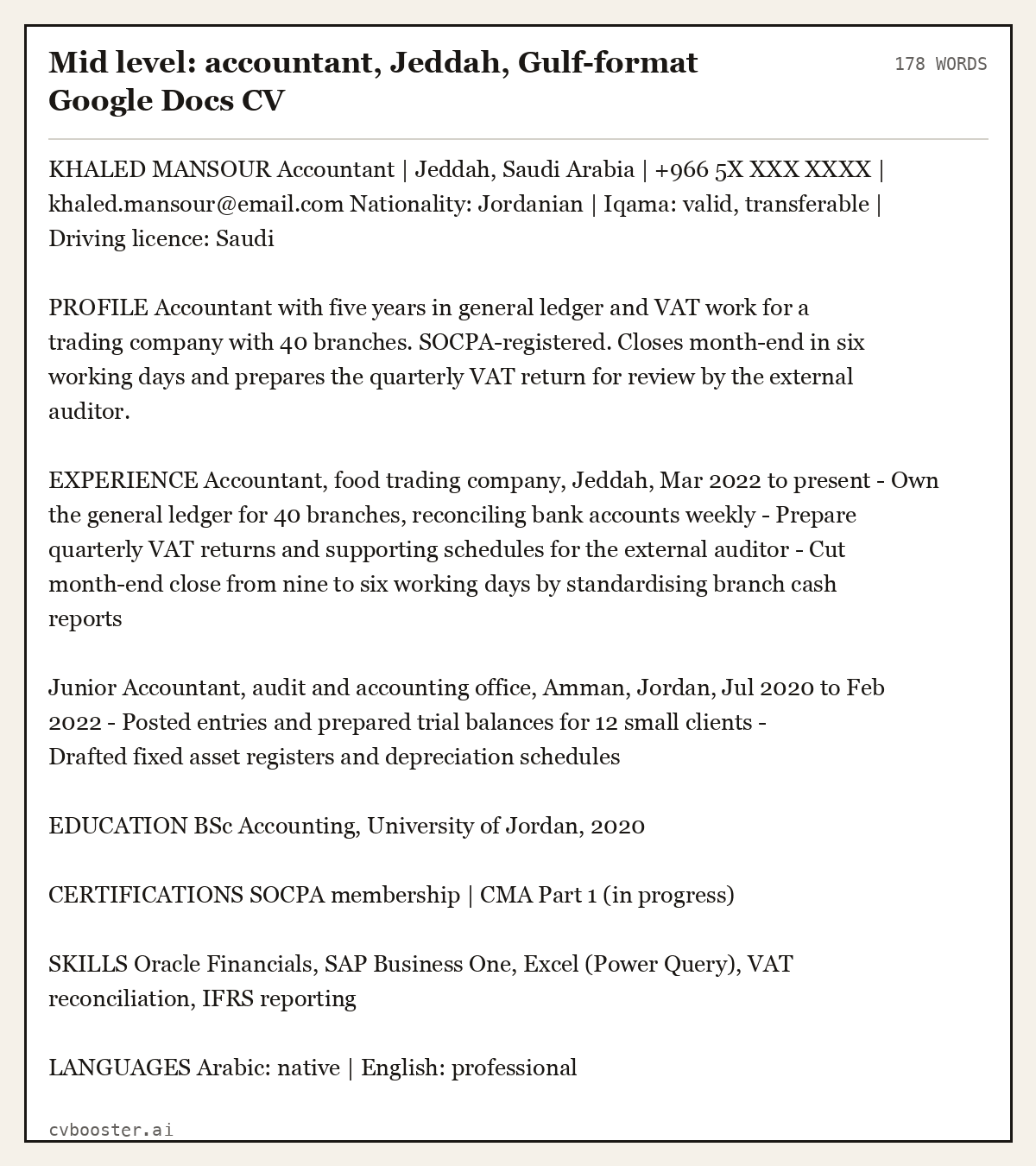
Mid level: accountant, Jeddah, Gulf-format Google Docs CV (178 words)
KHALED MANSOUR Accountant | Jeddah, Saudi Arabia | +966 5X XXX XXXX | khaled.mansour@email.com Nationality: Jordanian | Iqama: valid, transferable | Driving licence: Saudi
PROFILE Accountant with five years in general ledger and VAT work for a trading company with 40 branches. SOCPA-registered. Closes month-end in six working days and prepares the quarterly VAT return for review by the external auditor.
EXPERIENCE Accountant, food trading company, Jeddah, Mar 2022 to present - Own the general ledger for 40 branches, reconciling bank accounts weekly - Prepare quarterly VAT returns and supporting schedules for the external auditor - Cut month-end close from nine to six working days by standardising branch cash reports
Junior Accountant, audit and accounting office, Amman, Jordan, Jul 2020 to Feb 2022 - Posted entries and prepared trial balances for 12 small clients - Drafted fixed asset registers and depreciation schedules
EDUCATION BSc Accounting, University of Jordan, 2020
CERTIFICATIONS SOCPA membership | CMA Part 1 (in progress)
SKILLS Oracle Financials, SAP Business One, Excel (Power Query), VAT reconciliation, IFRS reporting
LANGUAGES Arabic: native | English: professional
The Gulf detail line is the only change from a UK layout. For an accountant, the certification line matters more than the layout, so give it its own heading. Our wider CV examples page has more sector layouts.
Bilingual Arabic and English CVs in Google Docs
Docs handles Arabic well once right-to-left controls are on. Google's right-to-left help page says: "Right-to-left controls turn on automatically when you open a document, spreadsheet, or presentation with right-to-left text, or when you add text in a right-to-left language." To keep them visible, open the Docs home screen, then Menu, Settings, and tick the box next to "Always show right-to-left controls."
The practical choices for a bilingual CV:
- Two separate files, one in Arabic, one in English. This is the cleanest option for portals that parse the upload, and the one we recommend when the advert names one language.
- One file, Arabic header line only. English CV with your name in Arabic script under the English name. Low risk, useful for local employers.
- One file, two full languages side by side. Looks impressive, parses badly, because it needs a table. Avoid it for online applications.
When you type Arabic into an English template, set the paragraph direction for that paragraph only, with the Paragraph direction button on the toolbar. Numbers inside Arabic text (phone numbers, dates) can display in an odd order; type them in a separate line or keep them in the English part.
Example 3: a bilingual header for a Saudi employer
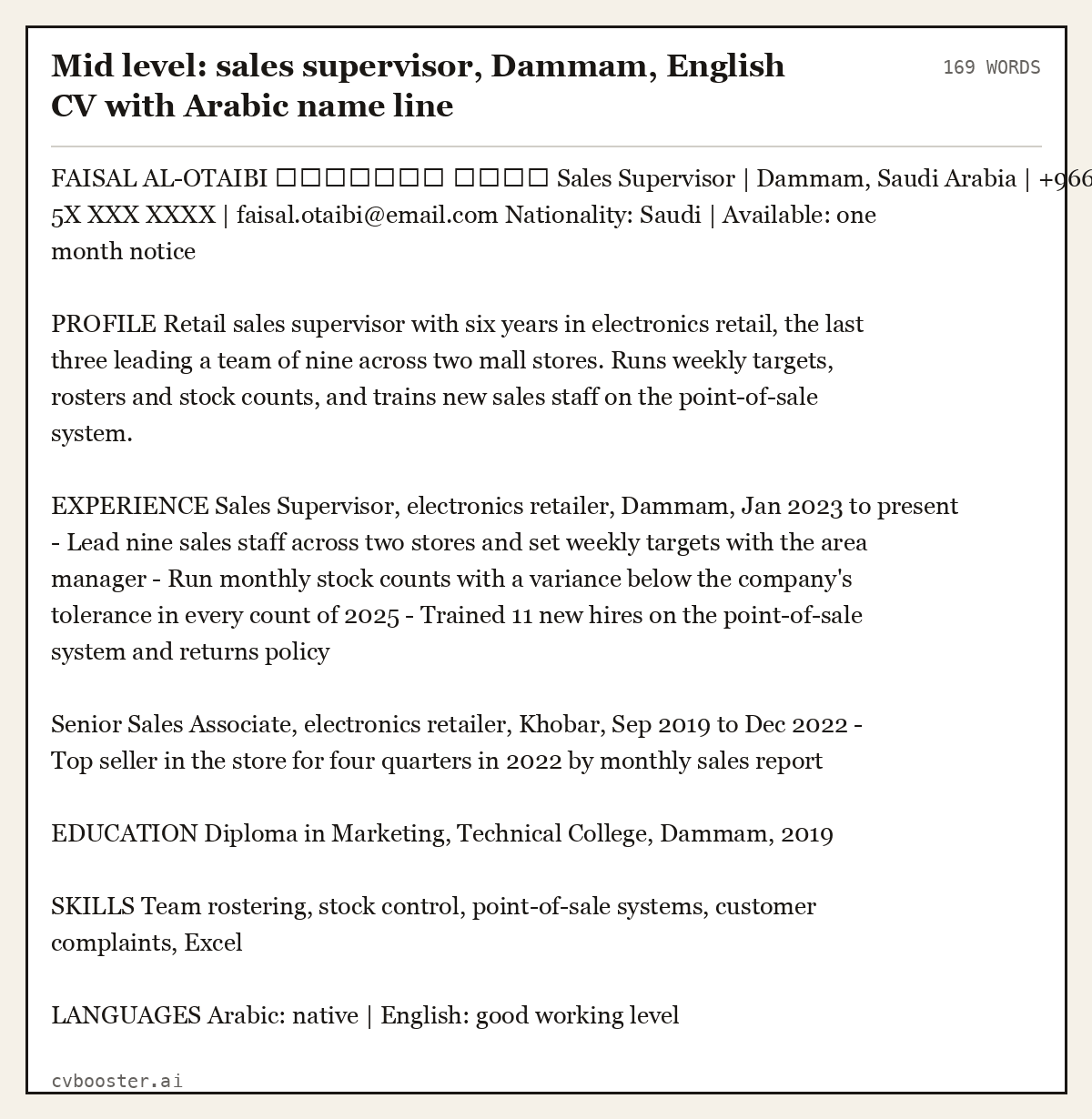
Mid level: sales supervisor, Dammam, English CV with Arabic name line (169 words)
FAISAL AL-OTAIBI فيصل العتيبي Sales Supervisor | Dammam, Saudi Arabia | +966 5X XXX XXXX | faisal.otaibi@email.com Nationality: Saudi | Available: one month notice
PROFILE Retail sales supervisor with six years in electronics retail, the last three leading a team of nine across two mall stores. Runs weekly targets, rosters and stock counts, and trains new sales staff on the point-of-sale system.
EXPERIENCE Sales Supervisor, electronics retailer, Dammam, Jan 2023 to present - Lead nine sales staff across two stores and set weekly targets with the area manager - Run monthly stock counts with a variance below the company's tolerance in every count of 2025 - Trained 11 new hires on the point-of-sale system and returns policy
Senior Sales Associate, electronics retailer, Khobar, Sep 2019 to Dec 2022 - Top seller in the store for four quarters in 2022 by monthly sales report
EDUCATION Diploma in Marketing, Technical College, Dammam, 2019
SKILLS Team rostering, stock control, point-of-sale systems, customer complaints, Excel
LANGUAGES Arabic: native | English: good working level
The Arabic line sits under the English name with its own paragraph direction set to right-to-left. Everything else stays left-to-right, so the file still reads cleanly when a portal extracts the text.
Example 4: a UK CV in a Google Docs template
If you are applying in the UK, the conventions flip. The National Careers Service is explicit: "You should not include your age, your date of birth, whether you're married or your nationality." So the Gulf detail line goes, and the profile does more work. Our CV vs resume guide explains the naming difference between markets.
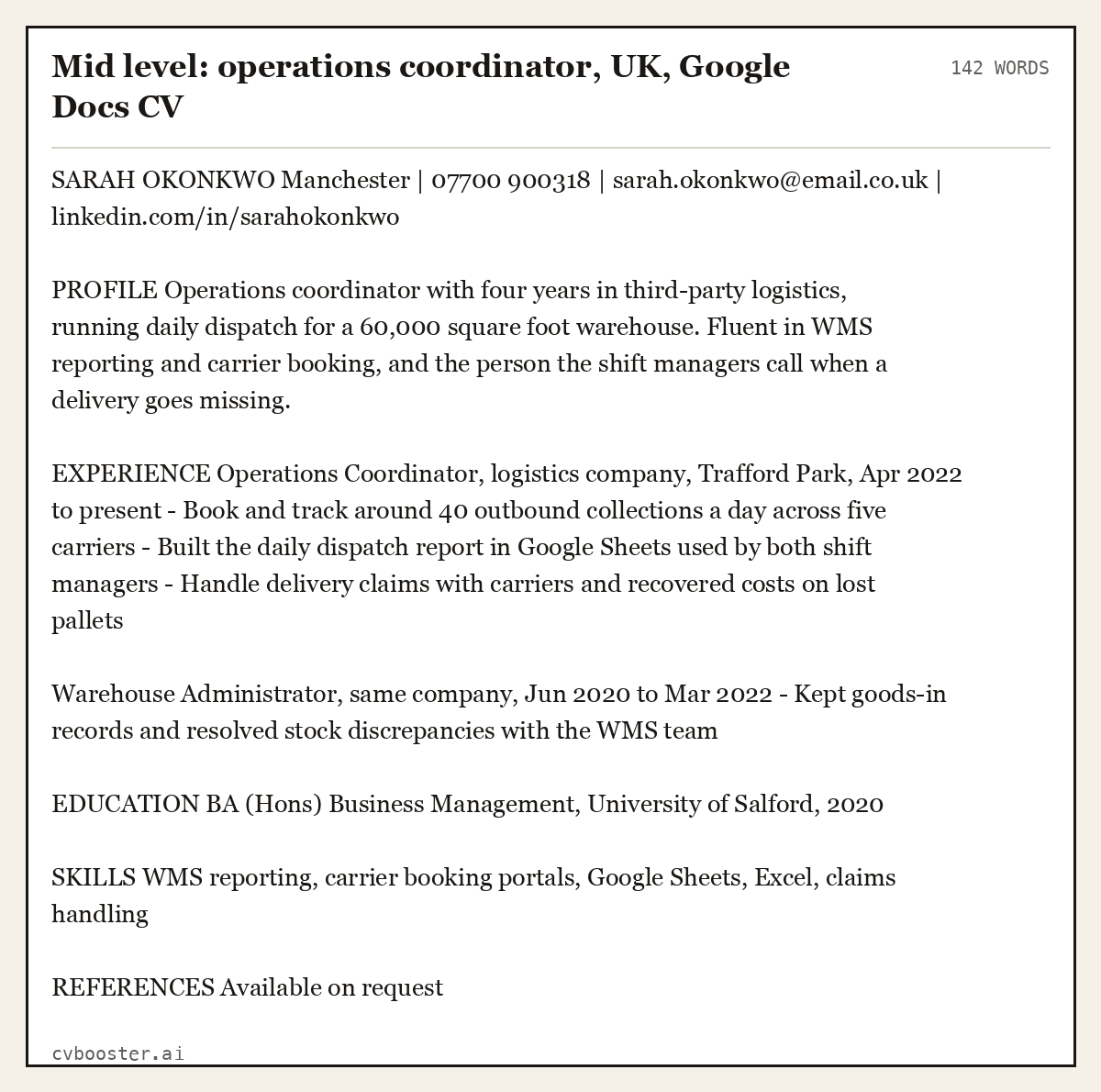
Mid level: operations coordinator, UK, Google Docs CV (142 words)
SARAH OKONKWO Manchester | 07700 900318 | sarah.okonkwo@email.co.uk | linkedin.com/in/sarahokonkwo
PROFILE Operations coordinator with four years in third-party logistics, running daily dispatch for a 60,000 square foot warehouse. Fluent in WMS reporting and carrier booking, and the person the shift managers call when a delivery goes missing.
EXPERIENCE Operations Coordinator, logistics company, Trafford Park, Apr 2022 to present - Book and track around 40 outbound collections a day across five carriers - Built the daily dispatch report in Google Sheets used by both shift managers - Handle delivery claims with carriers and recovered costs on lost pallets
Warehouse Administrator, same company, Jun 2020 to Mar 2022 - Kept goods-in records and resolved stock discrepancies with the WMS team
EDUCATION BA (Hons) Business Management, University of Salford, 2020
SKILLS WMS reporting, carrier booking portals, Google Sheets, Excel, claims handling
REFERENCES Available on request
Example 5: a one-page US resume in a Docs template
The US calls the same document a resume and expects one page for early and mid careers, with no personal details beyond contact information. The how to make a resume guide covers each section in depth; here is the filled template.
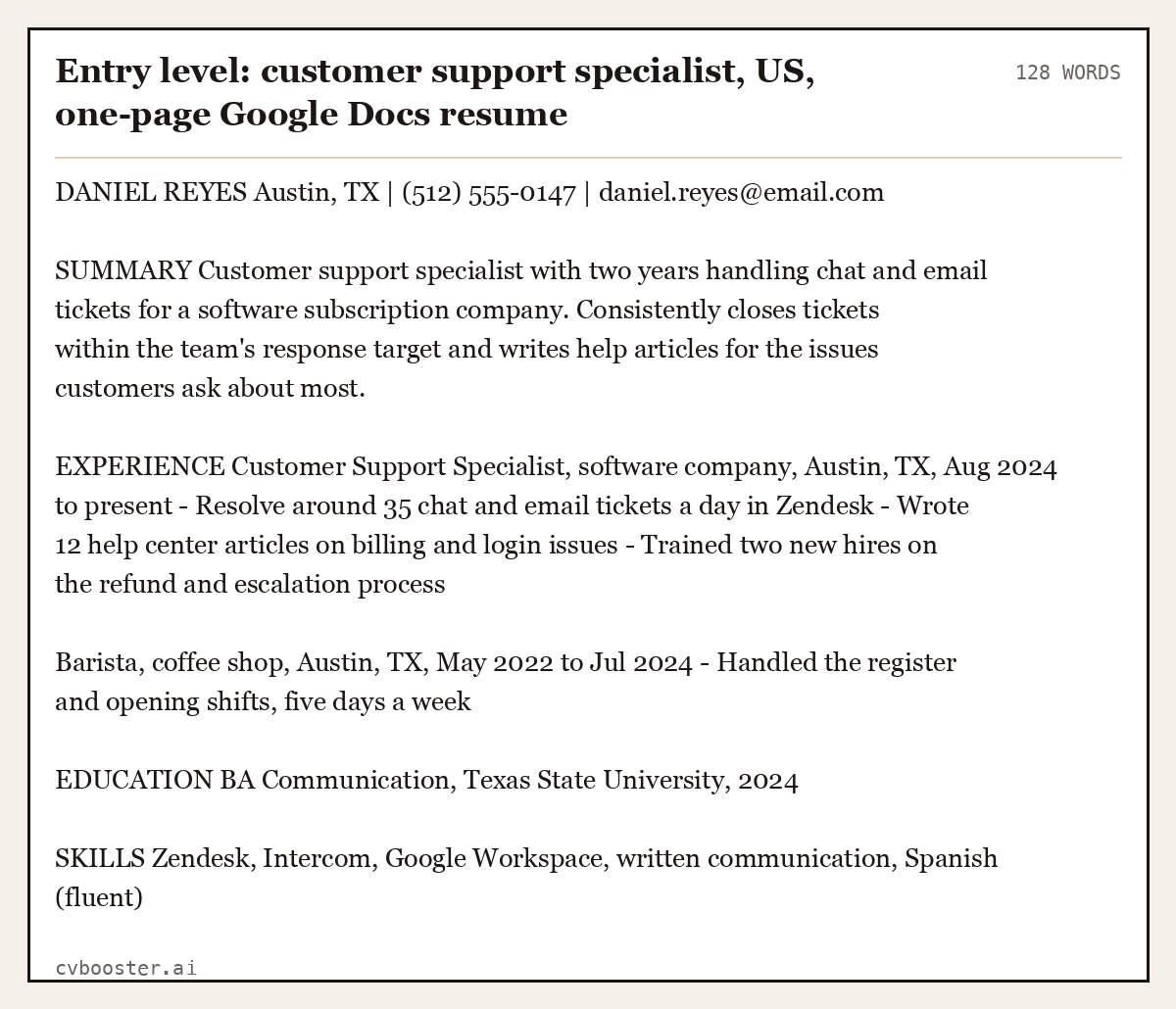
Entry level: customer support specialist, US, one-page Google Docs resume (128 words)
DANIEL REYES Austin, TX | (512) 555-0147 | daniel.reyes@email.com
SUMMARY Customer support specialist with two years handling chat and email tickets for a software subscription company. Consistently closes tickets within the team's response target and writes help articles for the issues customers ask about most.
EXPERIENCE Customer Support Specialist, software company, Austin, TX, Aug 2024 to present - Resolve around 35 chat and email tickets a day in Zendesk - Wrote 12 help center articles on billing and login issues - Trained two new hires on the refund and escalation process
Barista, coffee shop, Austin, TX, May 2022 to Jul 2024 - Handled the register and opening shifts, five days a week
EDUCATION BA Communication, Texas State University, 2024
SKILLS Zendesk, Intercom, Google Workspace, written communication, Spanish (fluent)
Example 6: a senior CV that outgrew the template
Senior CVs are where a Docs template starts to fight you: two pages, more roles, and a profile that has to carry a lot. Keep the single column and let the second page flow; do not shrink the font to squeeze it onto one.
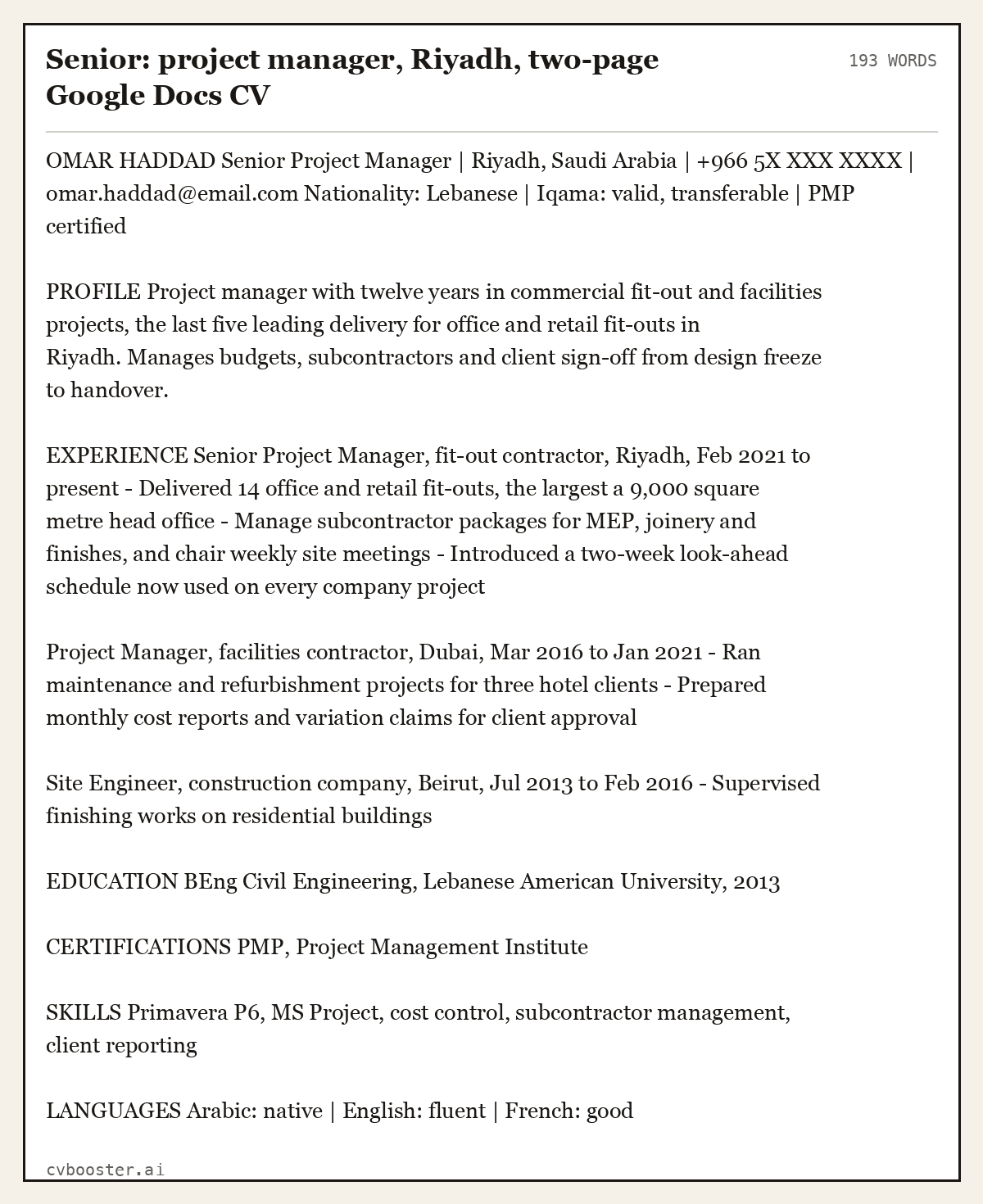
Senior: project manager, Riyadh, two-page Google Docs CV (193 words)
OMAR HADDAD Senior Project Manager | Riyadh, Saudi Arabia | +966 5X XXX XXXX | omar.haddad@email.com Nationality: Lebanese | Iqama: valid, transferable | PMP certified
PROFILE Project manager with twelve years in commercial fit-out and facilities projects, the last five leading delivery for office and retail fit-outs in Riyadh. Manages budgets, subcontractors and client sign-off from design freeze to handover.
EXPERIENCE Senior Project Manager, fit-out contractor, Riyadh, Feb 2021 to present - Delivered 14 office and retail fit-outs, the largest a 9,000 square metre head office - Manage subcontractor packages for MEP, joinery and finishes, and chair weekly site meetings - Introduced a two-week look-ahead schedule now used on every company project
Project Manager, facilities contractor, Dubai, Mar 2016 to Jan 2021 - Ran maintenance and refurbishment projects for three hotel clients - Prepared monthly cost reports and variation claims for client approval
Site Engineer, construction company, Beirut, Jul 2013 to Feb 2016 - Supervised finishing works on residential buildings
EDUCATION BEng Civil Engineering, Lebanese American University, 2013
CERTIFICATIONS PMP, Project Management Institute
SKILLS Primavera P6, MS Project, cost control, subcontractor management, client reporting
LANGUAGES Arabic: native | English: fluent | French: good
When a Google Docs template stops being enough
A template solves layout once. It does not tell you which of your achievements the advert is asking for, and that is the part that decides the shortlist. When I hired for my own company, I wrote the advert, so I knew exactly which four things I was looking for; most CVs never mentioned any of them, however neat the layout.
If you apply to many jobs, the slow part is rewriting the profile and bullets for each advert. That is what CVBooster is built for, and to be straight about how it works: you need an account, the free tier is manual filling only with no AI, and the preview stays blurred until you pay. AI matching and bullet rewriting, PDF and DOCX downloads and the premium templates are in Pro. If you only need one CV and you are happy editing it yourself, a Google Docs template is a perfectly good tool. Check it against the advert with our ATS-friendly resume guide before you send it.
Frequently asked questions
Does Google Docs have a CV template?
Yes. Open Google Docs, click Template gallery at the top right and scroll to the Resumes row. Google currently offers a short row of resume layouts, and each one opens as your own copy. The layouts work as CV templates for any country once you adjust the headings and personal details to the local convention.
Are Google Docs CV templates ATS friendly?
The single-column layouts are, as long as you keep standard headings and avoid text boxes, icons and skills bars. Layouts with a side panel are built from a table, which some parsers read out of order. Download as PDF, reopen the file and select the text: if it selects in reading order, it is safe.
How do I download my Google Docs CV as a PDF?
Click File, then Download, then PDF Document. The file lands in your downloads folder. If an employer asks for Word instead, choose Microsoft Word (.docx) in the same menu and open the file once in Word or LibreOffice to check the spacing has not moved before you upload it.
Can I write an Arabic CV in a Google Docs template?
Yes. Right-to-left controls switch on when you type Arabic, and you can keep them visible in Settings. Set the paragraph direction per paragraph. For online portals, a separate Arabic file and English file parse better than one file with both languages side by side in a table.
Should a Saudi or Gulf CV include a photo and nationality?
Many Gulf employers expect nationality and visa or iqama status, and some adverts ask for a photo or date of birth. It is a regional convention, not a legal requirement, so follow the advert. For UK applications, leave them out: the National Careers Service tells applicants not to include them.
Related articles
- Modern Resume: what it actually means, and what it does not
- Leadership Skills Examples: 12 Skills and the Resume Lines
- Product Management Keywords: 48 Terms and 6 Resume Examples
- Summa Cum Laude: Meaning and How to List It on a Resume
More articles
- Graphic Design Resume Skills: 25 Skills With the Line to Use
- Hard Skills for a Resume: How to List Them
- Heading for CV: What Goes at the Top, Plus Section Headings
Looking for a worked example for your job title? Browse the resume examples by job title.