Resume Format Guide: Dates, Layout, Color and File Type
By Mustafa Tarabya, founder of CVBooster · Published · Updated
8 min read
The right resume format for almost everyone is reverse chronological: your most recent job first, each role with its title, employer, location and dates in one consistent style, in one column, saved as a PDF unless the employer asks for Word. The constraint is consistency: whatever date style, font and color you choose, use it the same way on every line. MIT's career office gives the baseline: "Use a conservative font no smaller than 10pt and leave at least half inch margins on all sides." Below are eight worked examples, checked in October 2026, covering the full layout, every common way to write dates, gaps, older experience, color and file type. Written by Mustafa Tarabya, who hired for his own company, read every application himself and now writes CVBooster's guides.
Somebody, somewhere, has a resume with "Jan 2021 to present", "03/2019 to 12/2020" and "Summer '18" on the same page. It is not a crime. It does look like three people wrote it.
The reverse chronological layout and resume section order
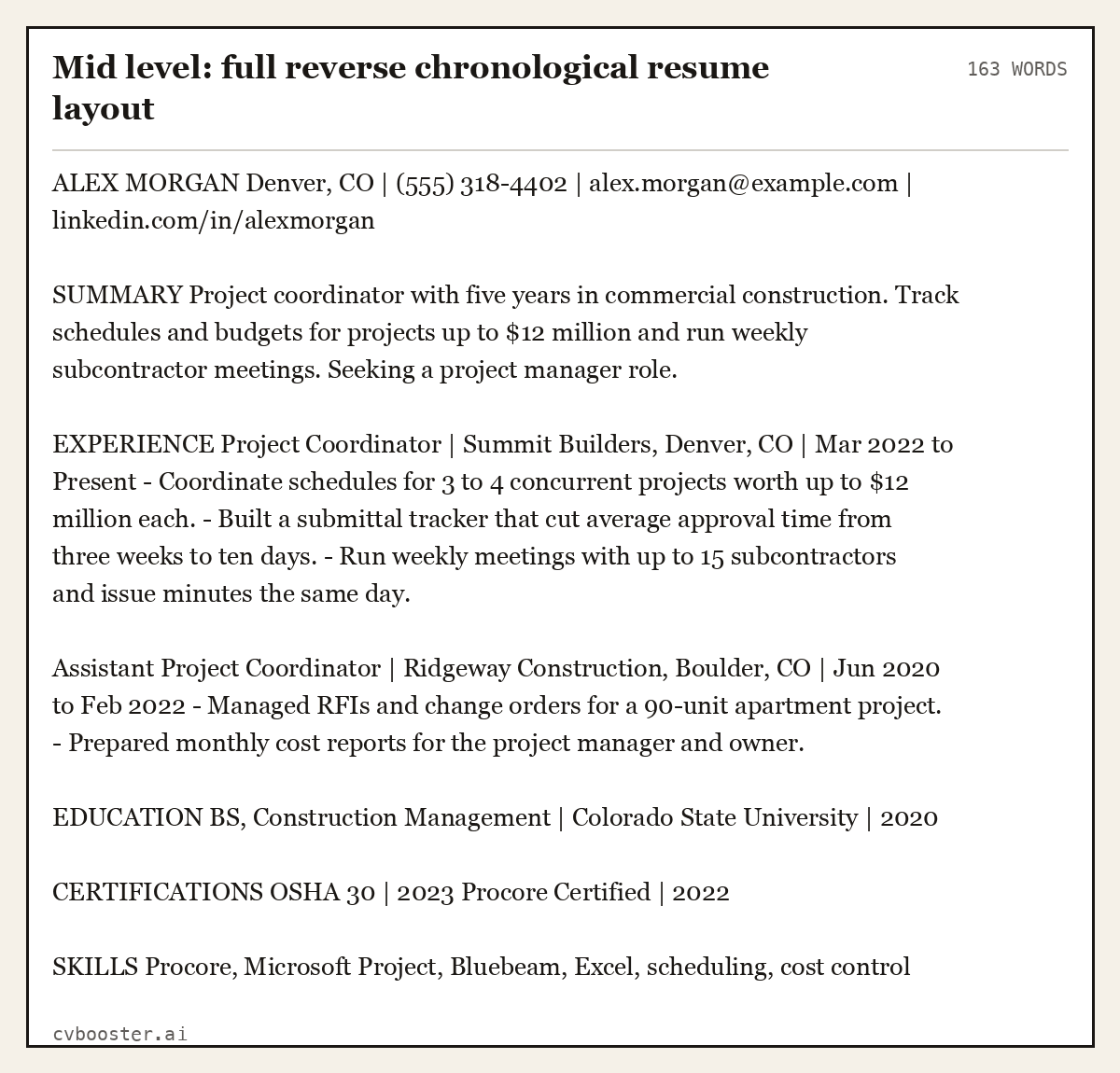
This is the format most employers expect, and the one applicant tracking systems read most reliably. A full example for a mid-level candidate:
Mid level: full reverse chronological resume layout (163 words)
ALEX MORGAN Denver, CO | (555) 318-4402 | alex.morgan@example.com | linkedin.com/in/alexmorgan
SUMMARY Project coordinator with five years in commercial construction. Track schedules and budgets for projects up to $12 million and run weekly subcontractor meetings. Seeking a project manager role.
EXPERIENCE Project Coordinator | Summit Builders, Denver, CO | Mar 2022 to Present - Coordinate schedules for 3 to 4 concurrent projects worth up to $12 million each. - Built a submittal tracker that cut average approval time from three weeks to ten days. - Run weekly meetings with up to 15 subcontractors and issue minutes the same day.
Assistant Project Coordinator | Ridgeway Construction, Boulder, CO | Jun 2020 to Feb 2022 - Managed RFIs and change orders for a 90-unit apartment project. - Prepared monthly cost reports for the project manager and owner.
EDUCATION BS, Construction Management | Colorado State University | 2020
CERTIFICATIONS OSHA 30 | 2023 Procore Certified | 2022
SKILLS Procore, Microsoft Project, Bluebeam, Excel, scheduling, cost control
Why this order: the reader sees your current level and most relevant work first. A functional format, which groups skills and hides dates, makes readers suspect a gap, and it gives tracking software less to match. Our chronological resume format guide covers the variations, and best resume format compares all three.
The order of sections follows the same rule as the order of jobs: strongest evidence first. Alex has five years of work, so experience sits directly under the summary and education moves below it. Use one of these three orders and do not invent a fourth:
- Experienced candidates: contact details, summary, experience, education, certifications if the job asks for them, then skills.
- Students and recent graduates: contact details, summary, education, projects or internships, experience, skills.
- Career changers: contact details, summary that names the new field, relevant skills or training, experience, education.
Whatever the order, contact details and the summary always come first, and nothing goes above your name. Optional sections such as volunteering or languages go last unless the posting names them.
How to format dates on a resume
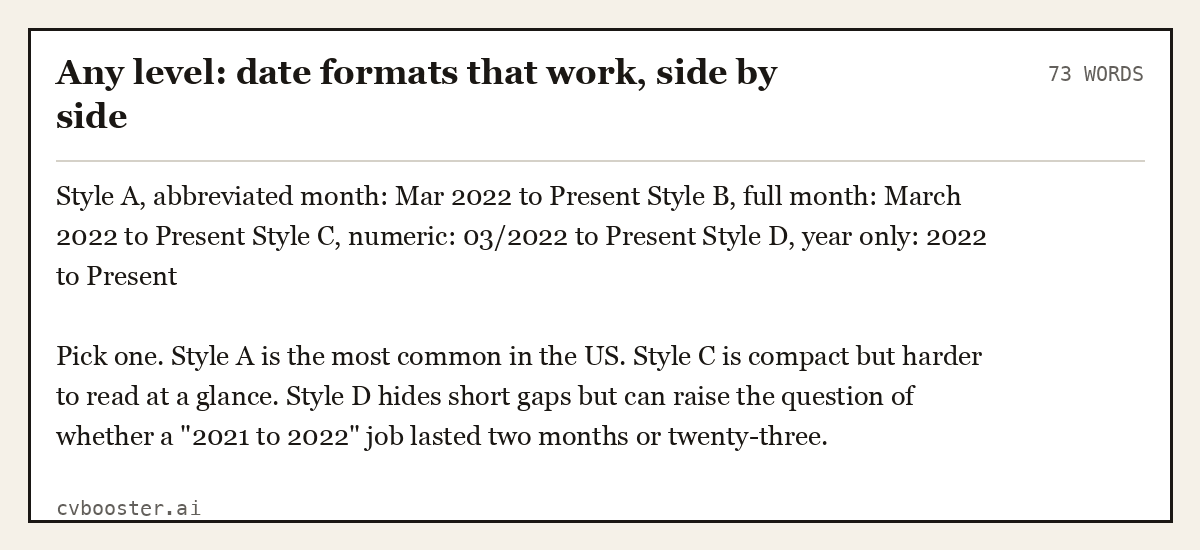
Pick one style and use it everywhere: experience, education, certifications. Month and year is the standard for jobs; year alone is fine for education and certifications.
Any level: date formats that work, side by side (73 words)
Style A, abbreviated month: Mar 2022 to Present Style B, full month: March 2022 to Present Style C, numeric: 03/2022 to Present Style D, year only: 2022 to Present
Pick one. Style A is the most common in the US. Style C is compact but harder to read at a glance. Style D hides short gaps but can raise the question of whether a "2021 to 2022" job lasted two months or twenty-three.
Where the dates go matters less than consistency. Right-aligned on the same line as the job title is the most common placement, because the eye reads the title first. Use "Present" or "Current" for your current job, never a future date.
Dates for students and recent graduates
Entry level: education dates, in progress and expected (80 words)
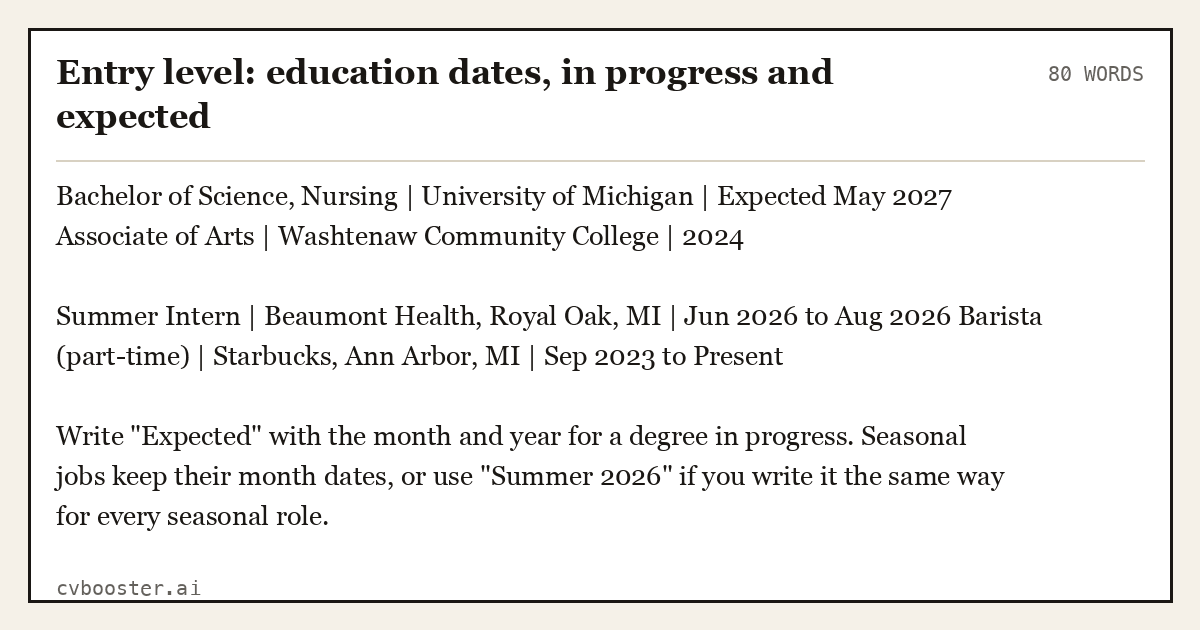
Bachelor of Science, Nursing | University of Michigan | Expected May 2027 Associate of Arts | Washtenaw Community College | 2024
Summer Intern | Beaumont Health, Royal Oak, MI | Jun 2026 to Aug 2026 Barista (part-time) | Starbucks, Ann Arbor, MI | Sep 2023 to Present
Write "Expected" with the month and year for a degree in progress. Seasonal jobs keep their month dates, or use "Summer 2026" if you write it the same way for every seasonal role.
Dates and employment gaps
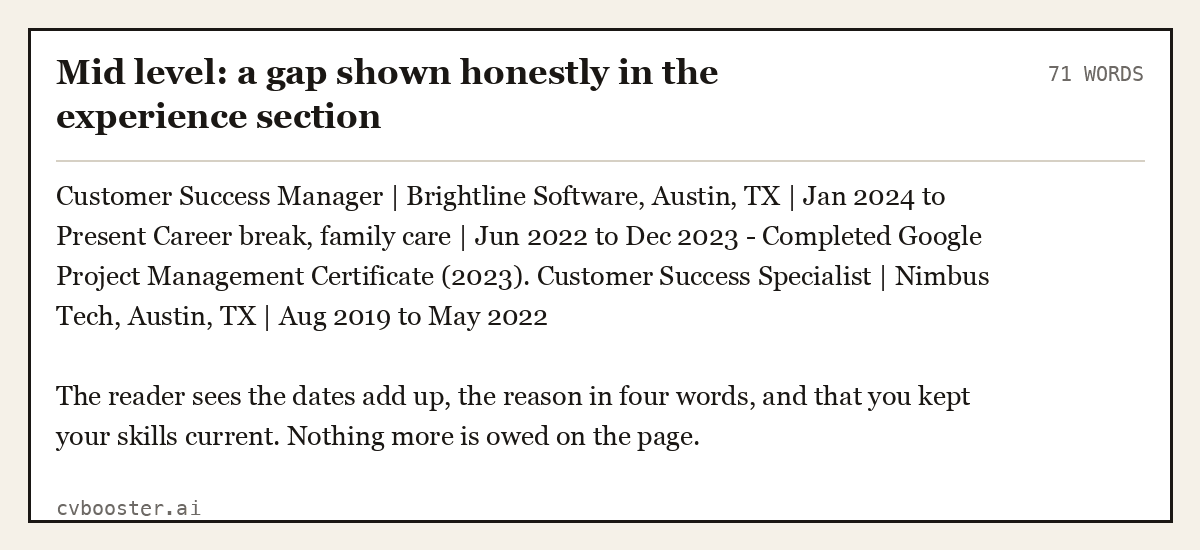
A gap is easier to explain than to hide. One line with dates is enough. Students with a summer internship can close the same gap; where to put an internship on a resume shows six layouts.
Mid level: a gap shown honestly in the experience section (71 words)
Customer Success Manager | Brightline Software, Austin, TX | Jan 2024 to Present Career break, family care | Jun 2022 to Dec 2023 - Completed Google Project Management Certificate (2023). Customer Success Specialist | Nimbus Tech, Austin, TX | Aug 2019 to May 2022
The reader sees the dates add up, the reason in four words, and that you kept your skills current. Nothing more is owed on the page.
Dates for experienced candidates
Older experience raises a different question. US law protects older workers: the EEOC states that the Age Discrimination in Employment Act "forbids age discrimination against people who are age 40 or older." You do not have to list every year of your career, and many senior resumes show 10 to 15 years in detail.
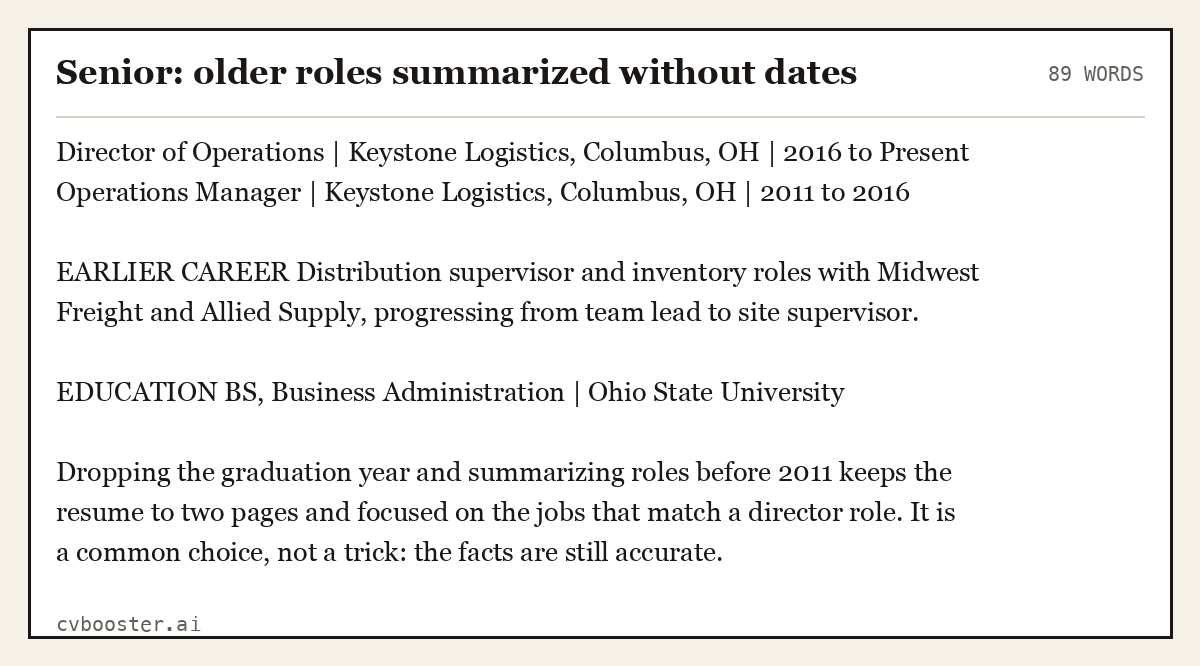
Senior: older roles summarized without dates (89 words)
Director of Operations | Keystone Logistics, Columbus, OH | 2016 to Present Operations Manager | Keystone Logistics, Columbus, OH | 2011 to 2016
EARLIER CAREER Distribution supervisor and inventory roles with Midwest Freight and Allied Supply, progressing from team lead to site supervisor.
EDUCATION BS, Business Administration | Ohio State University
Dropping the graduation year and summarizing roles before 2011 keeps the resume to two pages and focused on the jobs that match a director role. It is a common choice, not a trick: the facts are still accurate.
Color in a resume
Color is allowed, but it should do one job: separate headings from text. One dark accent color for your name and section headings is enough. Body text stays black or very dark grey for contrast.
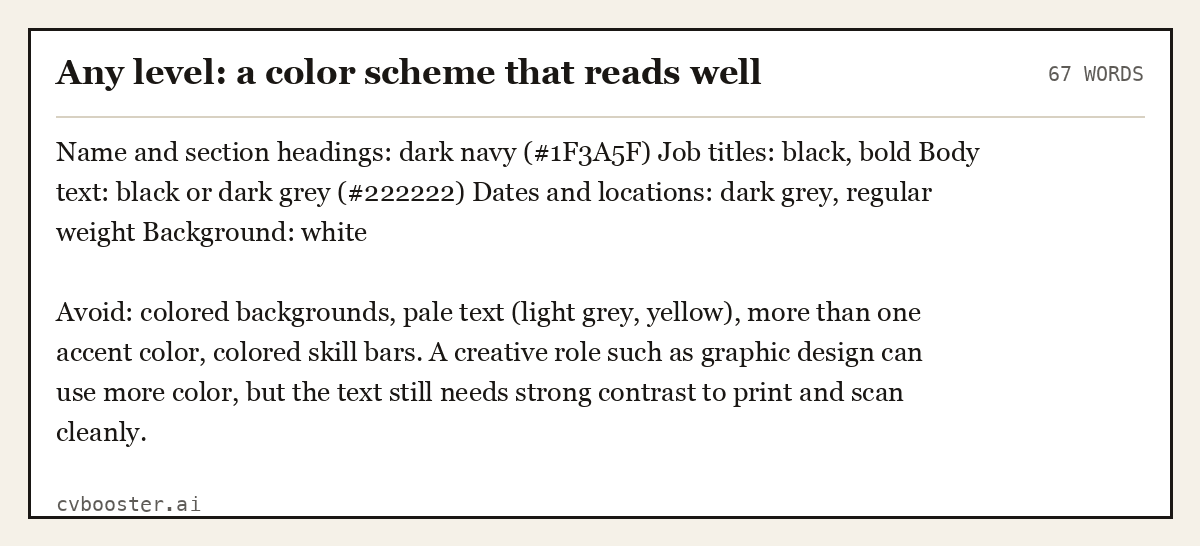
Any level: a color scheme that reads well (67 words)
Name and section headings: dark navy (#1F3A5F) Job titles: black, bold Body text: black or dark grey (#222222) Dates and locations: dark grey, regular weight Background: white
Avoid: colored backgrounds, pale text (light grey, yellow), more than one accent color, colored skill bars. A creative role such as graphic design can use more color, but the text still needs strong contrast to print and scan cleanly.
The Purdue OWL says the same about fonts: "The key to using fonts in your résumé is to be consistent." Color follows the same rule. If headings are navy on page one, they are navy on page two.
Word or PDF for your resume
Send a PDF unless the advert or the application system asks for Word. A PDF keeps your layout the same on every screen, and modern applicant tracking systems read text-based PDFs. Send Word when it is requested, often by recruitment agencies who edit resumes before passing them on.
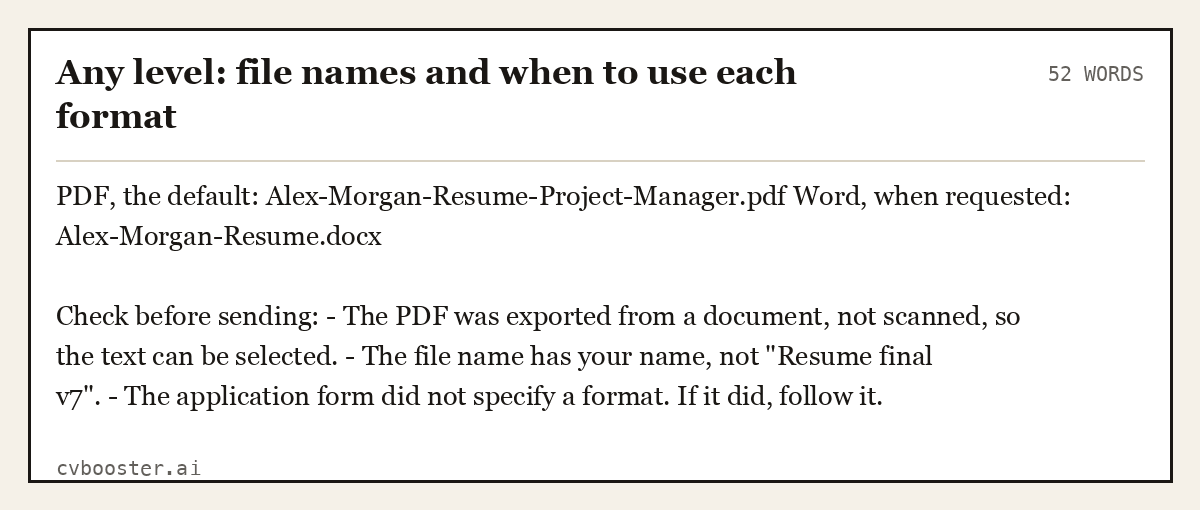
Any level: file names and when to use each format (52 words)
PDF, the default: Alex-Morgan-Resume-Project-Manager.pdf Word, when requested: Alex-Morgan-Resume.docx
Check before sending: - The PDF was exported from a document, not scanned, so the text can be selected. - The file name has your name, not "Resume final v7". - The application form did not specify a format. If it did, follow it.
How to name your resume file
Name the file with your first and last name, the word resume and, when it helps, the job title, joined by hyphens: Alex-Morgan-Resume-Project-Manager.pdf. The person who downloads it saves it next to every other applicant's attachment, and "Resume.pdf" is the one nobody can find again.
Leave out spaces, dates, version numbers and symbols, which some upload forms reject or rename. Give the cover letter the same pattern, Alex-Morgan-Cover-Letter.pdf, so the two files sit together in the hiring manager's folder.
Fonts, margins and length
Use one or two fonts, 10 to 12 point for body text, with margins of half an inch to an inch. One page for early career; two pages when you have the experience to fill them with results. MIT's advice is "Stick to one page, unless you have extensive experience or an advanced degree." Our resume length guide covers the edge cases.
Use bold for job titles, not for whole bullets. Keep headings standard (Summary, Experience, Education, Skills) so tracking systems and people find them. For the mistakes that break formatting most often, see our bad resume examples, and to write the opening lines, see the resume summary examples.
Frequently asked questions
What is the best format for a resume?
Reverse chronological works for most people: contact details, a short summary, experience with the most recent job first, education, and skills. It is what employers expect and what applicant tracking systems read most reliably. A combination format can help career changers, but the experience section should still be in date order. For how to write that section job by job, see our employment history for resume guide.
How do you write dates on a resume?
Use month and year for jobs, such as "Mar 2022 to Present", and keep the same style on every line. Year alone is fine for education and certifications. Use "Expected May 2027" for a degree in progress and "Present" for your current role. Place dates consistently, usually right-aligned next to the job title.
Should I put dates on my resume?
Yes, for jobs in your recent history, because missing dates make readers suspect a problem. You can leave off your graduation year and summarize roles older than 15 years without dates. Dates for certifications help show they are current. The key is that the dates you include are accurate and consistent.
Is it okay to use color on a resume?
Yes, if it is restrained. One dark accent color for your name and headings, with black or dark grey body text on a white background, reads well on screen and in print. Avoid colored backgrounds, pale text and graphics such as skill bars, which can confuse applicant tracking systems.
What should I name my resume file?
Use your first and last name, the word resume and, if useful, the job title, separated by hyphens, such as Alex-Morgan-Resume-Project-Manager.pdf. Avoid spaces, dates and version numbers, and name your cover letter the same way so a hiring manager can match the two files at a glance.
Should I send my resume as a Word document or a PDF?
Send a PDF by default, because it keeps your formatting identical on every device. Send Word if the job advert, the application system or a recruiter asks for it. Make sure the PDF contains selectable text, not a scanned image, and name the file with your own name.
More in this series: related guides
- Bad Resume Examples: 10 Mistakes and the Fixed Version
- Resume Summary Examples: 12 Opening Statements by Level
Related articles
- Resume Skills Section: Layout and Placement
- How to Make a Resume: A Complete Step by Step Guide
- Best Resume Format: Chronological vs Functional vs Hybrid
- Functional Resume: Template, Examples & When to Use It
More articles
- Resume Header: What Goes In, What Stays Out
- Resume Icons: When to Use Them and 5 Clean Examples
- How Long Should a Resume Be? The Honest Answer
Looking for a worked example for your job title? Browse the resume examples by job title.