Cover Letter Template Word: Where to Find It and 6 Letters
By Mustafa Tarabya, founder of CVBooster · Published · Updated
7 min read
Microsoft Word's free cover letter templates are in Word itself and on Microsoft Create: open Word, choose New, type "cover letter" into the template search, and pick a plain layout that matches your resume. The one constraint is the placeholder text, because a template is only a layout and every line inside it still has to be rewritten for one job. Microsoft Create describes its library as "cover letter templates with clear, professional layouts to create polished job applications in Microsoft Word." Six filled letters follow, ready to paste. Written by Mustafa Tarabya, who hired for his own company, read every application himself and now writes CVBooster's guides.
Some Word templates arrive filled with sample names like Contoso, the company Microsoft invented for its examples. Contoso is not hiring. It has never hired anyone. Delete it before you write a word.
A filled cover letter for a Word template
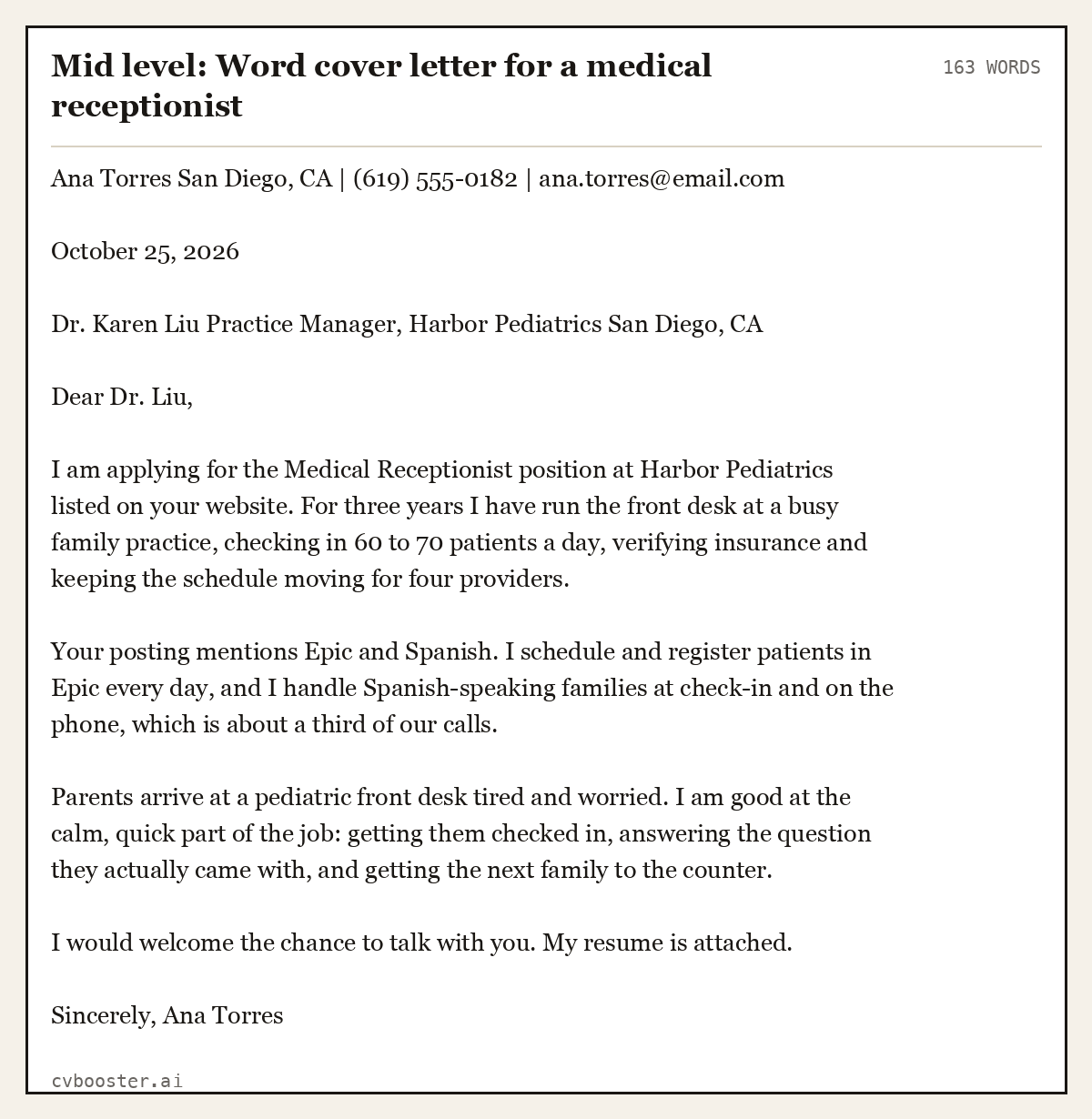
Mid level: Word cover letter for a medical receptionist (163 words)
Ana Torres San Diego, CA | (619) 555-0182 | ana.torres@email.com
October 25, 2026
Dr. Karen Liu Practice Manager, Harbor Pediatrics San Diego, CA
Dear Dr. Liu,
I am applying for the Medical Receptionist position at Harbor Pediatrics listed on your website. For three years I have run the front desk at a busy family practice, checking in 60 to 70 patients a day, verifying insurance and keeping the schedule moving for four providers.
Your posting mentions Epic and Spanish. I schedule and register patients in Epic every day, and I handle Spanish-speaking families at check-in and on the phone, which is about a third of our calls.
Parents arrive at a pediatric front desk tired and worried. I am good at the calm, quick part of the job: getting them checked in, answering the question they actually came with, and getting the next family to the counter.
I would welcome the chance to talk with you. My resume is attached.
Sincerely, Ana Torres
That is the content a Word template is built to hold: a heading block, a short opening, two paragraphs of proof, and a close.
How to find and set up a cover letter template in Word
- Open Word and choose New (or File, New).
- Type cover letter in the template search box and press Enter. Microsoft's help page on creating a document shows the same route for any template.
- Pick a template with the same font and header style as your resume, or one labelled ATS on Microsoft Create.
- Replace the name and contact block, the date and the employer block.
- Delete the sample body completely and paste or type your own paragraphs.
- Save as Word Document (.docx) and also File, Save As, PDF for the version you send, unless the employer asks for Word.
Microsoft Create's ATS section gives the selection rule: "Select a layout with standard headings and professional fonts to shape the letter around the role."
What to remove from a Word template before sending
- Sample names and companies. Search the document for "Contoso", "Fabrikam", "[Your Name]" and "Recipient Name".
- Text boxes and tables holding the body text. Move the letter into plain paragraphs if the template uses them.
- Decorative shapes that push the letter onto a second page.
- Placeholder instructions in brackets, such as "[Click here to add your closing statement]".
Word cover letter template for a skilled trade
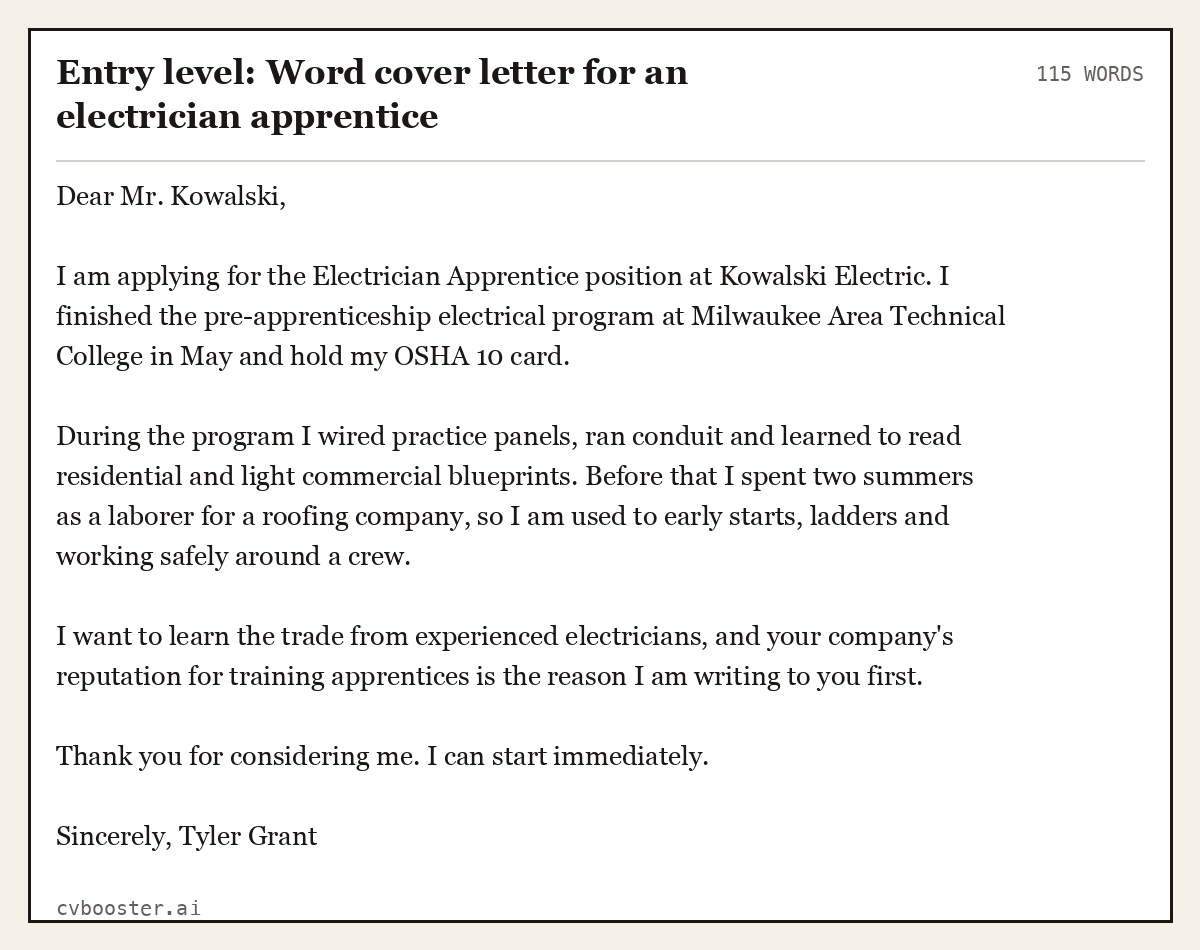
Entry level: Word cover letter for an electrician apprentice (115 words)
Dear Mr. Kowalski,
I am applying for the Electrician Apprentice position at Kowalski Electric. I finished the pre-apprenticeship electrical program at Milwaukee Area Technical College in May and hold my OSHA 10 card.
During the program I wired practice panels, ran conduit and learned to read residential and light commercial blueprints. Before that I spent two summers as a laborer for a roofing company, so I am used to early starts, ladders and working safely around a crew.
I want to learn the trade from experienced electricians, and your company's reputation for training apprentices is the reason I am writing to you first.
Thank you for considering me. I can start immediately.
Sincerely, Tyler Grant
Word cover letter template for a software engineer
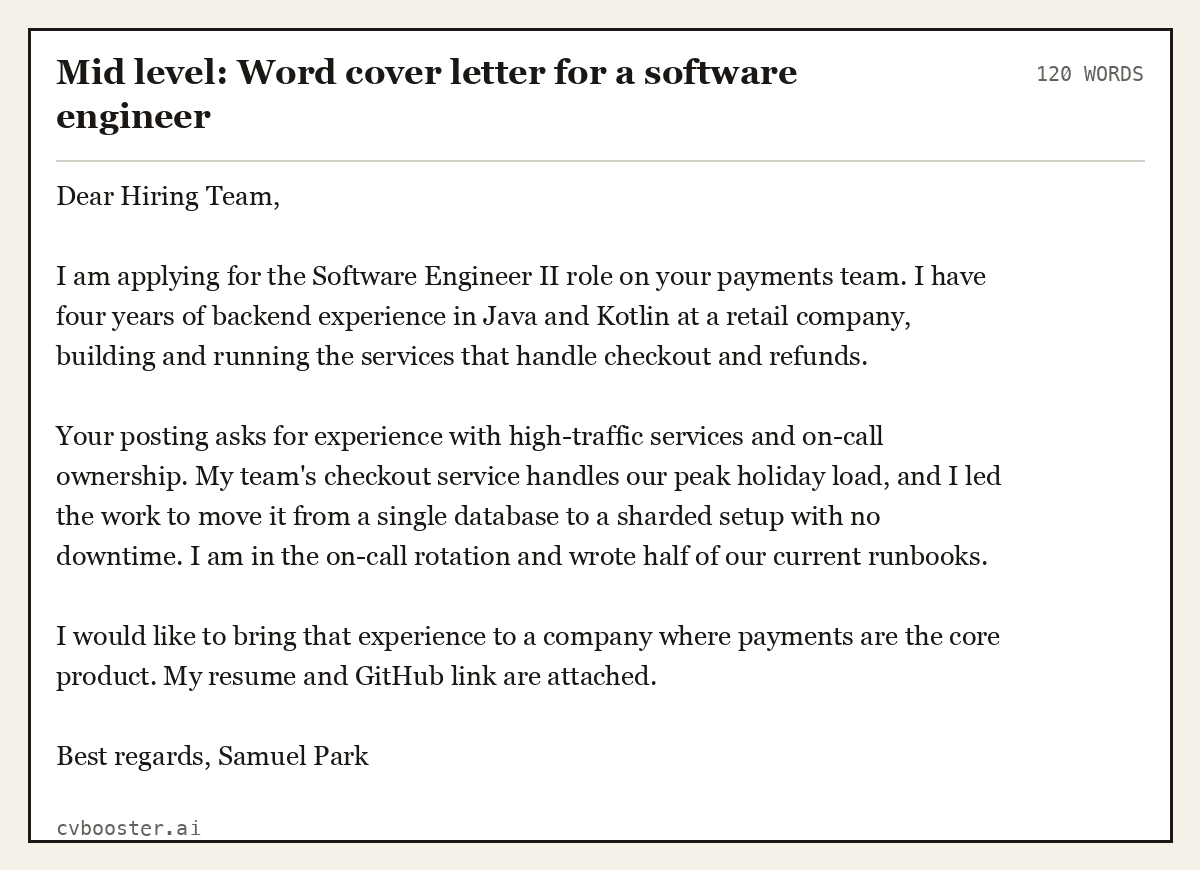
Mid level: Word cover letter for a software engineer (120 words)
Dear Hiring Team,
I am applying for the Software Engineer II role on your payments team. I have four years of backend experience in Java and Kotlin at a retail company, building and running the services that handle checkout and refunds.
Your posting asks for experience with high-traffic services and on-call ownership. My team's checkout service handles our peak holiday load, and I led the work to move it from a single database to a sharded setup with no downtime. I am in the on-call rotation and wrote half of our current runbooks.
I would like to bring that experience to a company where payments are the core product. My resume and GitHub link are attached.
Best regards, Samuel Park
Word cover letter template for a social worker
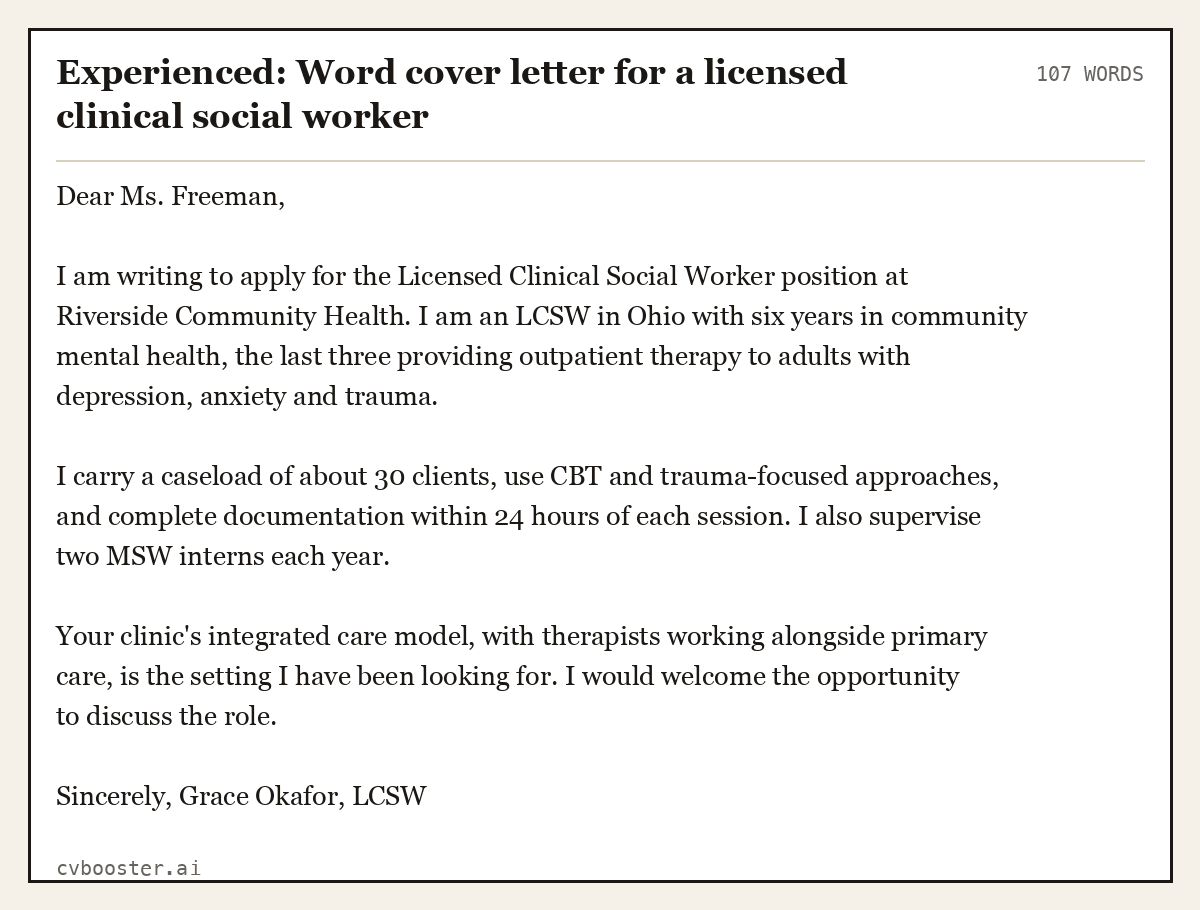
Experienced: Word cover letter for a licensed clinical social worker (107 words)
Dear Ms. Freeman,
I am writing to apply for the Licensed Clinical Social Worker position at Riverside Community Health. I am an LCSW in Ohio with six years in community mental health, the last three providing outpatient therapy to adults with depression, anxiety and trauma.
I carry a caseload of about 30 clients, use CBT and trauma-focused approaches, and complete documentation within 24 hours of each session. I also supervise two MSW interns each year.
Your clinic's integrated care model, with therapists working alongside primary care, is the setting I have been looking for. I would welcome the opportunity to discuss the role.
Sincerely, Grace Okafor, LCSW
Word cover letter template for a supervisor
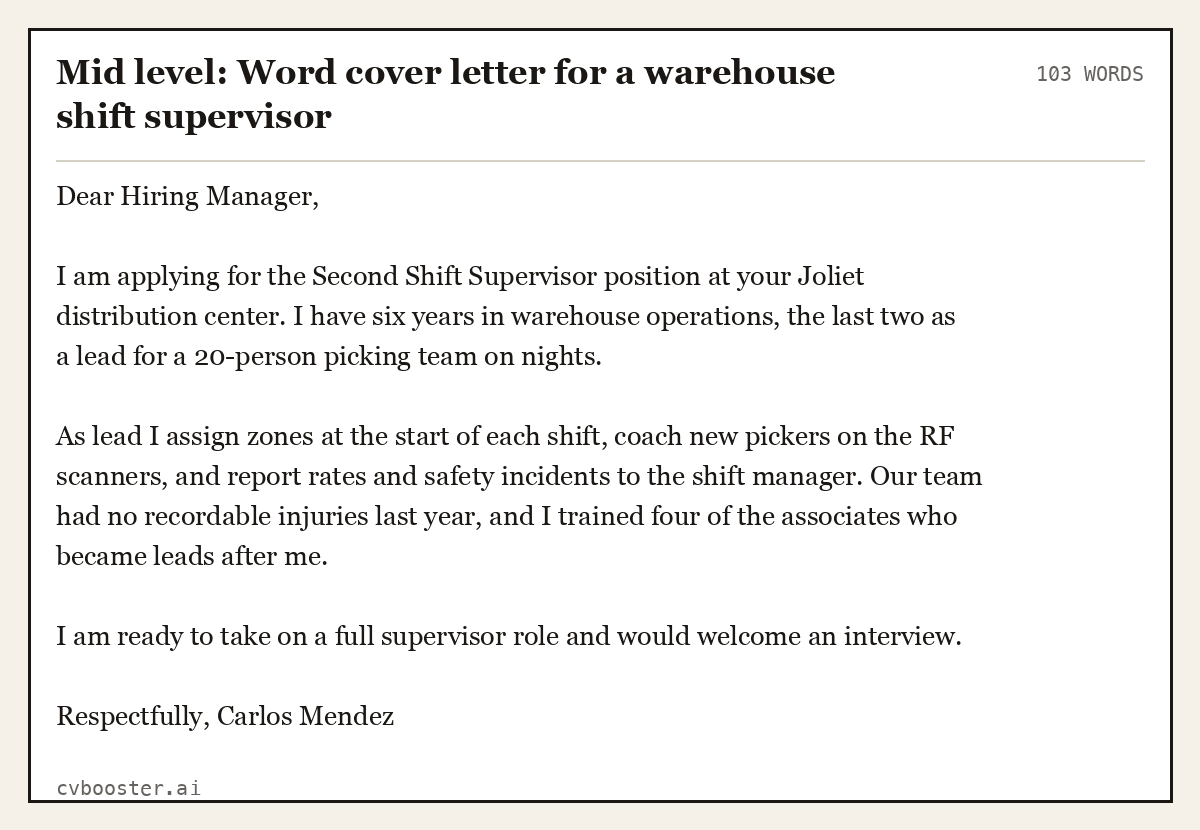
Mid level: Word cover letter for a warehouse shift supervisor (103 words)
Dear Hiring Manager,
I am applying for the Second Shift Supervisor position at your Joliet distribution center. I have six years in warehouse operations, the last two as a lead for a 20-person picking team on nights.
As lead I assign zones at the start of each shift, coach new pickers on the RF scanners, and report rates and safety incidents to the shift manager. Our team had no recordable injuries last year, and I trained four of the associates who became leads after me.
I am ready to take on a full supervisor role and would welcome an interview.
Respectfully, Carlos Mendez
Word cover letter template for a teacher
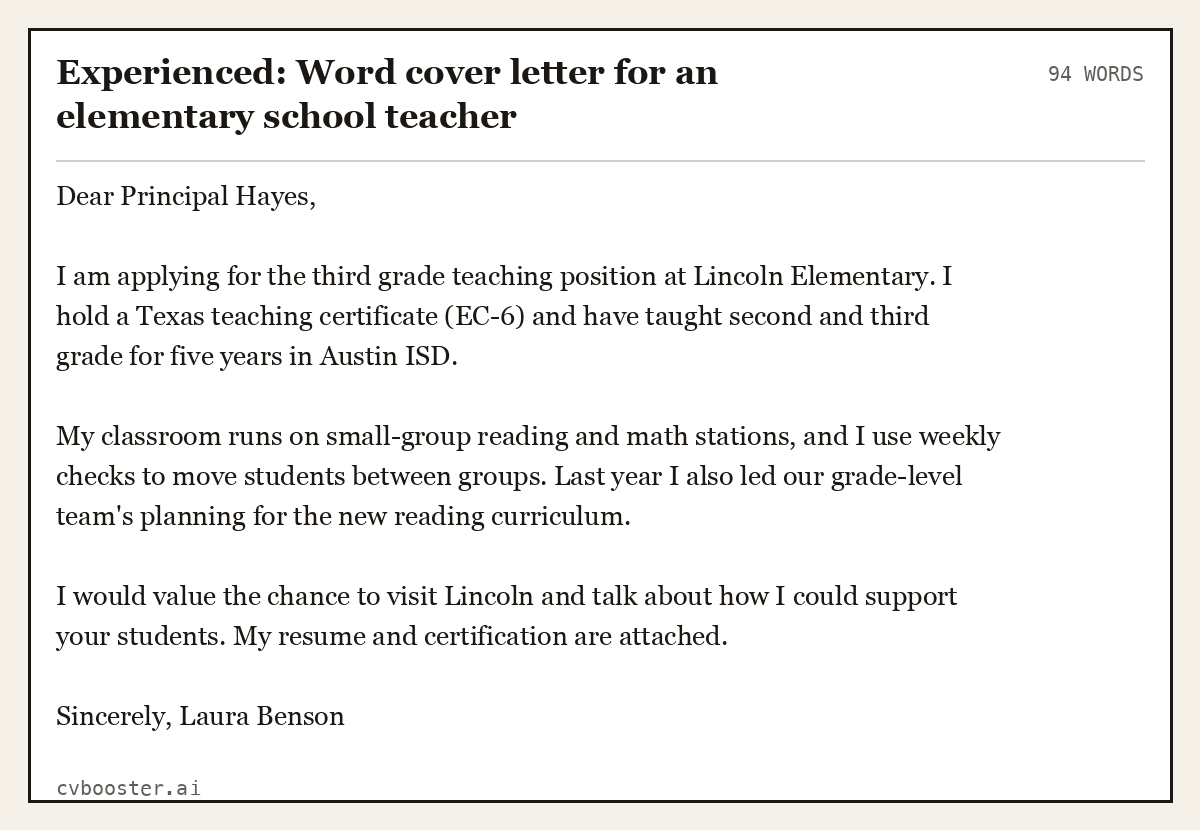
Experienced: Word cover letter for an elementary school teacher (94 words)
Dear Principal Hayes,
I am applying for the third grade teaching position at Lincoln Elementary. I hold a Texas teaching certificate (EC-6) and have taught second and third grade for five years in Austin ISD.
My classroom runs on small-group reading and math stations, and I use weekly checks to move students between groups. Last year I also led our grade-level team's planning for the new reading curriculum.
I would value the chance to visit Lincoln and talk about how I could support your students. My resume and certification are attached.
Sincerely, Laura Benson
Closing a Word cover letter
Purdue's Online Writing Lab, on its cover letter closings page, gives the rule for the last paragraph: "Close with a strong reminder of why you are a good match for the job position and the organization." Then thank the reader, say what is attached, and sign off with "Sincerely" or "Best regards". If you promise to follow up, Purdue adds: "If you say you will call, though, do not forget to do so."
Your resume should answer the same advert as the letter. CVBooster checks your resume against the posting: filling any of the 99 templates is free after you sign in, with the ATS score and gap list; the PDF and Word download is Pro. For more layouts, see our Google Docs cover letter template and cover letter format guides, and how to end a cover letter.
Frequently asked questions
Does Microsoft Word have a cover letter template?
Yes. Open Word, choose New, and search "cover letter" to see the built-in templates, or browse Microsoft Create's cover letter section online. Pick a plain design with standard headings and fonts, ideally matching your resume, and replace every sample line before you use it.
How do I make a cover letter in Word?
Open a cover letter template or a blank document, add your name and contact details at the top, the date, and the employer's details. Write an opening paragraph that names the job, one or two paragraphs of proof, and a closing that asks for an interview. Save a PDF copy to send.
Should I send my cover letter as a Word document or PDF?
Send a PDF unless the employer asks for Word. A PDF keeps your layout identical on every screen. Some application systems ask for .docx because they read Word files more easily, so follow the instructions in the posting and keep both versions saved.
Are Word cover letter templates ATS friendly?
Most are, because a cover letter is mainly plain paragraphs. Avoid templates that put the body in text boxes, tables or columns, and keep key details as normal text. Microsoft Create labels some cover letter templates as ATS-friendly, which is a good starting filter.
More in this series: related guides
- Canva Resume Template: How to Pick One and 6 Filled Examples
- Google Docs Cover Letter Template: 6 Filled Letters to Paste
- Harvard Resume Template: The Format and 6 Filled Examples
- Simple Resume Examples: 6 Plain Resumes That Get Read
Related articles
- Application Letter Sample: 7 Full Letters for Real Job Ads
- Dear Sir or Madam: When to Use It, Better Options, 6 Letters
- Google Docs Cover Letter Template: 6 Filled Letters to Paste
- High School Cover Letter: 6 Examples With No Experience
More articles
- Cover Letter vs Resume: What's the Difference?
- Cover Letter vs Supporting Statement: UK Rules
- Cover Page Example: 9 Layouts You Can Copy Line by Line
Looking for a worked example for your job title? Browse the resume examples by job title.