Canva Resume Template: How to Pick One and 6 Filled Examples
By Mustafa Tarabya, founder of CVBooster · Published · Updated
7 min read
A Canva resume template works best when you pick a one-column design with real text headings, fill it with your own content, and export it as a PDF; skip layouts built from icons, skill bars and side panels. The constraint is the reader: many employers run resumes through an applicant tracking system first, and a heavily designed layout can scramble in that step. Canva's resume template gallery lets you filter by style and colour. Below are the checks and six filled resumes. Written by Mustafa Tarabya, who hired for his own company, read every application himself and now writes CVBooster's guides.
You found a template with a sage green sidebar, round photo frame and five-star skill bars. You gave yourself four stars in Excel. Nobody has ever been asked what the fifth star is for, and the recruiter's screen may never show the stars at all.
A filled Canva resume in a one-column layout
This is the content that should sit inside whichever Canva design you choose: a header, a summary, experience, education and skills, top to bottom.
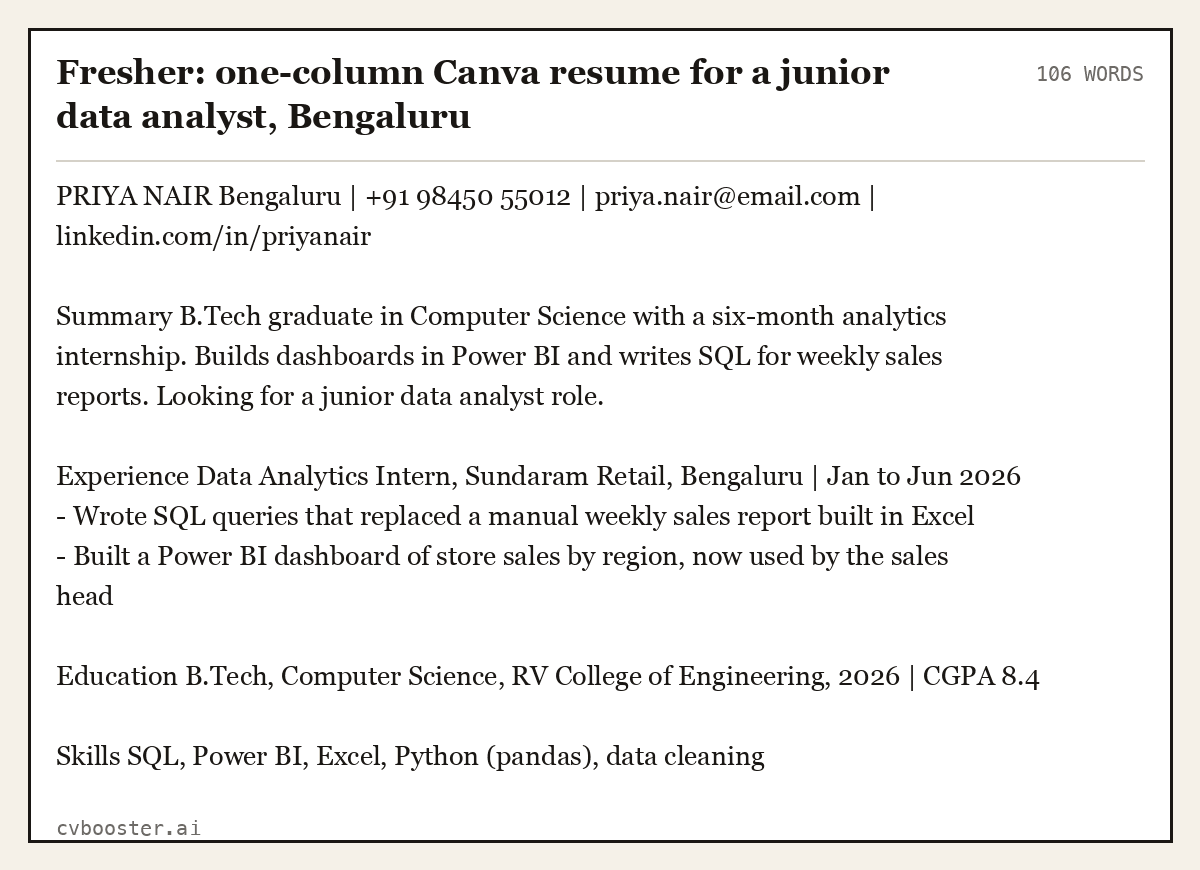
Fresher: one-column Canva resume for a junior data analyst, Bengaluru (106 words)
PRIYA NAIR Bengaluru | +91 98450 55012 | priya.nair@email.com | linkedin.com/in/priyanair
Summary B.Tech graduate in Computer Science with a six-month analytics internship. Builds dashboards in Power BI and writes SQL for weekly sales reports. Looking for a junior data analyst role.
Experience Data Analytics Intern, Sundaram Retail, Bengaluru | Jan to Jun 2026 - Wrote SQL queries that replaced a manual weekly sales report built in Excel - Built a Power BI dashboard of store sales by region, now used by the sales head
Education B.Tech, Computer Science, RV College of Engineering, 2026 | CGPA 8.4
Skills SQL, Power BI, Excel, Python (pandas), data cleaning
Read top to bottom, the page makes sense even with every colour removed. That is the test for any template, from Canva or anywhere else.
How to choose a Canva resume template that still gets read
Run five checks on the preview before you type a word:
- One column, or two with a narrow side panel. Long main text should run in one column from top to bottom.
- Headings are typed text. "Experience" should be a word, not a picture of a word.
- No skill bars, stars or dots. They say nothing a reader can check; list the skills instead.
- Contact details in the body, not a header graphic. Name, phone and email as plain text at the top.
- A photo only where your country expects one. Many employers in India and the US do not ask for one.
Harvard's Mignone Center for Career Success gives the formatting rule that matters most here: "Be sure that your formatting will translate properly if converted to a .pdf". MIT's career advising office publishes plain resume samples worth comparing against before you pick a design. For the full reasoning on parsing, see what ATS software actually does.
How to fill and export a Canva resume template
- Open the template and replace every placeholder line, including the sample job titles.
- Delete sections you cannot fill rather than leaving lorem ipsum or empty headings.
- Keep the body text at a readable size and the same font throughout.
- Use Share, then Download, and pick PDF Standard for applications.
- Open the PDF, select all the text and paste it into a plain text file. If the order comes out wrong, the layout is the problem, not your content.
Some Canva templates and design elements belong to Canva's paid plan; check the label on the template before you invest an hour in it.
Canva resume example: two-column design for marketing
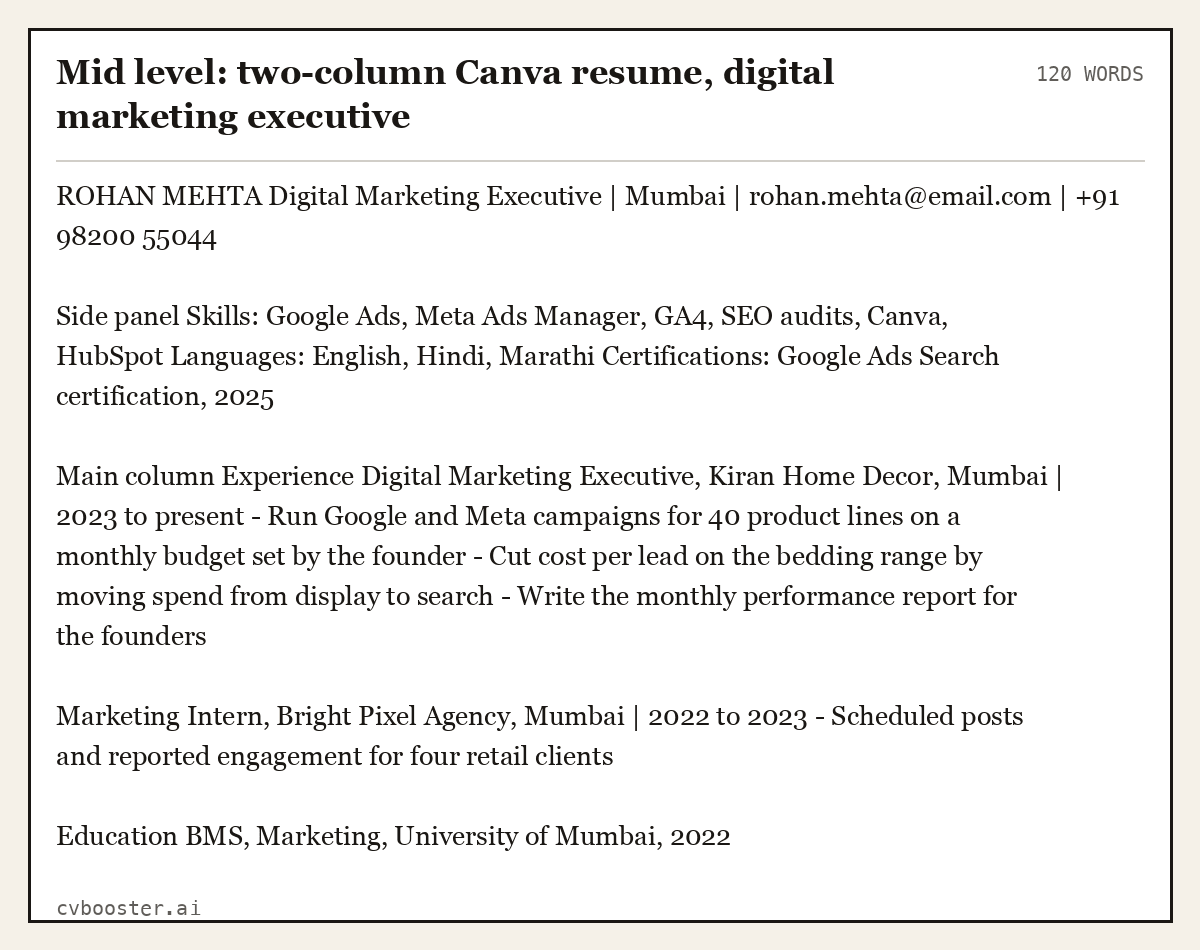
Mid level: two-column Canva resume, digital marketing executive (120 words)
ROHAN MEHTA Digital Marketing Executive | Mumbai | rohan.mehta@email.com | +91 98200 55044
Side panel Skills: Google Ads, Meta Ads Manager, GA4, SEO audits, Canva, HubSpot Languages: English, Hindi, Marathi Certifications: Google Ads Search certification, 2025
Main column Experience Digital Marketing Executive, Kiran Home Decor, Mumbai | 2023 to present - Run Google and Meta campaigns for 40 product lines on a monthly budget set by the founder - Cut cost per lead on the bedding range by moving spend from display to search - Write the monthly performance report for the founders
Marketing Intern, Bright Pixel Agency, Mumbai | 2022 to 2023 - Scheduled posts and reported engagement for four retail clients
Education BMS, Marketing, University of Mumbai, 2022
The side panel holds short lists only. Everything a reader needs to judge the work sits in the main column, in order.
Canva resume example for a student
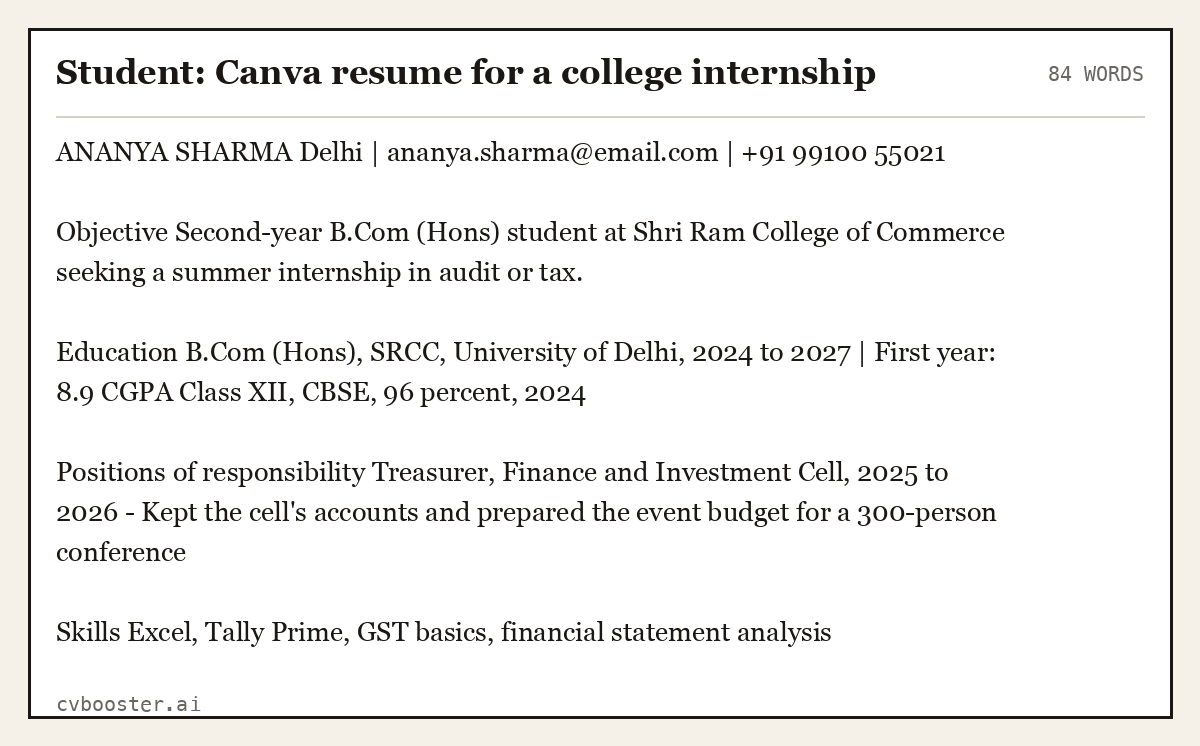
Student: Canva resume for a college internship (84 words)
ANANYA SHARMA Delhi | ananya.sharma@email.com | +91 99100 55021
Objective Second-year B.Com (Hons) student at Shri Ram College of Commerce seeking a summer internship in audit or tax.
Education B.Com (Hons), SRCC, University of Delhi, 2024 to 2027 | First year: 8.9 CGPA Class XII, CBSE, 96 percent, 2024
Positions of responsibility Treasurer, Finance and Investment Cell, 2025 to 2026 - Kept the cell's accounts and prepared the event budget for a 300-person conference
Skills Excel, Tally Prime, GST basics, financial statement analysis
Canva resume example for an experienced teacher
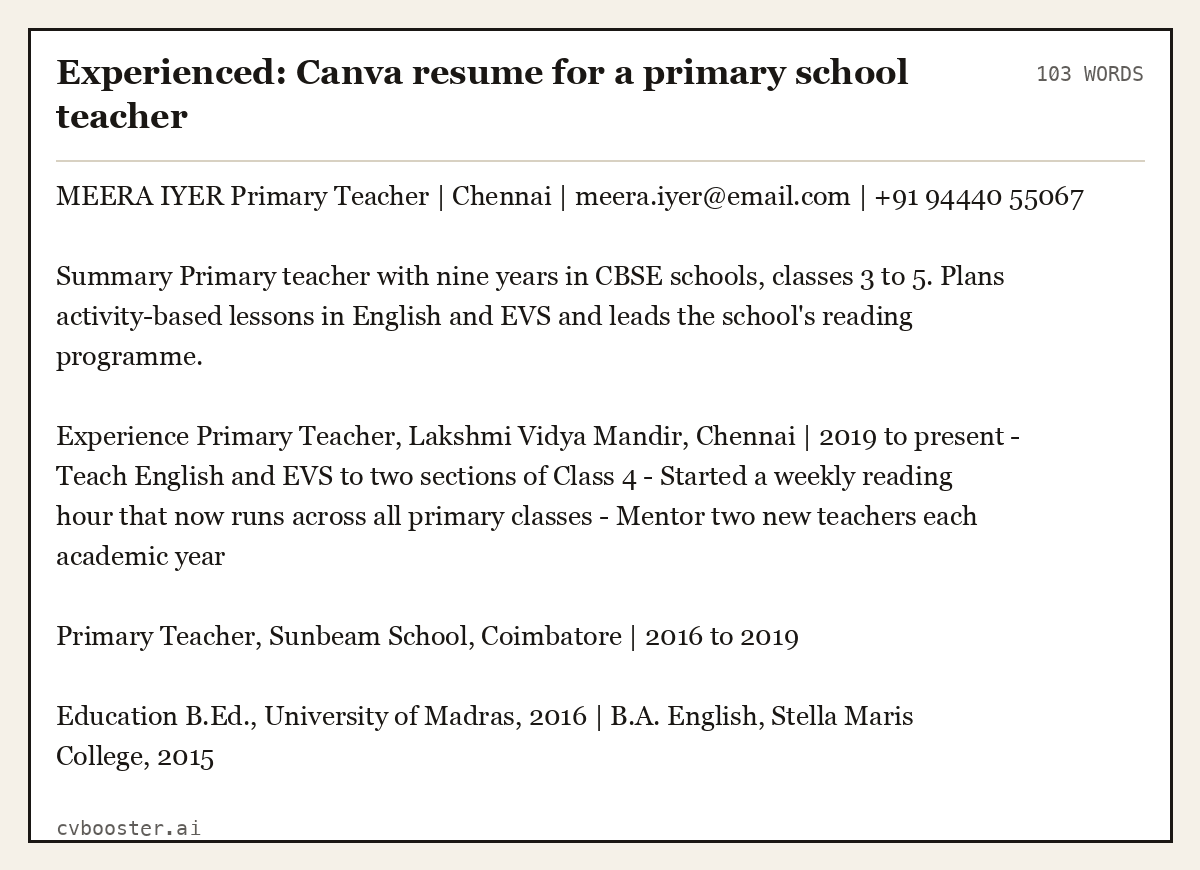
Experienced: Canva resume for a primary school teacher (103 words)
MEERA IYER Primary Teacher | Chennai | meera.iyer@email.com | +91 94440 55067
Summary Primary teacher with nine years in CBSE schools, classes 3 to 5. Plans activity-based lessons in English and EVS and leads the school's reading programme.
Experience Primary Teacher, Lakshmi Vidya Mandir, Chennai | 2019 to present - Teach English and EVS to two sections of Class 4 - Started a weekly reading hour that now runs across all primary classes - Mentor two new teachers each academic year
Primary Teacher, Sunbeam School, Coimbatore | 2016 to 2019
Education B.Ed., University of Madras, 2016 | B.A. English, Stella Maris College, 2015
Canva resume example for a graphic designer
Designers are the one case where the design is the evidence. Keep the resume clean and put the visual work in the portfolio link.
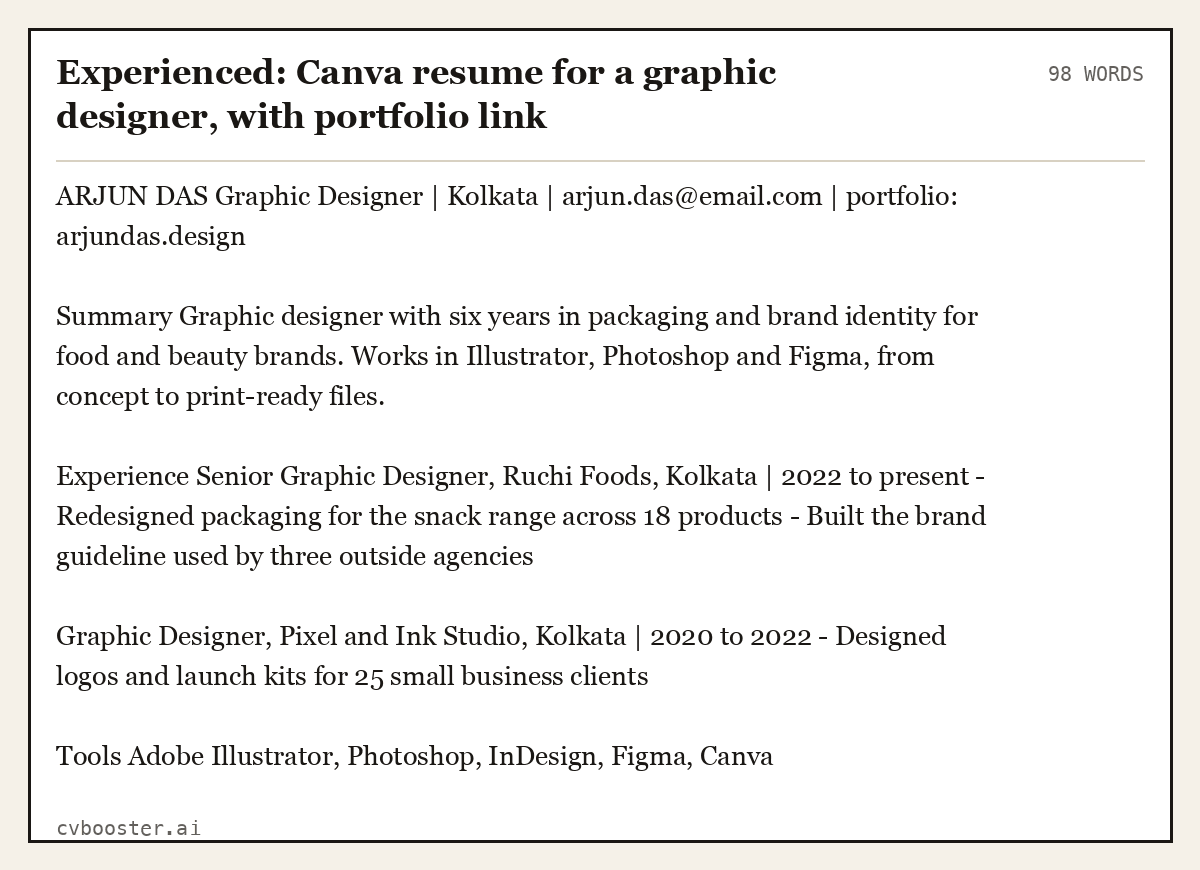
Experienced: Canva resume for a graphic designer, with portfolio link (98 words)
ARJUN DAS Graphic Designer | Kolkata | arjun.das@email.com | portfolio: arjundas.design
Summary Graphic designer with six years in packaging and brand identity for food and beauty brands. Works in Illustrator, Photoshop and Figma, from concept to print-ready files.
Experience Senior Graphic Designer, Ruchi Foods, Kolkata | 2022 to present - Redesigned packaging for the snack range across 18 products - Built the brand guideline used by three outside agencies
Graphic Designer, Pixel and Ink Studio, Kolkata | 2020 to 2022 - Designed logos and launch kits for 25 small business clients
Tools Adobe Illustrator, Photoshop, InDesign, Figma, Canva
Canva resume example for a career changer
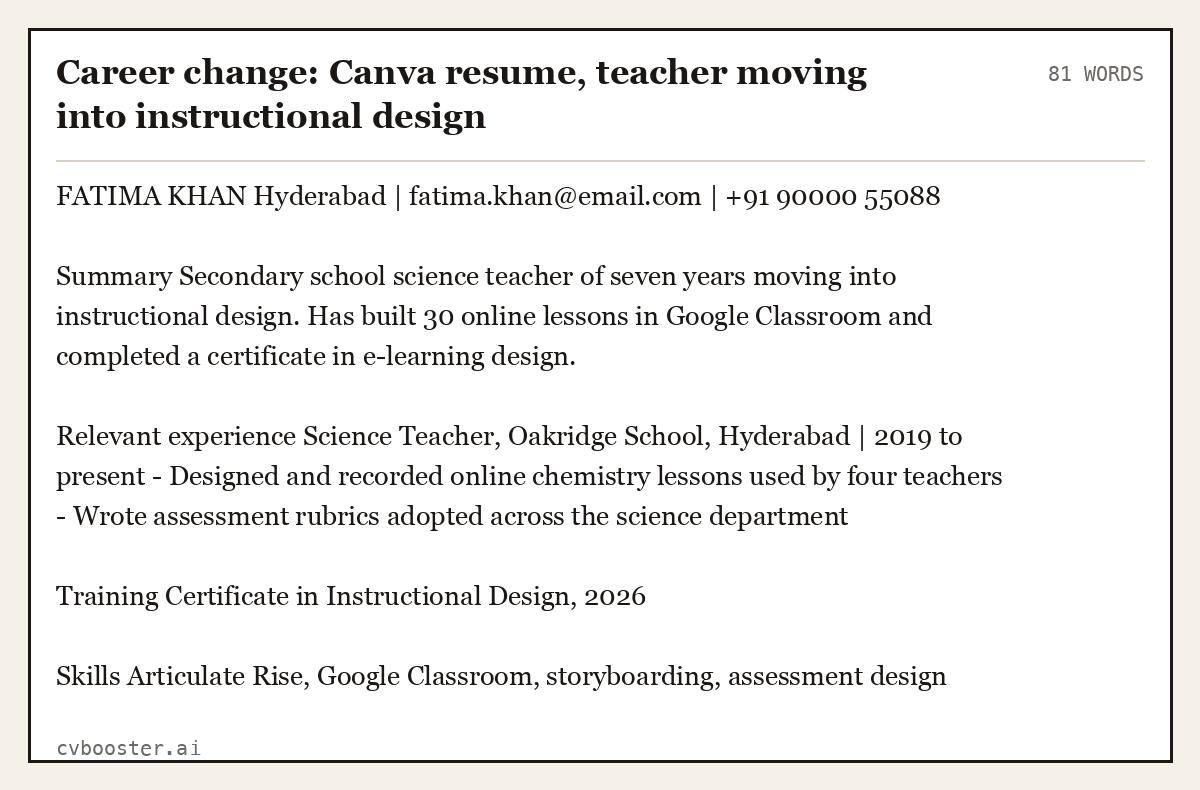
Career change: Canva resume, teacher moving into instructional design (81 words)
FATIMA KHAN Hyderabad | fatima.khan@email.com | +91 90000 55088
Summary Secondary school science teacher of seven years moving into instructional design. Has built 30 online lessons in Google Classroom and completed a certificate in e-learning design.
Relevant experience Science Teacher, Oakridge School, Hyderabad | 2019 to present - Designed and recorded online chemistry lessons used by four teachers - Wrote assessment rubrics adopted across the science department
Training Certificate in Instructional Design, 2026
Skills Articulate Rise, Google Classroom, storyboarding, assessment design
Canva or a resume builder
Canva is a design tool, so it is strong on looks and weak on the parts a hiring process checks: matching the job advert, reading order and keywords. If you send many applications, it is often faster to keep the content in one place and change it per job. In CVBooster you can fill any of the 99 templates free after signing in and see your ATS score and gap list; the PDF and Word download is Pro.
Other free routes are in our guides to Google Docs resume templates, Microsoft Word resume templates and the Apple Pages resume template.
Applying for a residency, show or grant rather than a job? Use an artist CV instead of a designed resume.
Frequently asked questions
Are Canva resume templates ATS friendly?
Some are and some are not. One-column templates with typed headings and plain text usually export to a PDF that tracking systems can read. Templates with skill bars, icons, text inside shapes or two full columns of text often scramble. Test the PDF by copying all its text into a plain text file.
Are Canva resume templates free?
Many Canva resume templates are free to use with a free account, and some templates or elements are part of Canva's paid plan. Check the label on the template before you start, because swapping a paid element out later means redoing parts of the layout.
How do I download my Canva resume as a PDF?
Open your design, choose Share, then Download, and select PDF Standard as the file type. Open the downloaded file, check every page, and test that the text can be selected. A PDF made of flattened images cannot be read by a tracking system or by screen readers.
Should I use a Canva resume for a corporate job?
You can, if you choose a plain one-column template and keep colour to the headings. For banks, government and large companies that use tracking systems, a simple layout is the safer choice. Save the visual designs for creative roles, where a portfolio link carries the proof.
More in this series: related guides
- Cover Letter Template Word: Where to Find It and 6 Letters
- Google Docs Cover Letter Template: 6 Filled Letters to Paste
- Harvard Resume Template: The Format and 6 Filled Examples
- Simple Resume Examples: 6 Plain Resumes That Get Read
Related articles
- Abbreviation for Million: M, MM or Mil, and Which to Use
- Artist CV: Section Order, Format and 6 Complete Examples
- Biodata Format for Job: 6 Filled Samples and What to Include
- ChatGPT Resume Prompts: 15 Prompts and the Edits They Need
More articles
- Care Assistant CV: 7 UK Examples and a Fill-in Template
- Care Assistant Interview Questions and 15 Full Answers
- Care Worker Supporting Statement Example: 3 Full Statements
Looking for a worked example for your job title? Browse the resume examples by job title.