CV Icons: Which Symbols to Use, With 6 CV Header Examples
By Mustafa Tarabya, founder of CVBooster · Published · Updated
8 min read
CV icons are small symbols for your phone, email, location and LinkedIn that sit beside those details in your CV header, and they help only when the text is still there next to each one. The constraint is software: most employers run CVs through an applicant tracking system that reads text, not pictures, so an icon that replaces a word deletes that word. CareerOneStop, the US Department of Labor's career site, is blunt about it: "Avoid using tables, text boxes, logos, columns, images, and graphics, as ATS may scramble the content." Below are the icons worth using, the ones to leave out, and six complete CV headers, checked in October 2026. Written by Mustafa Tarabya, who hired for his own company, read every application himself and now writes CVBooster's guides.
You found a template with a tidy row of little symbols, and now the plain version of your CV looks like it came off a fax machine. The symbols are fine. The trouble starts when the symbol is doing the job of the phone number.
How to add icons so the ATS still reads your details
Four icons cover most CVs: phone, email, location and LinkedIn. Insert each icon as a character or a small image, then type the detail after it in normal text. The icon is the label; the text is the content. A system that ignores the icon still reads "07700 900418" and files it as your phone number.
- Size: the same height as your text, around 10 to 11 points.
- Colour: one colour, the same dark grey or navy as your headings.
- Position: in the header only, never inside the body sections.
- File: save as PDF or Word as the advert asks, then copy the text out of the PDF into a plain document. If any detail is missing, an icon has eaten it.
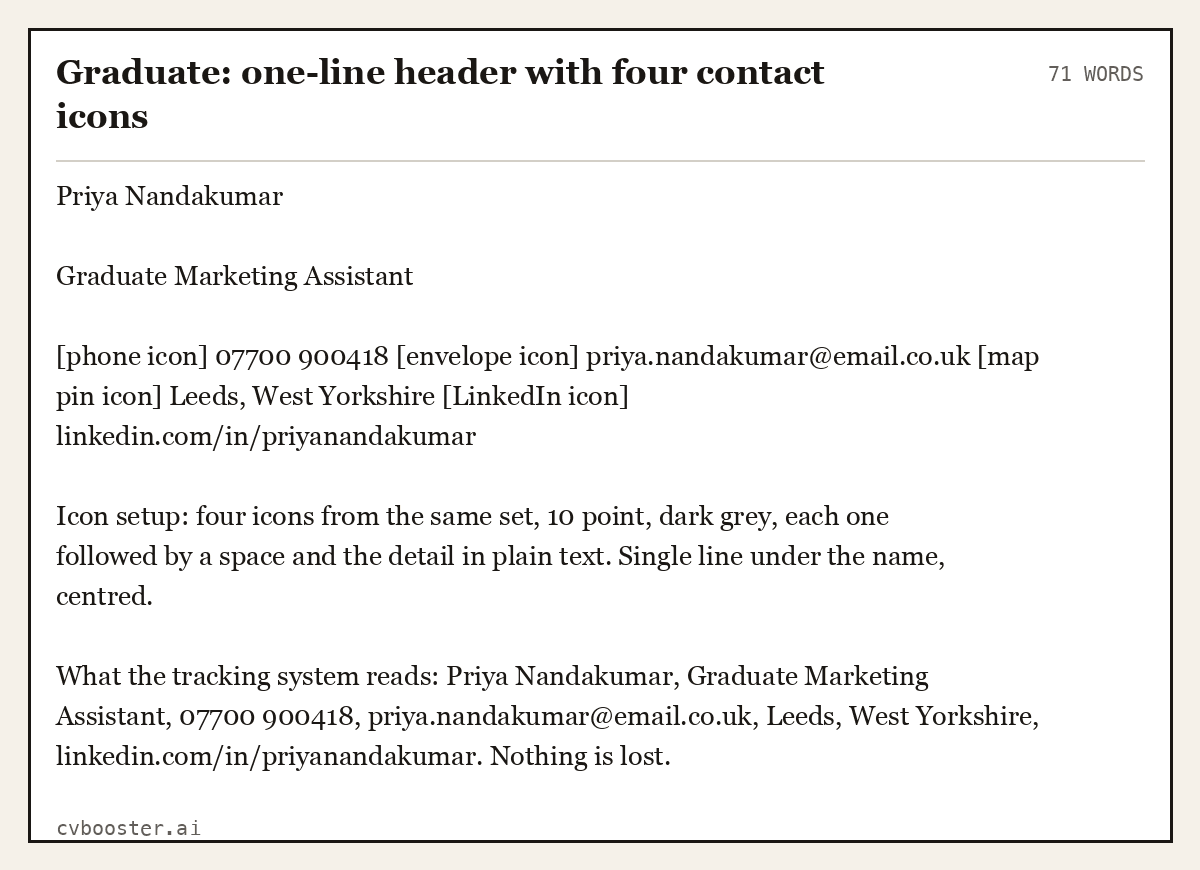
Graduate: one-line header with four contact icons (71 words)
Priya Nandakumar
Graduate Marketing Assistant
[phone icon] 07700 900418 [envelope icon] priya.nandakumar@email.co.uk [map pin icon] Leeds, West Yorkshire [LinkedIn icon] linkedin.com/in/priyanandakumar
Icon setup: four icons from the same set, 10 point, dark grey, each one followed by a space and the detail in plain text. Single line under the name, centred.
What the tracking system reads: Priya Nandakumar, Graduate Marketing Assistant, 07700 900418, priya.nandakumar@email.co.uk, Leeds, West Yorkshire, linkedin.com/in/priyanandakumar. Nothing is lost.
Which icons belong on a CV
The full list is short, and every icon on it lives in the header next to a contact detail. The National Careers Service lists what the header needs: "You should include your name, phone number, email address and a link to your work network profile, if you have one, such as LinkedIn." One icon per item, in that order, is the whole system.
| Icon | Goes next to | Use it when |
|---|---|---|
| Phone handset | Your mobile number | Always |
| Envelope | Your email address | Always |
| Map pin | Town or city and county | Always; never your full street address |
| LinkedIn logo | Your profile address | When the profile matches the CV |
| Globe or link | Portfolio or website | Design, writing, marketing, research |
| Code brackets or GitHub logo | Your code repository | Software and data roles |
Everything else is decoration. If you are tempted by a seventh icon, ask what text it sits beside. If the answer is nothing, it goes.
Icons that cost you interviews
Some icons do real damage, because they replace information a reader needs with a picture they have to interpret.
- Skill bars and star ratings. Four stars in Excel tells nobody what you can do in Excel. Write "Excel: pivot tables, XLOOKUP, monthly reporting" instead.
- Hobby pictograms. A tiny bicycle and a tiny camera say less than "Club cycling, 100 km sportives" and get dropped by the parser anyway.
- Flags for languages. A flag is a country, not a level. Write "Spanish (fluent), French (B1)".
- Icons as section headings. A briefcase instead of "Experience" leaves the system without a heading to sort your jobs under.
- Emoji. They change shape between phones, Windows and Mac, and some systems turn them into question marks.
CareerOneStop's formatting guide also warns: "Since ATS systems scan resumes left to right, start with a simple, single-column layout so your resume is read accurately." A two-column template with an icon sidebar breaks that rule twice.
Five more CV headers with icons, by situation
The same rules apply at every level; what changes is how many icons you need and where the header sits.
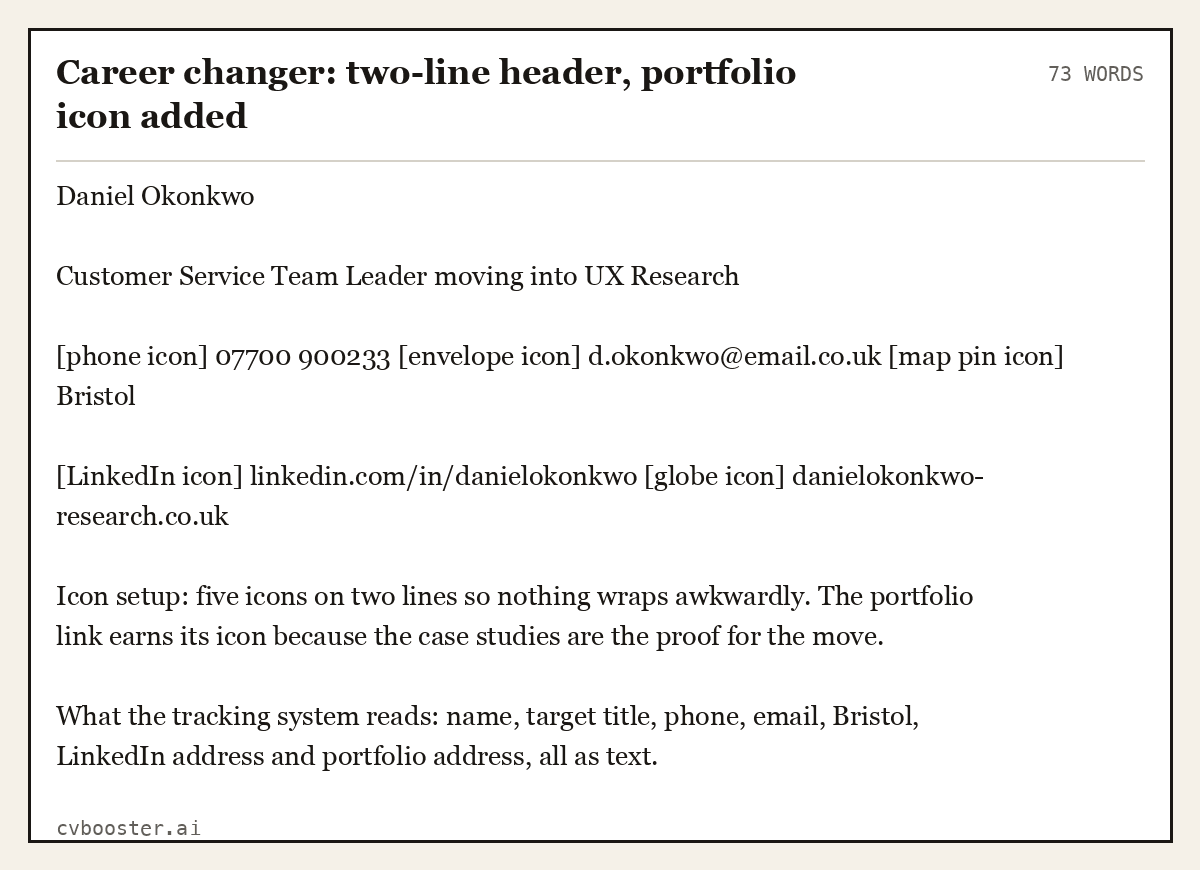
Career changer: two-line header, portfolio icon added (73 words)
Daniel Okonkwo
Customer Service Team Leader moving into UX Research
[phone icon] 07700 900233 [envelope icon] d.okonkwo@email.co.uk [map pin icon] Bristol
[LinkedIn icon] linkedin.com/in/danielokonkwo [globe icon] danielokonkwo-research.co.uk
Icon setup: five icons on two lines so nothing wraps awkwardly. The portfolio link earns its icon because the case studies are the proof for the move.
What the tracking system reads: name, target title, phone, email, Bristol, LinkedIn address and portfolio address, all as text.
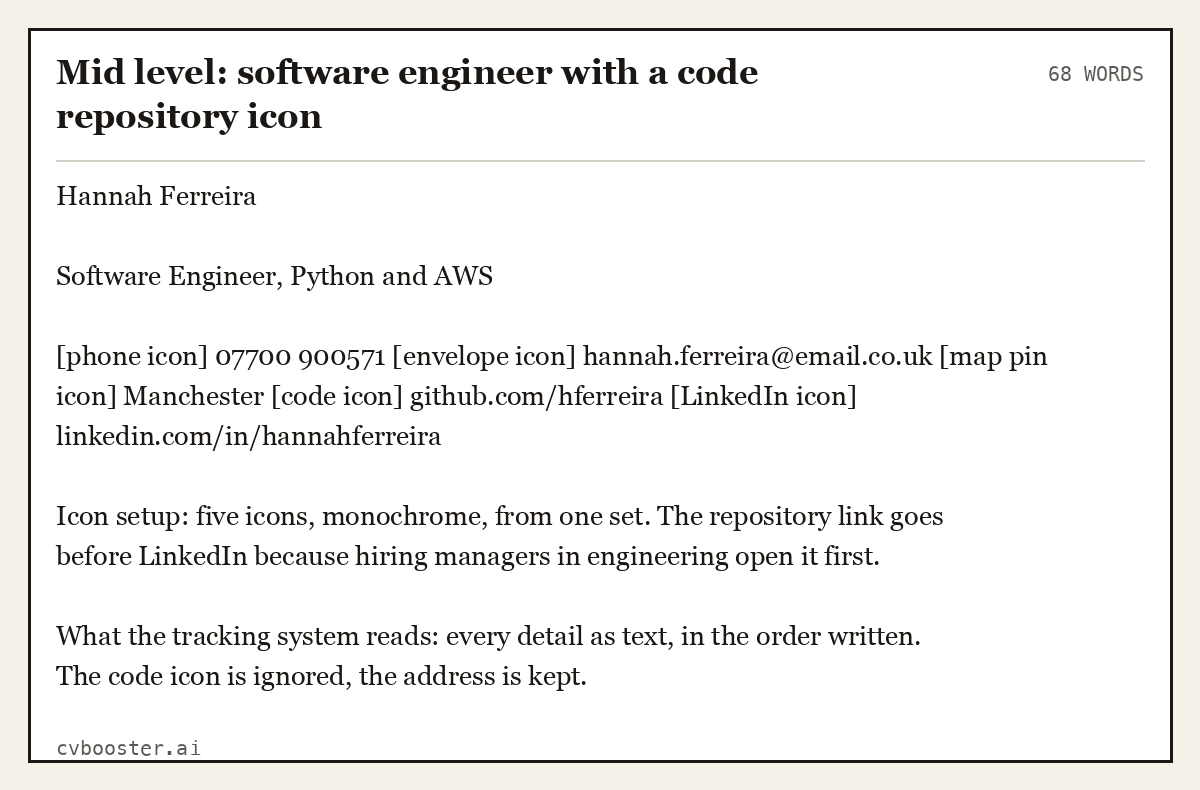
Mid level: software engineer with a code repository icon (68 words)
Hannah Ferreira
Software Engineer, Python and AWS
[phone icon] 07700 900571 [envelope icon] hannah.ferreira@email.co.uk [map pin icon] Manchester [code icon] github.com/hferreira [LinkedIn icon] linkedin.com/in/hannahferreira
Icon setup: five icons, monochrome, from one set. The repository link goes before LinkedIn because hiring managers in engineering open it first.
What the tracking system reads: every detail as text, in the order written. The code icon is ignored, the address is kept.
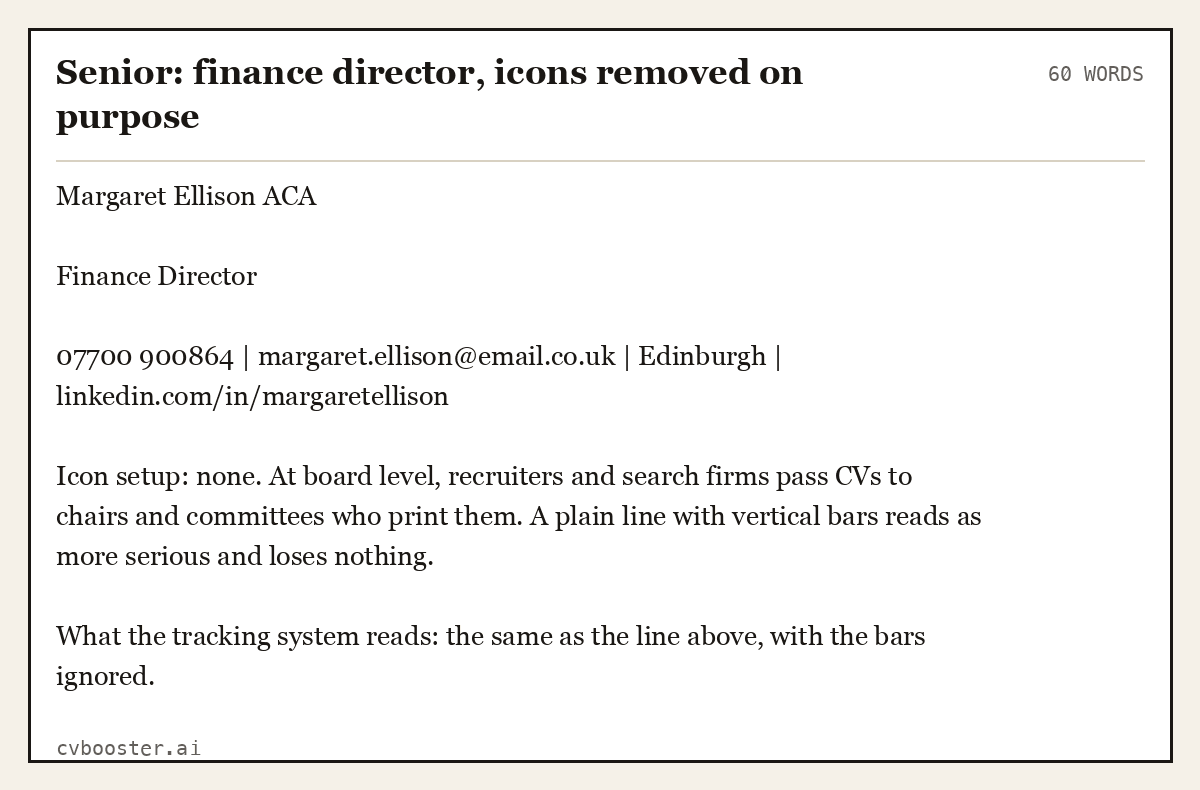
Senior: finance director, icons removed on purpose (60 words)
Margaret Ellison ACA
Finance Director
07700 900864 | margaret.ellison@email.co.uk | Edinburgh | linkedin.com/in/margaretellison
Icon setup: none. At board level, recruiters and search firms pass CVs to chairs and committees who print them. A plain line with vertical bars reads as more serious and loses nothing.
What the tracking system reads: the same as the line above, with the bars ignored.
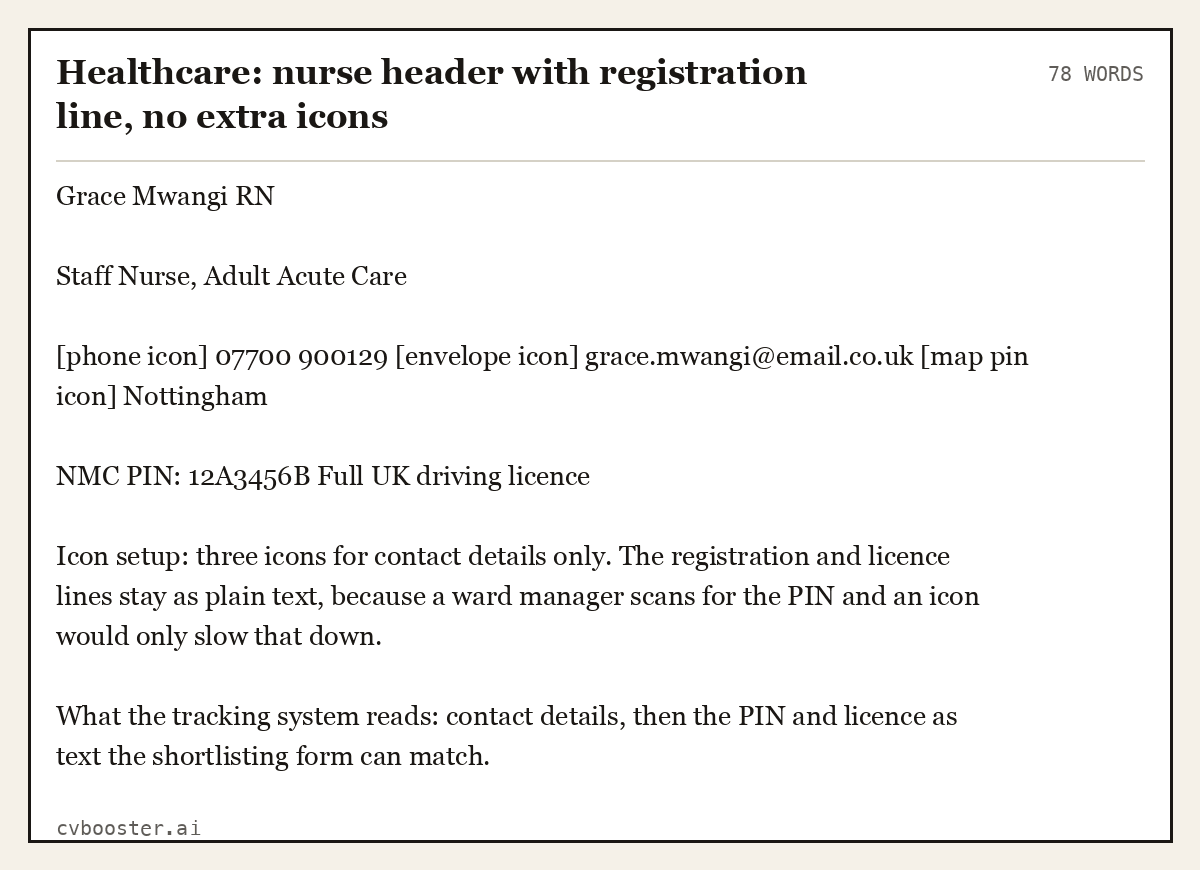
Healthcare: nurse header with registration line, no extra icons (78 words)
Grace Mwangi RN
Staff Nurse, Adult Acute Care
[phone icon] 07700 900129 [envelope icon] grace.mwangi@email.co.uk [map pin icon] Nottingham
NMC PIN: 12A3456B Full UK driving licence
Icon setup: three icons for contact details only. The registration and licence lines stay as plain text, because a ward manager scans for the PIN and an icon would only slow that down.
What the tracking system reads: contact details, then the PIN and licence as text the shortlisting form can match.
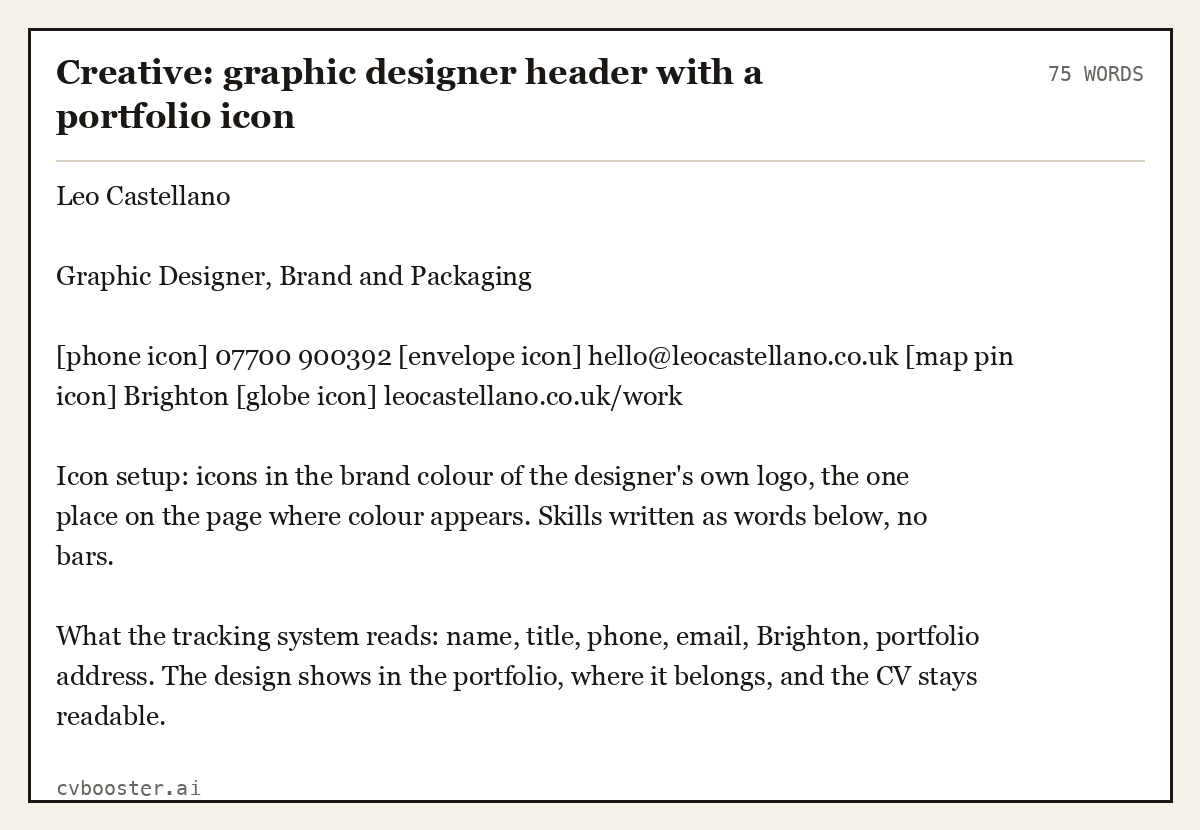
Creative: graphic designer header with a portfolio icon (75 words)
Leo Castellano
Graphic Designer, Brand and Packaging
[phone icon] 07700 900392 [envelope icon] hello@leocastellano.co.uk [map pin icon] Brighton [globe icon] leocastellano.co.uk/work
Icon setup: icons in the brand colour of the designer's own logo, the one place on the page where colour appears. Skills written as words below, no bars.
What the tracking system reads: name, title, phone, email, Brighton, portfolio address. The design shows in the portfolio, where it belongs, and the CV stays readable.
Icons, screen readers and accessibility
An icon that sits beside its text is decorative, and that is the safe kind. The W3C's tutorial on decorative images explains it: "Decorative images don’t add information to the content of a page." That is exactly how a CV icon should behave. A reader using a screen reader, or a hiring manager reading your CV on a phone with images blocked, gets every detail from the text. If your CV would stop making sense with the icons deleted, they are not decorative and you need to fix the CV.
Where to get CV icons
Word for Microsoft 365 has a built-in icon library under Insert, Icons; search "phone", "mail", "location". Google Docs has Insert, Special characters, which gives you symbol characters rather than images. Free icon libraries online offer matching sets; download one set and use only that set, and read the licence, because some free libraries ask for a credit line when you use their icons. A credit line has no place on a CV, so choose a set that does not need one.
If you are building the CV from a template, check how its icons are made before you fill it in. Our guide to an ATS friendly CV layout shows what parses and what does not, the one page CV guide covers how much fits in the header, and the CV photo guide covers the other picture people ask about. For design, video and writing jobs, our creative industry CV examples show six complete CVs with the portfolio link in the header.
Frequently asked questions
Should I use icons on my CV?
You can, as long as each icon sits beside its text and never replaces it. Four icons for phone, email, location and LinkedIn are enough for most CVs. Keep them small, one colour and in the header only. If your field is conservative, such as law, finance or senior management, a plain line without icons works just as well.
Do icons on a CV affect ATS?
The icon itself is usually ignored by an applicant tracking system, which is fine if the text is next to it. Problems start when an icon replaces a word, sits inside a table or text box, or forms part of a sidebar, because the system may skip or scramble those parts. Test by copying your PDF into a plain document.
What icons should I put on a CV?
A phone handset next to your number, an envelope next to your email, a map pin next to your town or city and the LinkedIn logo next to your profile address. Add a globe for a portfolio or a code icon for a repository if your field uses them. Leave out skill bars, star ratings, hobby pictograms and flags.
Where can I find free CV icons?
Word for Microsoft 365 has an icon library under Insert, Icons, and Google Docs offers symbol characters under Insert, Special characters. Free icon websites have full matching sets. Pick one set so every icon has the same style, and check the licence: some free sets require a credit line, which you cannot put on a CV.
Should I put a LinkedIn icon on my CV?
Yes, if your profile matches the CV and you want employers to look at it. Type the full profile address after the icon, such as linkedin.com/in/yourname, because a clickable icon with no visible address is lost when the CV is printed or parsed. Set a short custom address in your LinkedIn public profile settings first.
Are emoji acceptable as CV icons?
No. Emoji look different on every phone and computer, some applicant tracking systems turn them into question marks or empty boxes, and they read as casual to most employers. Use proper icons from one set, or symbol characters from your word processor, and keep the text beside each one.
Related articles
- Resume Icons: When to Use Them and 5 Clean Examples
- Accountancy CV Example: 6 UK Accounts CVs by Career Level
- Accounting Interview Questions and Answers: 7 Full Examples
- Activity Resume Example: 6 Samples for College Applications
More articles
- CV Language: How to List Language Skills and Levels
- CV Personal Statement With No Experience: 8 UK Examples
- CV Template for Finance: 6 UK Finance CVs by Career Level
Looking for a worked example for your job title? Browse the resume examples by job title.