CV Maker App: How to Make a CV on Your iPhone, Step by Step
By Mustafa Tarabya, founder of CVBooster · Published · Updated
8 min read
To make a CV with the CVBooster app, download it free from the App Store, start a CV without creating an account, pick a template, type each section, adapt the example bullets for your job title, then export a PDF and send it from your phone. The one constraint: the app is iPhone only, and the free PDF carries a watermark, so a clean PDF, the AI rewriting and cover letters need Pro. What a UK CV should contain comes from the National Careers Service, quoted below. Below are the steps, a CV built from start to finish, and the free and paid parts. Written by Mustafa Tarabya, who hired for his own company, read every application himself and now writes CVBooster's guides.
Writing a CV on a phone has a reputation, mostly earned by autocorrect, which has been quietly turning "liaised with suppliers" into "liaised with surprises" for years. A CV maker app takes the layout off your hands. The thinking stays with you, which is the part that gets interviews anyway.
Example 1: Callum's work history, typed on an iPhone
Callum Reid, 27, is a warehouse team leader in Leeds applying for a logistics coordinator job. He has no laptop, so he builds the CV on his iPhone on the bus. His work history, after rewriting the app's example bullets:
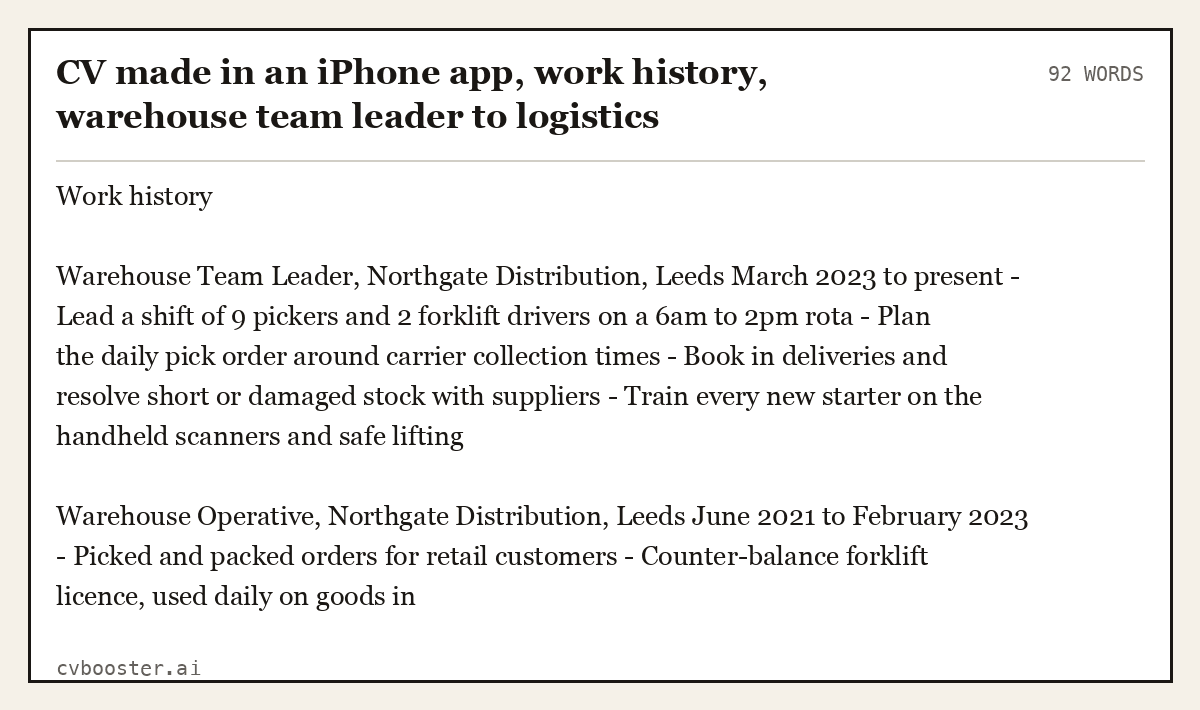
CV made in an iPhone app, work history, warehouse team leader to logistics coordinator, 5 years, 94 words (92 words)
Work history
Warehouse Team Leader, Northgate Distribution, Leeds March 2023 to present - Lead a shift of 9 pickers and 2 forklift drivers on a 6am to 2pm rota - Plan the daily pick order around carrier collection times - Book in deliveries and resolve short or damaged stock with suppliers - Train every new starter on the handheld scanners and safe lifting
Warehouse Operative, Northgate Distribution, Leeds June 2021 to February 2023 - Picked and packed orders for retail customers - Counter-balance forklift licence, used daily on goods in
What the sifter is scoring
- Planning sits in the second line. A coordinator plans, and the pick order is his best evidence of planning, so it goes near the top.
- Every bullet is something he does. He cut the example bullets that did not fit and added the supplier work only he could describe.
What the CVBooster app does, according to its App Store listing
I built CVBooster after years of reading the pile myself. The iPhone app is the phone version of the website: its App Store listing says it uses "The same templates as cvbooster.ai, rendered by the same engine, so what you see is what prints." Here is what matters for a CV:
- No account. The listing says: "There is no signup, no email, no password. Every keystroke is saved on your device."
- Example bullets for your role. "Search 456 job titles and insert example bullets written for that role, then edit every word."
- A PDF software can read. The app exports "a text-based PDF", which matters because applicant tracking systems read text, not pictures. More on that in our free ATS resume checker guide.
- One subscription for app and web. "CVBooster Pro works here and on cvbooster.ai. Subscribe once. Nobody pays twice."
If you want the general method for any phone, with Google Docs, Word or Pages, read how to do a resume on your phone. This page is about one app.
How to make a CV in the app: the steps
- Download CVBooster from the App Store. The listing says it needs iOS 17.0 or later and is made for iPhone.
- Start a new CV. No account, no email address, no password.
- Pick a template. Some are free, Pro unlocks all of them. For a UK job, a clean single-column layout is safe.
- Add your contact details: name, phone number, email address and a LinkedIn link if you have one.
- Write a short introduction of two or three lines under your name.
- Fill in your work history, most recent job first. Search your job title, insert the example bullets that fit, and rewrite each one until it is true.
- Add education, skills and any licences or certificates the job asks for.
- Read the full preview line by line for typos and dates that do not line up.
- Export the PDF. The free export is watermarked; with Pro it is clean.
- Send it from your email app or upload it to the employer's portal.
The National Careers Service lists the sections: "Your CV should include a section for your contact details, an introduction, your education history, your work history and references." It also says what to leave out: "You should not include your age, your date of birth, whether you're married or your nationality." Its guide to CV sections also advises: "use headings and bullet points to make it easier to read". The templates handle the headings; the bullets are on you.
The AI parts: what Pro adds
The listing names what Pro adds: a "Clean export with no watermark", all the templates, "AI rewriting that turns a flat line into three stronger alternatives you choose between", "Cover letters written against a specific job" and "An ATS report that scores the match and names what is missing."
So if you searched for an AI resume app, this is the honest version: the AI suggests, you choose, and the facts still come from you. When I hired, the applications that got a call answered my advert point by point. The National Careers Service says the same thing more politely: "You should tailor your CV to the job or opportunity you’re applying for." Use the ATS report to see which requirements your CV does not mention yet, then add evidence for them. See tailoring a resume to a job application and whether an AI resume builder is worth it.
Example 2: Callum's cover letter, after editing
The advert asks for delivery planning, carrier liaison and a warehouse management system. Callum generated a cover letter in the app, cut two generic sentences and moved his carrier work to the top.
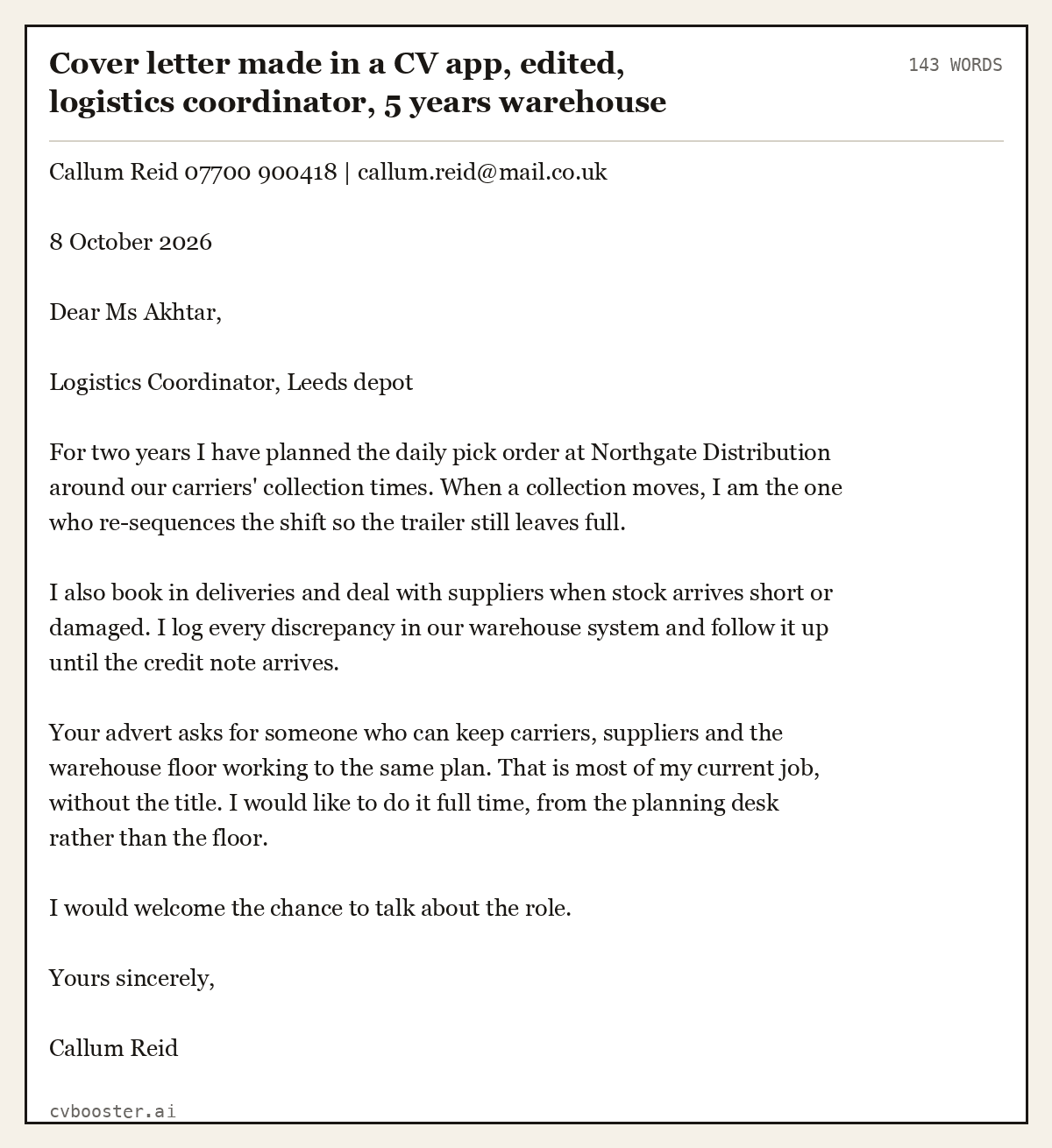
Cover letter made in a CV app, edited, logistics coordinator, 5 years warehouse experience, 151 words (143 words)
Callum Reid 07700 900418 | callum.reid@mail.co.uk
8 October 2026
Dear Ms Akhtar,
Logistics Coordinator, Leeds depot
For two years I have planned the daily pick order at Northgate Distribution around our carriers' collection times. When a collection moves, I am the one who re-sequences the shift so the trailer still leaves full.
I also book in deliveries and deal with suppliers when stock arrives short or damaged. I log every discrepancy in our warehouse system and follow it up until the credit note arrives.
Your advert asks for someone who can keep carriers, suppliers and the warehouse floor working to the same plan. That is most of my current job, without the title. I would like to do it full time, from the planning desk rather than the floor.
I would welcome the chance to talk about the role.
Yours sincerely,
Callum Reid
What the sifter is scoring
- The first sentence is evidence. No "I am writing to apply". The advert's first requirement is answered in line one.
- "Without the title" does the career-change work. Ready for the job, no apology for not having held it.
Is there a free CV maker app? What is free and what is paid
The app is free to download. Under "FREE FOREVER" the listing promises: "Unlimited resumes, unlimited edits, full preview, and a watermarked PDF export. No time limit, no trial countdown, no lost work."
| Free | Pro | |
|---|---|---|
| Create and edit CVs | unlimited | unlimited |
| Full preview | yes | yes |
| PDF export | with watermark | clean |
| Templates | some | all |
| AI rewriting of a line | no | yes |
| Cover letter for a specific job | no | yes |
| ATS match report | no | yes |
On price, the listing says: "$16.99 per month, or $99.00 per year with 3 days free. Local prices vary by country." The free version is enough to write and finish your CV. I would not send a watermarked PDF to an employer. If you want to compare costs across the market, see the real cost of resume builders.
To cancel, Apple's own subscription guide gives the steps on an iPhone: "In Settings, tap your name." Then "Tap Subscriptions." and pick CVBooster Pro.
Example 3: the email Callum sends from his phone
The exported PDF sits on his iPhone, so he attaches it to a short email. On subject lines and attachments, see how to write a job application email.
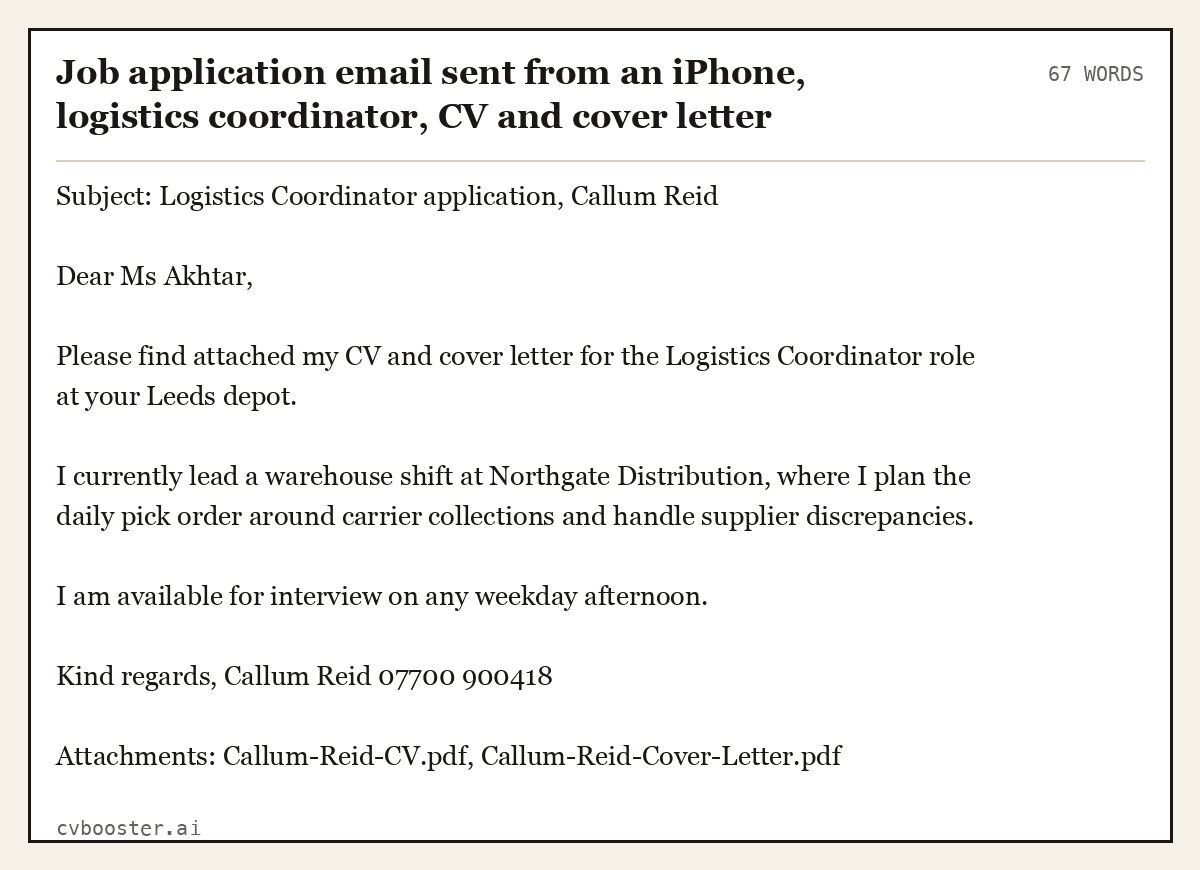
Job application email sent from an iPhone, logistics coordinator, CV and cover letter attached as PDF, 72 words (67 words)
Subject: Logistics Coordinator application, Callum Reid
Dear Ms Akhtar,
Please find attached my CV and cover letter for the Logistics Coordinator role at your Leeds depot.
I currently lead a warehouse shift at Northgate Distribution, where I plan the daily pick order around carrier collections and handle supplier discrepancies.
I am available for interview on any weekday afternoon.
Kind regards, Callum Reid 07700 900418
Attachments: Callum-Reid-CV.pdf, Callum-Reid-Cover-Letter.pdf
Two short examples for other jobs
Example 4, introduction for a school leaver: Amira Haddad, 18, typed this under her name for a Saturday job at a garden centre: "A-level student in Hull with a year of weekend volunteering at a community garden. Comfortable with customers, cash and early starts. Looking for Saturday and holiday work in retail."
Example 5, two example bullets rewritten for a care assistant: Daniel Okafor searched his job title in the app, kept two bullets and rewrote them to fit his job: "Supported 6 residents a shift with washing, dressing and meals, following each care plan" and "Recorded fluid intake and changes in mood on the home's electronic care system".
Frequently asked questions
What is the best way to make a CV on an iPhone?
Use an app built for CVs, so the layout is done for you. In CVBooster you start without an account, pick a template, fill in each section, adapt example bullets for your job title and export a PDF. Then read the preview line by line before you send anything.
Is there a free CV maker app?
CVBooster is free to download. The free version gives you unlimited CVs, unlimited edits, a full preview and a PDF export with a watermark, with no time limit. A clean PDF, all templates, AI rewriting, cover letters and the ATS report are part of CVBooster Pro.
Can an app write my CV with AI?
With CVBooster Pro, the AI rewrites a weak line into three stronger alternatives and you pick one. It can also write a cover letter against a specific job. It cannot know what you did at work, so every fact still comes from you, and you should check every line before sending.
Do I need an account to make a CV in the app?
No. The App Store listing says there is no signup, no email and no password, and that everything you type is saved on your iPhone. You only deal with Apple if you buy Pro, because the subscription is charged to your Apple Account and managed in your iPhone settings.
Can I send my CV straight from my phone?
Yes. After you export, the PDF is saved on your iPhone. Attach it to an email or upload it to the employer's application portal. Name the file with your full name, and use a subject line that states the job title so the email is easy to find.
Related articles
- German CV Format: 5 Lebenslauf Samples and the Rules
- Accounting Executive Resume: 5 Examples by Career Level
- Administration Resume Examples: 8 Samples, Entry to Manager
- Aged Care Resume: 6 Australian Examples and a Template
More articles
- CV Personal Statement With No Experience: 8 UK Examples
- CV Template for Finance: 6 UK Finance CVs by Career Level
- CV vs Resume: Which One Do You Actually Send?
Looking for a worked example for your job title? Browse the resume examples by job title.