Resume Template Open Office: 6 Plain Layouts to Copy
By CVBooster Team · Published · Updated
6 min read
An Open Office resume template is a Writer document with the fonts, margins and headings already set, so you only replace the words. The safest layout is the plainest one: a single column, one font, a line for each heading and no tables. Below are six complete resume layouts, checked in November 2026, that you can type straight into Writer, then how to save your own template and export a clean PDF.
Free resume templates for Open Office tend to arrive with a two-column layout, a photo box and a skills bar chart that rates you on Excel. Nobody can tell what four-fifths of Excel looks like. Start from plain text and keep the formatting boring.
Example 1: the plain layout every other layout starts from
Type it as normal paragraphs, make the name 16 points bold, make headings 11 points bold capitals, and use 10.5 to 11 points for the body.
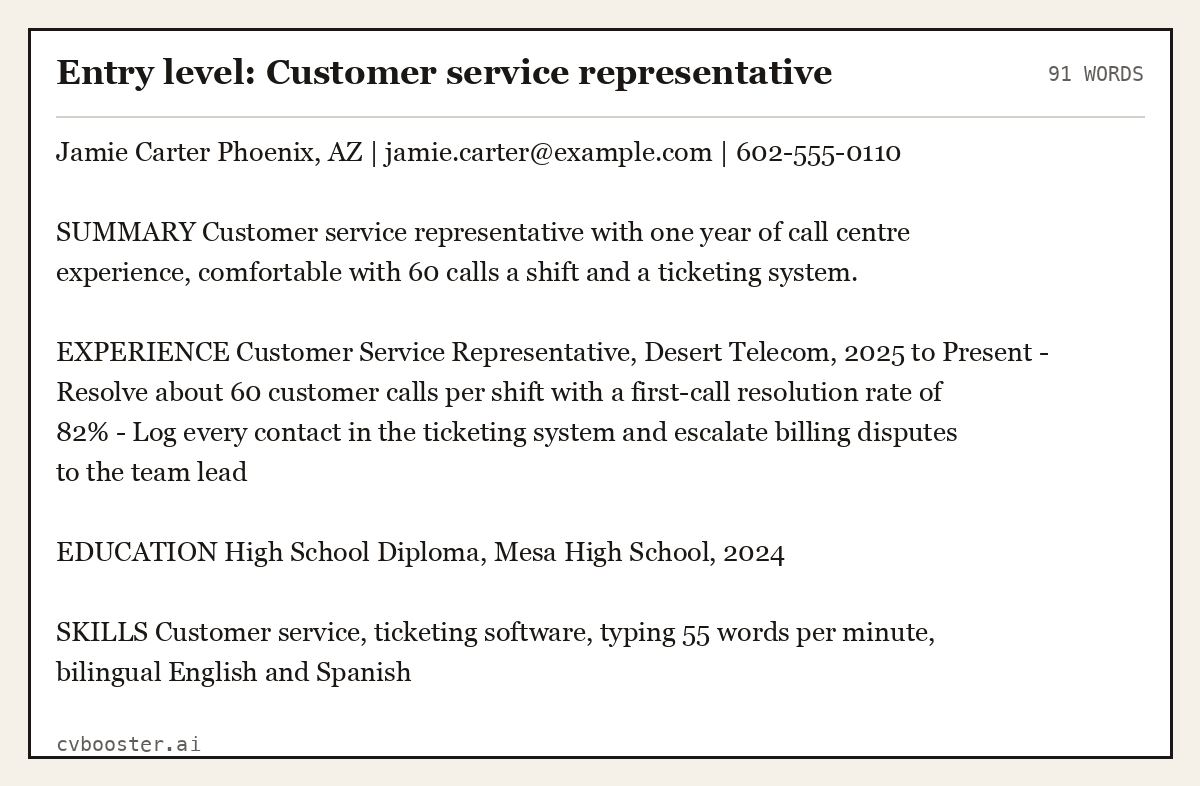
Entry level: Customer service representative (91 words)
Jamie Carter Phoenix, AZ | jamie.carter@example.com | 602-555-0110
SUMMARY Customer service representative with one year of call centre experience, comfortable with 60 calls a shift and a ticketing system.
EXPERIENCE Customer Service Representative, Desert Telecom, 2025 to Present - Resolve about 60 customer calls per shift with a first-call resolution rate of 82% - Log every contact in the ticketing system and escalate billing disputes to the team lead
EDUCATION High School Diploma, Mesa High School, 2024
SKILLS Customer service, ticketing software, typing 55 words per minute, bilingual English and Spanish
Create my CV
Or start from one of our free resume templates
How to set up a template in Writer
The Apache OpenOffice Writer Guide explains the idea: "A template is a set of predefined styles and formatting." In its guide to starting a new document, a new document can be started from a template through the Start Center or File, New, Templates and Documents.
To keep your own layout, finish one resume, then follow the steps on the Apache OpenOffice wiki page on adding your own templates: save the file as a template, open File, Templates, Organize, choose My Templates and import it. From then on you start every application from a clean copy, and the original stays untouched.
When it is time to send, the Apache OpenOffice guide to exporting to PDF states: "OpenOffice.org can export documents to PDF (Portable Document Format)." Use File, then Export as PDF, so you control the page range and image settings rather than relying on a quick export.
Five more layouts to copy
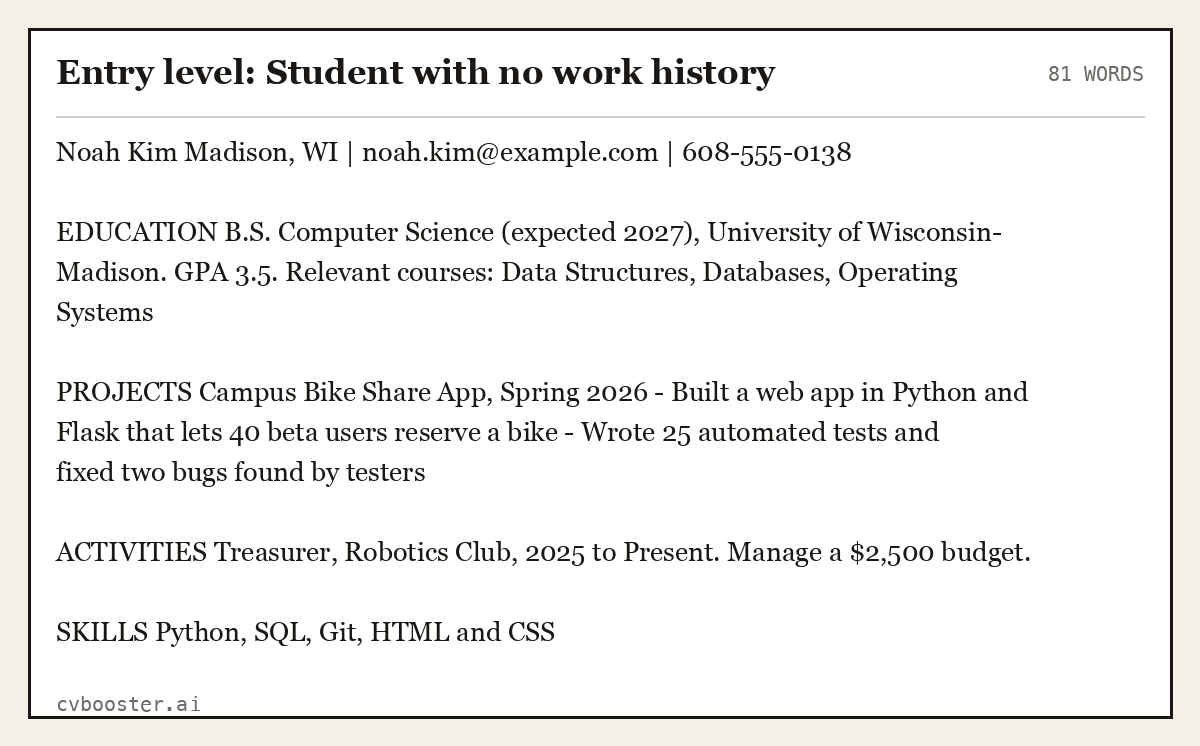
Entry level: Student with no work history (81 words)
Noah Kim Madison, WI | noah.kim@example.com | 608-555-0138
EDUCATION B.S. Computer Science (expected 2027), University of Wisconsin-Madison. GPA 3.5. Relevant courses: Data Structures, Databases, Operating Systems
PROJECTS Campus Bike Share App, Spring 2026 - Built a web app in Python and Flask that lets 40 beta users reserve a bike - Wrote 25 automated tests and fixed two bugs found by testers
ACTIVITIES Treasurer, Robotics Club, 2025 to Present. Manage a $2,500 budget.
SKILLS Python, SQL, Git, HTML and CSS
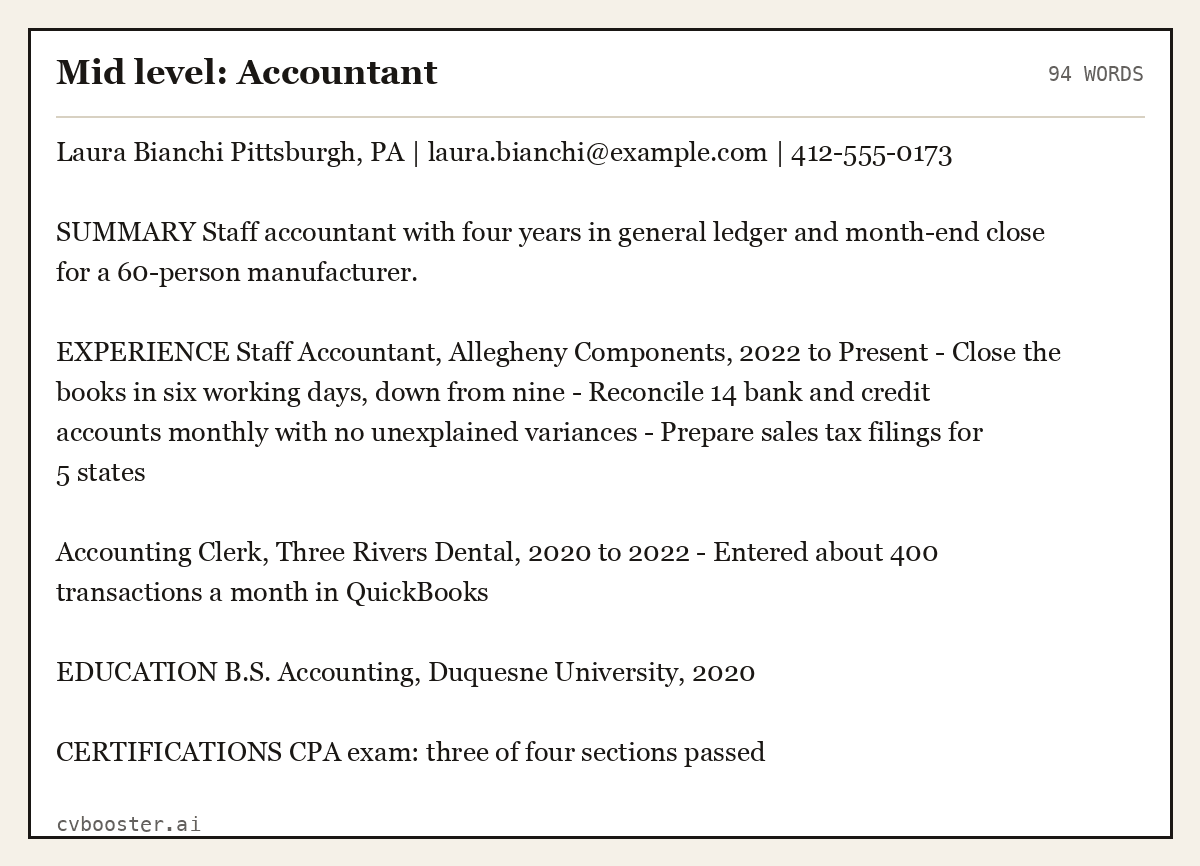
Mid level: Accountant (94 words)
Laura Bianchi Pittsburgh, PA | laura.bianchi@example.com | 412-555-0173
SUMMARY Staff accountant with four years in general ledger and month-end close for a 60-person manufacturer.
EXPERIENCE Staff Accountant, Allegheny Components, 2022 to Present - Close the books in six working days, down from nine - Reconcile 14 bank and credit accounts monthly with no unexplained variances - Prepare sales tax filings for 5 states
Accounting Clerk, Three Rivers Dental, 2020 to 2022 - Entered about 400 transactions a month in QuickBooks
EDUCATION B.S. Accounting, Duquesne University, 2020
CERTIFICATIONS CPA exam: three of four sections passed
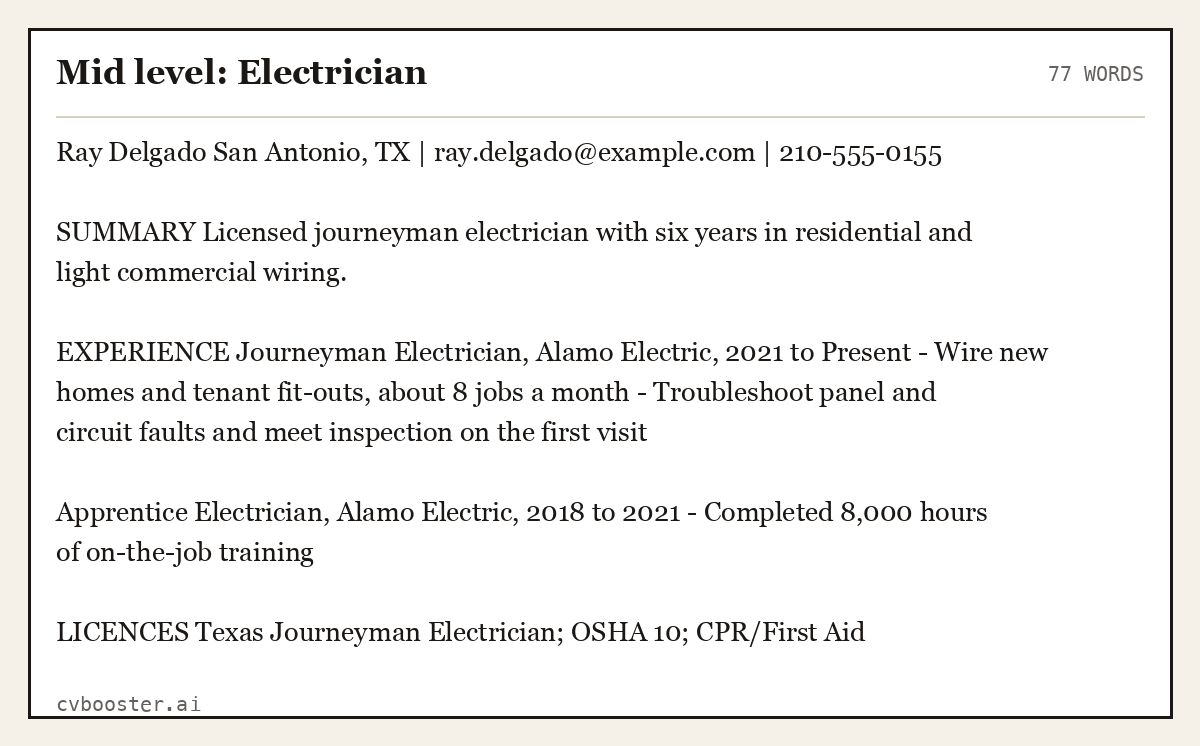
Mid level: Electrician (77 words)
Ray Delgado San Antonio, TX | ray.delgado@example.com | 210-555-0155
SUMMARY Licensed journeyman electrician with six years in residential and light commercial wiring.
EXPERIENCE Journeyman Electrician, Alamo Electric, 2021 to Present - Wire new homes and tenant fit-outs, about 8 jobs a month - Troubleshoot panel and circuit faults and meet inspection on the first visit
Apprentice Electrician, Alamo Electric, 2018 to 2021 - Completed 8,000 hours of on-the-job training
LICENCES Texas Journeyman Electrician; OSHA 10; CPR/First Aid
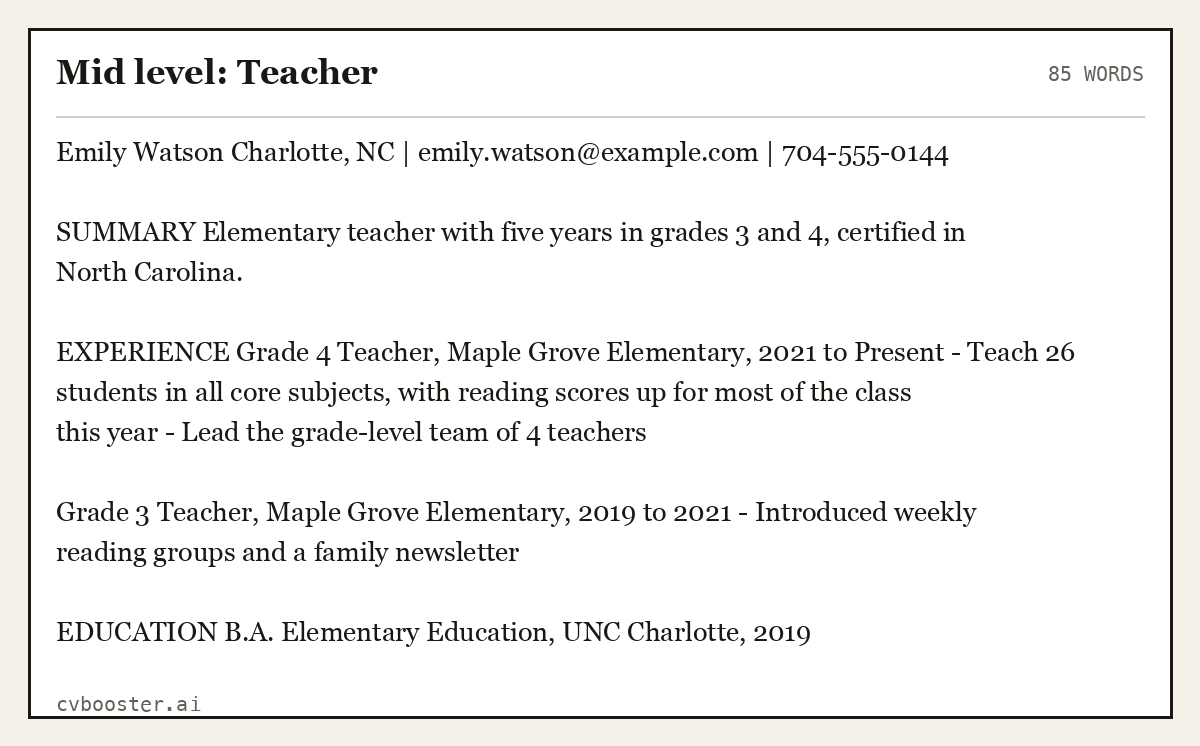
Mid level: Teacher (85 words)
Emily Watson Charlotte, NC | emily.watson@example.com | 704-555-0144
SUMMARY Elementary teacher with five years in grades 3 and 4, certified in North Carolina.
EXPERIENCE Grade 4 Teacher, Maple Grove Elementary, 2021 to Present - Teach 26 students in all core subjects, with reading scores up for most of the class this year - Lead the grade-level team of 4 teachers
Grade 3 Teacher, Maple Grove Elementary, 2019 to 2021 - Introduced weekly reading groups and a family newsletter
EDUCATION B.A. Elementary Education, UNC Charlotte, 2019
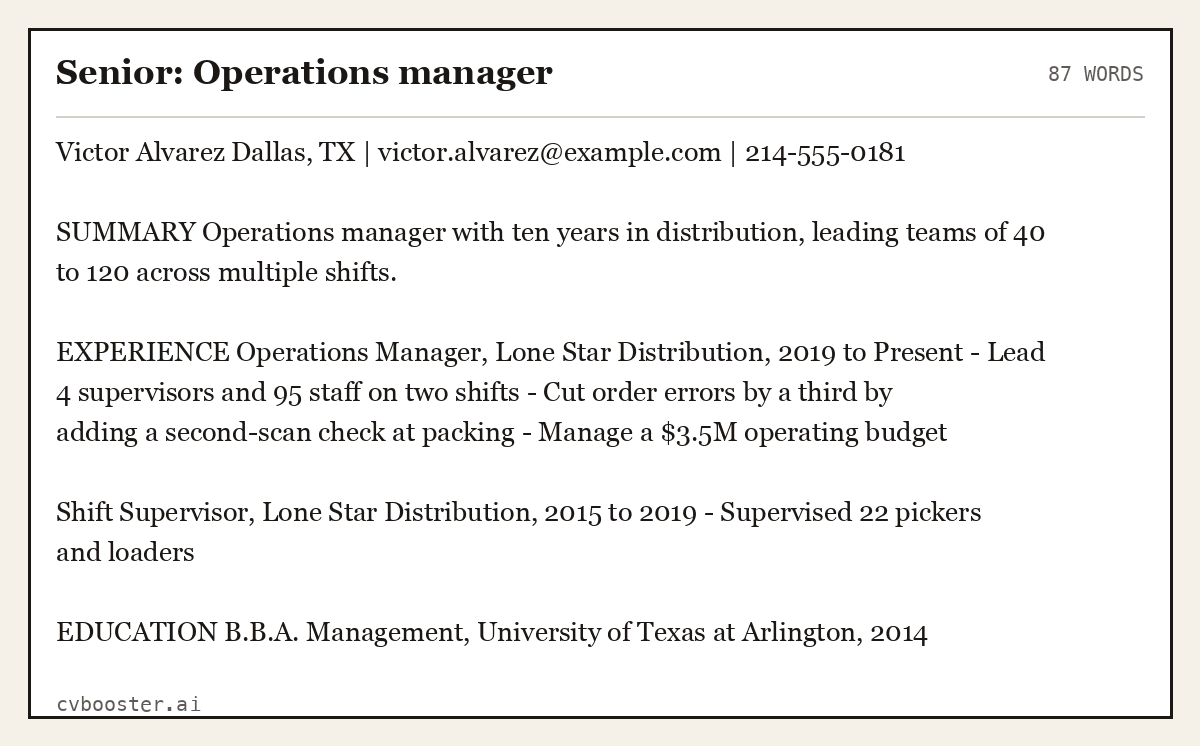
Senior: Operations manager (87 words)
Victor Alvarez Dallas, TX | victor.alvarez@example.com | 214-555-0181
SUMMARY Operations manager with ten years in distribution, leading teams of 40 to 120 across multiple shifts.
EXPERIENCE Operations Manager, Lone Star Distribution, 2019 to Present - Lead 4 supervisors and 95 staff on two shifts - Cut order errors by a third by adding a second-scan check at packing - Manage a $3.5M operating budget
Shift Supervisor, Lone Star Distribution, 2015 to 2019 - Supervised 22 pickers and loaders
EDUCATION B.B.A. Management, University of Texas at Arlington, 2014
The ODT file format itself is an international standard. The Library of Congress format description for ODT calls it "a format for editable textual documents", which is why you keep it as an editable master and send a PDF.
Formatting rules that survive any program
- Margins of 0.7 to 1 inch. Set them in Format, Page, before you type.
- One font, two sizes. A standard font in 10.5 to 11 points for the body.
- Bullets from the toolbar. Do not type dashes or asterisks by hand.
- No tables, text boxes or columns. They break when the file is opened elsewhere and confuse screening software.
- Save a copy in ODT and send a PDF. The ODT is your master and the PDF is what the employer sees.
- Check the PDF. Open it and read every page before sending.
If you need a Word file, ask your program for a Microsoft Word format when saving, then open it once to check the spacing. For help choosing between the two file types, see our PDF or Word for resume guide. The blank resume template, the Microsoft Word resume templates and the Google Docs resume templates cover the other programs, and the resume format guide explains which layout to pick.
What to leave out
- Skill bars and ratings. They say nothing, and screening software ignores them.
- A photo box. Leave it out unless the country expects one.
- Fancy fonts that need to be installed. The reader may not have them.
- Template placeholder text. Search the file for lorem and sample before sending.
Frequently asked questions
Does Open Office have a resume template?
The OpenOffice template gallery lists free resume templates, and you can also build your own in Writer. A plain single-column layout is enough.
How do I make a resume in Open Office Writer?
Open a new text document, set margins, type your name and sections, apply one font and save. Then export as PDF to send.
Can I use a Word resume template in Open Office?
Yes, Writer opens Word files. Check the spacing and the page count after opening, because layouts can shift.
Should I send an ODT file to employers?
No. Most employers expect PDF or Word. Keep the ODT as your master copy.
How do I save my resume as a template in Open Office?
Save the document as a template, then import it through File, Templates, Organize so it shows up in My Templates.
Is Open Office good enough for a resume?
Yes. Writer does everything a one-page resume needs: fonts, bullets, margins and PDF export.
Related articles
- Additional Info for Resume: 6 Examples of What to Add
- Address Format in Resume: 6 Header Examples to Copy
- CV for Scientists: 6 Complete Examples by Career Stage
- Detailed Synonym for Resume: 30 Words and 8 Rewrites
More articles
- Resume Templates for MacBook: 6 Layouts That Work Well
- Resume in Past Tense or Present: The Rule and 6 Examples
- Resume Translation: How to Translate Your Resume Right
Looking for a worked example for your job title? Browse the resume examples by job title.