Resume Templates for MacBook: 6 Layouts That Work Well
By CVBooster Team · Published · Updated
5 min read
On a MacBook you have three ways to start a resume: a template in Pages, a Word template if you have Microsoft Word installed, or an online builder that runs in Safari or Chrome. All three work. What decides whether the resume gets read is the layout, not the app: one column, standard headings, plain fonts. Below are six complete layouts that follow those rules, then the steps for building and exporting one on a Mac.
Most Mac template packs look like a design school thesis: two columns, a headshot, a skills bar chart at 80 percent. The screening software sees a pile of text boxes. You see a resume. They are not looking at the same document.
Example 1: the plain one-column layout, first job
The safest template is the dullest one. Name, contact line, summary, experience, education, skills, in that order.
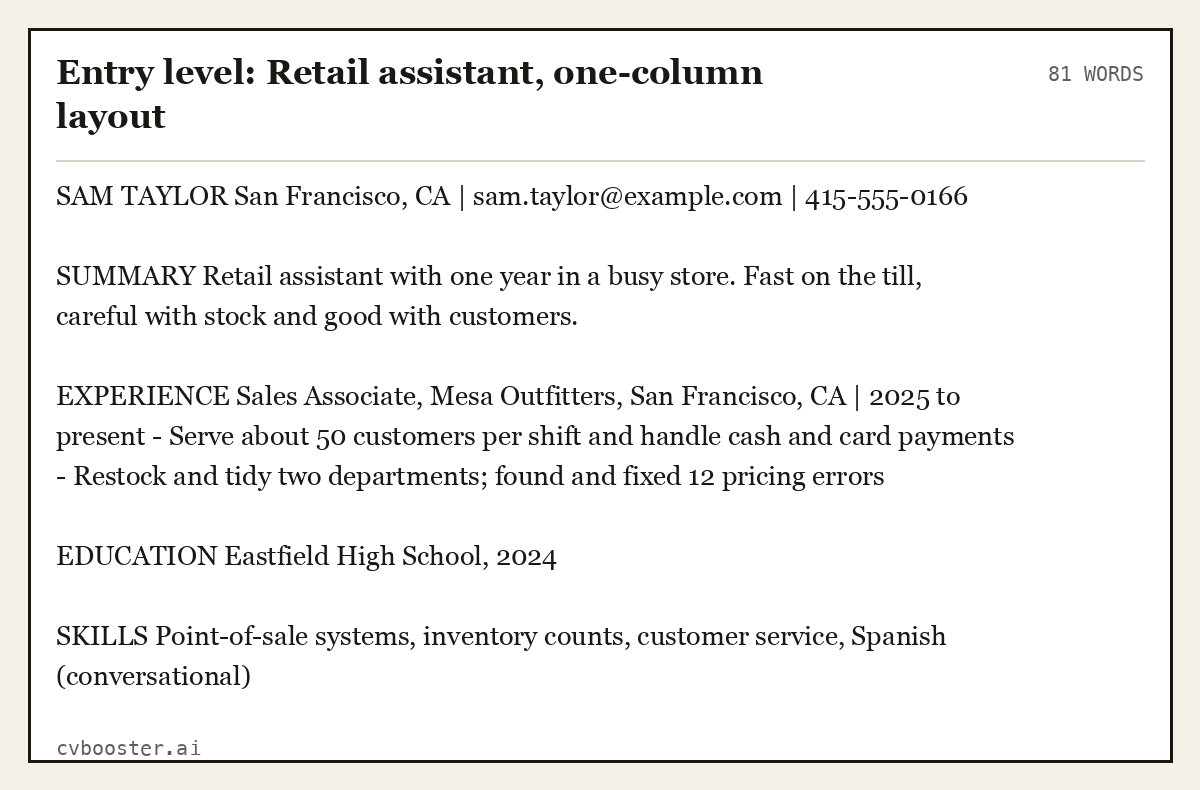
Entry level: Retail assistant, one-column layout (81 words)
SAM TAYLOR San Francisco, CA | sam.taylor@example.com | 415-555-0166
SUMMARY Retail assistant with one year in a busy store. Fast on the till, careful with stock and good with customers.
EXPERIENCE Sales Associate, Mesa Outfitters, San Francisco, CA | 2025 to present - Serve about 50 customers per shift and handle cash and card payments - Restock and tidy two departments; found and fixed 12 pricing errors
EDUCATION Eastfield High School, 2024
SKILLS Point-of-sale systems, inventory counts, customer service, Spanish (conversational)
Create my CV
Or start from one of our free resume templates
What Apple and the government guides say
Apple's Pages guide explains how templates work: every document begins with a template, "a model you can use as a starting point." It also tells you what to do next: "Simply replace the template text and images with your own content." The page that covers Pages for Mac also lists exporting to Word and PDF, which is the step that matters when an employer asks for a file.
The Social Security Administration's work site, in its guide to an ATS-friendly resume, is blunt about decorative layouts: "do not use pictures, tables, columns, text boxes or any other type of graphic element." That rules out most of the stylish templates in the Pages gallery. On file type it says "make sure it is saved as a PDF or DOCX file."
The University of Pittsburgh's career center, in its applicant tracking system tips, adds a Mac-relevant warning: convert or save as a PDF, and do not use a print-to-PDF route to upload. In Pages, use File, Export To, PDF rather than printing.
Five more resume layouts that work on a Mac
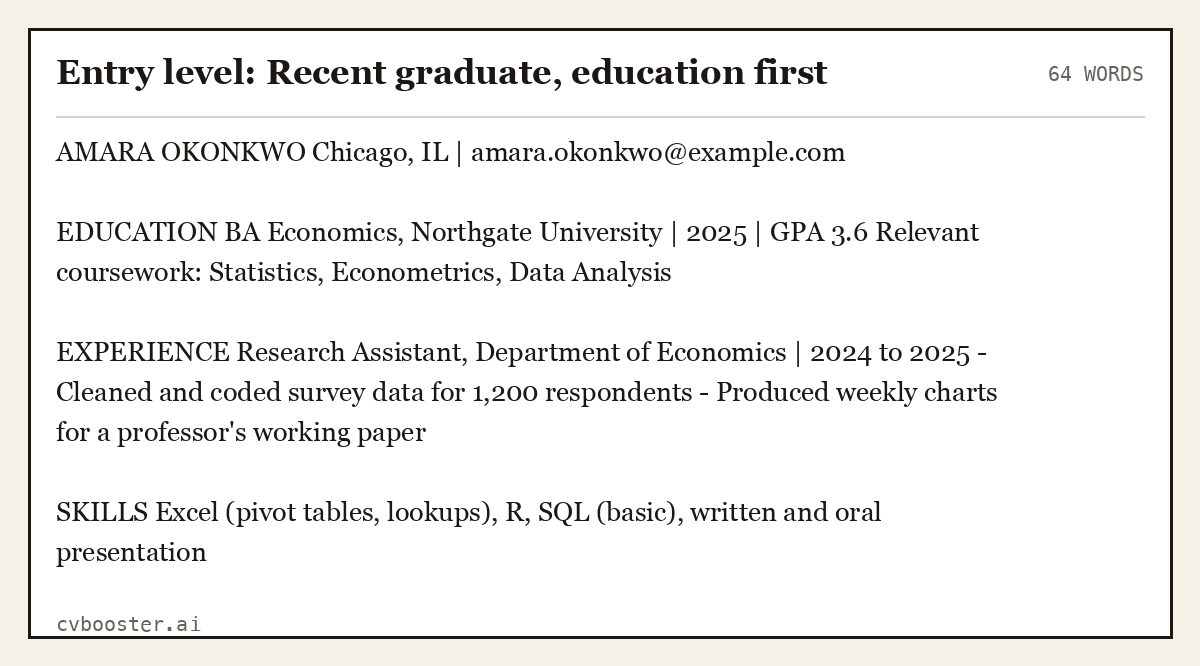
Entry level: Recent graduate, education first (64 words)
AMARA OKONKWO Chicago, IL | amara.okonkwo@example.com
EDUCATION BA Economics, Northgate University | 2025 | GPA 3.6 Relevant coursework: Statistics, Econometrics, Data Analysis
EXPERIENCE Research Assistant, Department of Economics | 2024 to 2025 - Cleaned and coded survey data for 1,200 respondents - Produced weekly charts for a professor's working paper
SKILLS Excel (pivot tables, lookups), R, SQL (basic), written and oral presentation
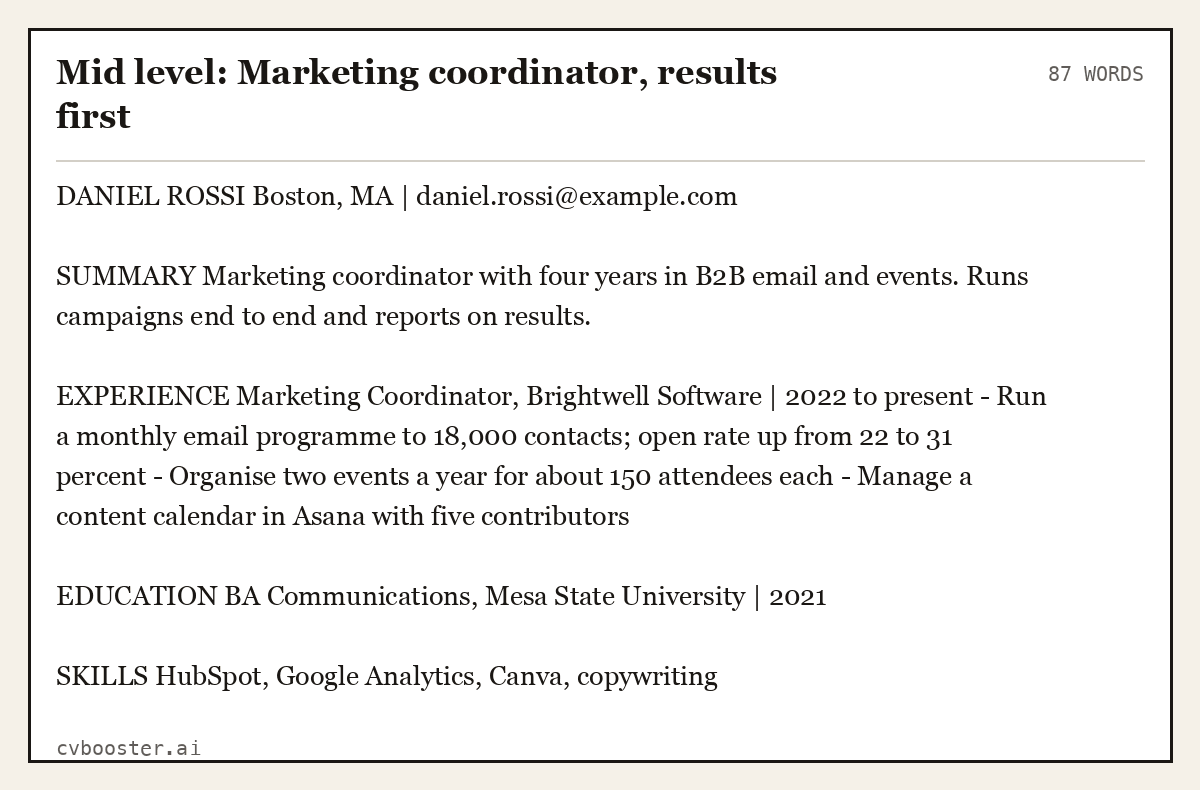
Mid level: Marketing coordinator, results first (87 words)
DANIEL ROSSI Boston, MA | daniel.rossi@example.com
SUMMARY Marketing coordinator with four years in B2B email and events. Runs campaigns end to end and reports on results.
EXPERIENCE Marketing Coordinator, Brightwell Software | 2022 to present - Run a monthly email programme to 18,000 contacts; open rate up from 22 to 31 percent - Organise two events a year for about 150 attendees each - Manage a content calendar in Asana with five contributors
EDUCATION BA Communications, Mesa State University | 2021
SKILLS HubSpot, Google Analytics, Canva, copywriting
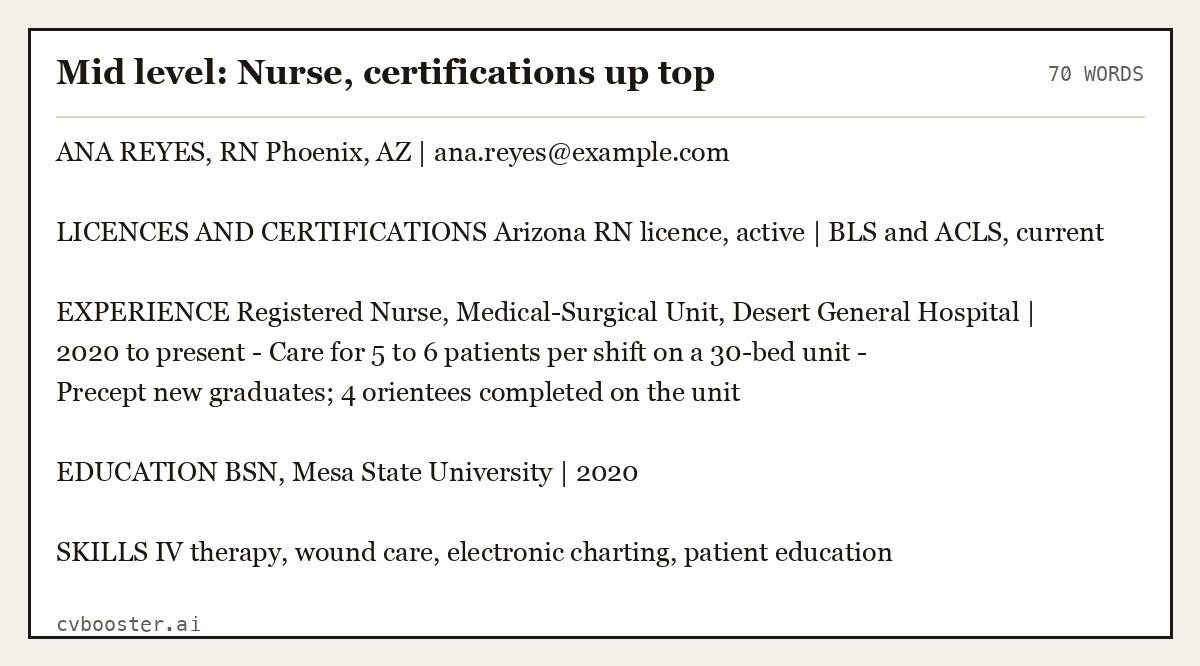
Mid level: Nurse, certifications up top (70 words)
ANA REYES, RN Phoenix, AZ | ana.reyes@example.com
LICENCES AND CERTIFICATIONS Arizona RN licence, active | BLS and ACLS, current
EXPERIENCE Registered Nurse, Medical-Surgical Unit, Desert General Hospital | 2020 to present - Care for 5 to 6 patients per shift on a 30-bed unit - Precept new graduates; 4 orientees completed on the unit
EDUCATION BSN, Mesa State University | 2020
SKILLS IV therapy, wound care, electronic charting, patient education
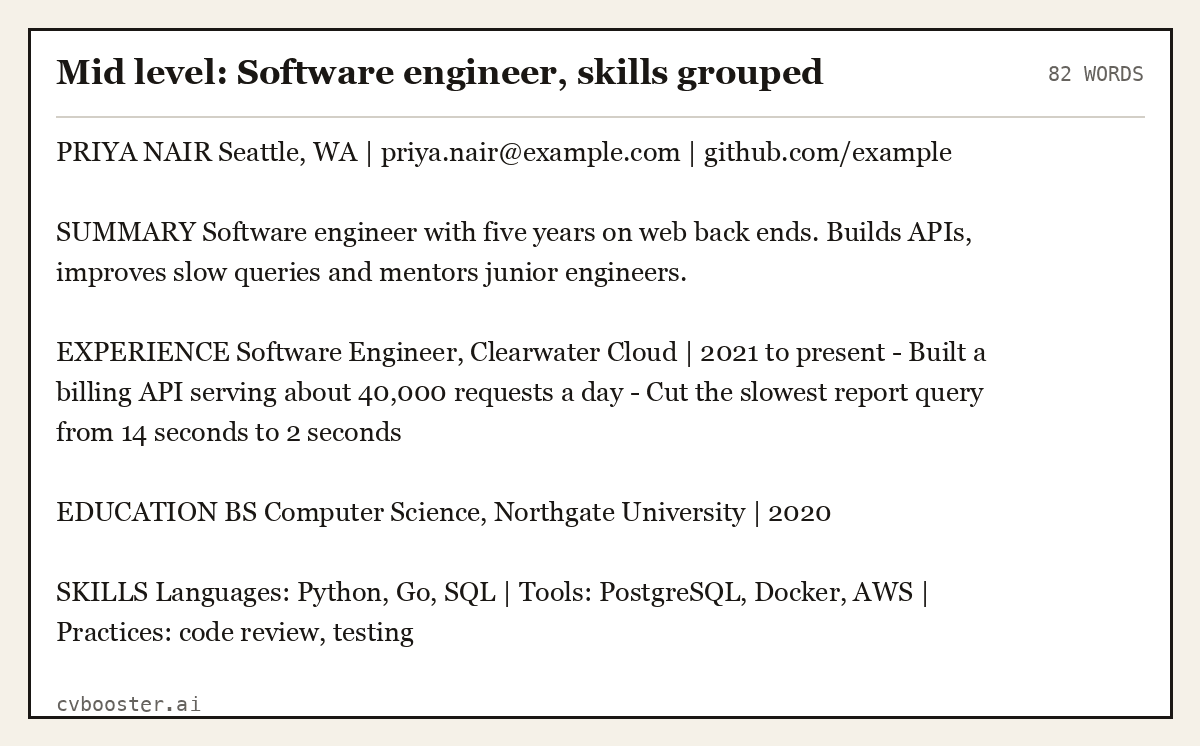
Mid level: Software engineer, skills grouped (82 words)
PRIYA NAIR Seattle, WA | priya.nair@example.com | github.com/example
SUMMARY Software engineer with five years on web back ends. Builds APIs, improves slow queries and mentors junior engineers.
EXPERIENCE Software Engineer, Clearwater Cloud | 2021 to present - Built a billing API serving about 40,000 requests a day - Cut the slowest report query from 14 seconds to 2 seconds
EDUCATION BS Computer Science, Northgate University | 2020
SKILLS Languages: Python, Go, SQL | Tools: PostgreSQL, Docker, AWS | Practices: code review, testing
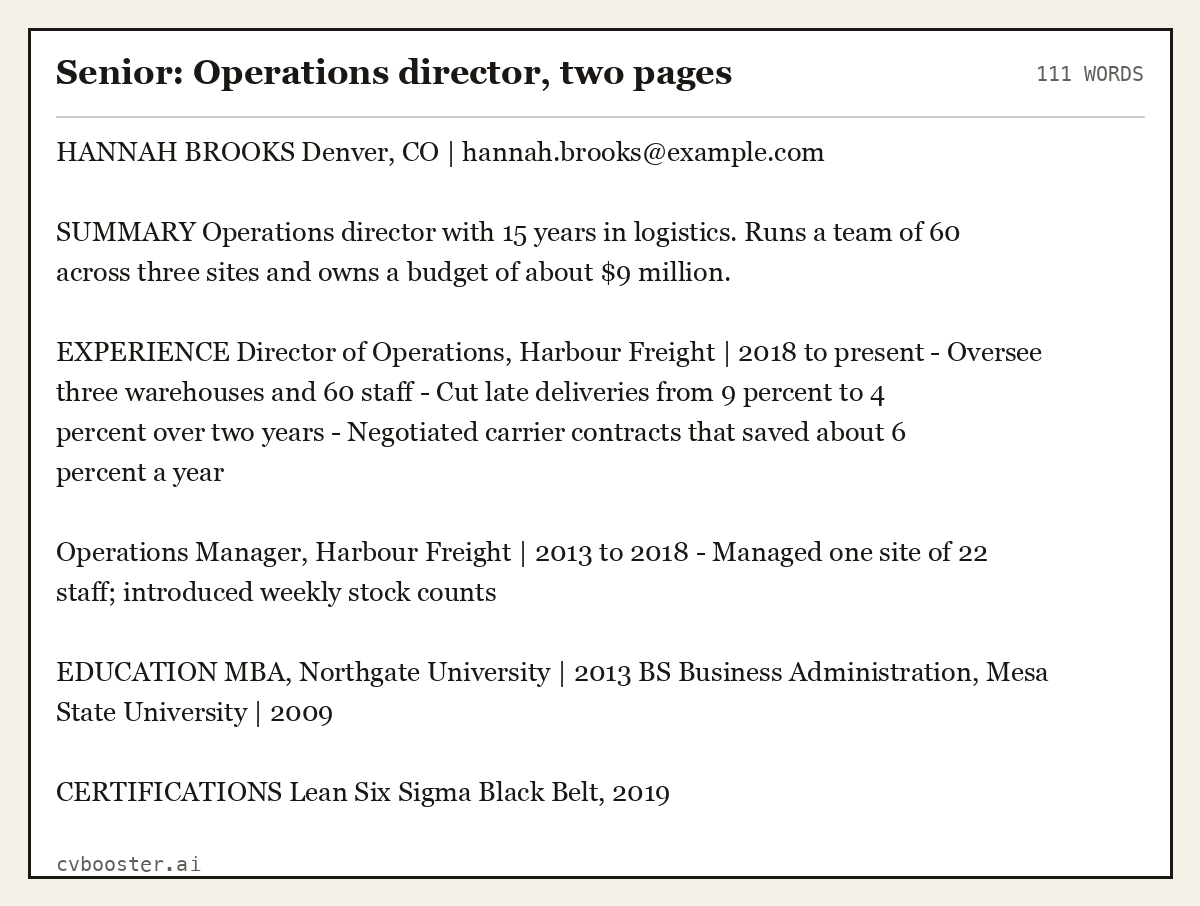
Senior: Operations director, two pages (111 words)
HANNAH BROOKS Denver, CO | hannah.brooks@example.com
SUMMARY Operations director with 15 years in logistics. Runs a team of 60 across three sites and owns a budget of about $9 million.
EXPERIENCE Director of Operations, Harbour Freight | 2018 to present - Oversee three warehouses and 60 staff - Cut late deliveries from 9 percent to 4 percent over two years - Negotiated carrier contracts that saved about 6 percent a year
Operations Manager, Harbour Freight | 2013 to 2018 - Managed one site of 22 staff; introduced weekly stock counts
EDUCATION MBA, Northgate University | 2013 BS Business Administration, Mesa State University | 2009
CERTIFICATIONS Lean Six Sigma Black Belt, 2019
Building and exporting on a MacBook
- Pick the template. In Pages, choose a resume template and delete anything with columns, text boxes or icons. Or start from the plain layout above in an empty document.
- Use real text. Type into normal paragraphs. Do not drag text boxes around the page.
- Pick a standard font. Helvetica, Arial, Georgia and Times New Roman all ship with macOS and read cleanly.
- Keep contact details in the body. Headers and footers are often skipped by software.
- Export. Use File, Export To, then PDF or Word. Check the file by opening it once on its own and selecting the text. If the text is selectable and in order, it will read properly.
- Name the file. FirstName-LastName-Resume.pdf.
If you would rather skip layout, fill the same plain structure in the CVBooster builder, which runs in Safari on your MacBook. Details on layout choices are in our resume format guide. For fonts, see resume fonts. To see how software reads a file, read what ATS software actually does.
What to avoid in a Mac template pack
- Two-column layouts. The reading order can scramble.
- Icons in place of words. A phone icon with no label may be skipped.
- Skill bars and percentages. They say nothing the reader can use.
- A photo. US resumes do not carry one.
- Pages-only files. Always send a PDF or Word file, as most employers cannot open a .pages file.
Frequently asked questions
Does a MacBook come with resume templates?
Pages, which is included with a Mac, has resume templates in its template chooser. Pick one and replace the sample text.
How do I save a resume from Pages as a PDF?
Use File, Export To, PDF. Do not print to PDF. Check the exported file by selecting a line of text.
Can I use a Word resume template on a Mac?
Yes, if Word is installed. Word opens the same templates on a Mac as on a PC. Save as DOCX or export to PDF.
Are fancy Pages templates safe for job applications?
Only the plain ones. Templates with columns, text boxes and graphics risk being read out of order.
Which file type should I send from a Mac?
Send a PDF or DOCX unless the posting asks for something else.
Related articles
- Apple Pages Resume Template: 6 Examples Built for ATS
- Additional Info for Resume: 6 Examples of What to Add
- Address Format in Resume: 6 Header Examples to Copy
- CV for Scientists: 6 Complete Examples by Career Stage
More articles
- Resume in Past Tense or Present: The Rule and 6 Examples
- Resume Translation: How to Translate Your Resume Right
- Resume With a Picture: Should You Include a Photo?
Looking for a worked example for your job title? Browse the resume examples by job title.