Chronological Resume Template: Format and 6 Examples
By Mustafa Tarabya, founder of CVBooster · Published · Updated
9 min read
A chronological resume template lists your jobs from the most recent to the oldest, each with title, employer, location, dates and three to five bullets, under a short header and summary and above your education and skills. The one constraint is the timeline: every date is visible, so gaps and short jobs show, and that decides whether this format suits you. UC Davis Human Resources describes it as a resume that "lists and describes your work history in reverse chronological order with your most recent position first." Below are a copyable template and six complete examples by level. Written by Mustafa Tarabya, who hired for his own company, read every application himself and now writes CVBooster's guides.
Every reader of a resume does the same thing first: finds your current job and counts backwards. The chronological format just stops making them hunt for it.
The chronological resume template
Copy this skeleton. Every section has a fixed place, and only the content changes from one job to the next.
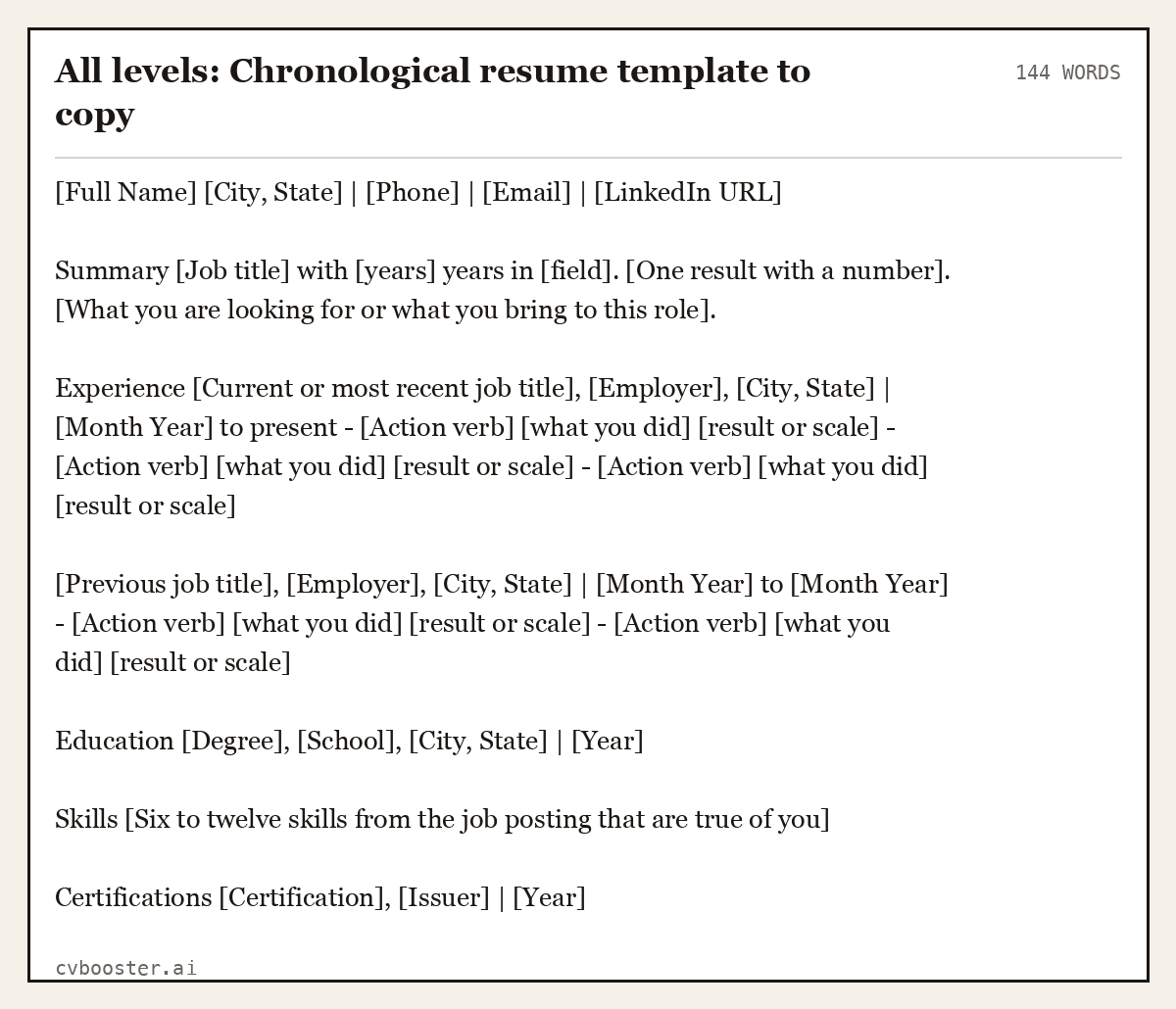
All levels: Chronological resume template to copy (144 words)
[Full Name] [City, State] | [Phone] | [Email] | [LinkedIn URL]
Summary [Job title] with [years] years in [field]. [One result with a number]. [What you are looking for or what you bring to this role].
Experience [Current or most recent job title], [Employer], [City, State] | [Month Year] to present - [Action verb] [what you did] [result or scale] - [Action verb] [what you did] [result or scale] - [Action verb] [what you did] [result or scale]
[Previous job title], [Employer], [City, State] | [Month Year] to [Month Year] - [Action verb] [what you did] [result or scale] - [Action verb] [what you did] [result or scale]
Education [Degree], [School], [City, State] | [Year]
Skills [Six to twelve skills from the job posting that are true of you]
Certifications [Certification], [Issuer] | [Year]
That order is the whole format. The examples below show it filled in at different stages of a career.
When the chronological format is the right choice
UC Davis HR lists the cases where this format works best. Three of them, quoted:
- "You are seeking a position in the same field that is either a lateral move or the typical next move along the career path for that occupation"
- "Your career path has shown steady progress and increasing responsibility"
- "Your work history has no or only short (under a year) gaps"
The same page is honest about the cost. It warns that this format "Calls attention to employment gaps" and that "Skills may be difficult to spot if they are buried in position descriptions." The fix for the second warning is a skills section and a summary that names your strongest skills. The fix for the first is in the gap section below.
Purdue OWL's chronological sample puts it in one line: "This style of organization is very conservative, and it is most useful for people who have work experience in positions which are closely related to their desired employment."
Example 1: Chronological resume for a recent graduate
At entry level, education sits above experience because it is the stronger section. The jobs still run newest first.
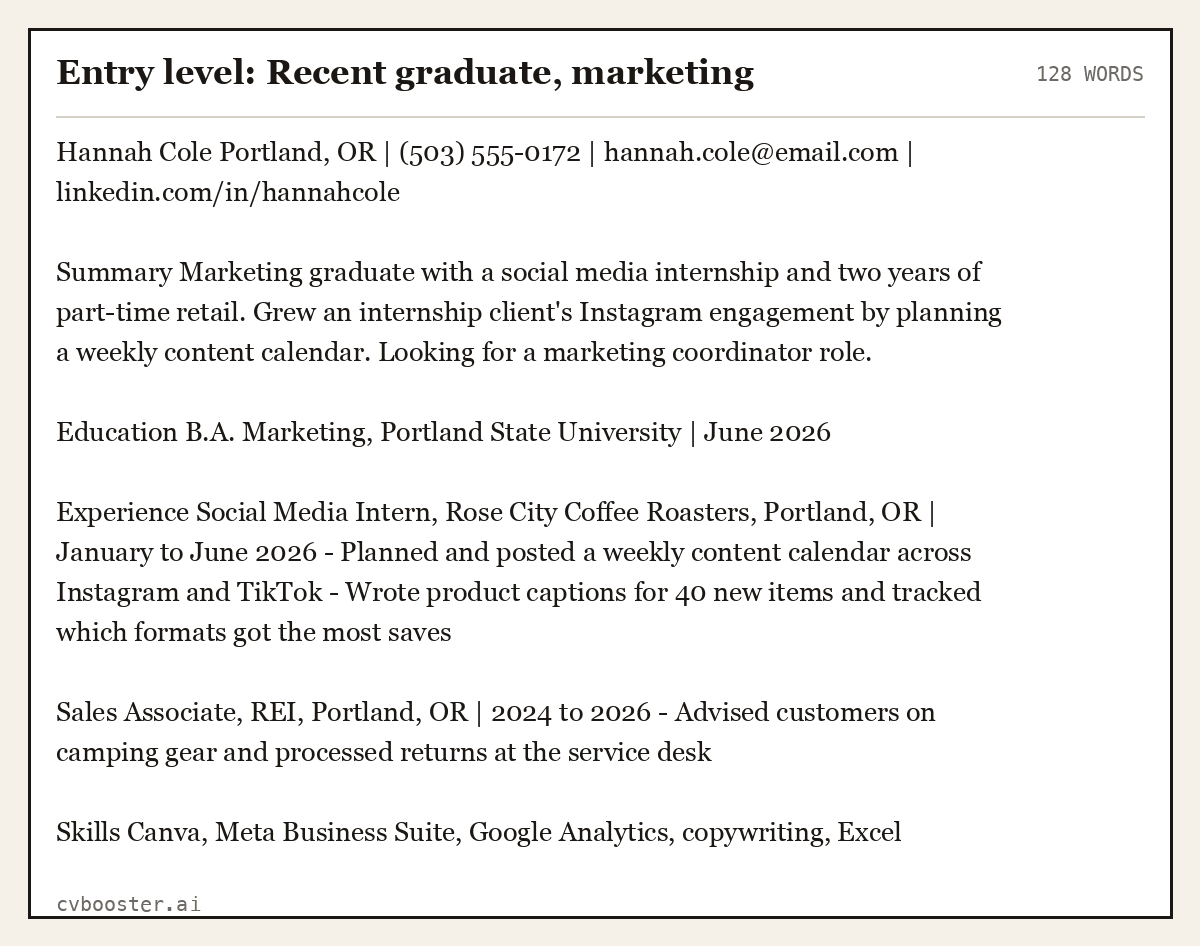
Entry level: Recent graduate, marketing (128 words)
Hannah Cole Portland, OR | (503) 555-0172 | hannah.cole@email.com | linkedin.com/in/hannahcole
Summary Marketing graduate with a social media internship and two years of part-time retail. Grew an internship client's Instagram engagement by planning a weekly content calendar. Looking for a marketing coordinator role.
Education B.A. Marketing, Portland State University | June 2026
Experience Social Media Intern, Rose City Coffee Roasters, Portland, OR | January to June 2026 - Planned and posted a weekly content calendar across Instagram and TikTok - Wrote product captions for 40 new items and tracked which formats got the most saves
Sales Associate, REI, Portland, OR | 2024 to 2026 - Advised customers on camping gear and processed returns at the service desk
Skills Canva, Meta Business Suite, Google Analytics, copywriting, Excel
Example 2: Chronological resume at mid level
With a few years of experience, the work history moves to the top and education shrinks to a single line.
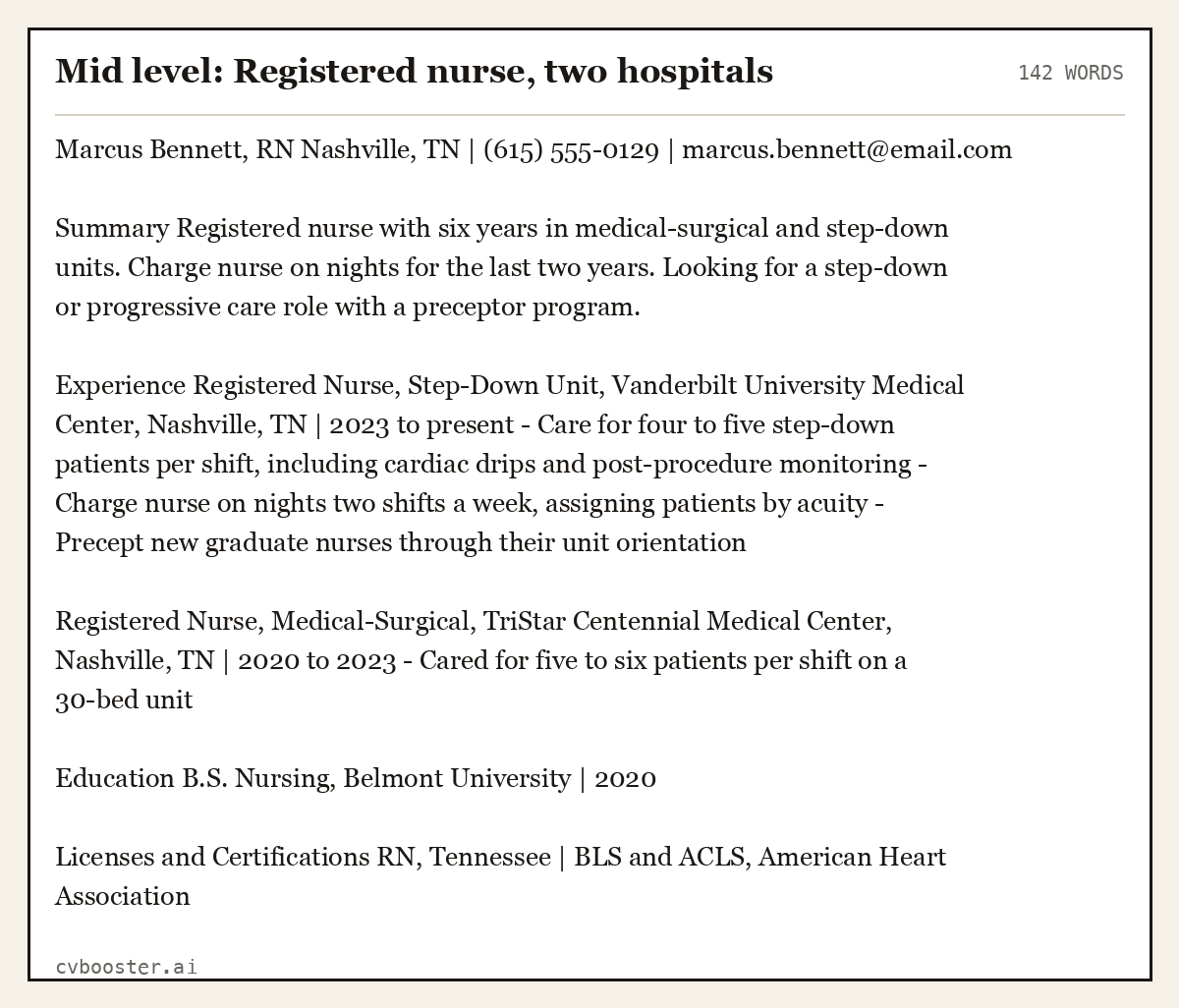
Mid level: Registered nurse, two hospitals (142 words)
Marcus Bennett, RN Nashville, TN | (615) 555-0129 | marcus.bennett@email.com
Summary Registered nurse with six years in medical-surgical and step-down units. Charge nurse on nights for the last two years. Looking for a step-down or progressive care role with a preceptor program.
Experience Registered Nurse, Step-Down Unit, Vanderbilt University Medical Center, Nashville, TN | 2023 to present - Care for four to five step-down patients per shift, including cardiac drips and post-procedure monitoring - Charge nurse on nights two shifts a week, assigning patients by acuity - Precept new graduate nurses through their unit orientation
Registered Nurse, Medical-Surgical, TriStar Centennial Medical Center, Nashville, TN | 2020 to 2023 - Cared for five to six patients per shift on a 30-bed unit
Education B.S. Nursing, Belmont University | 2020
Licenses and Certifications RN, Tennessee | BLS and ACLS, American Heart Association
Example 3: Chronological resume with a promotion at one employer
When you have been promoted inside one company, list the employer once and stack the titles under it, newest first. This shows growth without repeating the company name.
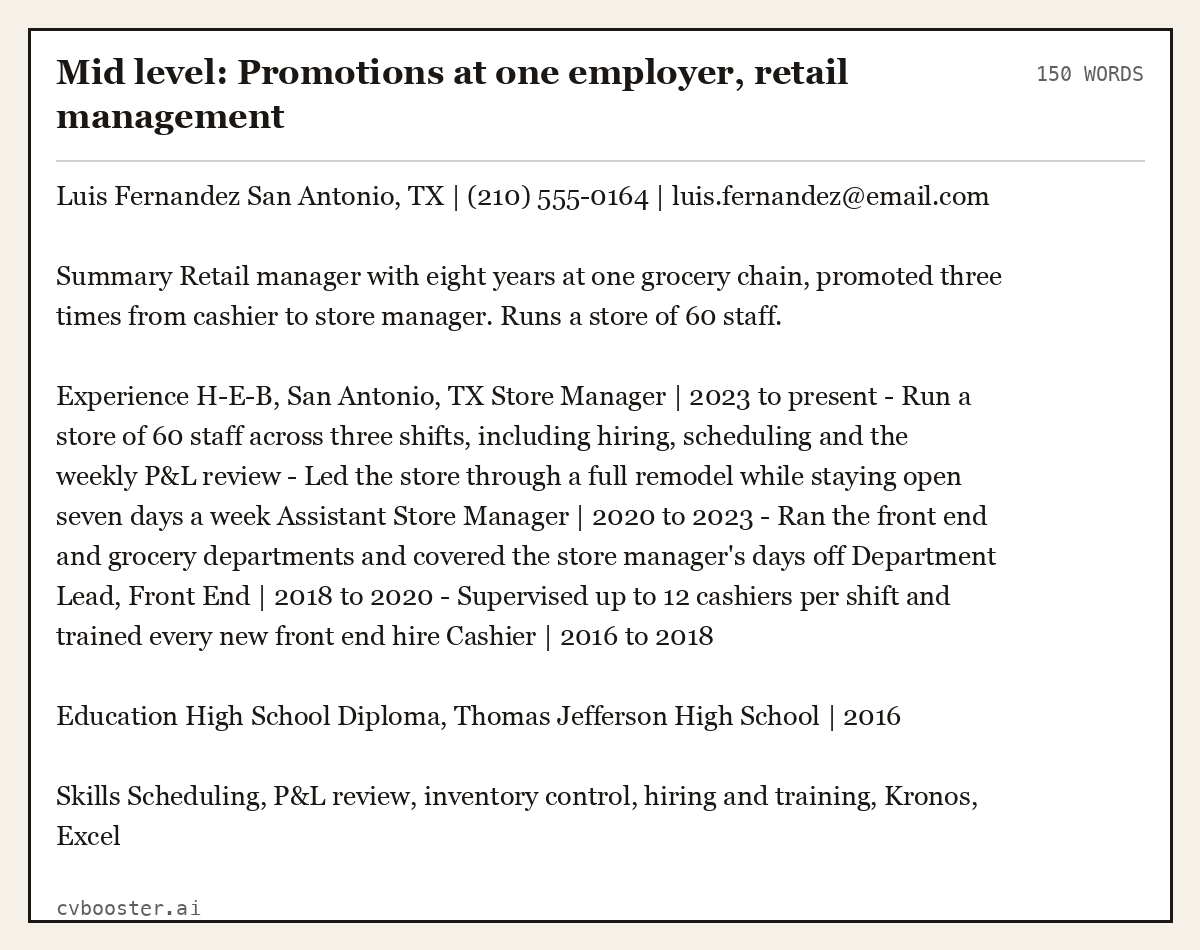
Mid level: Promotions at one employer, retail management (150 words)
Luis Fernandez San Antonio, TX | (210) 555-0164 | luis.fernandez@email.com
Summary Retail manager with eight years at one grocery chain, promoted three times from cashier to store manager. Runs a store of 60 staff.
Experience H-E-B, San Antonio, TX Store Manager | 2023 to present - Run a store of 60 staff across three shifts, including hiring, scheduling and the weekly P&L review - Led the store through a full remodel while staying open seven days a week Assistant Store Manager | 2020 to 2023 - Ran the front end and grocery departments and covered the store manager's days off Department Lead, Front End | 2018 to 2020 - Supervised up to 12 cashiers per shift and trained every new front end hire Cashier | 2016 to 2018
Education High School Diploma, Thomas Jefferson High School | 2016
Skills Scheduling, P&L review, inventory control, hiring and training, Kronos, Excel
Example 4: Chronological resume for a skilled trade
Trades resumes lead with the license, because it is the first thing an employer checks. The jobs still run newest first.
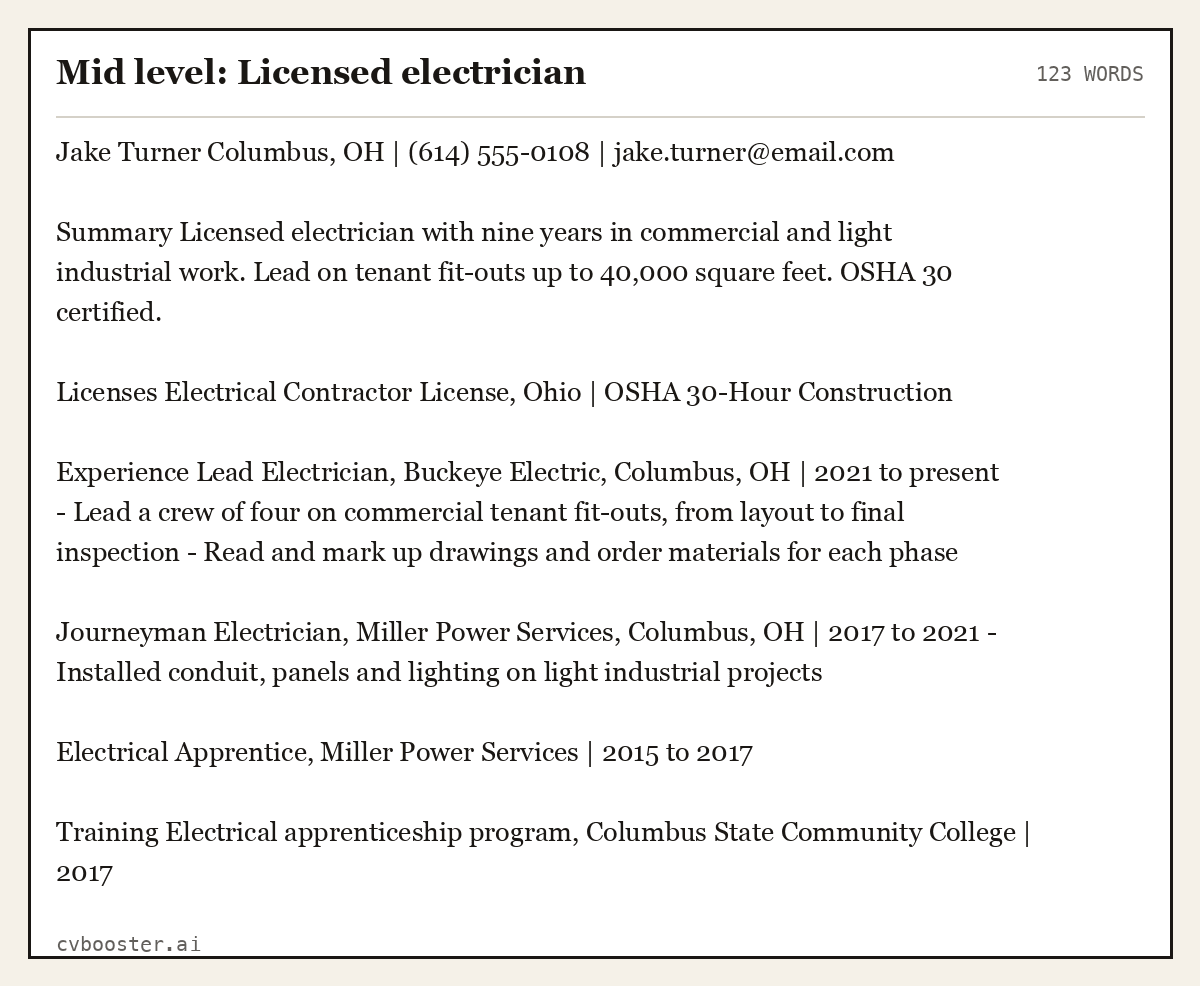
Mid level: Licensed electrician (123 words)
Jake Turner Columbus, OH | (614) 555-0108 | jake.turner@email.com
Summary Licensed electrician with nine years in commercial and light industrial work. Lead on tenant fit-outs up to 40,000 square feet. OSHA 30 certified.
Licenses Electrical Contractor License, Ohio | OSHA 30-Hour Construction
Experience Lead Electrician, Buckeye Electric, Columbus, OH | 2021 to present - Lead a crew of four on commercial tenant fit-outs, from layout to final inspection - Read and mark up drawings and order materials for each phase
Journeyman Electrician, Miller Power Services, Columbus, OH | 2017 to 2021 - Installed conduit, panels and lighting on light industrial projects
Electrical Apprentice, Miller Power Services | 2015 to 2017
Training Electrical apprenticeship program, Columbus State Community College | 2017
Example 5: Senior chronological resume
At senior level, older jobs shrink. Keep full bullets for the last ten to fifteen years and compress the rest into one line each.
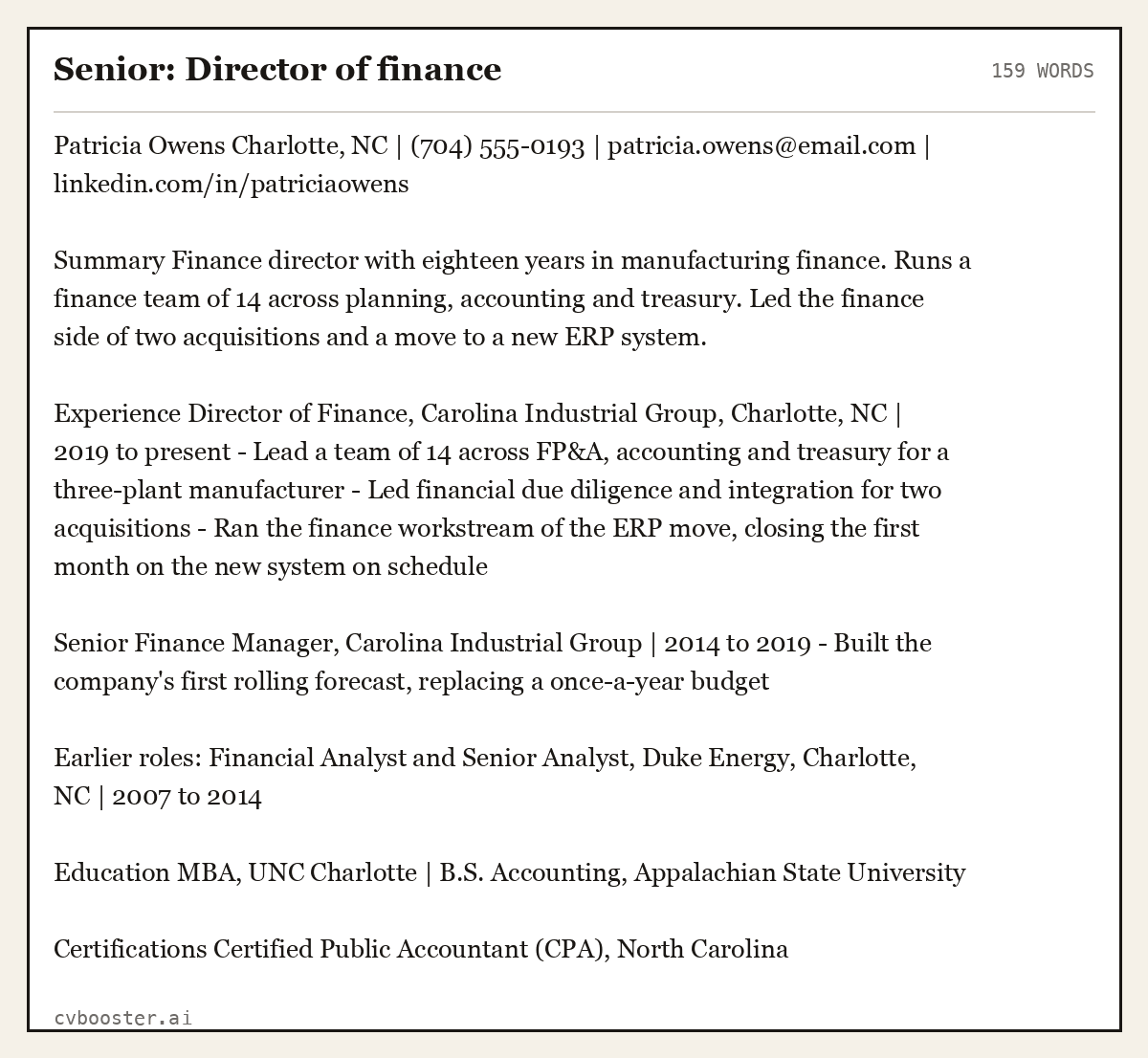
Senior: Director of finance (159 words)
Patricia Owens Charlotte, NC | (704) 555-0193 | patricia.owens@email.com | linkedin.com/in/patriciaowens
Summary Finance director with eighteen years in manufacturing finance. Runs a finance team of 14 across planning, accounting and treasury. Led the finance side of two acquisitions and a move to a new ERP system.
Experience Director of Finance, Carolina Industrial Group, Charlotte, NC | 2019 to present - Lead a team of 14 across FP&A, accounting and treasury for a three-plant manufacturer - Led financial due diligence and integration for two acquisitions - Ran the finance workstream of the ERP move, closing the first month on the new system on schedule
Senior Finance Manager, Carolina Industrial Group | 2014 to 2019 - Built the company's first rolling forecast, replacing a once-a-year budget
Earlier roles: Financial Analyst and Senior Analyst, Duke Energy, Charlotte, NC | 2007 to 2014
Education MBA, UNC Charlotte | B.S. Accounting, Appalachian State University
Certifications Certified Public Accountant (CPA), North Carolina
The earlier roles line is how a senior resume keeps its timeline complete without spending half a page on work from long ago.
How to handle a gap in a chronological resume
The timeline shows every gap, so name it instead of hiding it. Put the period in as its own short entry with dates and one line on what you did. For example: *Career break, 2022 to 2023: full-time care for a family member; completed a project management course.* A named gap reads as a decision. An unexplained one reads as a question. Our guide on employment history on a resume shows full examples with gaps, promotions and grouped short jobs, and our page on contract work on a resume shows how to group short contracts so the timeline stays clean.
Chronological vs functional vs hybrid
- Chronological: jobs by date, newest first. Best for steady careers in one field. It is the format readers expect.
- Functional: skills grouped by theme, job history reduced to a list. UC Davis HR notes that "Employers are accustomed to viewing chronological resumes so functional resumes can receive less attention."
- Hybrid: a skills summary at the top, then a full chronological work history. A good choice for career changers who still want a visible timeline.
Our comparison of the best resume format goes through all three side by side, and our resume format guide covers dates, layout and file type.
Mistakes in a chronological resume
- Dates on the left in a column. Put them at the right end of the title line, where they do not lead the eye.
- Inconsistent date formats. Pick month and year, or year only, and use it everywhere.
- Every job since high school. Go back about ten to fifteen years and compress the rest.
- Duties instead of results. Each bullet should show what changed because you were there.
- No skills section. The format buries skills inside job entries, so pull the key ones into their own skills section.
CareerOneStop's resume guide also offers sample resumes "that you can open in Microsoft Word and use as a template to start your own document", if you prefer to start from a file.
Frequently asked questions
What is a chronological resume template?
A chronological resume template is a layout that lists your work history from the most recent job to the oldest, with title, employer, location, dates and bullets for each. It starts with your contact details and a short summary and ends with education, skills and certifications. It is the most common US resume format.
Is a reverse chronological resume the same as a chronological resume?
Yes. Both names mean the same layout: your most recent job first, then older jobs in order going back. Reverse chronological is the more precise name, since the list runs backwards in time, but most career sites and employers simply call it a chronological resume.
When should you not use a chronological resume?
Consider another format if you are changing to a field where your recent job titles do not connect, if you have long gaps over a year, or if your strongest experience is from early in your career. A hybrid format keeps the timeline but leads with skills, which often solves the problem.
How far back should a chronological resume go?
About ten to fifteen years of full entries is normal. Older jobs can be compressed into a single line with titles, employers and years, or left off if they do not relate to the job you want. Keep any older role that is directly relevant, such as an early job in the same field.
Does a chronological resume work with applicant tracking systems?
Yes. A simple chronological layout with clear headings, one column and standard section names is easy for applicant tracking systems to read, because job title, employer and dates sit in a predictable order. Avoid tables, text boxes and graphics, which some systems read out of order.
Related articles
- Leadership Skills Examples: 12 Skills and the Resume Lines
- Product Management Keywords: 48 Terms and 6 Resume Examples
- Summa Cum Laude: Meaning and How to List It on a Resume
- Things to Put on a Resume: 9 Sections With Examples
More articles
- CIO Sample Resumes: 6 Full Examples by Company Type
- Civil Service Behaviours: 9 Examples, One Per Behaviour
- Civil Service Behaviours Framework: All 9, Level by Level
Looking for a worked example for your job title? Browse the resume examples by job title.