Excel Skills Resume: 7 Examples by Level and Job Type
By CVBooster Team · Published · Updated
5 min read
To show Excel skills on a resume, name the specific features you use (pivot tables, lookups, charts, macros), say what you produced with them, and put a number on the result. A bare line that says Microsoft Excel tells the reader nothing. Below are seven complete examples at basic, intermediate and advanced level for different jobs, the guidance from two universities and the labor statistics office, and the claims to avoid.
Everyone's resume says Excel. Nobody's resume says what happened because of it, which is why the one that does stands out. A spreadsheet you built that saved a team four hours a week is worth more than five stars drawn next to the word.
Seven Excel entries you can copy
Each one is a complete block for a skills section or an experience bullet. Match your own level honestly, because Excel is an easy skill to be asked about in an interview.
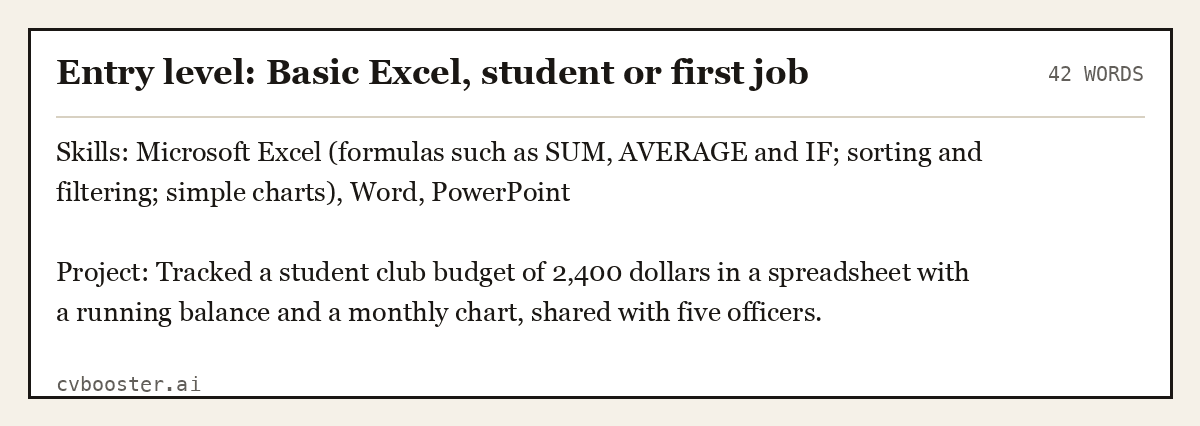
Entry level: Basic Excel, student or first job (42 words)
Skills: Microsoft Excel (formulas such as SUM, AVERAGE and IF; sorting and filtering; simple charts), Word, PowerPoint
Project: Tracked a student club budget of 2,400 dollars in a spreadsheet with a running balance and a monthly chart, shared with five officers.
Create my CV
Or start from one of our free resume templates
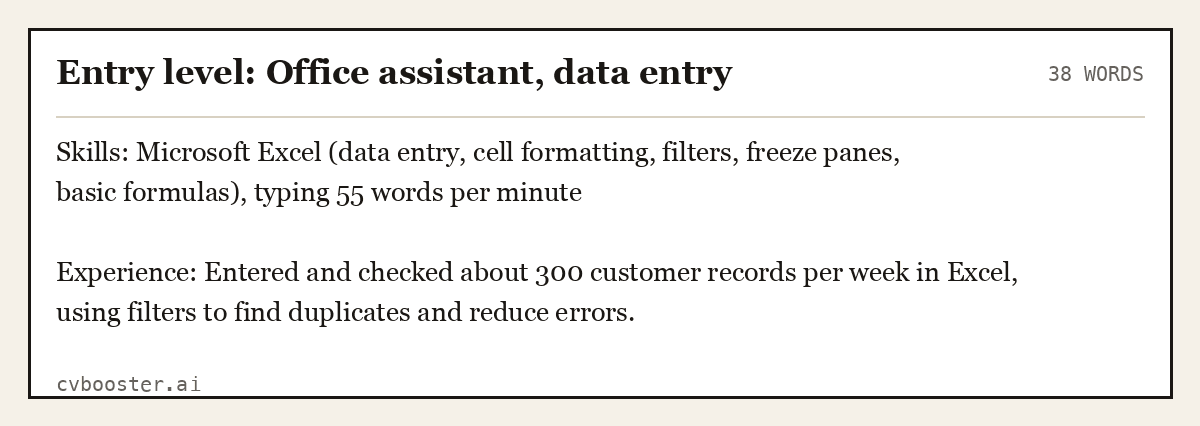
Entry level: Office assistant, data entry (38 words)
Skills: Microsoft Excel (data entry, cell formatting, filters, freeze panes, basic formulas), typing 55 words per minute
Experience: Entered and checked about 300 customer records per week in Excel, using filters to find duplicates and reduce errors.
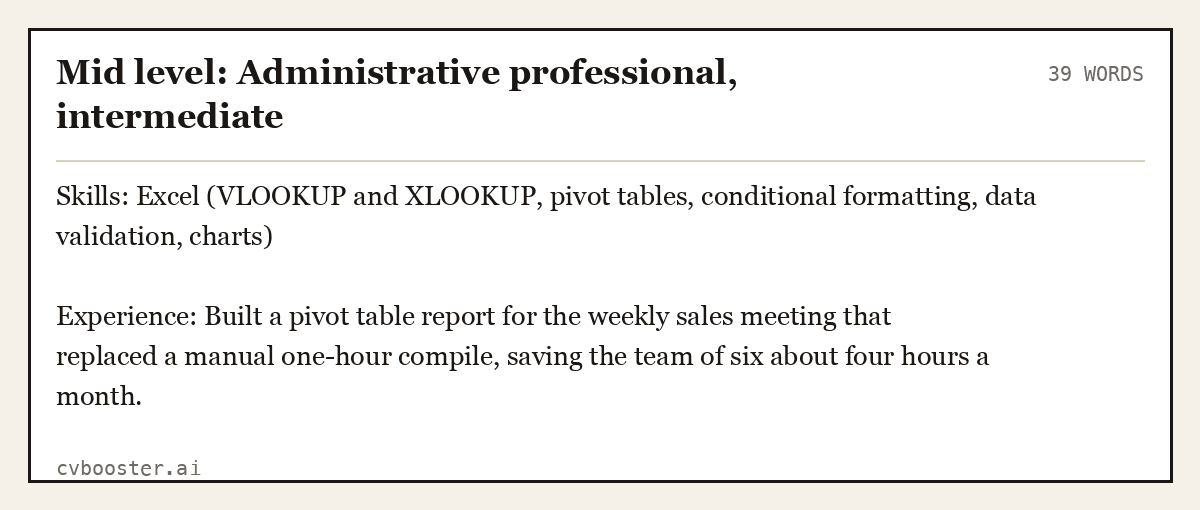
Mid level: Administrative professional, intermediate (39 words)
Skills: Excel (VLOOKUP and XLOOKUP, pivot tables, conditional formatting, data validation, charts)
Experience: Built a pivot table report for the weekly sales meeting that replaced a manual one-hour compile, saving the team of six about four hours a month.
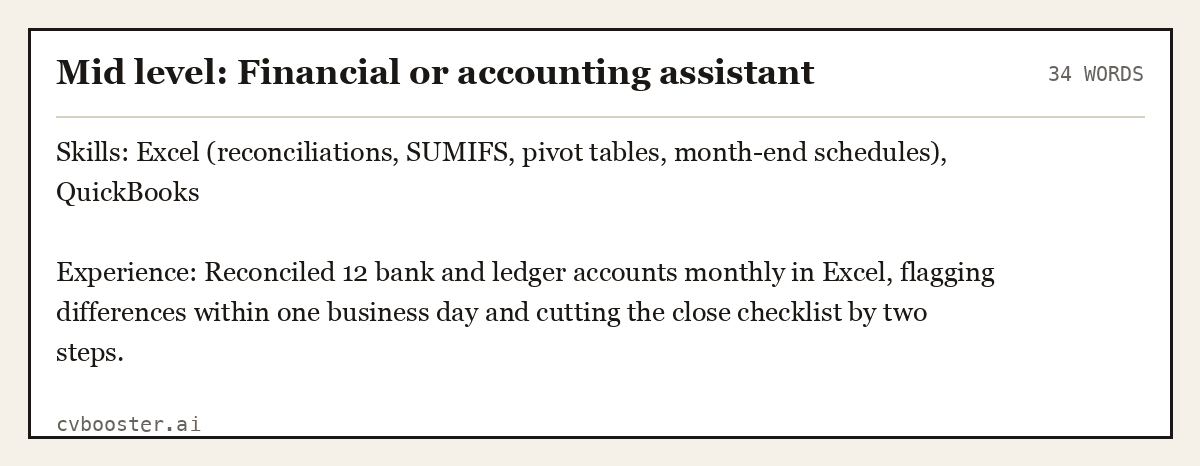
Mid level: Financial or accounting assistant (34 words)
Skills: Excel (reconciliations, SUMIFS, pivot tables, month-end schedules), QuickBooks
Experience: Reconciled 12 bank and ledger accounts monthly in Excel, flagging differences within one business day and cutting the close checklist by two steps.
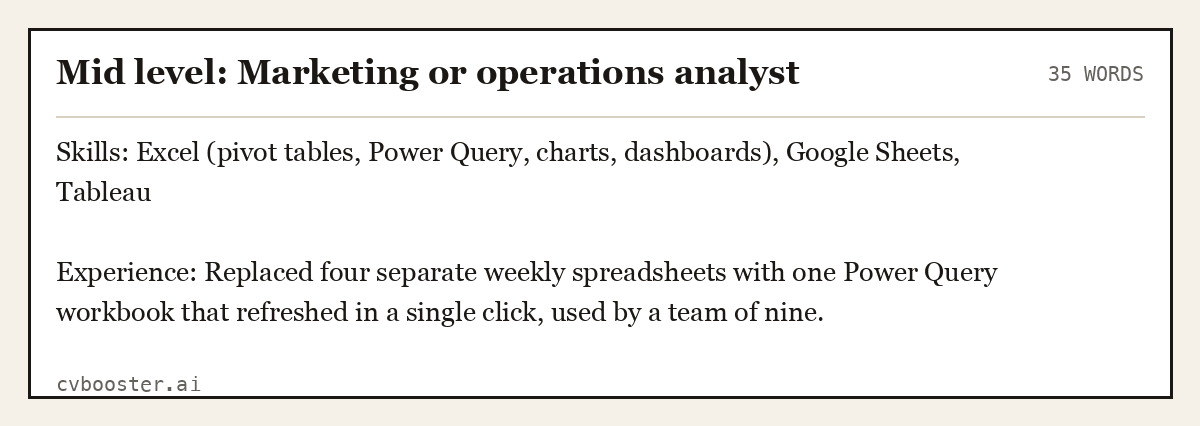
Mid level: Marketing or operations analyst (35 words)
Skills: Excel (pivot tables, Power Query, charts, dashboards), Google Sheets, Tableau
Experience: Replaced four separate weekly spreadsheets with one Power Query workbook that refreshed in a single click, used by a team of nine.
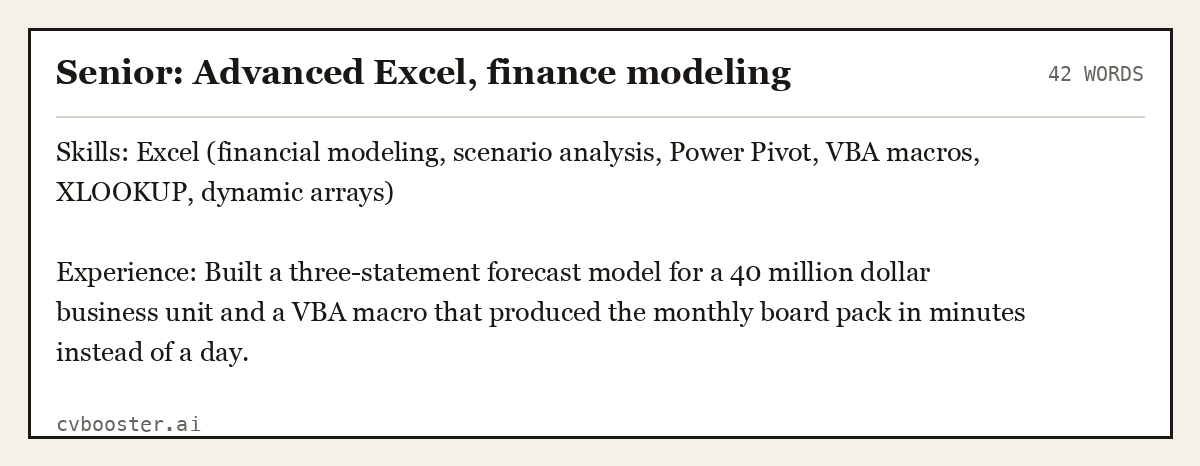
Senior: Advanced Excel, finance modeling (42 words)
Skills: Excel (financial modeling, scenario analysis, Power Pivot, VBA macros, XLOOKUP, dynamic arrays)
Experience: Built a three-statement forecast model for a 40 million dollar business unit and a VBA macro that produced the monthly board pack in minutes instead of a day.
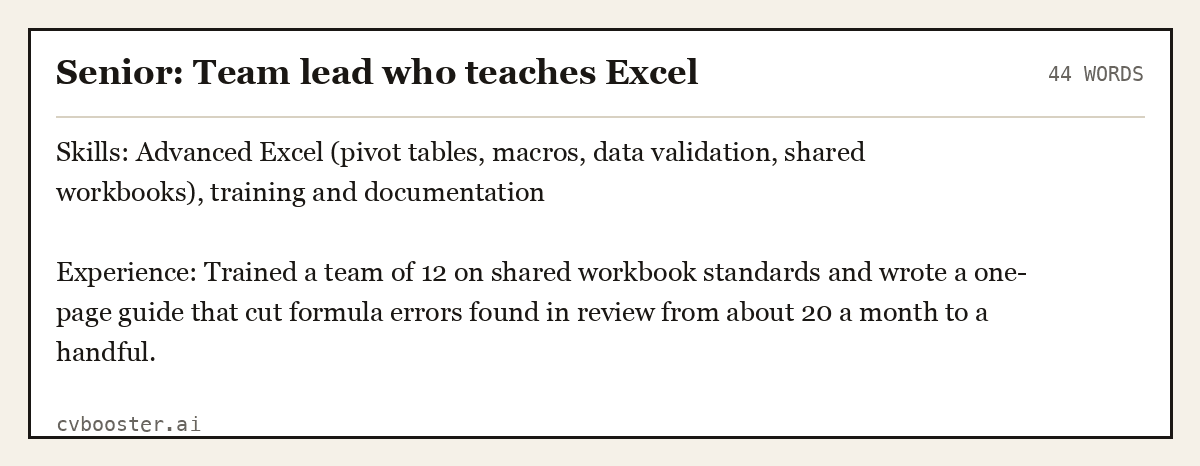
Senior: Team lead who teaches Excel (44 words)
Skills: Advanced Excel (pivot tables, macros, data validation, shared workbooks), training and documentation
Experience: Trained a team of 12 on shared workbook standards and wrote a one-page guide that cut formula errors found in review from about 20 a month to a handful.
What the sources agree on
The University of Maryland Global Campus makes the central point in its guide to a technical resume: "Be specific about your technical skills." It follows with an Excel example: "For advanced Excel users, specify skills like PivotTables, XLOOKUP, Power Query, and VBA rather than just “Microsoft Excel.” In other words, name the feature, not the logo.
The University at Albany's career center, in its piece on technical skills for a resume, adds a rule for the basics: "When it comes to more basic software (like Microsoft Word) make sure to only include it when it’s specifically listed in the job posting or relevant to the job." That is a reminder that listing Excel only helps when the job uses it. For a clerical role it is a headline skill. For a role where it never comes up it is clutter.
The U.S. Bureau of Labor Statistics shows how basic it is in office work. In its profile of bookkeeping, accounting and auditing clerks, it says: "Bookkeeping, accounting, and auditing clerks need to be comfortable using computer spreadsheets and bookkeeping software." If your target job is in that family, a specific spreadsheet line belongs near the top.
How to describe your level honestly
Skill ratings such as expert or advanced are easy to claim and easy to test. A safer ladder:
- Basic. You can enter data, sort, filter, use SUM, AVERAGE and IF, and make a simple chart.
- Intermediate. You use lookups, pivot tables, conditional formatting, data validation and several functions in one formula.
- Advanced. You build models, use Power Query or Power Pivot, write macros or VBA and design workbooks other people use.
Name the level only if it is true, and prove it with one task. If an interviewer asks you to build a pivot table on the spot, you should be able to. The computer skills for a resume guide covers how to describe the rest of your software the same way.
Where Excel goes on the page
Put it in the skills section as a grouped line, and again in one or two experience bullets where you used it. A skills line shows the reader you have it. A bullet shows what you did with it. For the layout of the skills section itself, see the resume skills section guide, and for a broader list of what to include, see hard skills for a resume.
Use the job post's exact words once. If the posting says pivot tables and macros, use those two words, not a synonym. Resume-reading software matches text, and a skill hidden in an image will not be read. The ATS friendly resume guide explains how to keep the file readable.
Claims to avoid
- Expert with no proof. If you cannot name a macro you wrote or a model you built, do not use the word.
- A skill bar or star rating. No one can say what four stars of Excel means.
- A long list of every function. Pick the five that match the job.
- Excel in a tiny font in the corner. If it matters to the job, give it a line of its own.
- Skills you have not used in years. If you cannot do it today without looking it up, leave it off.
Frequently asked questions
How do I list Excel skills on a resume?
Put a skills line that names features such as pivot tables, lookups and charts, and add one experience bullet that says what you built with them and what it saved or improved.
Should I write Microsoft Excel or just Excel?
Either. Use whichever the job post uses. Naming specific features matters more than the product name.
How do I describe advanced Excel skills?
Name the advanced tools you use, such as Power Query, Power Pivot, VBA macros or dynamic arrays, and describe one model or report you built with them.
Do I need Excel on a resume for every job?
No. List it when the posting asks for it or the job clearly uses spreadsheets. Leave it off when it is not relevant, to keep the page focused.
Can I fill in a resume for free?
Yes. Sign in to CVBooster and fill in any of the 99 templates for free, with a free ATS score. PDF and Word download and the AI tools are part of Pro.
Related articles
- Accounting Assistant Resume: 6 Examples From Entry to Senior
- Availability on Resume: 6 Examples and Where It Goes
- Aviation Resume: 6 Samples for Pilots and Mechanics
- Biotechnology Resume: 6 Examples for Lab, Process and R&D
More articles
- Excited Synonym for Professional Emails and Cover Letters
- Executive Officer Competency Examples: 6 Full Answers
- Experienced Synonym: Resume Words That Prove the Years
Looking for a worked example for your job title? Browse the resume examples by job title.