Computer Skills on a Resume: 30 With the Line for Each Level
By Mustafa Tarabya, founder of CVBooster · Published · Updated
8 min read
Computer skills belong on a resume as functions you have performed, not as software you have opened, so each of the thirty below arrives with the line that proves it. The constraint is honesty about level, because "advanced Excel" is tested in interviews and "intermediate" is not. Function names below are quoted from Microsoft's own documentation, CompTIA and O*NET OnLine, fetched in September 2026. Thirty skills come first with the resume line for each, then the three levels, the certifications that prove them and the skills worth nothing. Written by Mustafa Tarabya, who hired for his own company, read every application himself and now writes CVBooster's guides.
30 computer skills to put on a resume, each with its line
Six groups of five. Take the line, swap the numbers, and delete any skill you could not demonstrate in a screen share.
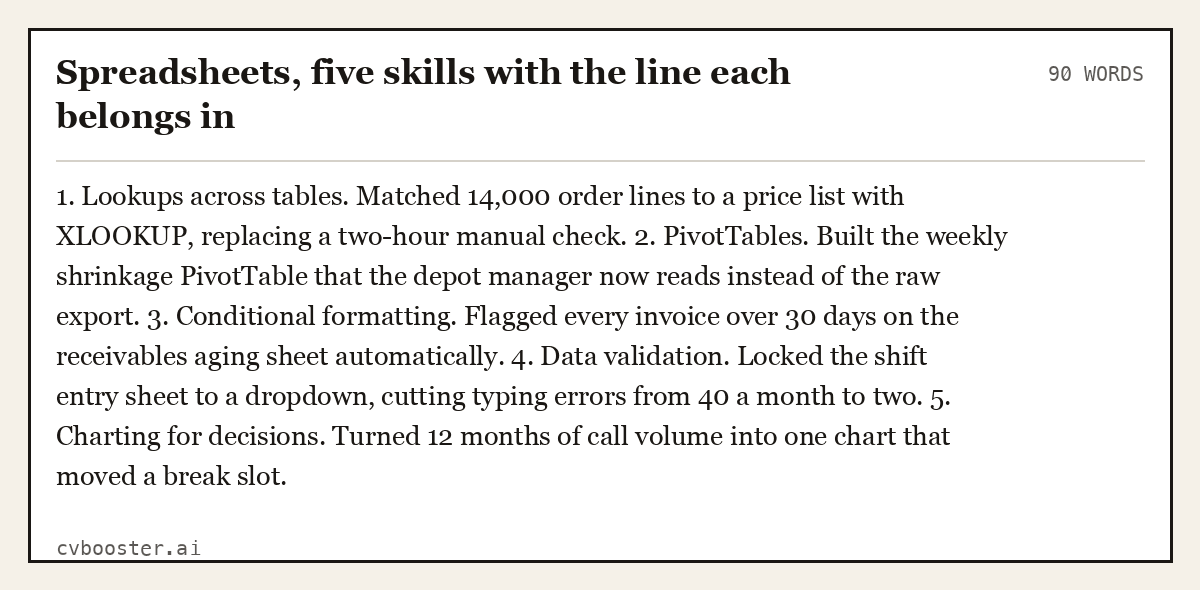
Spreadsheets, five skills with the line each belongs in (90 words)
1. Lookups across tables. Matched 14,000 order lines to a price list with XLOOKUP, replacing a two-hour manual check. 2. PivotTables. Built the weekly shrinkage PivotTable that the depot manager now reads instead of the raw export. 3. Conditional formatting. Flagged every invoice over 30 days on the receivables aging sheet automatically. 4. Data validation. Locked the shift entry sheet to a dropdown, cutting typing errors from 40 a month to two. 5. Charting for decisions. Turned 12 months of call volume into one chart that moved a break slot.
Create my CV
Or start from one of our free resume templates
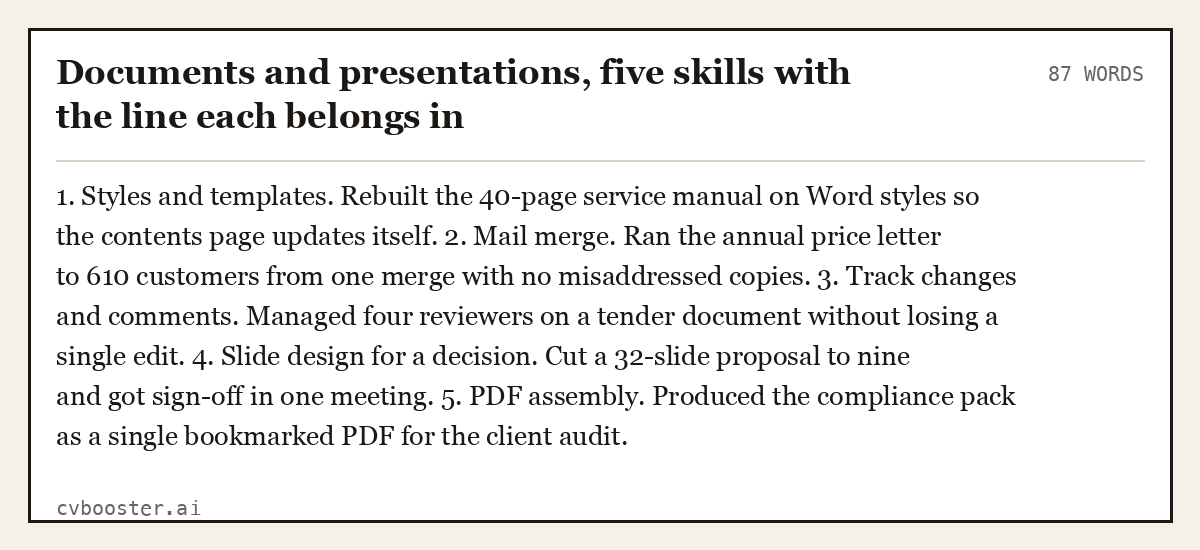
Documents and presentations, five skills with the line each belongs in (87 words)
1. Styles and templates. Rebuilt the 40-page service manual on Word styles so the contents page updates itself. 2. Mail merge. Ran the annual price letter to 610 customers from one merge with no misaddressed copies. 3. Track changes and comments. Managed four reviewers on a tender document without losing a single edit. 4. Slide design for a decision. Cut a 32-slide proposal to nine and got sign-off in one meeting. 5. PDF assembly. Produced the compliance pack as a single bookmarked PDF for the client audit.
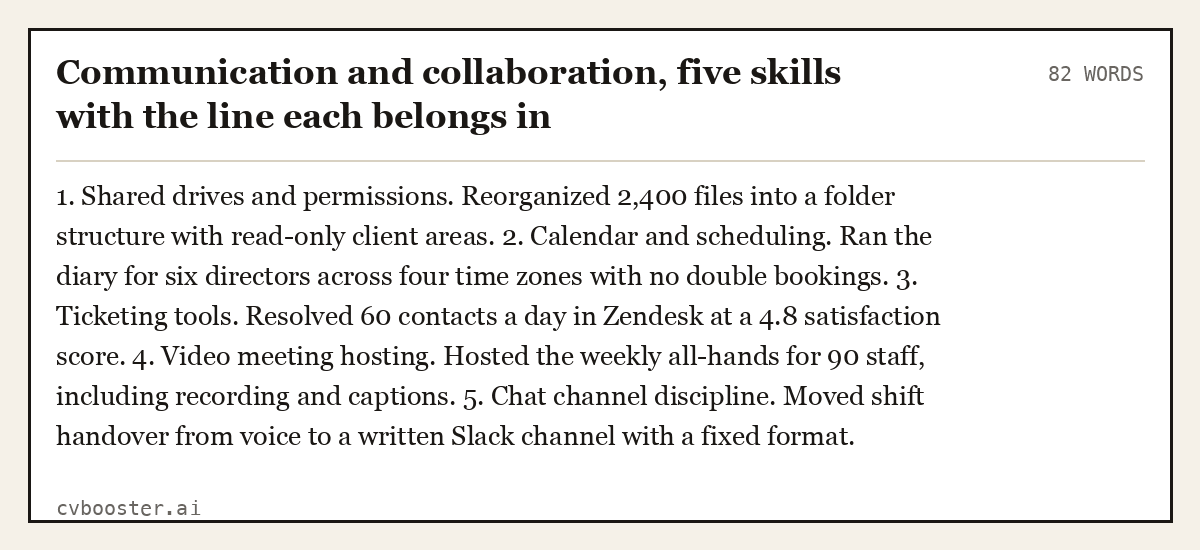
Communication and collaboration, five skills with the line each belongs in (82 words)
1. Shared drives and permissions. Reorganized 2,400 files into a folder structure with read-only client areas. 2. Calendar and scheduling. Ran the diary for six directors across four time zones with no double bookings. 3. Ticketing tools. Resolved 60 contacts a day in Zendesk at a 4.8 satisfaction score. 4. Video meeting hosting. Hosted the weekly all-hands for 90 staff, including recording and captions. 5. Chat channel discipline. Moved shift handover from voice to a written Slack channel with a fixed format.
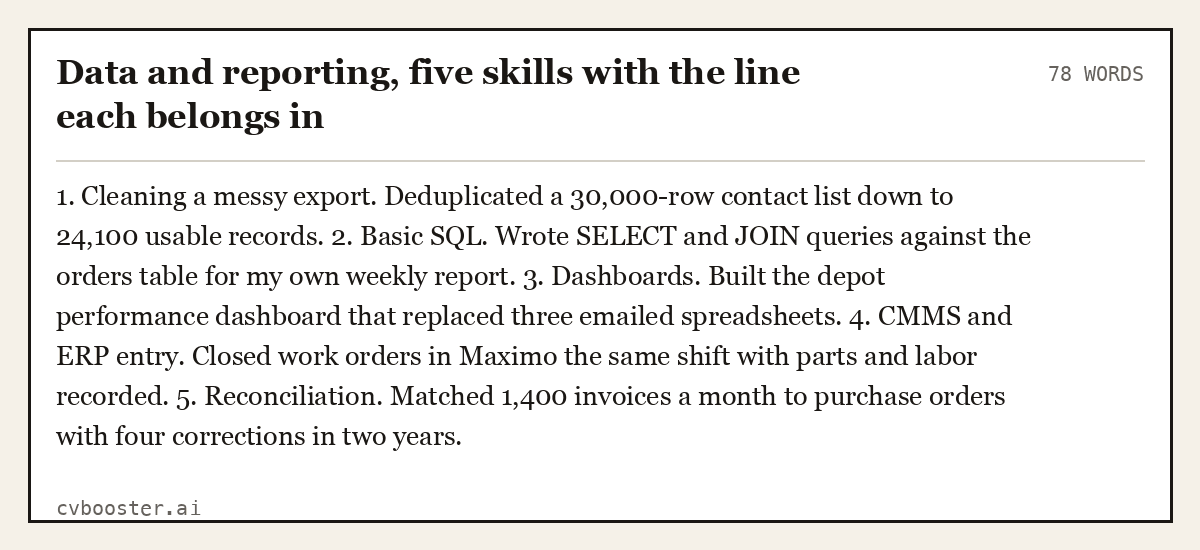
Data and reporting, five skills with the line each belongs in (78 words)
1. Cleaning a messy export. Deduplicated a 30,000-row contact list down to 24,100 usable records. 2. Basic SQL. Wrote SELECT and JOIN queries against the orders table for my own weekly report. 3. Dashboards. Built the depot performance dashboard that replaced three emailed spreadsheets. 4. CMMS and ERP entry. Closed work orders in Maximo the same shift with parts and labor recorded. 5. Reconciliation. Matched 1,400 invoices a month to purchase orders with four corrections in two years.
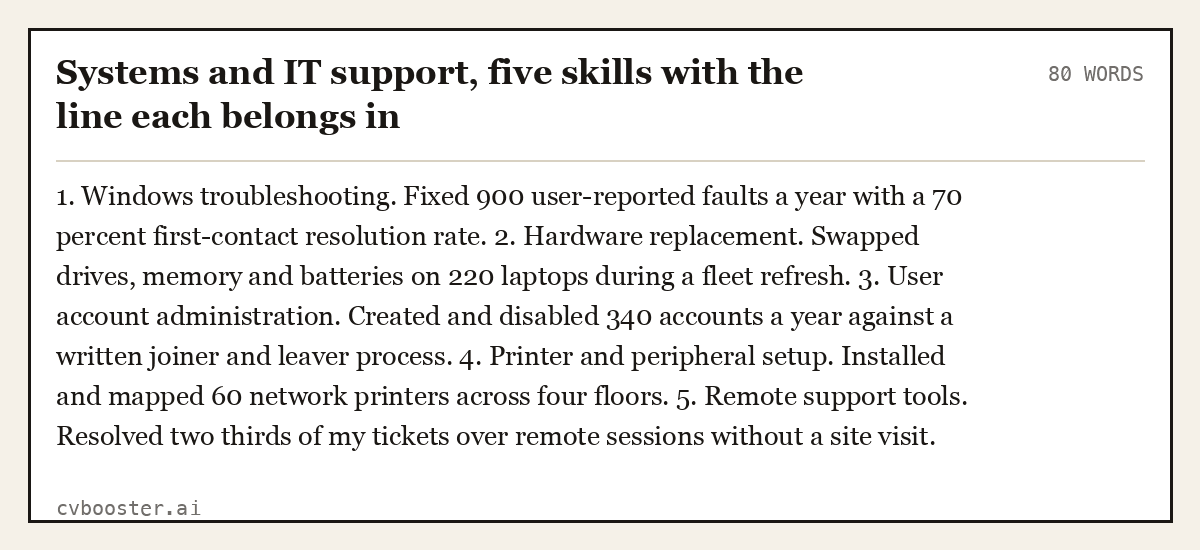
Systems and IT support, five skills with the line each belongs in (80 words)
1. Windows troubleshooting. Fixed 900 user-reported faults a year with a 70 percent first-contact resolution rate. 2. Hardware replacement. Swapped drives, memory and batteries on 220 laptops during a fleet refresh. 3. User account administration. Created and disabled 340 accounts a year against a written joiner and leaver process. 4. Printer and peripheral setup. Installed and mapped 60 network printers across four floors. 5. Remote support tools. Resolved two thirds of my tickets over remote sessions without a site visit.
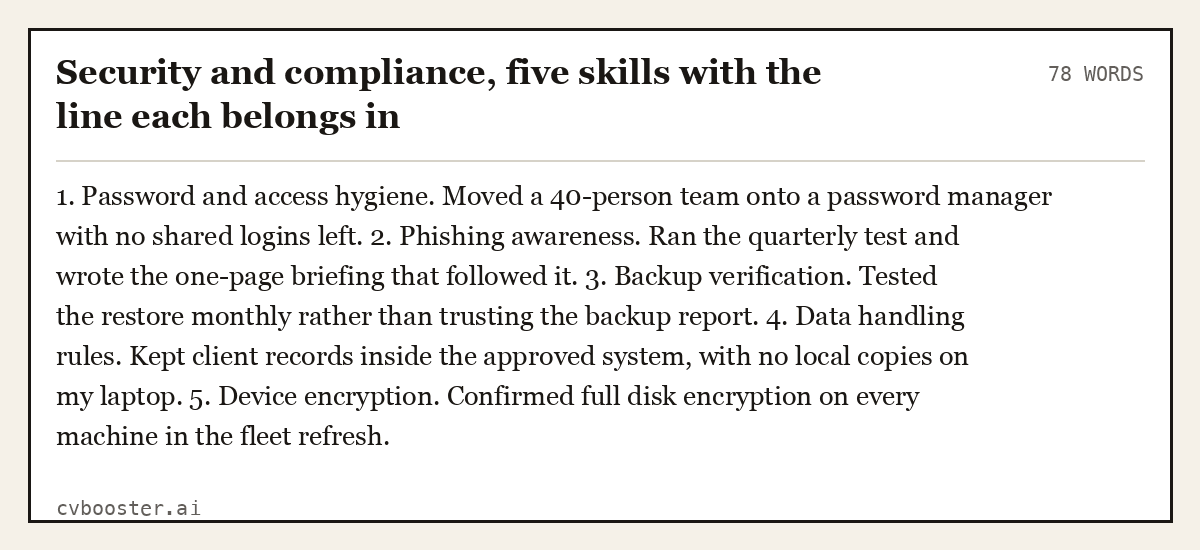
Security and compliance, five skills with the line each belongs in (78 words)
1. Password and access hygiene. Moved a 40-person team onto a password manager with no shared logins left. 2. Phishing awareness. Ran the quarterly test and wrote the one-page briefing that followed it. 3. Backup verification. Tested the restore monthly rather than trusting the backup report. 4. Data handling rules. Kept client records inside the approved system, with no local copies on my laptop. 5. Device encryption. Confirmed full disk encryption on every machine in the fleet refresh.
Basic computer skills on a resume: the three levels, named honestly
- Basic. You can use the tool for tasks someone else designed. Entering data, sending, filtering, printing.
- Intermediate. You can build the thing. A PivotTable, a merge, a template, a query, a dashboard.
- Advanced. You can fix what other people built and teach it. Nested functions, macros, data models, permission structures.
Claim advanced only for tools you would be happy to be screen-shared on. Everything else is intermediate, and intermediate honestly claimed beats advanced disproved.
"Computer literate" on its own tells the reader you are at least basic, and nothing more. Replace it with each tool you use, its level or the functions you use it for. In the UK the same section is often headed IT skills or computing skills; the content is identical.
- Before: Computer literate, good with Microsoft Office.
- After: Computing skills: Excel (intermediate: PivotTables, VLOOKUP, conditional formatting), Outlook (shared calendars, rules), Teams (scheduling and recording meetings).
The second line takes the same space and answers the question the first one raises.
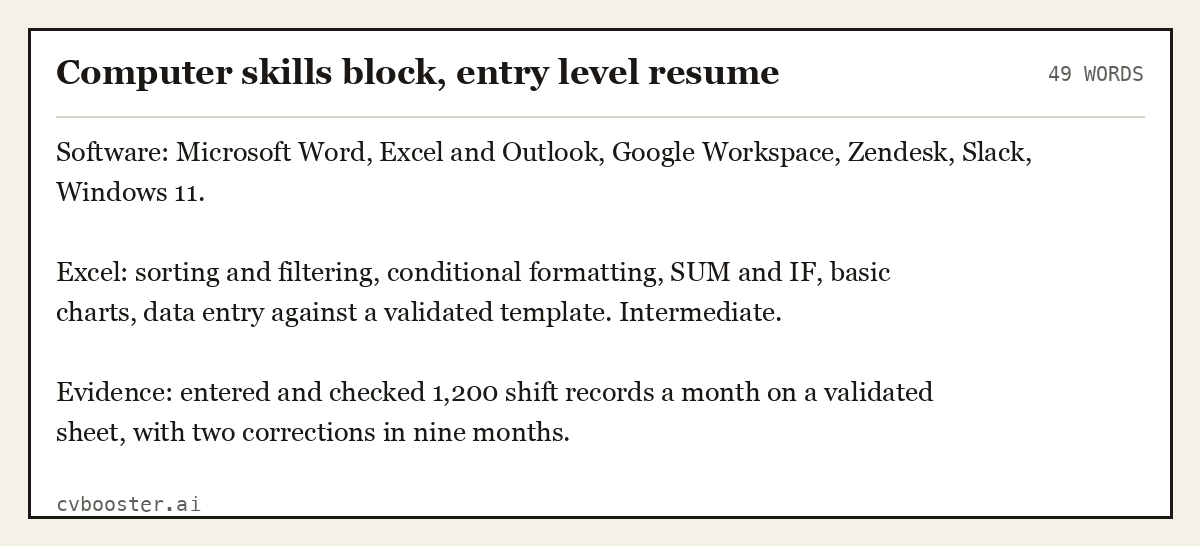
Computer skills block, entry level resume (49 words)
Software: Microsoft Word, Excel and Outlook, Google Workspace, Zendesk, Slack, Windows 11.
Excel: sorting and filtering, conditional formatting, SUM and IF, basic charts, data entry against a validated template. Intermediate.
Evidence: entered and checked 1,200 shift records a month on a validated sheet, with two corrections in nine months.
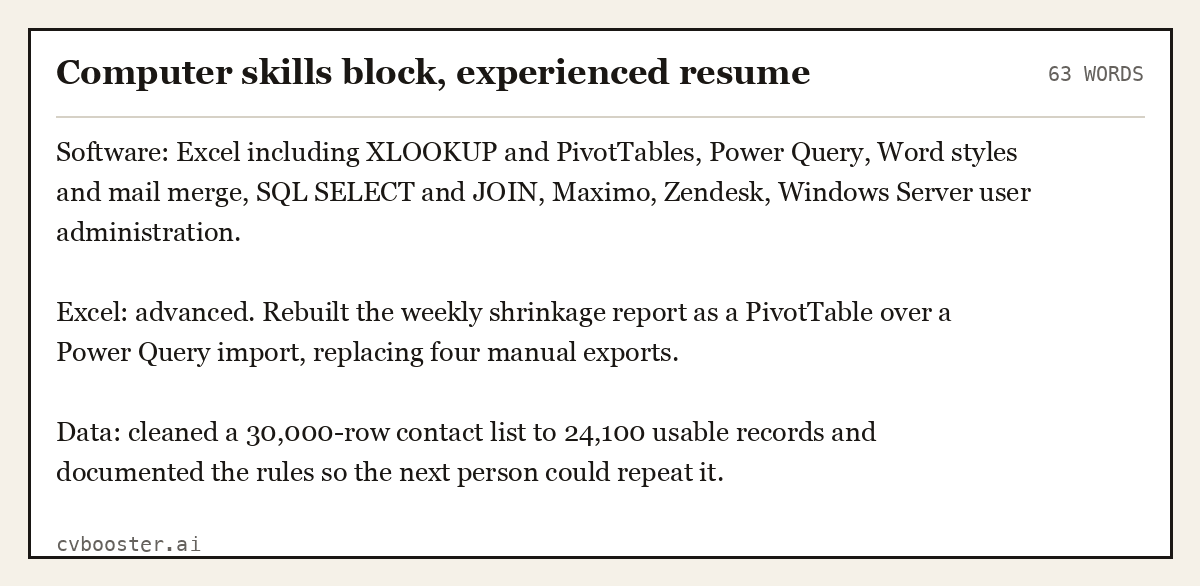
Computer skills block, experienced resume (63 words)
Software: Excel including XLOOKUP and PivotTables, Power Query, Word styles and mail merge, SQL SELECT and JOIN, Maximo, Zendesk, Windows Server user administration.
Excel: advanced. Rebuilt the weekly shrinkage report as a PivotTable over a Power Query import, replacing four manual exports.
Data: cleaned a 30,000-row contact list to 24,100 usable records and documented the rules so the next person could repeat it.
How to list computer skills on a resume or CV
Computer skills on a resume sit in two places: a short labeled block under your summary, and inside the experience bullets where you used them. The block lets a screener match the posting in seconds; the bullets are the proof. On a UK CV the rule is the same, the section is often headed "Key skills" or "IT skills", and spelling follows British usage.
- Put the skills block high on the page when the job is office, data or IT based, and lower when it is hands-on work where computers are a side task.
- Write three or four lines, each with a label: Spreadsheets, Documents, Systems, Data.
- Name the function and the tool together, such as PivotTables in Excel or mail merge in Word, in the order the posting lists them.
- Repeat your strongest three in experience bullets with a volume and a result, so the claim survives an interview question.
For a UK layout that leads with a skills section, our skills based CV template shows the full page, and designers will find the creative version in graphic design resume skills.
Software skills for a resume: name the function, not just the software
"Good with Excel" tells a reader nothing. The function name is searchable and testable, and Microsoft publishes the wording.
Microsoft describes the lookup function exactly: "The XLOOKUP function searches a range or an array, and then returns the item corresponding to the first match it finds", on its XLOOKUP documentation. Write "XLOOKUP across a 14,000-line price list", not "advanced formulas".
The same applies to summarizing data, which Microsoft documents on its PivotTable page. Name the report you produced with it, and the decision it changed.
Certifications that prove computer skills
A certificate replaces a self-assessment, which is why it is worth naming the exam precisely. CompTIA publishes the identity of the exam: "Exam series code: 220-1201 (Core 1)", with a "Passing score: A+ Core 1: 675 (on a scale of 900)" and a "Recommended experience: 12 months of hands-on experience in an IT support specialist job role", on its A+ Core 1 page. If you are building your first IT application, our entry level IT resume guide shows five complete examples with the certificate near the top.
Write the exam code and the version on the resume. A line reading "CompTIA A+ Core 1, 220-1201, passed July 2026" cannot be argued with.
What the occupational data expects
O*NET OnLine lists the technology categories for computer user support specialists, including "Office suite software", "Operating system software", "Network security and virtual private network VPN equipment software" and "Platform interconnectivity software", on its computer support specialists summary. The same page records "Median wages (2025) $29.74 hourly, $61,860 annual", which is the number to hold when a recruiter quotes you something lower.
Use those category names to organize your own skills block. It is the vocabulary the postings are drawn from.
Computer skills that mean nothing
- "Microsoft Office" with no named function underneath it.
- "Proficient in computers", which is now the same as saying you have hands.
- "Social media" with no platform, no volume and no result.
- "Typing" without a speed, and a speed nobody asked for.
- "AI tools" with no task named, which reads as a keyword rather than a skill.
- Any software you have opened once and never used for real work.
Tip: Count how many of the posting's named tools appear in your skills block. If it is fewer than half, you are applying with someone else's resume.
See resume skills section for the layout, hard skills for a resume for the wider split, technician skills for the hands-on trades version, and skills to put on a resume for the general list. If you are applying for software or data roles in the UK, our computer science CV guide shows six complete examples from student to senior engineer.
Two keyword lists name the tools in full: technical support resume keywords and business analyst resume keywords. Languages count as skills too, and listing languages on a CV or resume shows how.
Frequently asked questions
What are computer skills?
Computer skills are the functions you can perform with software and hardware, such as building a PivotTable, running a mail merge, writing a SQL query or replacing a laptop drive. They are not the names of applications you have installed, which is why a resume should name tasks rather than logos.
What are the types of computer skills?
Six groups cover almost every job: spreadsheets, documents and presentations, communication and collaboration tools, data and reporting, systems and support, and security practice. Most postings ask for three of the six. Group your skills block the same way so a reader can find the match quickly.
Why are computer skills important on a resume?
Because they are the part of a resume that can be tested in the interview, so they carry more weight than any adjective. They also decide how much of the job you can do on day one, which is what a hiring manager is really estimating when reading the skills block.
How do I put computer skills on a resume or CV?
Group them into three or four labeled lines under your summary, name the function rather than the brand, and give a level only where you would accept a screen share. Then prove at least three of them inside your experience bullets with a volume and a result attached.
How do you describe your level of computer skills?
Use three levels honestly. Basic means you can use what someone else built, intermediate means you can build it, advanced means you can fix and teach it. Never claim advanced for a tool you have not used in the last year.
How can I learn computer skills?
Pick the one function the postings keep naming and learn that, not a whole application. Lookups, PivotTables, mail merge and basic SQL cover most office requirements. Then take the certification that names an exam code, because that turns a claim into a checkable fact.
Related articles
- Hard Skills for a Resume: How to List Them
- How to List Skills on a Resume (With 50+ Examples)
- Customer Service Skills on a Resume: What to List and Prove
- Skills to Put on a Resume (and What to Cut)
More articles
- Construction Resume Template: 6 Full Samples by Trade
- Contribute Synonym: 30 Stronger Resume Words With Examples
- Cover Letter Australia Sample: 4 Full Letters, Annotated
Looking for a worked example for your job title? Browse the resume examples by job title.