Bad Resume Examples: 10 Mistakes and the Fixed Version
By Mustafa Tarabya, founder of CVBooster · Published · Updated
8 min read
A bad resume is one that lists duties instead of results, hides the most relevant experience below the fold, and gives the reader no reason to match it to the job advert. The constraint is that the fix is rarely a new template; it is rewriting the same facts so they answer the advert. MIT's career office puts the most common mistake in one sentence: "Your experience descriptions shouldn't read like job descriptions." Below is a complete bad resume, the same resume fixed line by line, and eight more bad resume examples with the corrected version, checked in October 2026, from entry level to senior. Written by Mustafa Tarabya, who hired for his own company, read every application himself and now writes CVBooster's guides.
I wrote the advert, so I knew exactly which four things I was looking for. Most of the CVs never mentioned any of them. They were not bad people. They were good people with a resume that described a different job.
A complete bad resume
This is a typical entry-level resume for a customer service job. Nothing in it is false. Almost nothing in it helps.
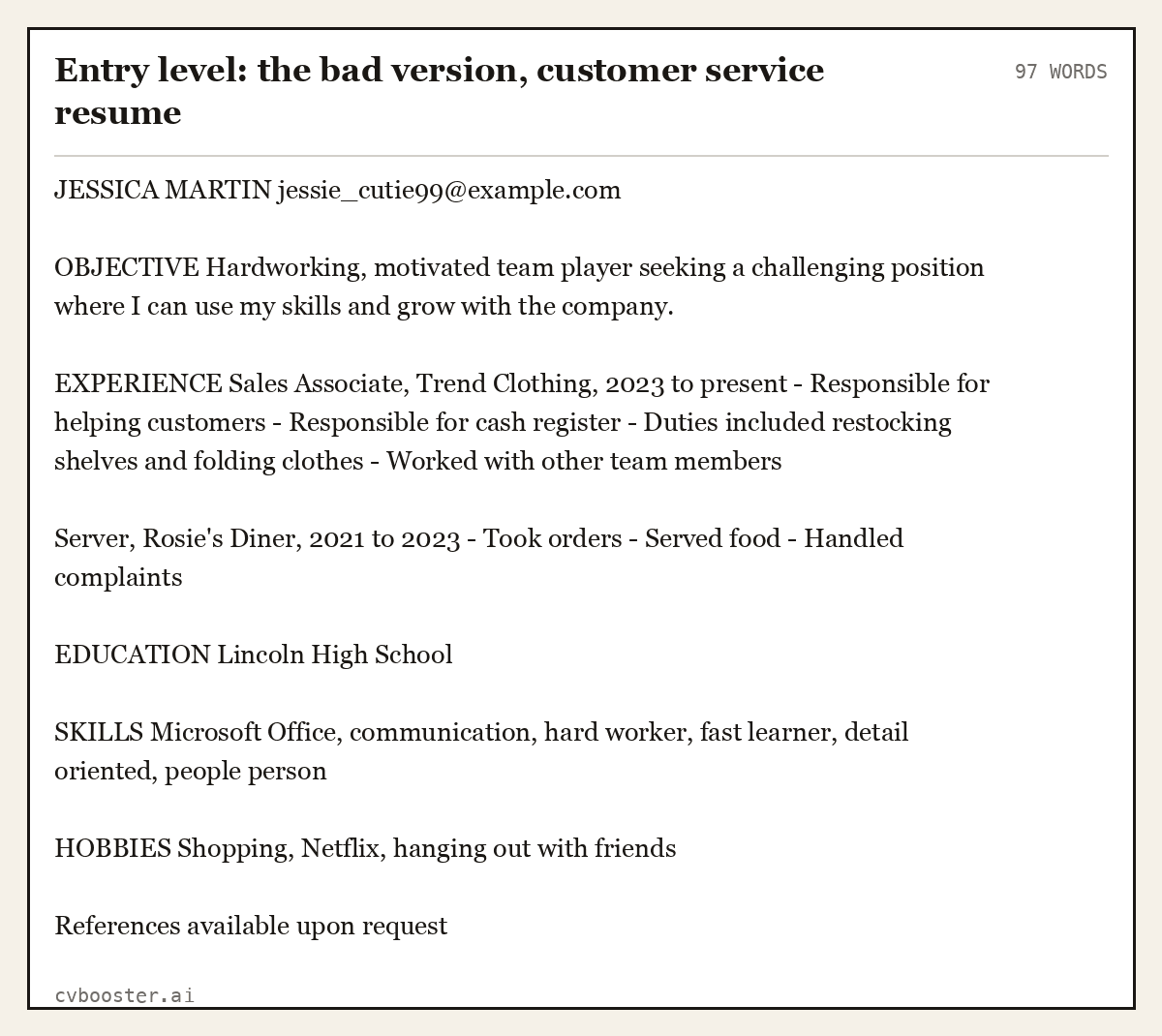
Entry level: the bad version, customer service resume (97 words)
JESSICA MARTIN jessie_cutie99@example.com
OBJECTIVE Hardworking, motivated team player seeking a challenging position where I can use my skills and grow with the company.
EXPERIENCE Sales Associate, Trend Clothing, 2023 to present - Responsible for helping customers - Responsible for cash register - Duties included restocking shelves and folding clothes - Worked with other team members
Server, Rosie's Diner, 2021 to 2023 - Took orders - Served food - Handled complaints
EDUCATION Lincoln High School
SKILLS Microsoft Office, communication, hard worker, fast learner, detail oriented, people person
HOBBIES Shopping, Netflix, hanging out with friends
References available upon request
What is wrong: an unprofessional email address, no phone number or city, an objective that could belong to anyone, duties instead of results, skills with no proof, hobbies that say nothing, and a line about references that every employer already assumes.
The same resume, fixed
Same person, same jobs. The only change is that every line now answers what a customer service advert asks for.
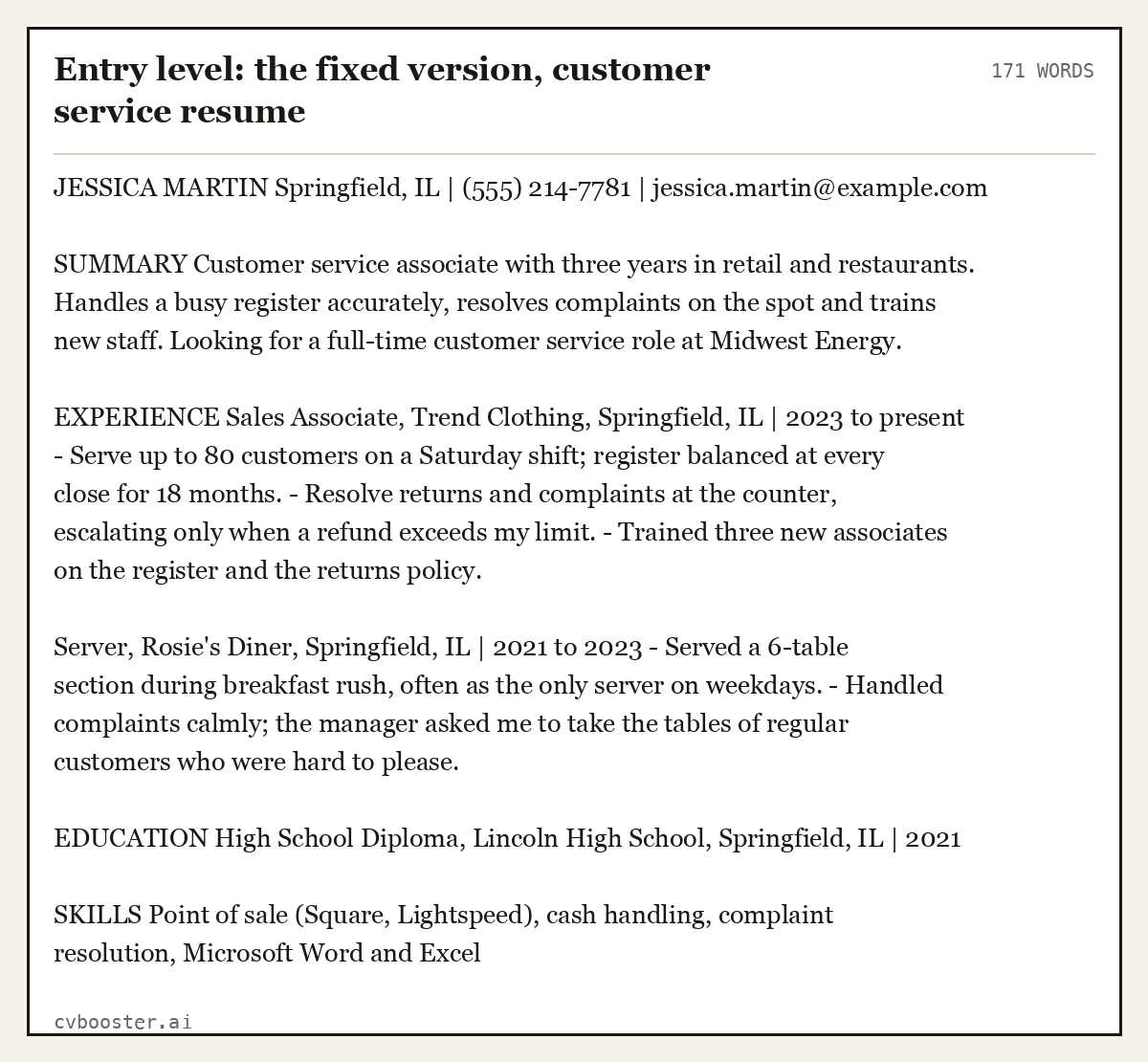
Entry level: the fixed version, customer service resume (171 words)
JESSICA MARTIN Springfield, IL | (555) 214-7781 | jessica.martin@example.com
SUMMARY Customer service associate with three years in retail and restaurants. Handles a busy register accurately, resolves complaints on the spot and trains new staff. Looking for a full-time customer service role at Midwest Energy.
EXPERIENCE Sales Associate, Trend Clothing, Springfield, IL | 2023 to present - Serve up to 80 customers on a Saturday shift; register balanced at every close for 18 months. - Resolve returns and complaints at the counter, escalating only when a refund exceeds my limit. - Trained three new associates on the register and the returns policy.
Server, Rosie's Diner, Springfield, IL | 2021 to 2023 - Served a 6-table section during breakfast rush, often as the only server on weekdays. - Handled complaints calmly; the manager asked me to take the tables of regular customers who were hard to please.
EDUCATION High School Diploma, Lincoln High School, Springfield, IL | 2021
SKILLS Point of sale (Square, Lightspeed), cash handling, complaint resolution, Microsoft Word and Excel
Create my CV
Or start from one of our free resume templates
Bad resume examples, mistake by mistake
Mistake 1: duties instead of results
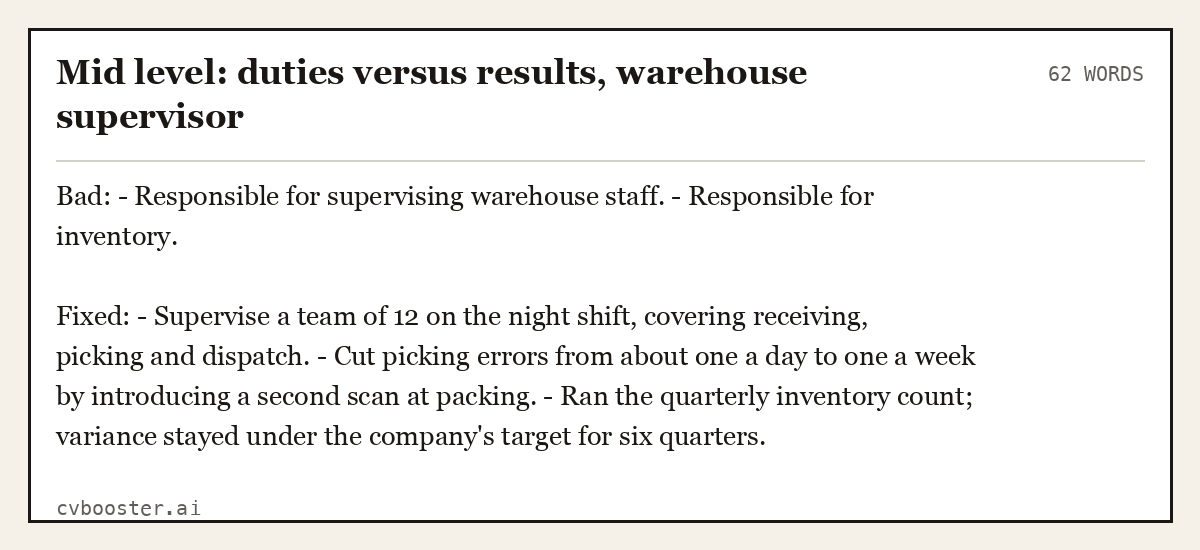
Mid level: duties versus results, warehouse supervisor (62 words)
Bad: - Responsible for supervising warehouse staff. - Responsible for inventory.
Fixed: - Supervise a team of 12 on the night shift, covering receiving, picking and dispatch. - Cut picking errors from about one a day to one a week by introducing a second scan at packing. - Ran the quarterly inventory count; variance stayed under the company's target for six quarters.
Mistake 2: a summary that says nothing
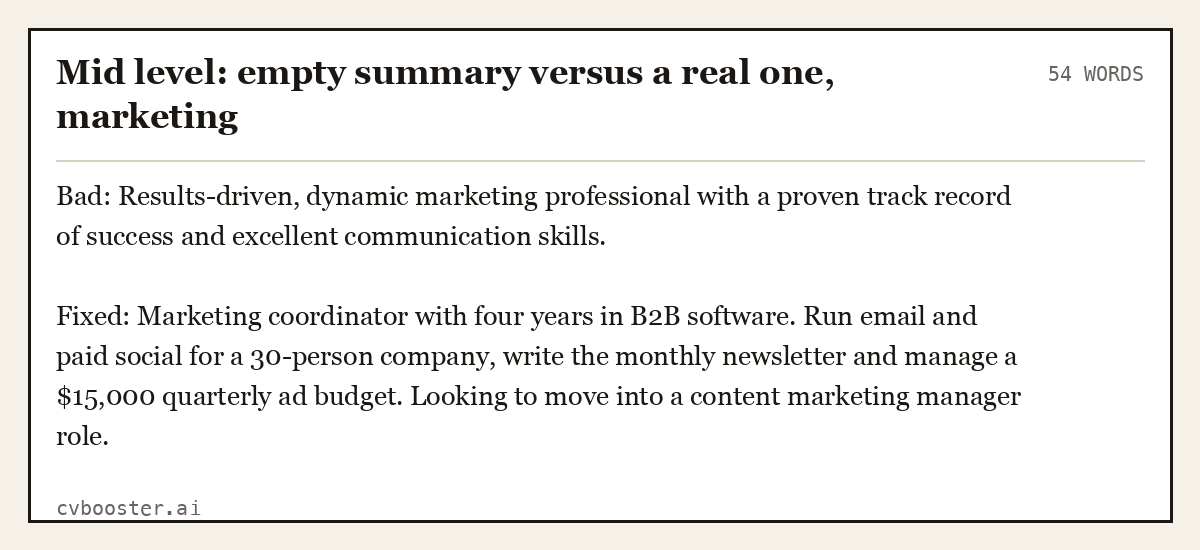
Mid level: empty summary versus a real one, marketing (54 words)
Bad: Results-driven, dynamic marketing professional with a proven track record of success and excellent communication skills.
Fixed: Marketing coordinator with four years in B2B software. Run email and paid social for a 30-person company, write the monthly newsletter and manage a $15,000 quarterly ad budget. Looking to move into a content marketing manager role.
The full method for that line is in our resume summary examples. Tempted to fix a dull summary with a joke instead? Read why a funny resume backfires first.
Mistake 3: personal details that should not be there
MIT's guidance is clear: "Don't include personal information about your age, religion, health or marital status." On a US resume that also means no photo, no date of birth and no Social Security number.
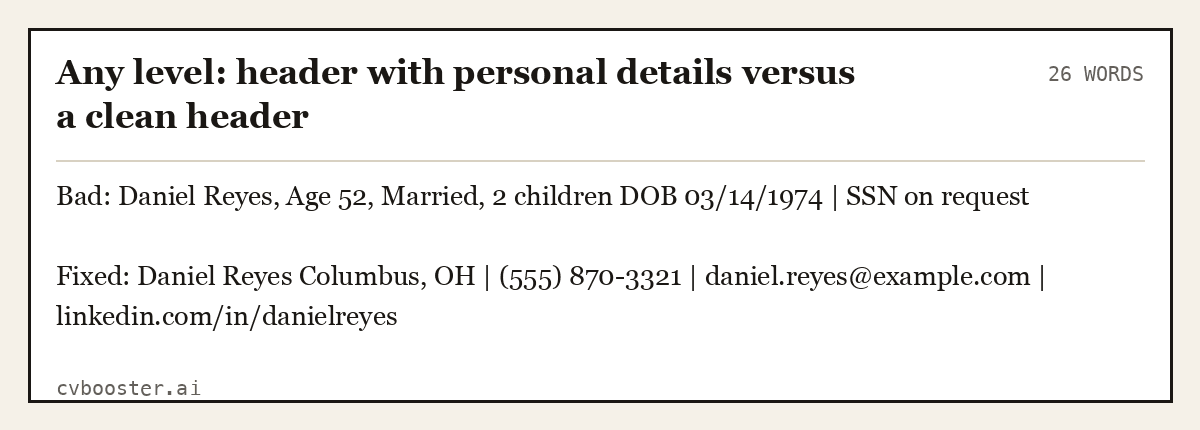
Any level: header with personal details versus a clean header (26 words)
Bad: Daniel Reyes, Age 52, Married, 2 children DOB 03/14/1974 | SSN on request
Fixed: Daniel Reyes Columbus, OH | (555) 870-3321 | daniel.reyes@example.com | linkedin.com/in/danielreyes
Mistake 4: a skills list with no proof
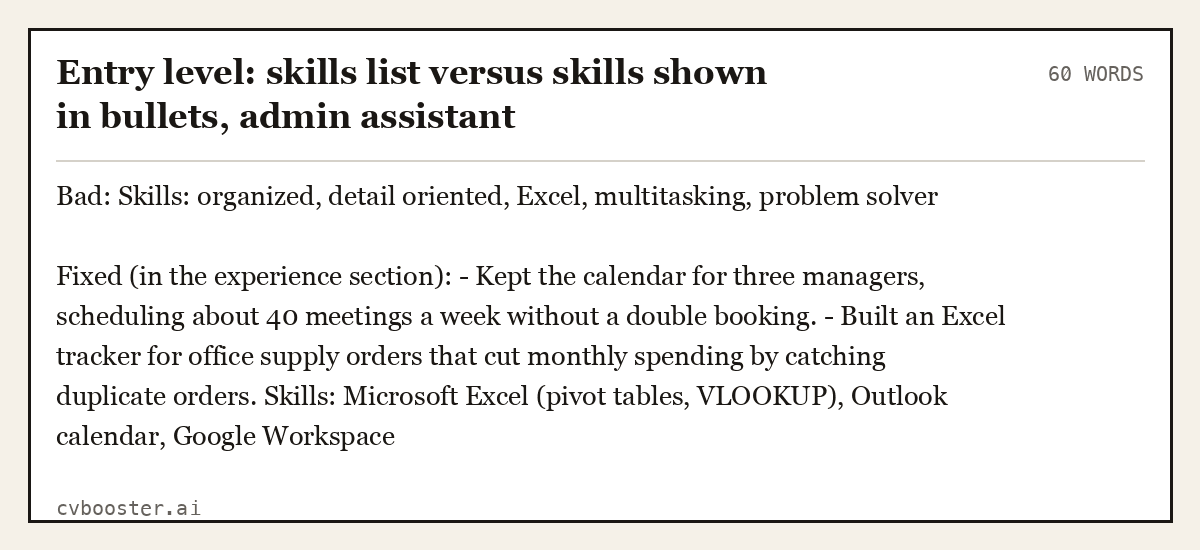
Entry level: skills list versus skills shown in bullets, admin assistant (60 words)
Bad: Skills: organized, detail oriented, Excel, multitasking, problem solver
Fixed (in the experience section): - Kept the calendar for three managers, scheduling about 40 meetings a week without a double booking. - Built an Excel tracker for office supply orders that cut monthly spending by catching duplicate orders. Skills: Microsoft Excel (pivot tables, VLOOKUP), Outlook calendar, Google Workspace
Mistake 5: the wrong order for the job
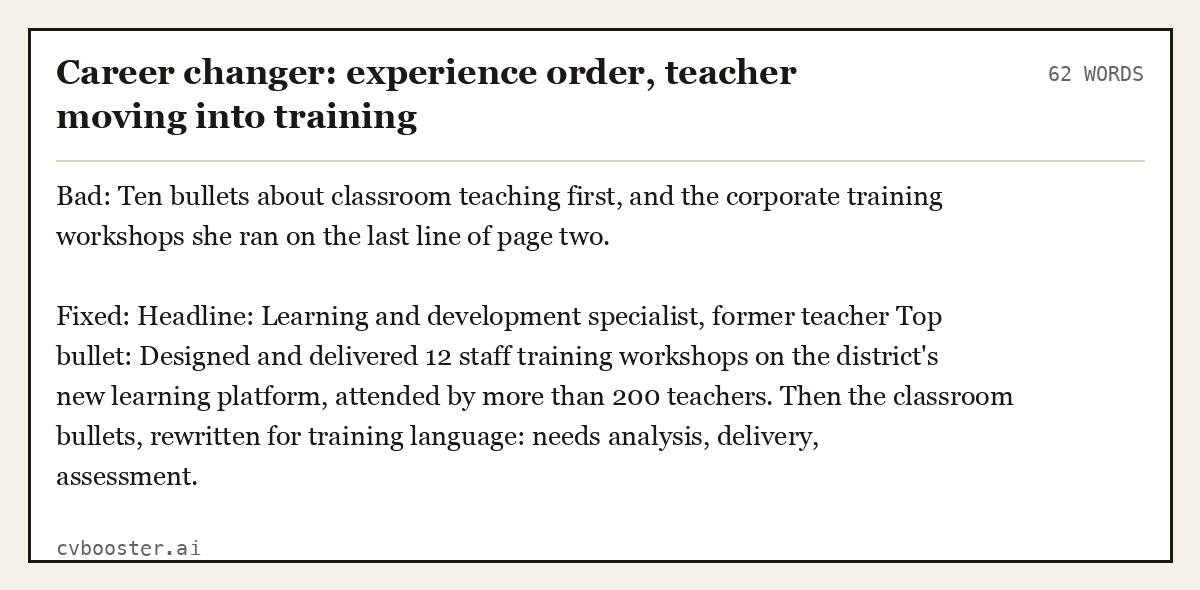
Career changer: experience order, teacher moving into training (62 words)
Bad: Ten bullets about classroom teaching first, and the corporate training workshops she ran on the last line of page two.
Fixed: Headline: Learning and development specialist, former teacher Top bullet: Designed and delivered 12 staff training workshops on the district's new learning platform, attended by more than 200 teachers. Then the classroom bullets, rewritten for training language: needs analysis, delivery, assessment.
Mistake 6: too long and too old at senior level
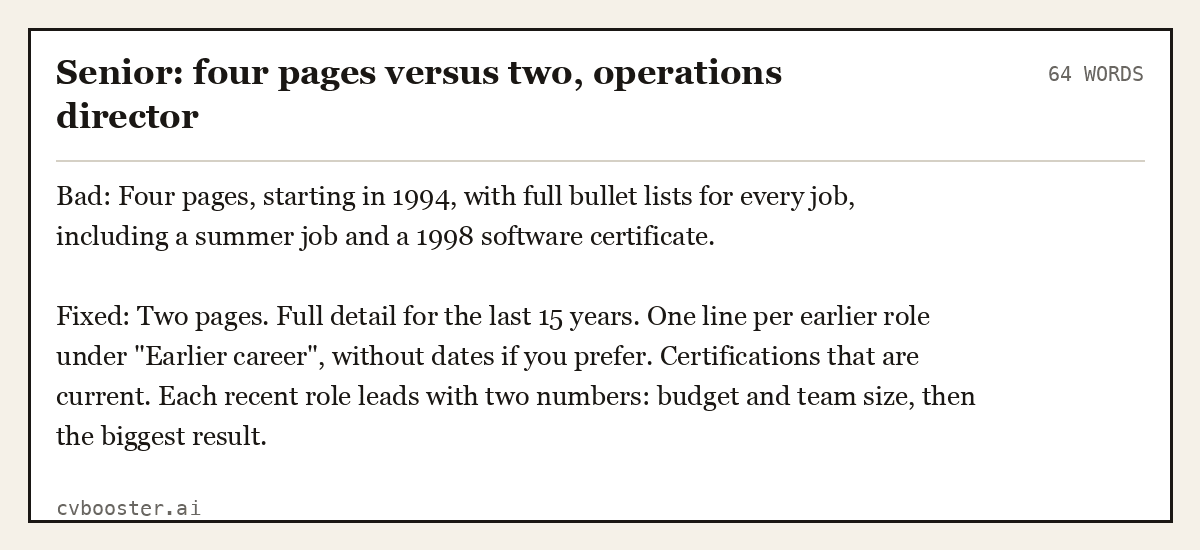
Senior: four pages versus two, operations director (64 words)
Bad: Four pages, starting in 1994, with full bullet lists for every job, including a summer job and a 1998 software certificate.
Fixed: Two pages. Full detail for the last 15 years. One line per earlier role under "Earlier career", without dates if you prefer. Certifications that are current. Each recent role leads with two numbers: budget and team size, then the biggest result.
On dates and older experience, the resume format guide covers what to show and what to leave out.
Mistake 7: typos and broken contact details
MIT again: "Even a resume without a single typo is worthless if you forget to include your contact information."
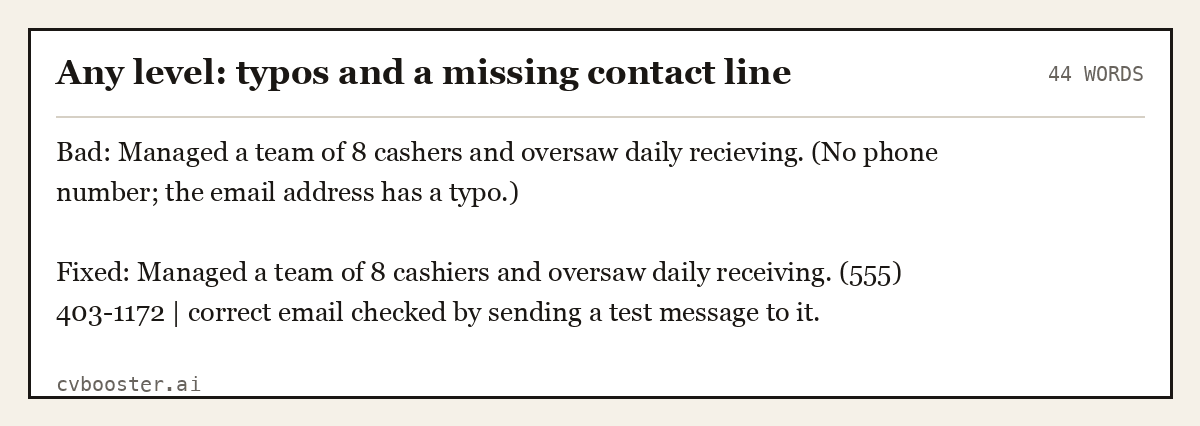
Any level: typos and a missing contact line (44 words)
Bad: Managed a team of 8 cashers and oversaw daily recieving. (No phone number; the email address has a typo.)
Fixed: Managed a team of 8 cashiers and oversaw daily receiving. (555) 403-1172 | correct email checked by sending a test message to it.
Mistake 8: a design the reader cannot scan
The Purdue OWL resume design guide recommends consistency in fonts and headings. Two columns, icons for skills and a photo in the corner make a resume harder to read and harder for applicant tracking systems to parse.
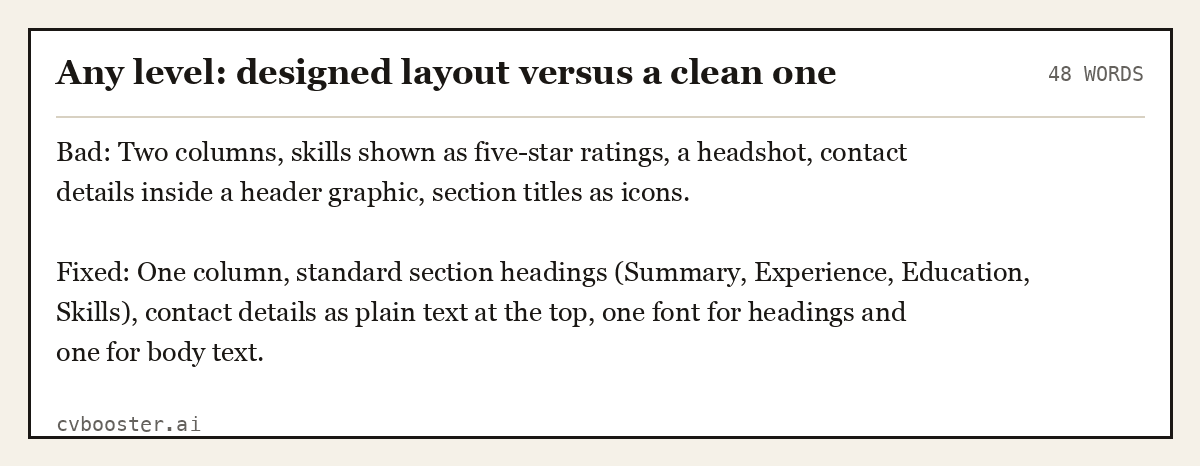
Any level: designed layout versus a clean one (48 words)
Bad: Two columns, skills shown as five-star ratings, a headshot, contact details inside a header graphic, section titles as icons.
Fixed: One column, standard section headings (Summary, Experience, Education, Skills), contact details as plain text at the top, one font for headings and one for body text.
Good vs bad resumes: the pattern
Put the bad and fixed versions side by side and the pattern is always the same. Bad resumes describe the job. Good resumes describe what you did in it, with a number or a result, in the order the advert cares about.
Three quick tests catch most problems. Read only the top third of page one: does it say what job you want and why you fit? Read each bullet: could someone else in the same job have written it? If yes, it is a duty, not a result. Read the advert, then your resume: are its four or five key requirements visible in your words?
For stronger bullet openings, use our list of resume action verbs. Before you send, run through the resume proofreading checklist, and check the resume length guide if you are over two pages.
Bad examples of CV writing in the UK
The UK CV has the same failures with local twists: a "Curriculum Vitae" heading that wastes the top line, a personal profile full of adjectives, a full home address, and "References available on request". The fixes are identical. A UK CV can be two pages, and it should still lead with the profile and the most relevant role.
On personal details, US employers have a further reason to keep them off. The EEOC explains that the Age Discrimination in Employment Act "forbids age discrimination against people who are age 40 or older", which is why careers advisers tell you to leave your date of birth out of the resume entirely.
Frequently asked questions
What makes a resume bad?
A resume is bad when it lists duties instead of results, opens with a generic objective, hides the most relevant experience, includes personal details such as age or marital status, or has typos and missing contact details. Most bad resumes are not badly designed; they describe the job rather than what the person achieved in it.
What are examples of bad things to put on a resume?
Common examples include an unprofessional email address, a photo on a US resume, date of birth, marital status, hobbies that do not relate to the job, "references available upon request", salary history, and skills lists with words like "hard worker" and "people person" that nobody can check.
How do I turn a bad resume into a good one?
Keep the facts and rewrite every line to answer the job advert. Replace duties with results and numbers, replace the objective with a three-line summary for the specific job, move the most relevant role or skill to the top, remove personal details, and proofread every line, including the email address.
Do bad resume designs get rejected by ATS?
Applicant tracking systems can struggle with tables, text boxes, columns and graphics, and contact details placed inside a header image may not be read. A one-column layout with standard headings and plain text is the safest choice. The bigger risk is a human reader who cannot find your best evidence quickly.
What is the difference between a good and a bad CV?
A good CV answers the specific job advert in its first few lines and proves each claim with a result. A bad CV is generic, describes responsibilities, and leaves the reader to work out whether the candidate fits. The facts are often identical; the difference is selection, order and wording.
More in this series: related guides
- Resume Format Guide: Dates, Layout, Color and File Type
- Resume Summary Examples: 12 Opening Statements by Level
Related articles
- Resume Spelling: The Errors Spellcheck Misses
- Budtender Resume Examples: 6 Samples From Entry to Lead
- Combination Resume Examples: 6 Complete Hybrid Samples
- Encouraged Synonym for Resume: 25 Stronger Words to Use
More articles
Looking for a worked example for your job title? Browse the resume examples by job title.