Skills to Put on LinkedIn: How to Choose, With 7 Examples
By Mustafa Tarabya, founder of CVBooster · Published · Updated
5 min read
The skills to put on LinkedIn are the ones named in the job postings you want, in the words the postings use, with the three that matter most shown first. The one constraint: a skill is a search term, so use the standard name recruiters type, such as "project management", not a creative one. LinkedIn's help page explains the purpose: "Maintaining a relevant list of skills on your profile will help others understand your strengths and match you with the right opportunities. You can add up to 100 skills to your profile." Below are the steps to choose them, seven complete skills lists for different jobs, and what to leave off. Written by Mustafa Tarabya, who hired for his own company, read every application himself and now writes CVBooster's guides.
A LinkedIn profile with no skills is a shop with the lights off. People who would have walked in never see that it is open.
A skills list, done properly
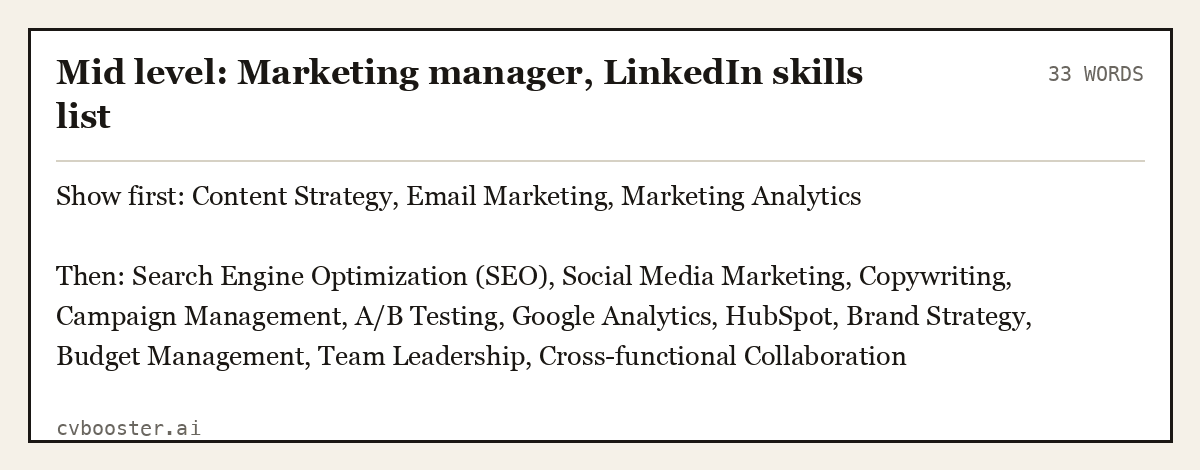
Start with an example. A mid-level marketing manager aiming for a senior content role. The first three are the ones to show first, then the rest in order of importance.
Mid level: Marketing manager, LinkedIn skills list (33 words)
Show first: Content Strategy, Email Marketing, Marketing Analytics
Then: Search Engine Optimization (SEO), Social Media Marketing, Copywriting, Campaign Management, A/B Testing, Google Analytics, HubSpot, Brand Strategy, Budget Management, Team Leadership, Cross-functional Collaboration
Create my CV
Or start from one of our free resume templates
How to choose your skills in four steps
- Collect the postings. The Job-Hunt guide to LinkedIn skills says "Check the job descriptions your target employers have published to determine the skills required for your current job and/or the job you want next." Copy the skills that three or four postings share.
- Match your real work. Keep the ones you can talk about for two minutes. If you cannot, leave the skill off.
- Use the standard name. LinkedIn suggests skills as you type. Choose from the dropdown, because the standard name is the one recruiters search.
- Order them. Put the three most relevant to your next job first. The same guide says to choose the first three skills carefully, because LinkedIn treated them as your Top Skills, visible to everyone viewing your profile. Note that this guide is older, and LinkedIn changes its layout, so check what your own profile shows.
MIT's career office says "Employers may use keyword scanning on resumes, so know what words are relevant to the industry and position" in its resume guide. LinkedIn skills work the same way, and your resume and profile should use the same words.
Tie each skill to a job
When you add a skill, LinkedIn asks where you used it. Its help page says to "Select the checkboxes that show where you put this skill to use." Do this for every skill you can. A skill linked to a job and a result is evidence; a skill alone is a claim. A recruiter who clicks "Content Strategy" and sees it connected to your last two roles has a reason to believe it.
It also keeps the profile and the resume consistent. If the resume says you ran email campaigns at Hearth Kitchenware, the profile should show Email Marketing connected to that role, and the posting's own phrase should appear in both places.
How many skills
LinkedIn's help page says "You can add up to 100 skills to your profile." The Job-Hunt guide, which was written for an earlier limit of 50, has an idea that holds at any size: "Irrelevant options may confuse people about what you really do." A list of 15 to 30 focused skills is usually more useful than 100 that say nothing.
Six more examples, by job
Each example is a complete list: three to show first, then the rest.
Registered nurse
Mid level: Registered nurse, LinkedIn skills list (37 words)
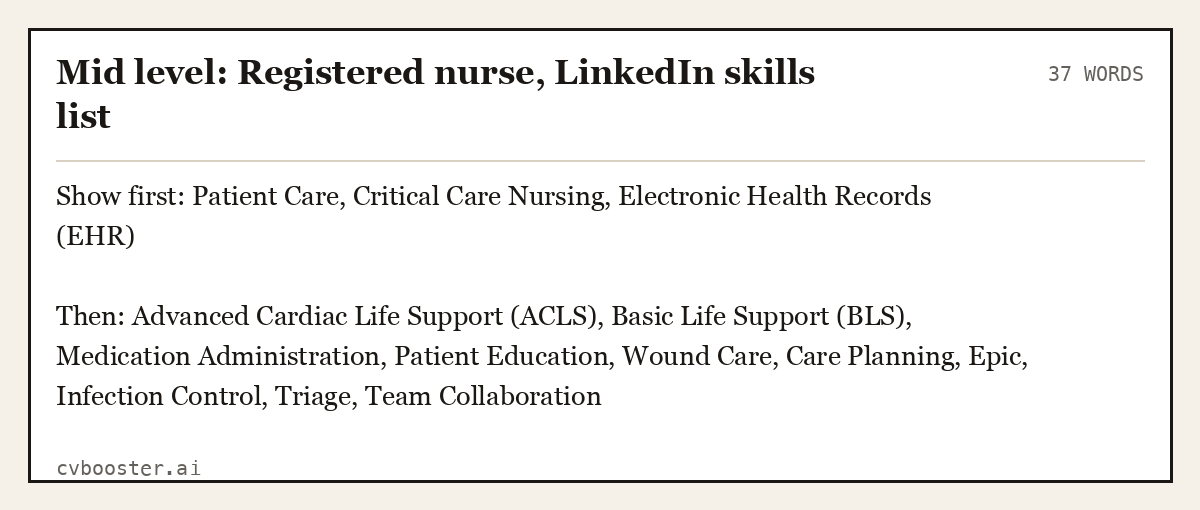
Show first: Patient Care, Critical Care Nursing, Electronic Health Records (EHR)
Then: Advanced Cardiac Life Support (ACLS), Basic Life Support (BLS), Medication Administration, Patient Education, Wound Care, Care Planning, Epic, Infection Control, Triage, Team Collaboration
Software engineer
Mid level: Software engineer, LinkedIn skills list (25 words)
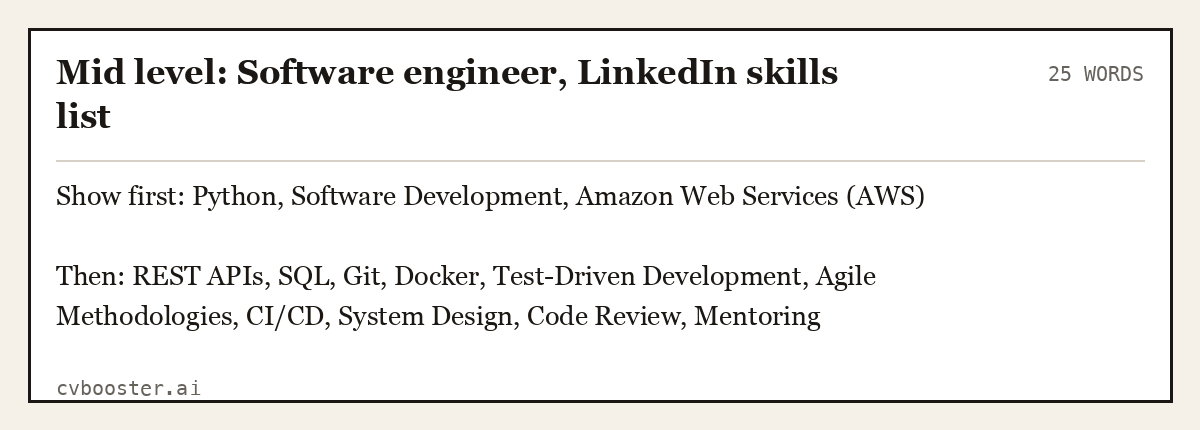
Show first: Python, Software Development, Amazon Web Services (AWS)
Then: REST APIs, SQL, Git, Docker, Test-Driven Development, Agile Methodologies, CI/CD, System Design, Code Review, Mentoring
Teacher
Mid level: Elementary teacher, LinkedIn skills list (27 words)
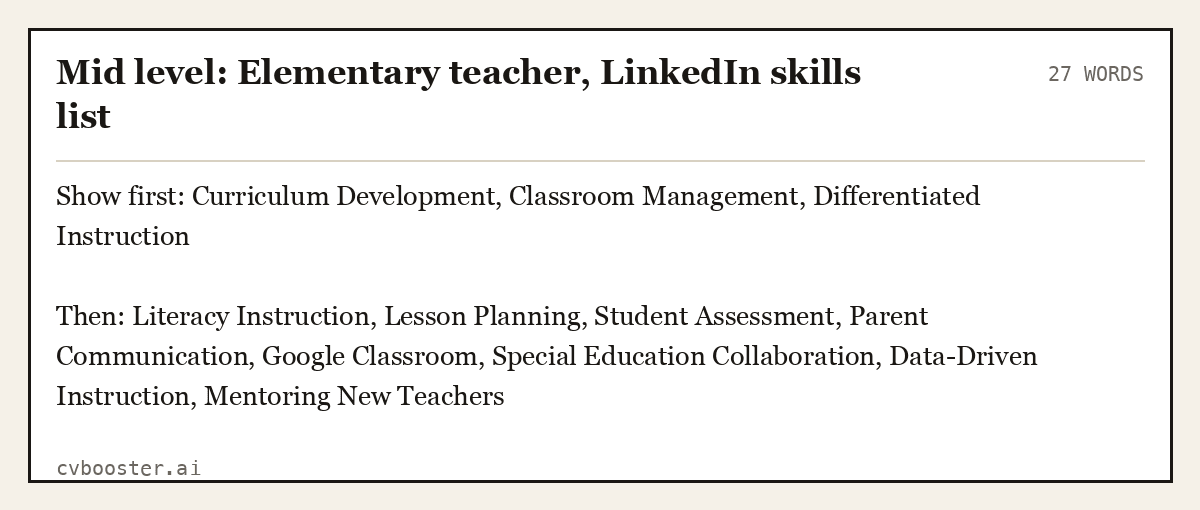
Show first: Curriculum Development, Classroom Management, Differentiated Instruction
Then: Literacy Instruction, Lesson Planning, Student Assessment, Parent Communication, Google Classroom, Special Education Collaboration, Data-Driven Instruction, Mentoring New Teachers
Accountant
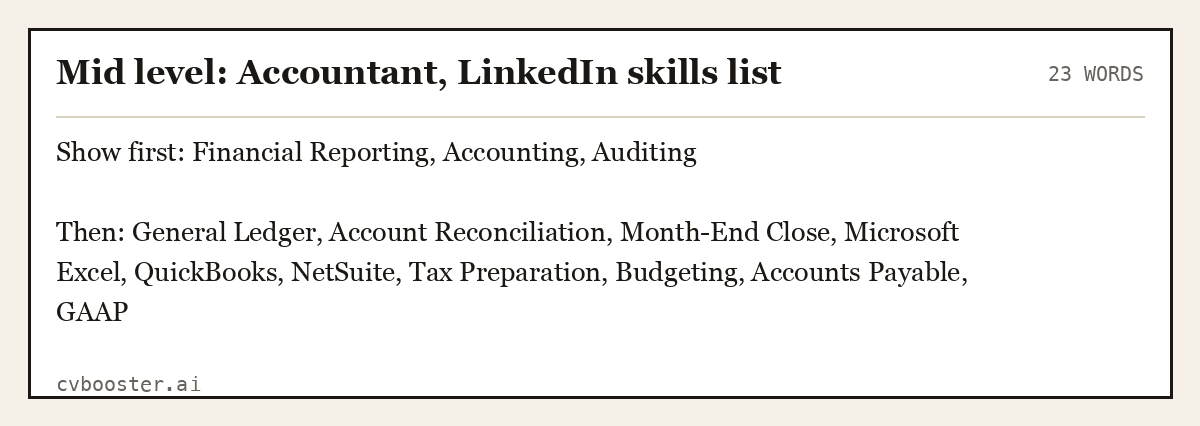
Mid level: Accountant, LinkedIn skills list (23 words)
Show first: Financial Reporting, Accounting, Auditing
Then: General Ledger, Account Reconciliation, Month-End Close, Microsoft Excel, QuickBooks, NetSuite, Tax Preparation, Budgeting, Accounts Payable, GAAP
Warehouse and logistics
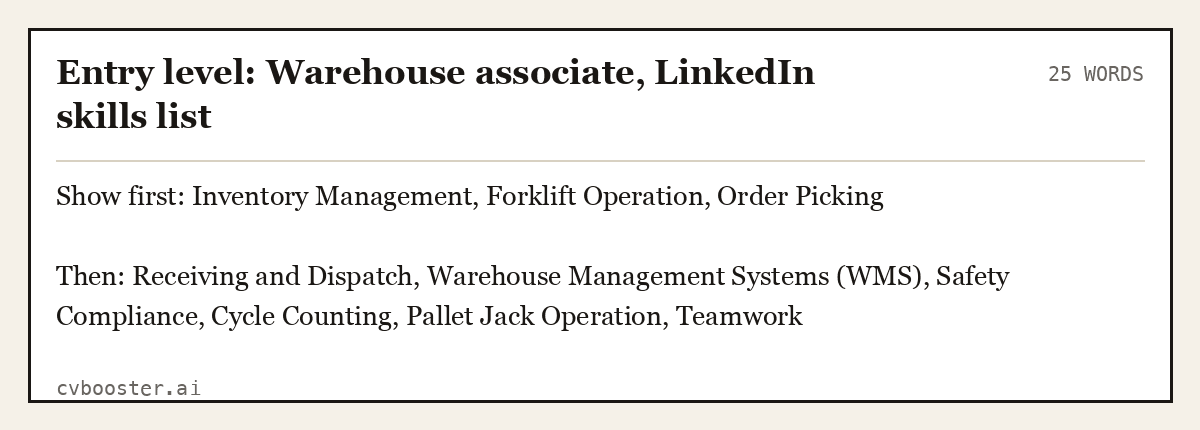
Entry level: Warehouse associate, LinkedIn skills list (25 words)
Show first: Inventory Management, Forklift Operation, Order Picking
Then: Receiving and Dispatch, Warehouse Management Systems (WMS), Safety Compliance, Cycle Counting, Pallet Jack Operation, Teamwork
Career changer into project management
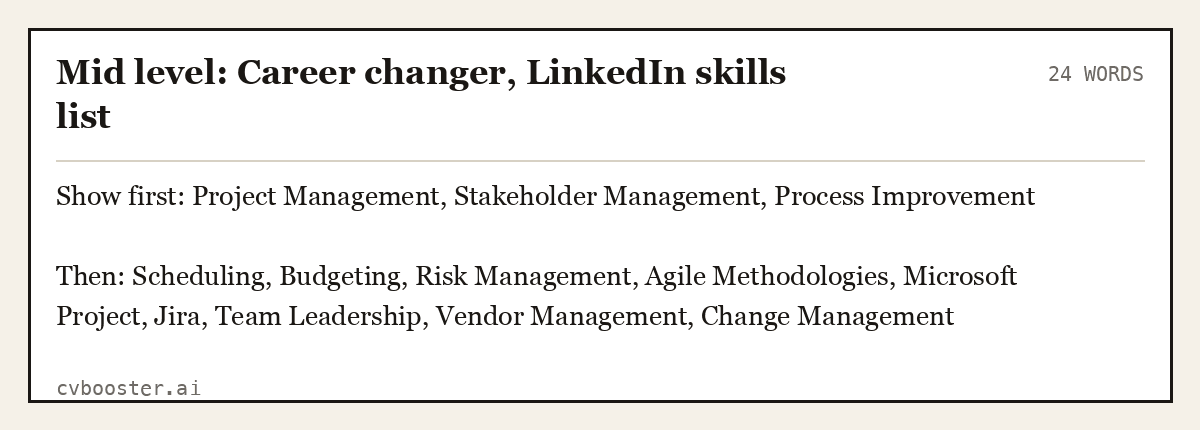
Mid level: Career changer, LinkedIn skills list (24 words)
Show first: Project Management, Stakeholder Management, Process Improvement
Then: Scheduling, Budgeting, Risk Management, Agile Methodologies, Microsoft Project, Jira, Team Leadership, Vendor Management, Change Management
Notice that the career changer's list does not repeat the old job title. It names the skills the new job needs and that the old job proved.
What to leave off
- Skills you cannot demonstrate. If a recruiter calls you about it, you will have to talk.
- Filler soft skills. "Hardworking" and "team player" are not skills recruiters search for. Use Communication, Team Leadership or Problem Solving only when you can back them up.
- Out-of-date tools. If the tool is dead, so is the keyword.
- Duplicates. "Project Management" and "Project Planning" can both stay if the postings use both. Otherwise choose one.
- Skills for a job you do not want. Irrelevant skills blur the signal.
For the matching profile text, see our guides to LinkedIn headline examples and the sample LinkedIn profile for students. The difference between a profile and a resume is on the LinkedIn profile vs resume page, and how the resume version of your skills should read is in resume skills. If you are weighing a paid plan, read is LinkedIn Premium worth it.
Frequently asked questions
What skills should I put on LinkedIn?
Put the skills named in the postings for the job you want and that you can prove from your work, using LinkedIn's standard names. Show the three most relevant first, then add 10 to 25 more, ordered by importance. Include a mix of technical skills, tools and a few role-relevant soft skills.
How many skills can I add to LinkedIn?
LinkedIn's help page says you can add up to 100 skills to your profile. Older guides mention 50, which was an earlier limit. You do not need to use them all. A focused list that matches the jobs you want is better than a long list that makes your profile harder to read.
Should I list soft skills on LinkedIn?
A few, if they are named in your target postings and you can back them up, such as Team Leadership, Communication or Problem Solving. Skip vague ones such as "hardworking". Technical skills and tools are usually the terms recruiters search, so they should take the top places.
Do LinkedIn skills matter for getting hired?
They matter because they are searchable terms, and a profile with relevant skills is easier for recruiters to find and for a hiring manager to understand. They do not replace experience, but they help your profile match the jobs you want. Use the same words in your resume.
Related articles
- Academic CV Examples: 6 Full CVs for PhD, Postdoc, Faculty
- CV Template for 16 Year Old: UK Layout and 6 Examples
- Thank You Letter for Scholarship: 7 Complete Examples
- What Does a CV Look Like? UK Layout and 6 Full CVs
More articles
- Social Media Manager Cover Letter: 6 Full Examples
- Social Work Interview Questions: 7 UK Model Answers
- Soft Skills for a Resume: Communication Examples and More
Looking for a worked example for your job title? Browse the resume examples by job title.