Office Administrator Resume Examples: what gets the call
Office Admin Resume and Administrator Resume Examples
By Mustafa Tarabya, founder of CVBooster · Published · Updated
Office admin resume and administrator resume examples: a full admin resume sample, realistic bullets for each block, skills, software and ATS keywords.
Sample resumes for a office administrator
The same office administrator content laid out in three CVBooster templates, so you can see what the finished document looks like before you write a word.
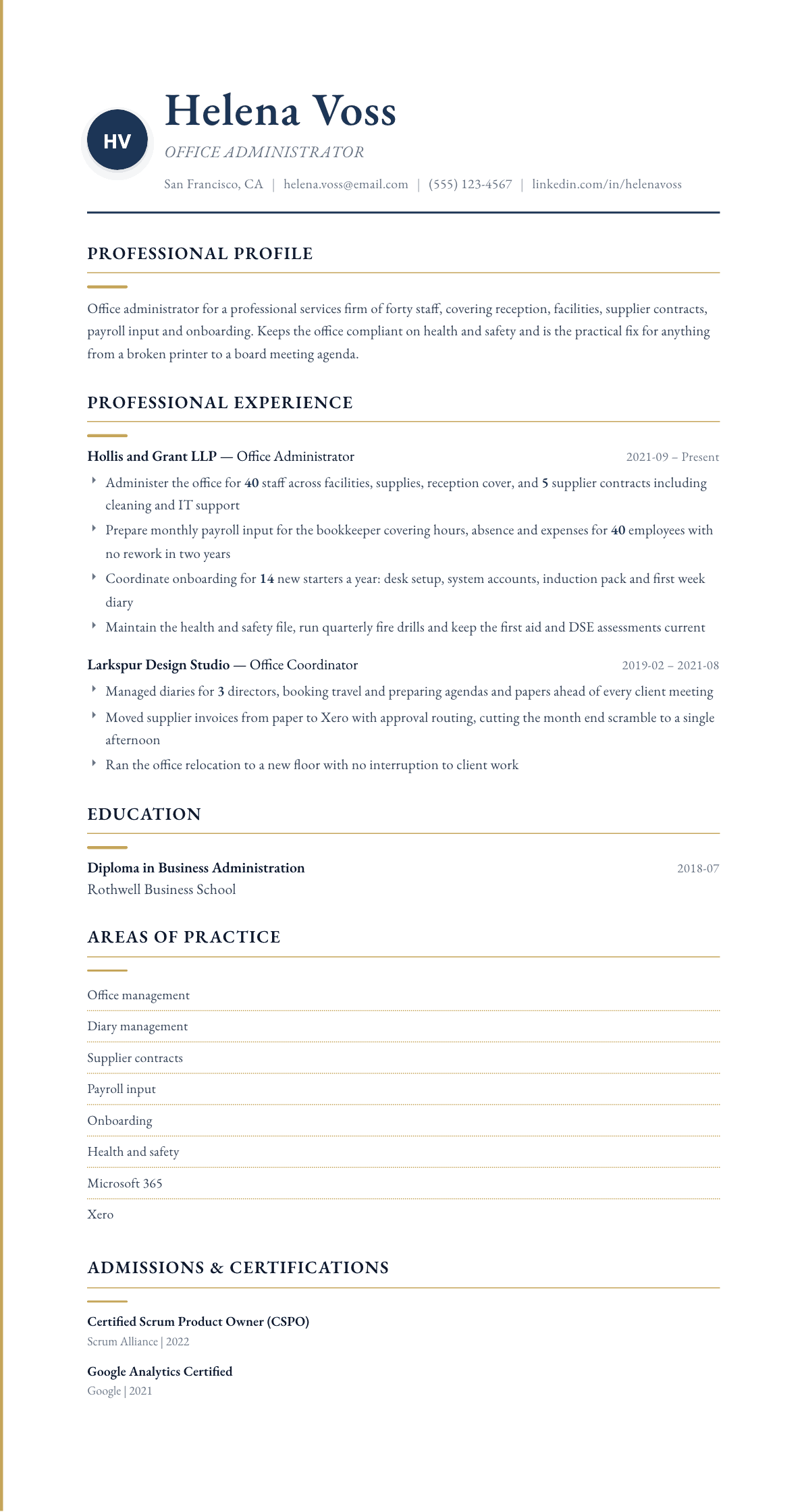
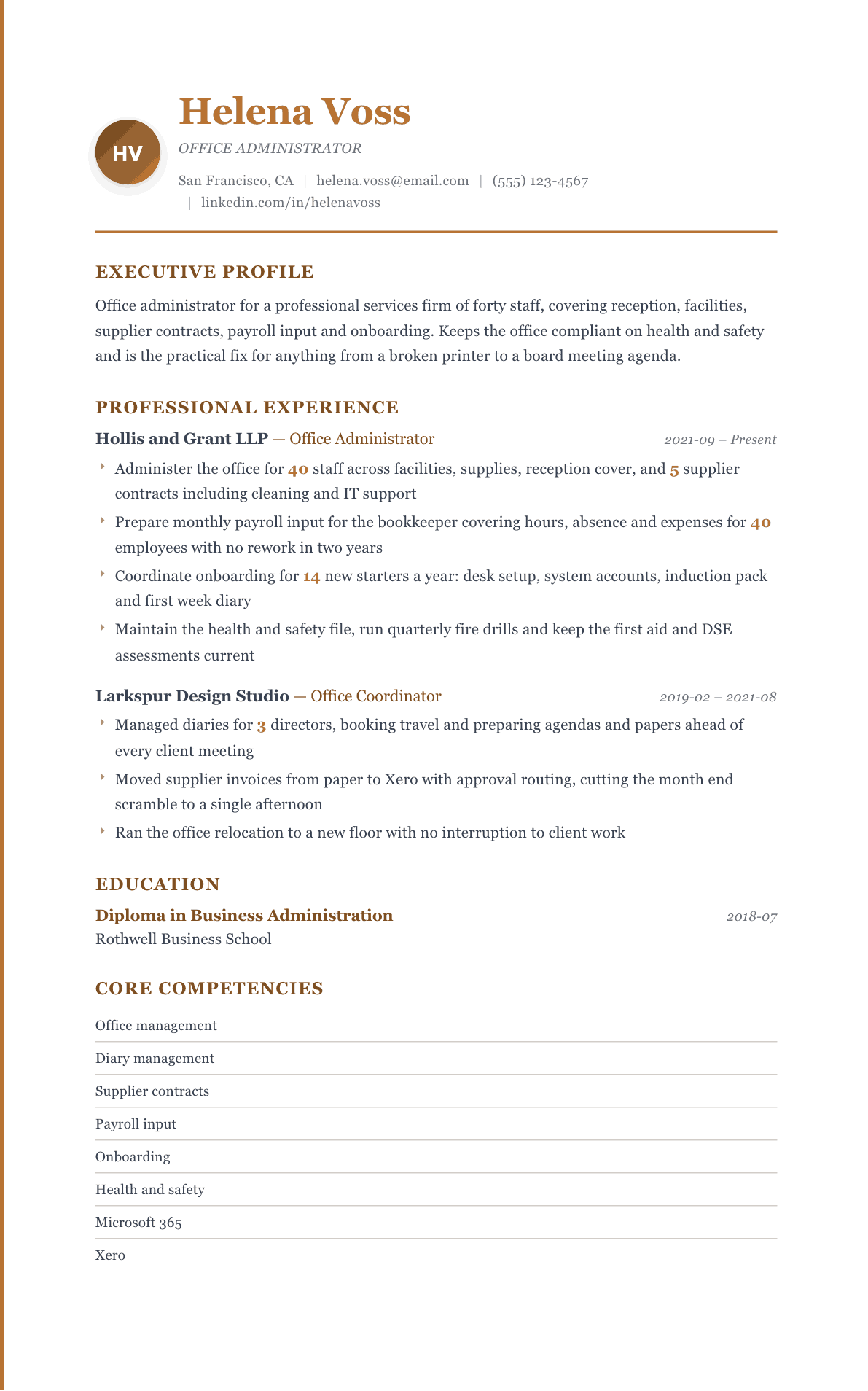
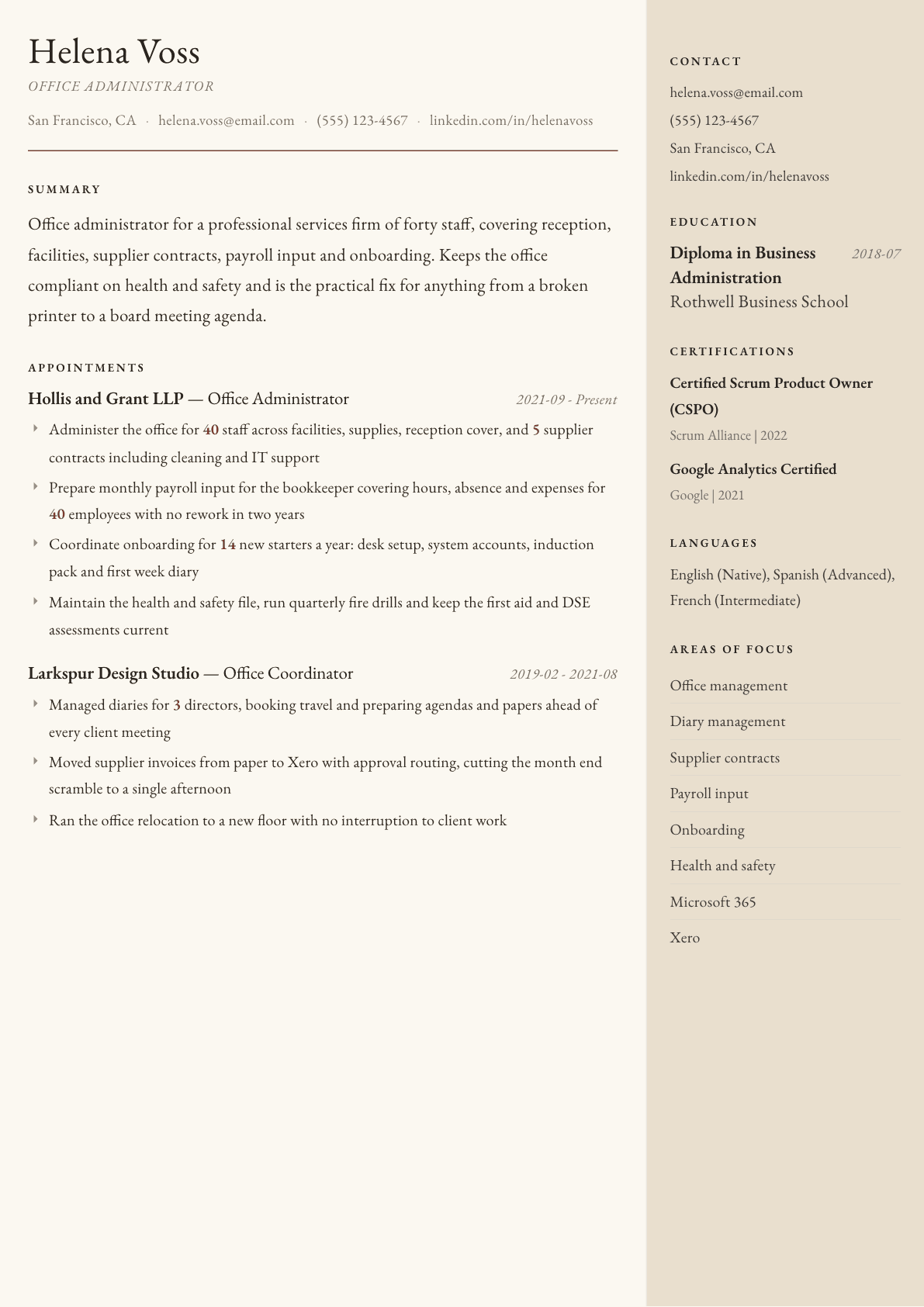
Example Office Administrator summary
Office administrator supporting a forty person professional services firm across facilities, supplier contracts, payroll input and onboarding. Keeps health and safety records, insurance renewals and induction packs current, and moved supplier invoices onto Xero with approval routing so month end takes an afternoon rather than a week. Trusted by directors with diaries, board papers and confidential staff records.
Skills to list on a Office Administrator resume
- Office management
- Facilities coordination
- Supplier and contract administration
- Diary and travel management
- Payroll input
- Invoice processing
- Employee onboarding
- Health and safety administration
- Records management
- Microsoft 365
- Xero
- Minute taking
- Expense management
- Reception and front of house
What actually gets this resume read
- Say how many staff and how many sites your office supports, because that number sets the scale of every other duty.
- Split the role into its real blocks: facilities, finance admin, people admin and executive support, then evidence each.
- Name every system you administer, including Microsoft 365, Xero, QuickBooks, BambooHR or the practice management tool.
- Show the compliance work you own, such as health and safety records, fire drills, insurance renewals or data retention.
- Give one example of a manual process you moved to a system, since employers hire administrators to reduce their own admin.
- Keep formatting simple and single column, because small firms often run resumes through basic parsers that break on tables.
How to write a office administrator resume
An office administrator resume is usually read by the person who has been covering the job themselves. A practice partner, a finance manager or a director has been ordering the stationery, chasing the cleaning contract and preparing the payroll input, and they want it back. What they scan for is breadth with reliability: can this person hold four unrelated areas at once and never let one of them slip.
That breadth is also the writing problem. The role genuinely covers facilities, finance administration, people administration and executive support, and most resumes collapse all of it into a list of verbs that could describe any office job. The fix is to split the role into its real blocks and evidence each one separately, with the headcount and the systems attached.
This guide sets out the section order, how to write bullets for each block, which systems to name, how to present confidentiality without a bland claim, and the questions administrators ask when moving to a bigger firm or into office management.
Format: one page, single column, plain and parseable
One page for most administrators, two only after many years across larger offices. Small firms often use free or entry level applicant tracking systems, and design heavy templates with sidebars and icons are the ones that come out garbled. Simple formatting is not a compromise here, it is a signal that you understand the tools the office runs on.
Put a systems line under the summary listing the platforms you administer. A hiring partner reading Microsoft 365 administration, Xero, a practice management system and a human resources platform can estimate your ramp time immediately.
- Header: name, city and state, phone, email. Keep it to two lines.
- Sections in this order: summary, systems, experience, skills, education, certifications.
- Under each employer, state the firm type and how many staff you supported.
Summary: headcount supported, blocks covered, systems used
Open with the number of staff and sites you support, because it sets the scale of everything underneath. Supporting forty staff in a professional services firm is a different job from supporting eight in a single studio, and the reader needs that anchor in the first clause.
Then name the blocks you cover and the systems you cover them in. Facilities and supplier contracts, payroll input, onboarding, health and safety records, director support. Finish with one reliability fact rather than an adjective: payroll input submitted with no rework across two years is worth more than meticulous and dependable.
Experience: write four blocks, not one long list
Facilities and suppliers: the contracts you administer, the renewals you track, the office moves or refits you ran. Name the contract categories, such as cleaning, IT support, waste and utilities, and say how many you hold.
Finance administration: invoice processing, expense claims, purchase orders, payroll input, credit control support. Give volumes and the platform. Moving supplier invoices from paper to an accounting system with approval routing is one of the highest value things an administrator does and it belongs in a bullet with the before and after.
People administration and executive support: onboarding new starters, maintaining personnel records, absence tracking, diary and travel management, board papers and minutes. Say how many new starters a year you onboard and what your induction actually includes, since that is the part partners notice.
Compliance: health and safety records, fire drills, first aid coverage, workstation assessments, insurance renewals, data retention. Small firms rely entirely on the administrator for these and rarely find candidates who mention them.
- One or two bullets per block rather than eight bullets of mixed duties.
- Attach a volume to each block: staff supported, contracts held, invoices processed, starters onboarded.
- Name the artifact you own, such as the induction pack, the safety file or the supplier register.
Confidentiality and judgment: show it, do not claim it
Every administrator writes discreet and trustworthy. None of it is believed because none of it can be tested. Replace it with the confidential material you actually handle: personnel files, salary data for payroll input, board papers before circulation, client records under a retention policy.
Judgment is shown the same way. Describe a decision you made without asking, such as holding an invoice that did not match the purchase order, or rescheduling a director's week when a client matter moved. Those are the moments that tell a reader you will not need supervision.
Keywords and systems to include
Recurring phrases in these postings include office management, facilities coordination, diary management, supplier contracts, payroll administration, invoice processing, onboarding, health and safety, records management, minute taking and expense management. Use the posting's own version of each once in the skills block and once in a bullet.
Be specific about software. Microsoft 365 including SharePoint and Teams administration, Xero or QuickBooks, a human resources platform, a document management system, and the industry tool if the firm has one such as a legal or medical practice system. Category words like accounting software match nothing.
Office admin resume example: a full administrator sample
An office admin resume is the same document as an office administrator resume; postings shorten the title, so copy whichever form the advert uses into your header. An admin resume sample shows the four blocks working better than any description, so here is one complete page for an office administrator in a 60-person firm. The person is invented. If you came here for an IT admin resume sample, that is a systems administrator role with a different screen, and it has its own resume page on this site.
Profile: Grace Holloway, Office Administrator. Runs the office for an engineering consultancy of 60 people across two floors: facilities, supplier invoices, payroll input, new hire setup and calendar support for two directors. Keeps a supplier list that is always current and a new hire checklist nobody has had to fix.
- Current role, Office Administrator, Hartwell Engineering, three years.
- Facilities: manages the cleaning, security and maintenance contracts and the fire warden rota, and moved the office through a floor refit without a lost working day.
- Finance administration: matches and codes supplier invoices in Xero, prepares the monthly payroll input for the accountant and reconciles the company card statements.
- People administration: sets up every new hire, from contract filing to desk, laptop request and first-week schedule, with 22 new hires onboarded last year.
- Executive support: manages two director calendars, books travel and prepares the materials for board meetings.
- Previous role, Administrative Assistant, Lindell and Price LLP, two years: reception cover, mail, archiving and meeting room bookings.
- Systems and education: Microsoft 365, Xero, Google Workspace and a room booking system. Associate degree in Business Administration.
Office Administrator resume summary examples
First administration role
Business administration graduate with a year as an office assistant supporting twelve staff across reception, meeting room booking, supplies and expense claims. Confident in Microsoft 365 and trained on Xero purchase invoice entry. Seeking an office administrator role in a small professional services firm.
Four years in
Office administrator for a forty person professional services firm covering facilities, five supplier contracts, monthly payroll input and onboarding for fourteen new starters a year. Maintains the health and safety file, runs quarterly fire drills, and has submitted payroll input with no rework across two years.
Senior administrator
Senior office administrator supporting two sites and seventy staff, supervising one assistant and owning the supplier register, insurance renewals and the induction program. Ran an office relocation with no interruption to client work and moved invoice approval onto an accounting workflow, cutting month end to a single afternoon.
Work experience bullets: before and after
Before: Responsible for general office duties and administration.
After: Administered a forty person office across facilities, supplies, reception cover and five supplier contracts including cleaning, waste and outsourced IT support.
Headcount and named contract categories replace a phrase that describes no particular job at any particular scale.
Before: Helped with payroll and invoices.
After: Prepared monthly payroll input covering hours, absence and expenses for forty employees and processed supplier invoices in Xero against approved purchase orders.
The volume, the components and the accounting platform show finance administration rather than occasional help.
Before: Organized onboarding for new employees.
After: Coordinated onboarding for fourteen new starters a year, covering desk and equipment setup, system accounts, the induction pack and a structured first week diary.
Listing what onboarding includes turns a scheduling task into a program the reader can picture handing over.
Before: Made sure the office followed health and safety rules.
After: Maintained the health and safety file, ran quarterly fire drills, kept first aid coverage current and completed workstation assessments for every new starter.
Four named compliance duties prove ownership of an area most administrator resumes never mention at all.
Before: Improved office processes.
After: Moved supplier invoices from paper to Xero with approval routing, reducing month end reconciliation from most of a week to a single afternoon.
A specific migration with a before and after is the kind of improvement a hiring partner can immediately value.
Hard skills
- Office and facilities management
- Supplier contract administration
- Diary and travel management
- Payroll input preparation
- Invoice and expense processing
- Purchase order administration
- Employee onboarding and records
- Health and safety administration
- Minute taking and board papers
- Microsoft 365 including SharePoint
- Xero and QuickBooks
- Records retention and filing systems
Soft skills
- Discretion with personnel and payroll data
- Juggling interruptions
- Anticipating what directors need
- Firm but polite supplier chasing
- Clear written communication
- Independent decision making
Certifications worth listing
- Microsoft Office Specialist: Associate (Microsoft)
- Certified Administrative Professional (CAP) (International Association of Administrative Professionals)
- Xero Advisor Certification (Xero)
- QuickBooks Online ProAdvisor (Intuit)
- First Aid and CPR (American Red Cross)
Mistakes that cost office administrator candidates the interview
- Compressing four separate areas into one block of generic verbs so no single responsibility looks owned.
- Leaving out the headcount supported, which is the anchor a reader uses to judge every other duty on the page.
- Writing accounting software or HR system instead of the exact platform the posting is matching against.
- Claiming discretion and reliability as adjectives rather than naming the confidential material you handle.
- Skipping compliance duties such as fire drills and insurance renewals, which small firms depend on entirely.
- Using a decorative two column template that basic parsers reorder, in a role that is judged on being organized.
Office Administrator resume questions
What is the difference between an office administrator and an office manager?
An administrator runs the office processes. A manager also owns budget, supplier selection and often supervises staff. If you did the second set, use the manager framing and evidence budget and people responsibility explicitly.
How do I make a general administration role sound substantial?
Split it into blocks and attach a volume to each: staff supported, contracts held, invoices processed, starters onboarded, drills run. Breadth reads as substance once each area carries its own number and system.
Should I list Microsoft Office as a skill?
Only with specifics. Write Microsoft 365 including SharePoint site administration, Teams management and advanced Excel. A bare mention of Office adds nothing because every applicant claims it and no employer distinguishes on it.
How do I handle a long gap in my administration history?
State the gap briefly and factually in the experience section, then lead the following role with current systems knowledge. Employers care much more about whether your software and compliance knowledge is current than about the gap itself.
What should an office admin resume include?
A header with the posting's title, a summary with the headcount you support, a systems line, then experience split into facilities, finance administration, people administration and executive support, each with a volume. Finish with skills, education and any certification, such as an administrative professional credential or your accounting software, with the issuing body named.
Related resume examples
- Office Manager Resume example
- Administrative Assistant Resume example
- Administrative Coordinator Resume example
- Office Coordinator Resume example
- Administrative Director Resume example
- Procurement Specialist Resume example