Technical Support Resume Keywords: 48 Terms, 6 Examples
By Mustafa Tarabya, founder of CVBooster · Published · Updated
7 min read
Technical support resume keywords are the terms a hiring team or an applicant tracking system scans for: troubleshooting, ticketing, escalation, SLA, Active Directory, remote support, knowledge base, root cause and the systems you supported. The one constraint is the number beside the word, because a support keyword without tickets, users or response times is a job title with no work attached. O*NET, the US Department of Labor's occupation database, lists this among a computer user support specialist's tasks: "Answer user inquiries regarding computer software or hardware operation to resolve problems." Below are 48 keywords in six groups and six complete resumes, help desk to team lead. Written by Mustafa Tarabya, who hired for his own company, read every application himself and now writes CVBooster's guides.
The most common ticket in technical support is "it was working yesterday". Your resume has the same job: show what you did when the thing stopped working.
A technical support resume with the keywords in place
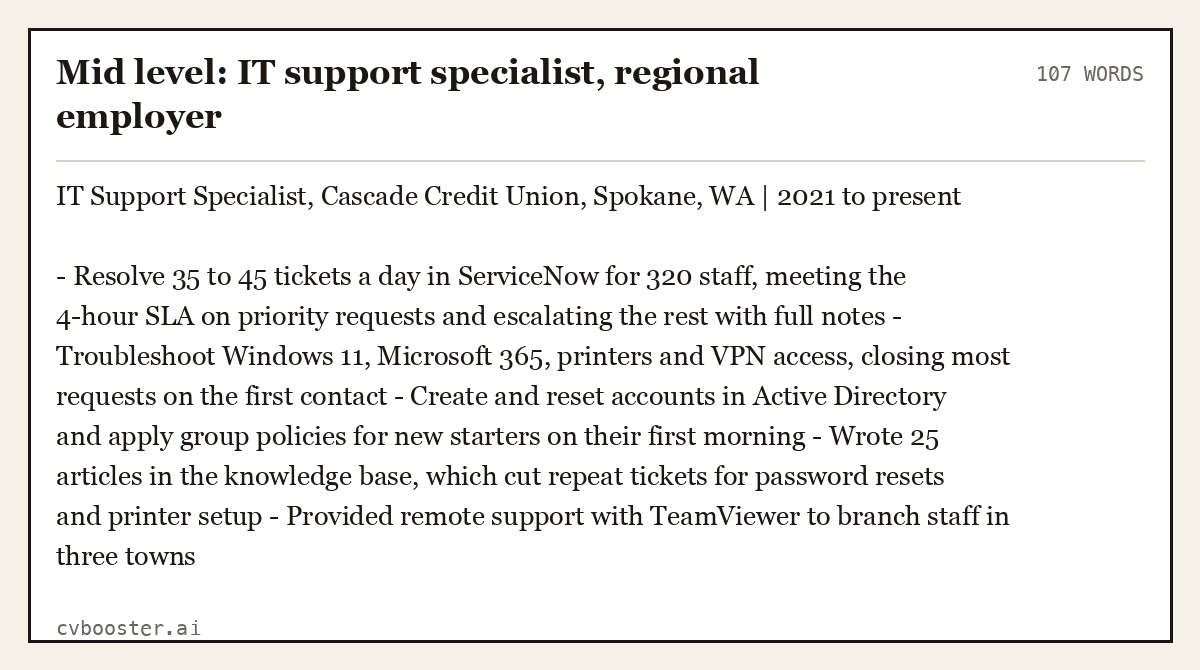
Now the terms inside real tickets. A mid-level IT support specialist at a regional employer.
Mid level: IT support specialist, regional employer (107 words)
IT Support Specialist, Cascade Credit Union, Spokane, WA | 2021 to present
- Resolve 35 to 45 tickets a day in ServiceNow for 320 staff, meeting the 4-hour SLA on priority requests and escalating the rest with full notes - Troubleshoot Windows 11, Microsoft 365, printers and VPN access, closing most requests on the first contact - Create and reset accounts in Active Directory and apply group policies for new starters on their first morning - Wrote 25 articles in the knowledge base, which cut repeat tickets for password resets and printer setup - Provided remote support with TeamViewer to branch staff in three towns
Twelve keywords, each tied to a queue, a tool or a target.
Create my CV
Or start from one of our free resume templates
48 technical support keywords, in six groups
Choose the terms that appear in the posting and that you used on real tickets. Begin each bullet with an action verb from our resume action verbs list, then attach a ticket count, a user number or a response time.
Troubleshooting (8)
Troubleshooting, diagnostics, root cause analysis, problem resolution, first contact resolution, hardware repair, software installation, system imaging
Tickets and service levels (8)
Ticketing system, ServiceNow, Zendesk, Jira Service Management, SLA, escalation, priority triage, incident management
Systems and networks (8)
Windows, macOS, Linux basics, Active Directory, Microsoft 365, VPN, TCP/IP, printers and peripherals
Customer communication (8)
Technical support, customer service, phone support, live chat, plain-language explanations, empathy, call handling, follow-up
Process and documentation (8)
Knowledge base, documentation, ITIL, change requests, asset management, onboarding setup, user training, quality assurance
Tools and remote support (8)
Remote desktop, TeamViewer, Intune, password reset tools, Slack, Teams, Excel, call center software
O*NET adds this task to the same occupation: "Read technical manuals, confer with users, or conduct computer diagnostics to investigate and resolve problems or to provide technical assistance and support." That one sentence holds the three habits a hiring manager hopes to see: read, ask, test.
Example 2: Help desk technician, entry level
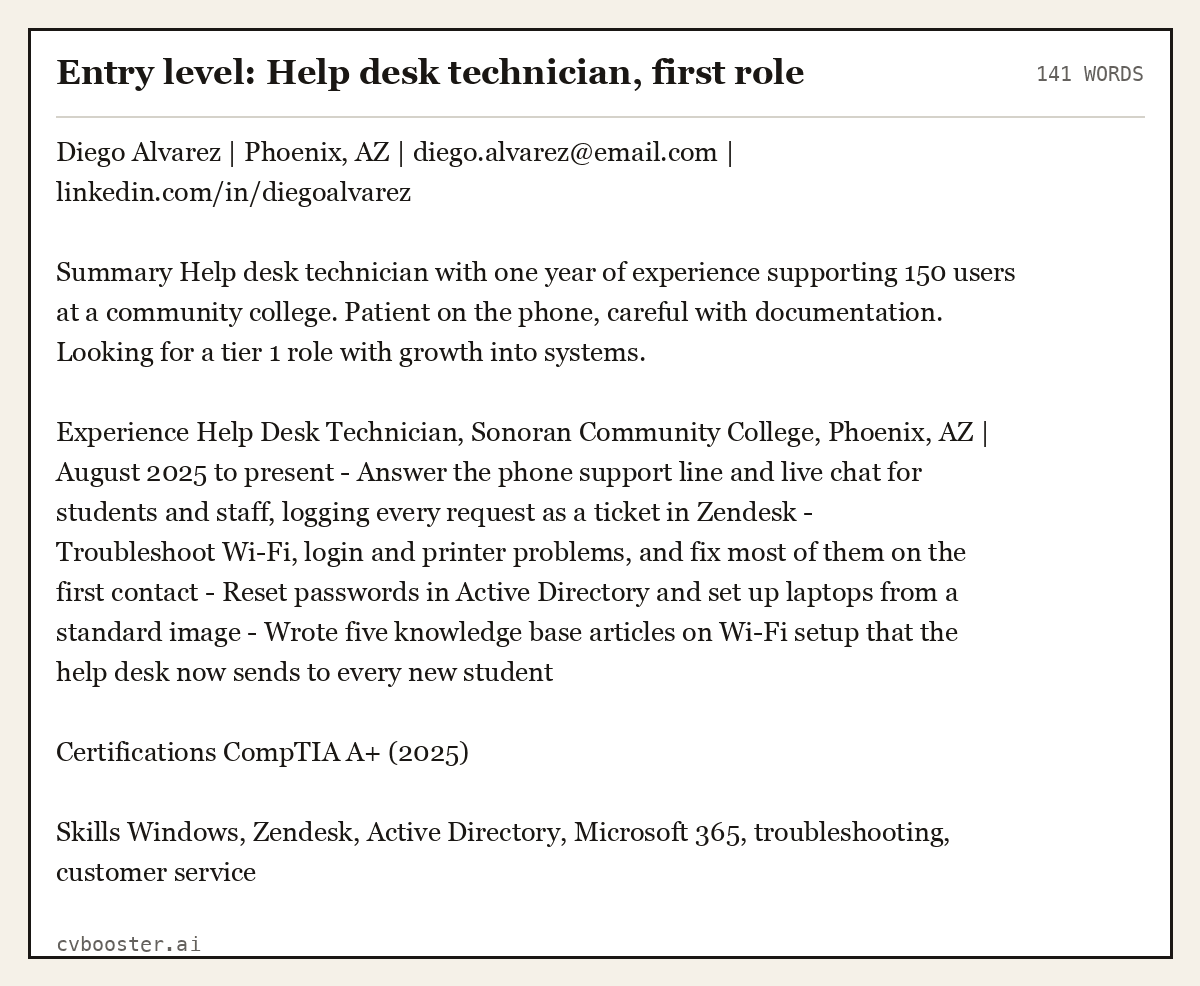
An entry-level support resume has few titles. The keywords come from a first help desk role, a school lab or a repair side job.
Entry level: Help desk technician, first role (141 words)
Diego Alvarez | Phoenix, AZ | diego.alvarez@email.com | linkedin.com/in/diegoalvarez
Summary Help desk technician with one year of experience supporting 150 users at a community college. Patient on the phone, careful with documentation. Looking for a tier 1 role with growth into systems.
Experience Help Desk Technician, Sonoran Community College, Phoenix, AZ | August 2025 to present - Answer the phone support line and live chat for students and staff, logging every request as a ticket in Zendesk - Troubleshoot Wi-Fi, login and printer problems, and fix most of them on the first contact - Reset passwords in Active Directory and set up laptops from a standard image - Wrote five knowledge base articles on Wi-Fi setup that the help desk now sends to every new student
Certifications CompTIA A+ (2025)
Skills Windows, Zendesk, Active Directory, Microsoft 365, troubleshooting, customer service
Example 3: Customer technical support representative
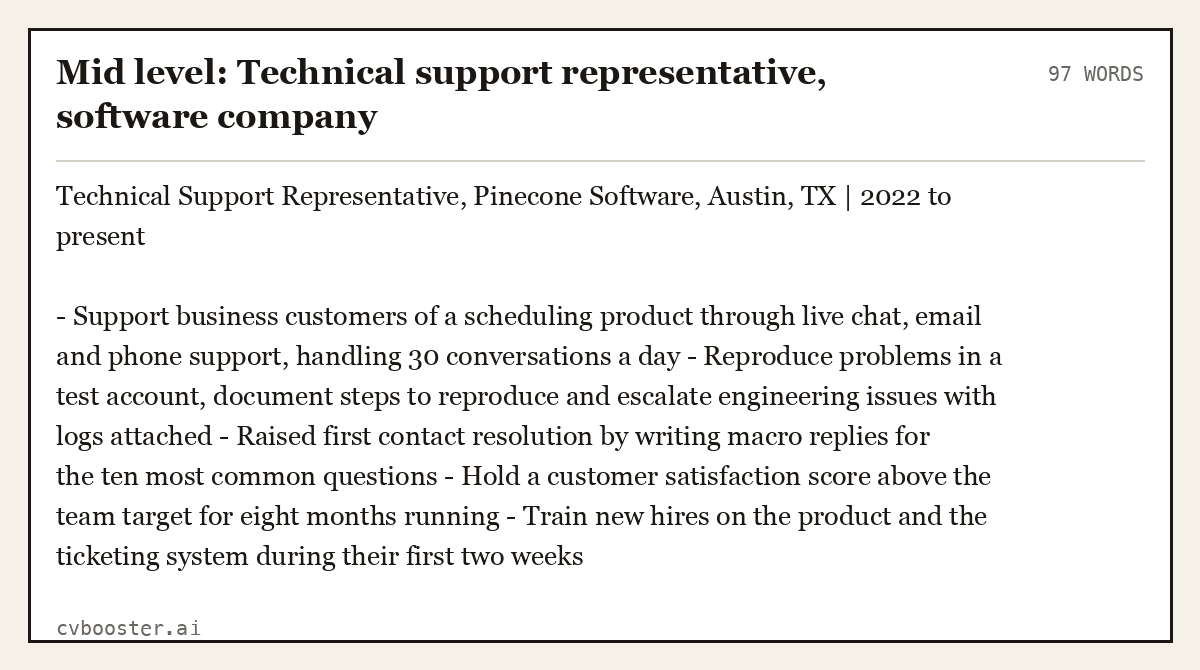
Software support roles are screened for product, communication and ticket terms. Use the language of the product you support.
Mid level: Technical support representative, software company (97 words)
Technical Support Representative, Pinecone Software, Austin, TX | 2022 to present
- Support business customers of a scheduling product through live chat, email and phone support, handling 30 conversations a day - Reproduce problems in a test account, document steps to reproduce and escalate engineering issues with logs attached - Raised first contact resolution by writing macro replies for the ten most common questions - Hold a customer satisfaction score above the team target for eight months running - Train new hires on the product and the ticketing system during their first two weeks
Example 4: Support team lead
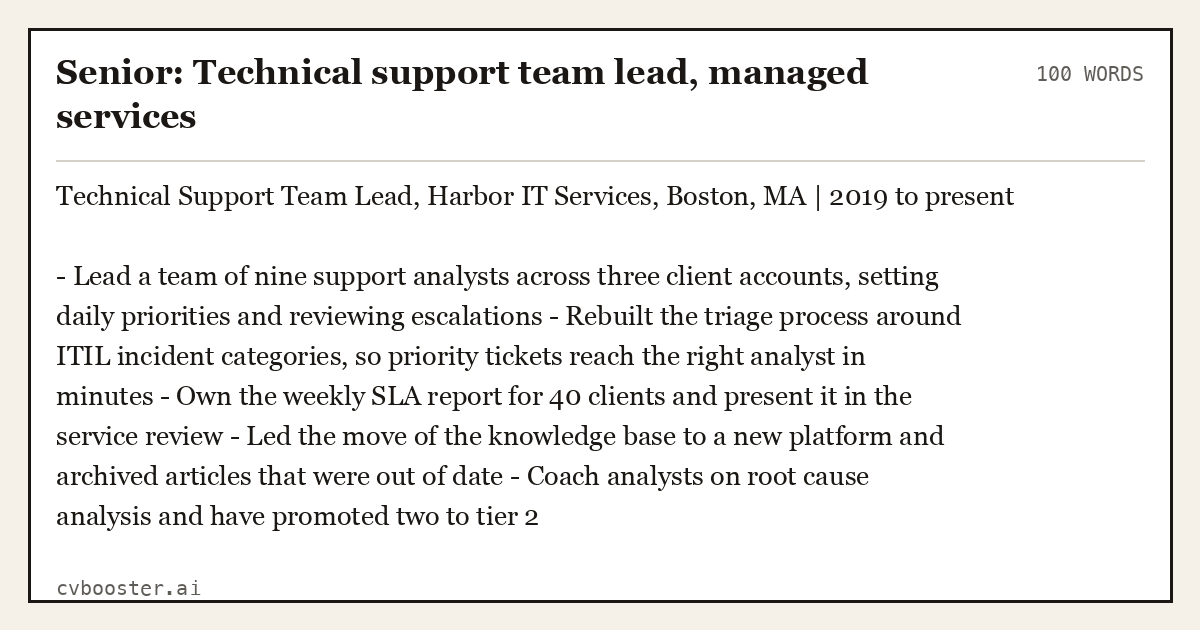
Senior resumes move from tickets to people, process and reporting.
Senior: Technical support team lead, managed services (100 words)
Technical Support Team Lead, Harbor IT Services, Boston, MA | 2019 to present
- Lead a team of nine support analysts across three client accounts, setting daily priorities and reviewing escalations - Rebuilt the triage process around ITIL incident categories, so priority tickets reach the right analyst in minutes - Own the weekly SLA report for 40 clients and present it in the service review - Led the move of the knowledge base to a new platform and archived articles that were out of date - Coach analysts on root cause analysis and have promoted two to tier 2
Example 5: Career changer into technical support
Career changers already hold many of the keywords; the work is to write the old bullets around users, tools and problems solved.
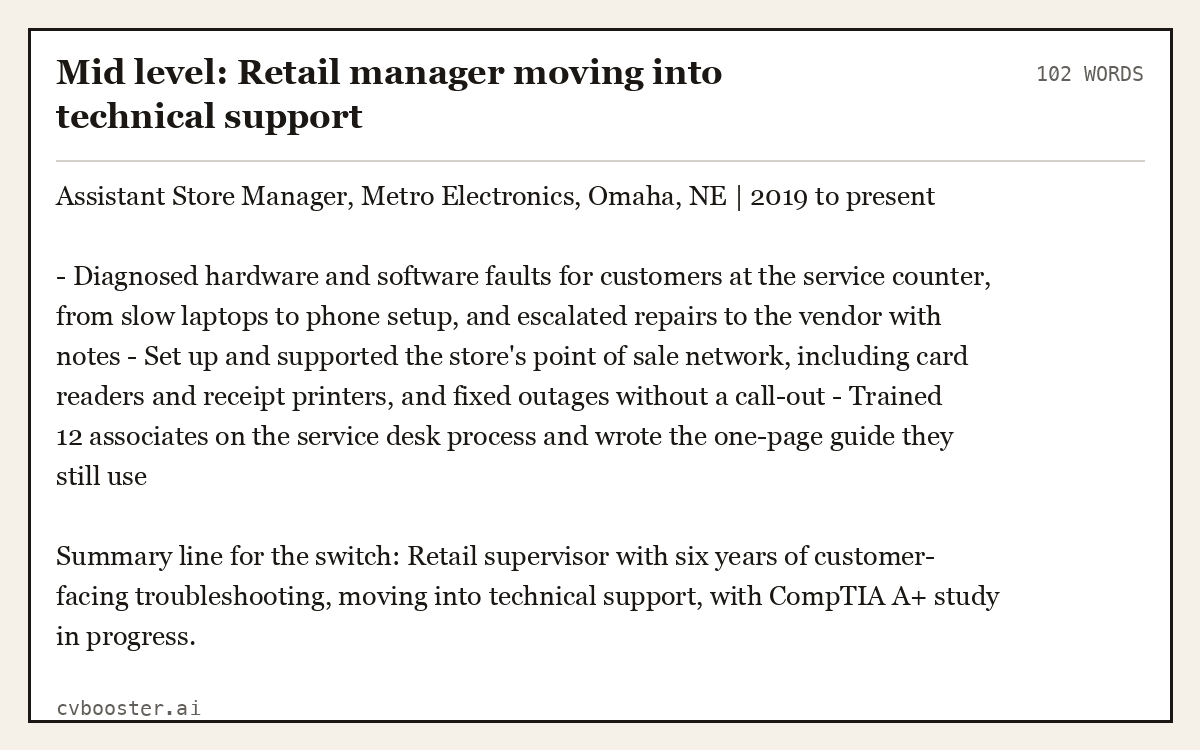
Mid level: Retail manager moving into technical support (102 words)
Assistant Store Manager, Metro Electronics, Omaha, NE | 2019 to present
- Diagnosed hardware and software faults for customers at the service counter, from slow laptops to phone setup, and escalated repairs to the vendor with notes - Set up and supported the store's point of sale network, including card readers and receipt printers, and fixed outages without a call-out - Trained 12 associates on the service desk process and wrote the one-page guide they still use
Summary line for the switch: Retail supervisor with six years of customer-facing troubleshooting, moving into technical support, with CompTIA A+ study in progress.
Example 6: Technical support summary and skills section
A posting full of system names is answered in the summary and the skills block. Three lines of summary, then one block of tools and certifications.
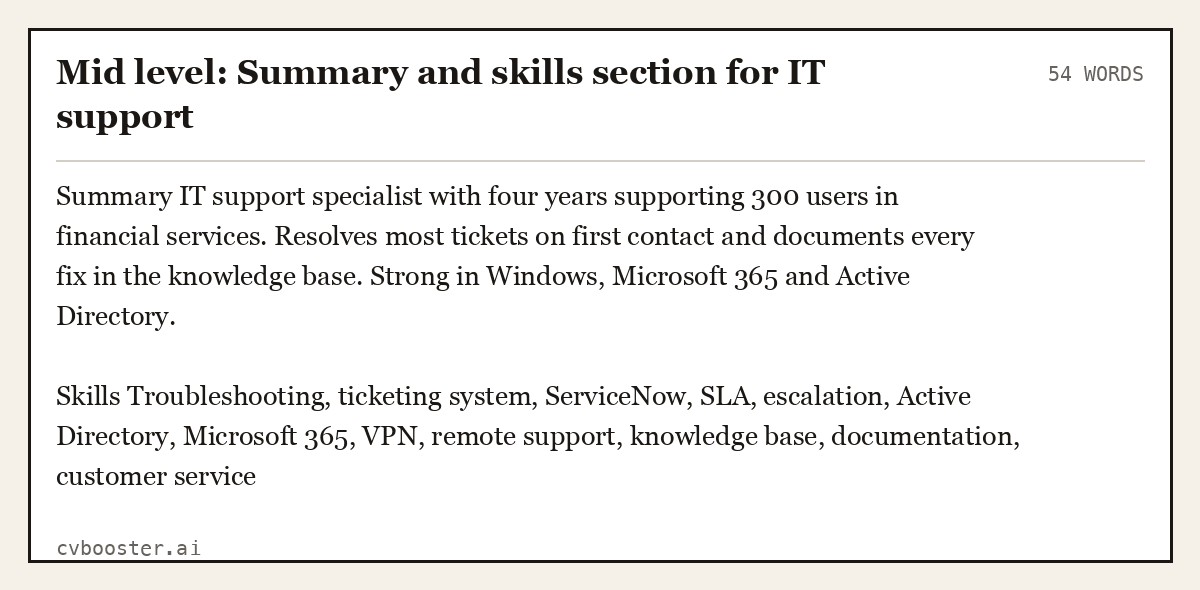
Mid level: Summary and skills section for IT support (54 words)
Summary IT support specialist with four years supporting 300 users in financial services. Resolves most tickets on first contact and documents every fix in the knowledge base. Strong in Windows, Microsoft 365 and Active Directory.
Skills Troubleshooting, ticketing system, ServiceNow, SLA, escalation, Active Directory, Microsoft 365, VPN, remote support, knowledge base, documentation, customer service
How to use technical support keywords without stuffing
Harvard's career services office asks for resume writing that is "Fact-based (quantify and qualify)". Support work is full of numbers, so there is no excuse for a bare keyword.
- Match the ad's wording. If it says incident management, write incident management, not fixing issues. Filters and recruiters search the phrase.
- Add a count to each term. Troubleshooting is a claim; 35 tickets a day with a 4-hour target is proof.
- Repeat lightly. Troubleshooting five times on one page reads like a word cloud.
- List only tools you have used. Someone will ask how you unlock an account in Active Directory.
MIT's career office says to "Start descriptions with a strong action verb like built, managed, developed, wrote, etc." in its resume guide. In support work that verb is usually resolved, escalated, documented or configured, followed by the ticket count or the user number.
For how keywords get matched, read how ATS keywords work on real job ads. For the service side, see customer service resume keywords, and for the entry level, our entry level IT resume guide. A full role guide is on the IT support specialist resume page.
Frequently asked questions
What are the best keywords for a technical support resume?
The most common are troubleshooting, ticketing system, escalation, SLA, customer service, Active Directory, Microsoft 365, remote support, knowledge base and root cause analysis. Use the ones in the posting, each inside a bullet that shows tickets handled, users supported or a response time you met.
What keywords should a help desk resume include?
A help desk resume should include the ticketing system you used, phone and chat support, password resets, Windows, Active Directory, printers and VPN, plus a number such as tickets a day or users supported. Add any certification, such as CompTIA A+, as its own line near the top.
Where do technical support keywords go on a resume?
Place the main terms in the summary and in the experience bullets beside ticket counts or response times, then list systems and certifications in a short skills section. Software reads the whole file, and a support manager trusts a term more when a number is next to it.
How many keywords should a technical support resume have?
Cover the main requirements in the posting, usually ten to fifteen terms, each used once or twice in context. Repeating a term many times does not help a support manager, and it makes the resume look like a copied job ad.
More in this series: related guides
- Business Analyst Resume Keywords: 48 Terms, 6 Examples
- Business Development Resume Keywords: 48 Terms, 6 Examples
- HR Resume Keywords: 48 Human Resources Terms, 6 Examples
- Marketing Resume Keywords: 48 Terms and 6 Resume Examples
- Retail Resume Keywords: 48 Terms and 6 Resume Examples
Related articles
- Budtender Resume Examples: 6 Samples From Entry to Lead
- Combination Resume Examples: 6 Complete Hybrid Samples
- Encouraged Synonym for Resume: 25 Stronger Words to Use
- Ensure Synonym for Resume: 25 Stronger Verbs to Use
More articles
- Technician Resume: The Sections Every Technician Job Checks
- Technician Skills: 24 and the Resume Line for Each One
- Thank You Letter Examples: 9 Templates and Follow-Up Emails
Looking for a worked example for your job title? Browse the resume examples by job title.