How to Do a Resume on Your Phone: 6 Steps and 5 Examples
By Mustafa Tarabya, founder of CVBooster · Published · Updated
7 min read
To do a resume on your phone, open a free word processor app such as Google Docs, Microsoft Word or Pages (or a resume builder in your browser), write it in plain sections, export it as a PDF, and send that PDF from your email app. The constraint is the screen: you cannot see the whole page while you type, so keep the layout to one column with no tables or text boxes. CareerOneStop, the US Department of Labor's career site, sets the standard: "Keep the resume to 1-2 pages." Below are six steps and five complete examples written to be typed with your thumbs. Written by Mustafa Tarabya, who hired for his own company, read every application himself and now writes CVBooster's guides.
You are doing this on a phone because the laptop is dead, borrowed or never existed. That is fine. The hiring manager opening your PDF cannot tell what it was typed on. He can tell if the bullet points wandered off the edge of the page, though, so the steps below are mostly about stopping that.
Step 1: Pick one app and stay in it
Use the app you already have. Google Docs and Microsoft Word are free on Android and iPhone, and Pages is free on iPhone. Do not switch apps halfway: formatting breaks when a file moves between them on a phone.
Google's help page for the Docs app on Android describes the start: "Choose whether to use a template or create a new file. The app will open a new file." A blank file is usually easier to control on a small screen than a template with columns. If you want a template anyway, our Google Docs resume templates guide lists the single column ones, and the Apple Pages resume template guide covers the iPhone app.
Step 2: Write in the order a recruiter reads
Type the sections top to bottom: name and contact details, a two or three line summary, experience, education, skills. One column, left aligned, with section names in capitals so they stand out without special formatting.
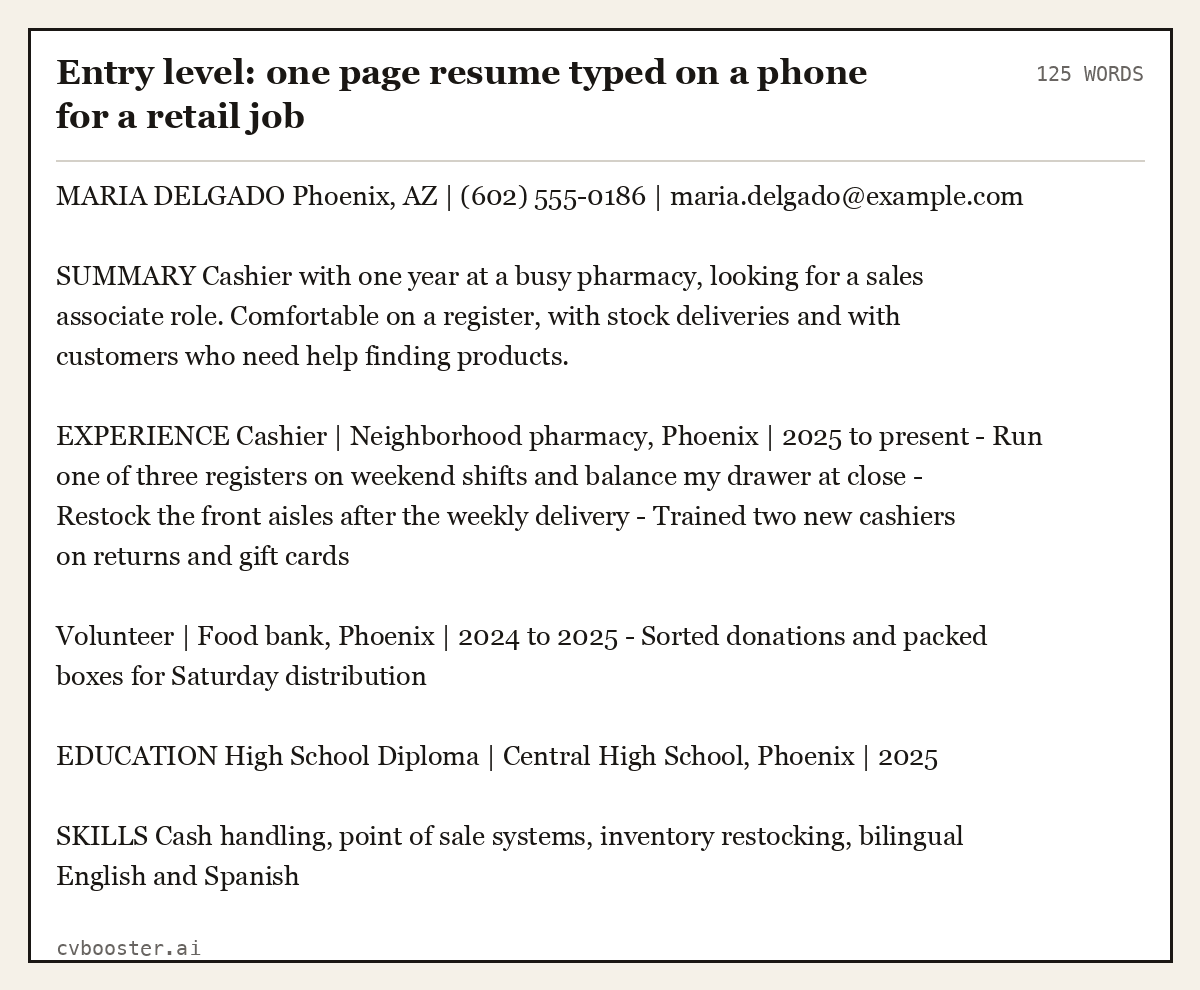
Entry level: one page resume typed on a phone for a retail job (125 words)
MARIA DELGADO Phoenix, AZ | (602) 555-0186 | maria.delgado@example.com
SUMMARY Cashier with one year at a busy pharmacy, looking for a sales associate role. Comfortable on a register, with stock deliveries and with customers who need help finding products.
EXPERIENCE Cashier | Neighborhood pharmacy, Phoenix | 2025 to present - Run one of three registers on weekend shifts and balance my drawer at close - Restock the front aisles after the weekly delivery - Trained two new cashiers on returns and gift cards
Volunteer | Food bank, Phoenix | 2024 to 2025 - Sorted donations and packed boxes for Saturday distribution
EDUCATION High School Diploma | Central High School, Phoenix | 2025
SKILLS Cash handling, point of sale systems, inventory restocking, bilingual English and Spanish
Every line in that example is short enough to read on a phone without zooming, which also means it fits cleanly on a printed page.
Step 3: Draft the long parts in your notes app
Summaries and bullet points are the slow part. Write them first in your phone's notes app, where autocorrect is gentler and nothing moves, then paste them into the document.
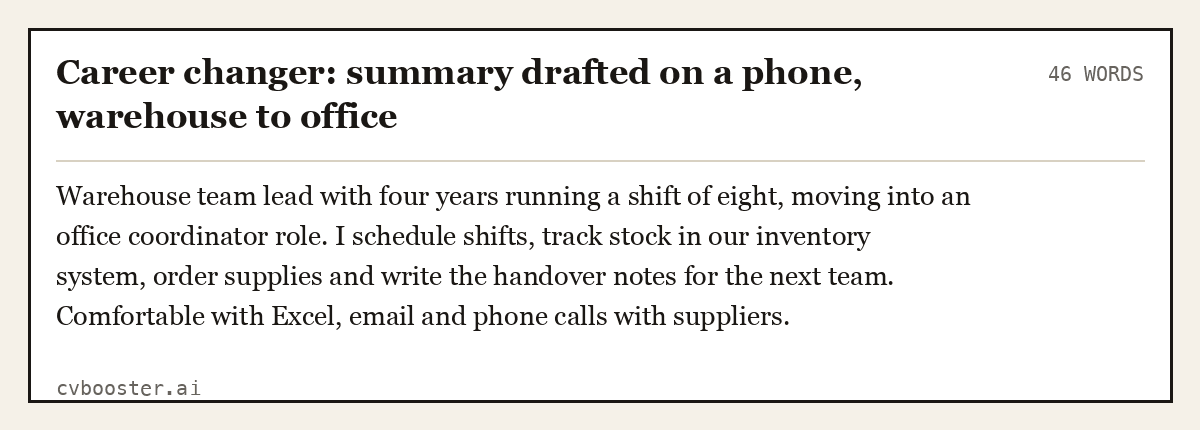
Career changer: summary drafted on a phone, warehouse to office (46 words)
Warehouse team lead with four years running a shift of eight, moving into an office coordinator role. I schedule shifts, track stock in our inventory system, order supplies and write the handover notes for the next team. Comfortable with Excel, email and phone calls with suppliers.
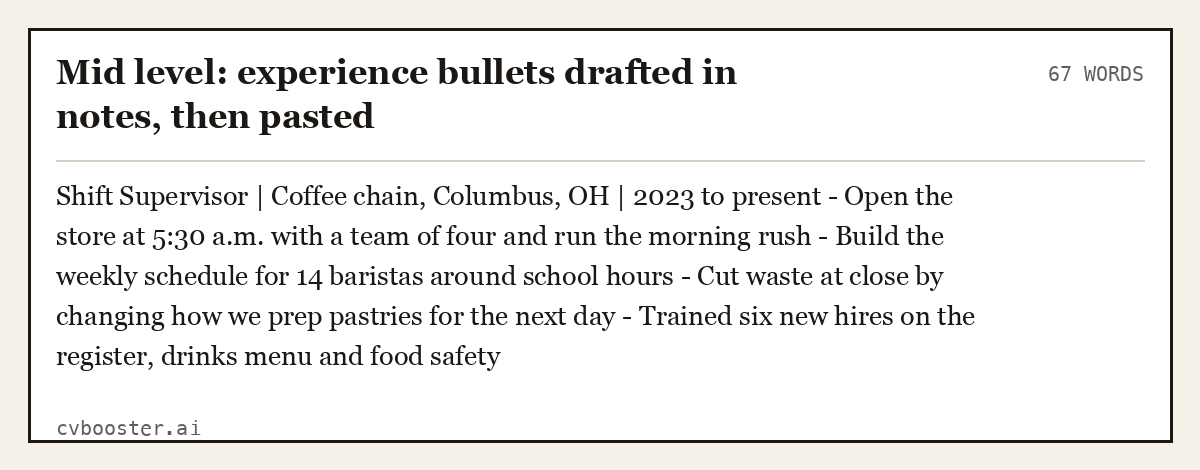
Mid level: experience bullets drafted in notes, then pasted (67 words)
Shift Supervisor | Coffee chain, Columbus, OH | 2023 to present - Open the store at 5:30 a.m. with a team of four and run the morning rush - Build the weekly schedule for 14 baristas around school hours - Cut waste at close by changing how we prep pastries for the next day - Trained six new hires on the register, drinks menu and food safety
Keep each bullet under two lines on your phone screen. If it wraps three times, it is too long on paper as well.
Step 4: Check the layout before you export
Turn your phone sideways or switch to print layout if your app has it, and scroll the whole page once. Look for three things: a section heading stranded at the bottom of a page, bullets that do not line up, and anything in a table or text box. Then read it once more for typos; our resume proofreading checklist is short enough to run on a phone.
Step 5: Export as a PDF
A PDF keeps your layout the same on every screen. In Word on iPhone, Microsoft's instructions are: "To export your Word document or Excel workbook to PDF format on iOS tap the File button at the top left, choose Export and then PDF." Google Docs and Pages have a similar option in their share or export menu. Google's help page for Docs on Android also covers saving a copy to the phone: "On the file you want to download, tap More. Tap Download."
Name the file with your name and the word resume, for example maria-delgado-resume.pdf, so it is easy to find on the other end.
Step 6: Send it from your phone
Attach the PDF in your email app or upload it to the job site's application form. Many application forms also ask you to paste your resume as plain text, so keep a plain version ready in your notes app.
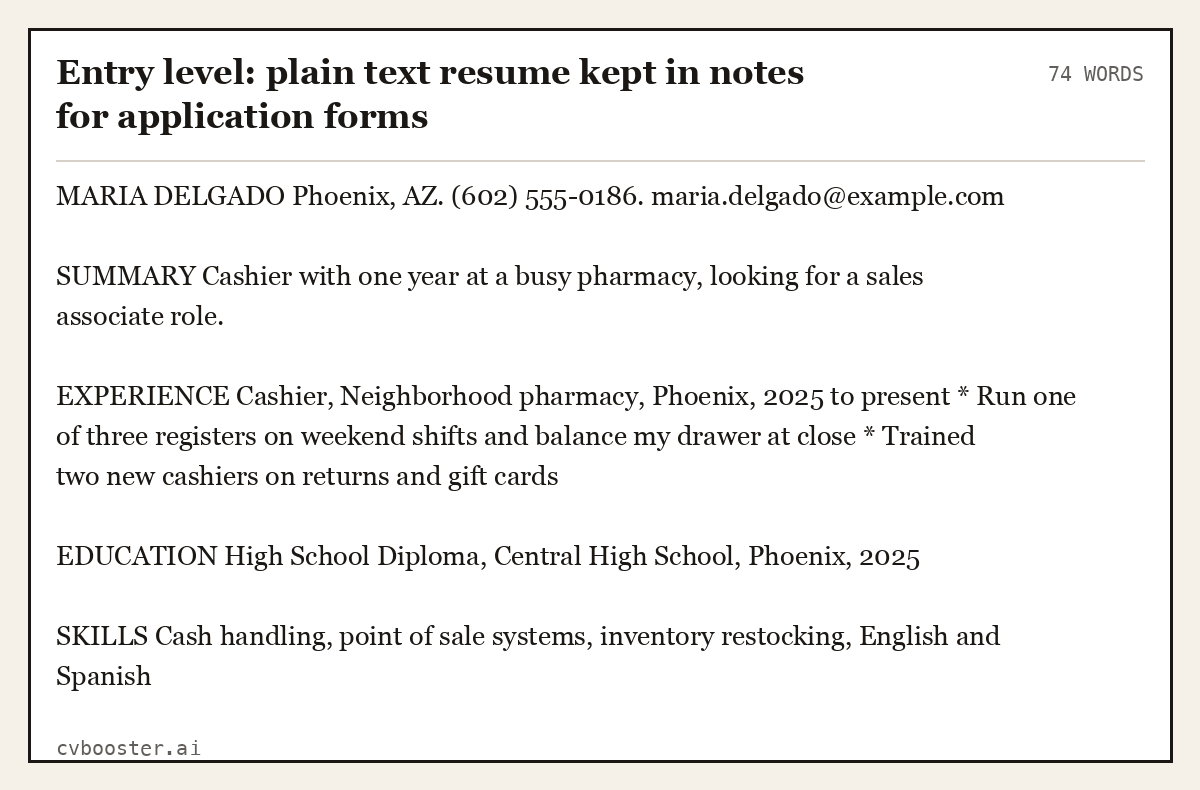
Entry level: plain text resume kept in notes for application forms (74 words)
MARIA DELGADO Phoenix, AZ. (602) 555-0186. maria.delgado@example.com
SUMMARY Cashier with one year at a busy pharmacy, looking for a sales associate role.
EXPERIENCE Cashier, Neighborhood pharmacy, Phoenix, 2025 to present * Run one of three registers on weekend shifts and balance my drawer at close * Trained two new cashiers on returns and gift cards
EDUCATION High School Diploma, Central High School, Phoenix, 2025
SKILLS Cash handling, point of sale systems, inventory restocking, English and Spanish
No bold, no bullets that turn into odd symbols, no columns: just text that survives being pasted into any form box.
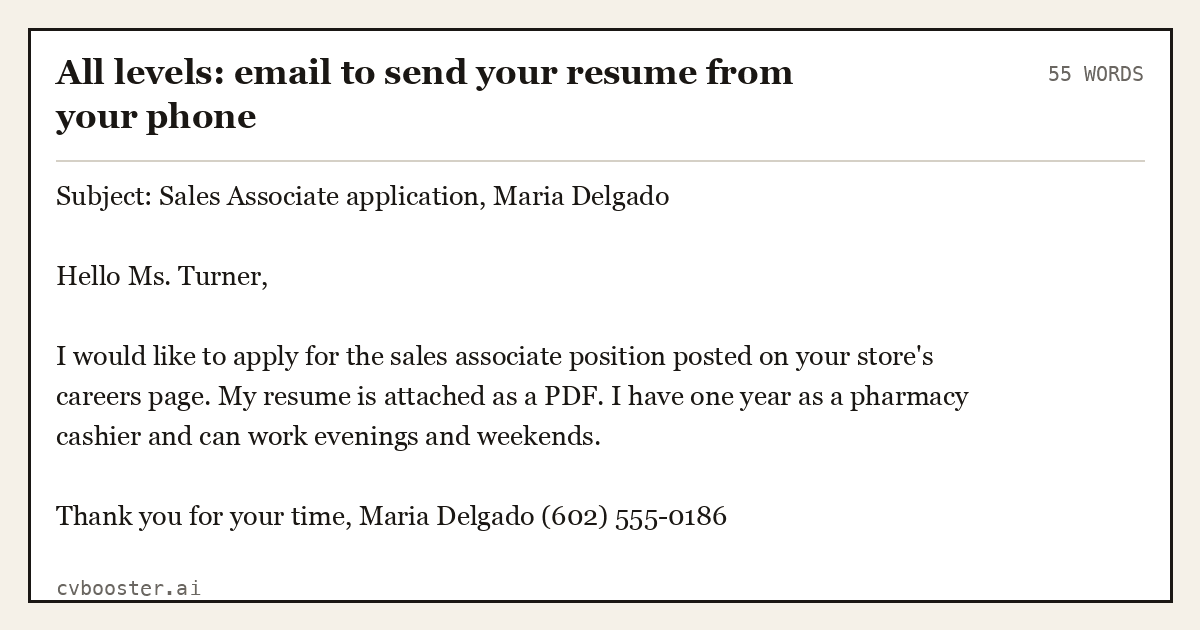
All levels: email to send your resume from your phone (55 words)
Subject: Sales Associate application, Maria Delgado
Hello Ms. Turner,
I would like to apply for the sales associate position posted on your store's careers page. My resume is attached as a PDF. I have one year as a pharmacy cashier and can work evenings and weekends.
Thank you for your time, Maria Delgado (602) 555-0186
If you would rather not format anything, a resume builder in your phone's browser handles the layout for you. CVBooster works that way: you need an account, and on the free plan you can fill in every section by hand and see your ATS score and the keyword gap list against a job posting; AI writing help, templates and the finished resume are part of Pro. For what goes in each section, see our first job resume guide.
Frequently asked questions
Can I make a resume on my phone for free?
Yes. Google Docs and Microsoft Word are free to download on Android and iPhone, and Pages is free on iPhone. Write the resume in one column, export it as a PDF from the app's share or export menu, and send it by email or upload it to the job site. You do not need a computer at any step.
What is the best app to make a resume on your phone?
The one you already know. Google Docs, Word and Pages all handle a one column resume and all export a PDF. A browser resume builder is easier if you do not want to format anything yourself. Avoid apps that only let you download an image of your resume, since employers expect a PDF or Word file.
How do I make a resume on my iPhone?
Open Pages, Word or Google Docs, start a blank document, and type your name, contact details, summary, experience, education and skills in that order. In Word on iPhone, export with File, then Export, then PDF. Name the file with your name, then attach it to an email or upload it.
How do I send my resume from my phone?
Save it as a PDF first, then open your email app, write a short message naming the job, and attach the file from your phone's storage or cloud drive. Put the job title and your name in the subject line. If the employer uses an online form, upload the same PDF there.
Will employers know I made my resume on a phone?
No. A PDF looks the same whatever device made it. What employers notice is layout: a single column, consistent spacing and no stray formatting. Check the page in print layout before exporting, keep bullets short, and read it once for typos. That is enough for a phone-made resume to look like any other.
Related articles
- Accounting Executive Resume: 5 Examples by Career Level
- Administration Resume Examples: 8 Samples, Entry to Manager
- Aged Care Resume: 6 Australian Examples and a Template
- Another Word for Resume: CV, Bio and 10 More Options
More articles
- How to Find a Job: The Whole Process, Stage by Stage
- How to Get Into the Police in the UK: 6 Entry Routes
- How to Make a Resume: A Complete Step by Step Guide
Looking for a worked example for your job title? Browse the resume examples by job title.