Create Resume From LinkedIn: 6 Before and After Examples

To create a resume from LinkedIn, save your profile as a PDF with the Save to PDF option, then rewrite each section in resume language: the About section becomes a three-line summary, each Experience entry becomes three to five results with numbers, and your Skills list shrinks to the ones the job ad names. The one constraint is the export itself. LinkedIn Help, on its Save a profile as a PDF page, says the option is not available in the mobile app and works only when your profile language is set to English. Below are the export steps and six complete before and after examples.
Every LinkedIn About section on earth contains the word passionate. Recruiters have now read so much passion that they can no longer feel anything. The resume is where you skip the passion and say what you did.
The fastest route: LinkedIn PDF to finished resume (copy this first)
Here is the whole job in one example. The top half is a LinkedIn profile as it comes out of Save to PDF; the bottom half is the resume built from it. The About text turns into a summary, the long Experience paragraph turns into bullets, and the 40 skills turn into six.
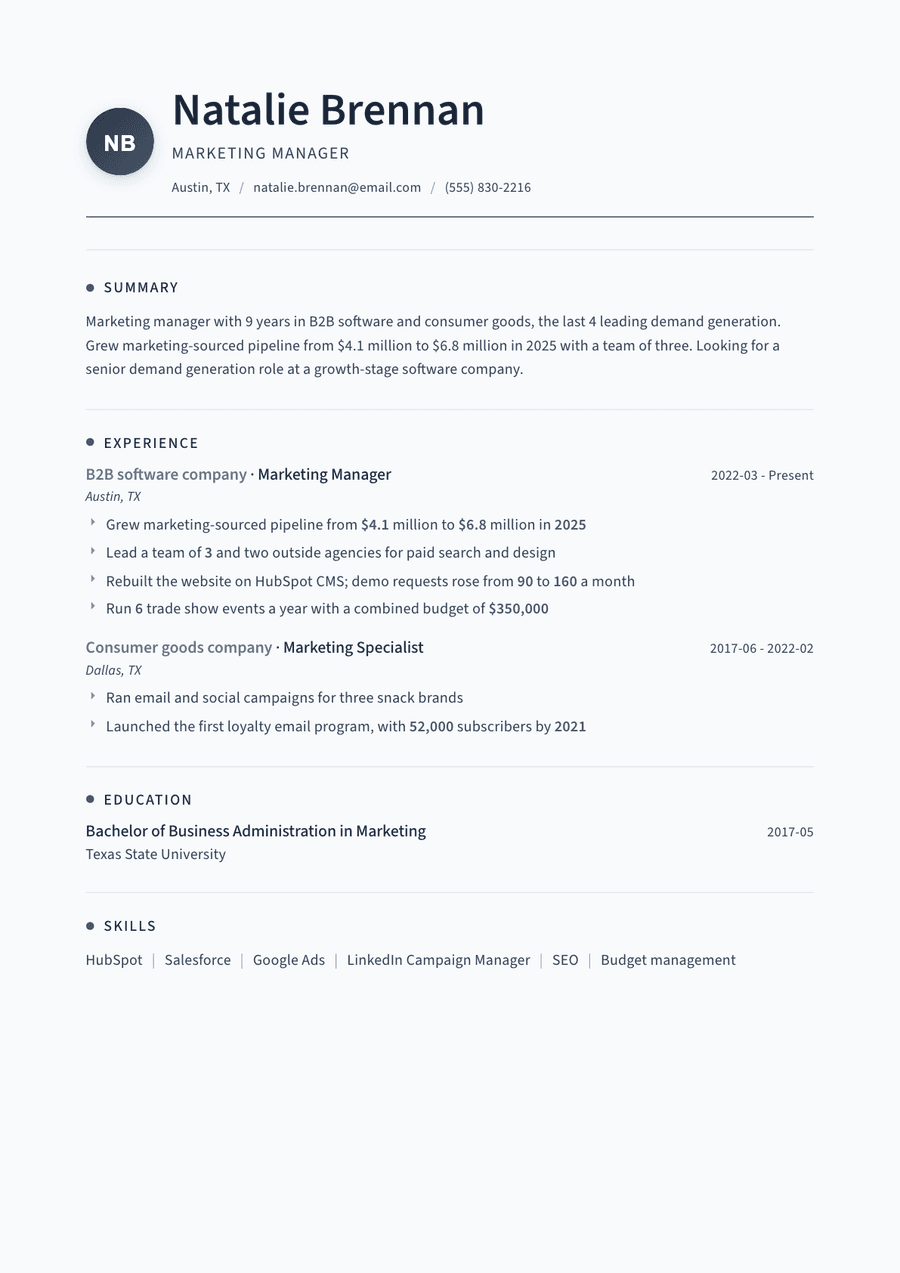
Before and after: full LinkedIn profile to resume, marketing manager, 9 years
297 wordsBEFORE (LinkedIn, saved as PDF) Headline: Marketing Leader | Brand Storyteller | Growth Mindset | Coffee Lover About: I'm a passionate marketer who loves building brands that people connect with. Over the past nine years I've worked across B2B software and consumer goods, and I'm always excited by new challenges. I believe in data-driven creativity and cross-functional collaboration. Experience: Marketing Manager, B2B software company, Austin, TX, 2022 to present. Responsible for demand generation, the website, events and working closely with sales on pipeline goals. Managed agencies and a small team. Skills (43): Marketing, Social Media, Leadership, Teamwork, HubSpot, SEO, Microsoft Office...
AFTER (resume) NATALIE BRENNAN Marketing Manager | Austin, TX | (555) 830-2216 | natalie.brennan@email.com | linkedin.com/in/nataliebrennan
SUMMARY Marketing manager with 9 years in B2B software and consumer goods, the last 4 leading demand generation. Grew marketing-sourced pipeline from $4.1 million to $6.8 million in 2025 with a team of three. Looking for a senior demand generation role at a growth-stage software company.
EXPERIENCE Marketing Manager, B2B software company, Austin, TX | March 2022 to present - Grew marketing-sourced pipeline from $4.1 million to $6.8 million in 2025 - Lead a team of 3 and two outside agencies for paid search and design - Rebuilt the website on HubSpot CMS; demo requests rose from 90 to 160 a month - Run 6 trade show events a year with a combined budget of $350,000
Marketing Specialist, consumer goods company, Dallas, TX | June 2017 to February 2022 - Ran email and social campaigns for three snack brands - Launched the first loyalty email program, with 52,000 subscribers by 2021
EDUCATION Bachelor of Business Administration, Marketing, Texas State University, 2017
SKILLS HubSpot | Salesforce | Google Ads | LinkedIn Campaign Manager | SEO | Budget management
Thread template: Use this template
Create my CVOr start from one of our free resume templates
The numbers in the after version were never on the profile. They came from the person's own reports and memory. That is the real work of turning LinkedIn into a resume: the profile gives you dates and job titles, and you add the proof.
How to save your LinkedIn profile as a PDF
LinkedIn Help lists the desktop steps on its Save a profile as a PDF page:
- Click the Me icon at the top of your LinkedIn homepage.
- Click your Profile card in the dropdown.
- Click the More or Resources button in the introduction section.
- Select Save to PDF.
The same page notes a limit of 200 PDF downloads per month, counting your own profile and other members' profiles, and says the feature may not be available to every member.
If the button is missing, there is a second route. LinkedIn's Download your data page explains how to request an archive from Settings & Privacy, then Data Privacy. Its Positions file contains "the company name, title, job description, location, and employment dates" from your Experience section, which is exactly the raw material you need. LinkedIn says a specific type of data arrives by email within minutes, and the larger download within 24 hours.
Either way, you get the facts out. Neither export is a resume yet. The PDF follows LinkedIn's own layout, keeps every skill you ever added and reads like a profile, not an application.
What changes between a LinkedIn profile and a resume
A profile is written to be found. A resume is written to win one job. That one difference drives every rewrite below, and our LinkedIn profile vs resume guide covers it in full.
| LinkedIn section | Resume section | What to change |
|---|---|---|
| Headline | Title line under your name | One job title, the one you are applying for |
| About | Summary | Cut to three sentences, add one number |
| Experience | Experience | Paragraphs become 3 to 5 result bullets |
| Skills | Skills | Keep the 6 to 10 the job ad names |
| Featured, Projects | Projects | Keep only work that proves the target job |
| Recommendations | Nothing | Leave them on LinkedIn |
| Profile photo | Nothing | US resumes go without one |
Harvard's career office lists personal pronouns such as "I" or "We" in its DON'T list in Create a Strong Resume. A LinkedIn About section is usually written in the first person, so this is the first thing that goes.
Example 2: LinkedIn About section to resume summary
The About section is the hardest part to move, because it is long, warm and written about you as a person. A summary is short and written about you as a hire.
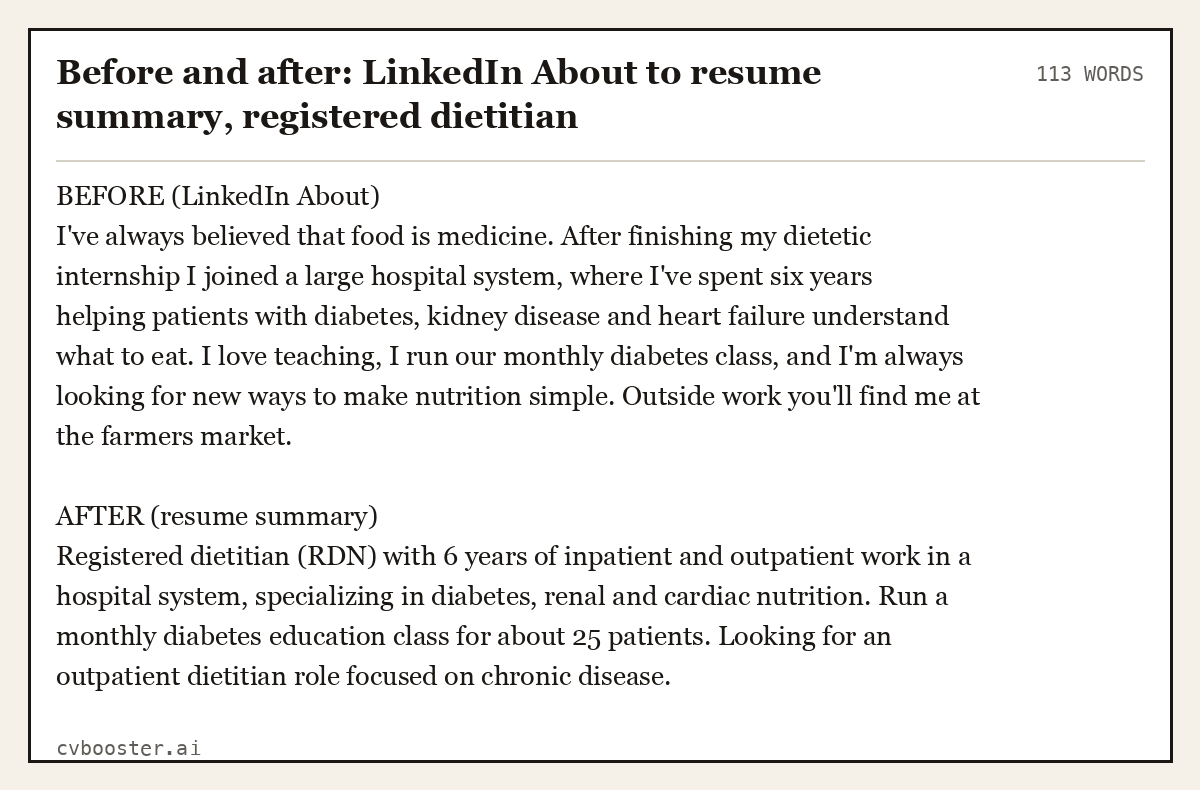
Before and after: LinkedIn About to resume summary, registered dietitian
113 wordsBEFORE (LinkedIn About) I've always believed that food is medicine. After finishing my dietetic internship I joined a large hospital system, where I've spent six years helping patients with diabetes, kidney disease and heart failure understand what to eat. I love teaching, I run our monthly diabetes class, and I'm always looking for new ways to make nutrition simple. Outside work you'll find me at the farmers market.
AFTER (resume summary) Registered dietitian (RDN) with 6 years of inpatient and outpatient work in a hospital system, specializing in diabetes, renal and cardiac nutrition. Run a monthly diabetes education class for about 25 patients. Looking for an outpatient dietitian role focused on chronic disease.
Three sentences, no "I", one fact about scale. The farmers market stays on LinkedIn, where it makes you sound like a person. For more finished versions by job, see our resume summary examples.
Example 3: LinkedIn Experience entry to resume bullets
LinkedIn lets you write paragraphs under each job. Resumes run on bullets that start with a verb and end with a result. If you need verbs, our resume action verbs list has plenty.
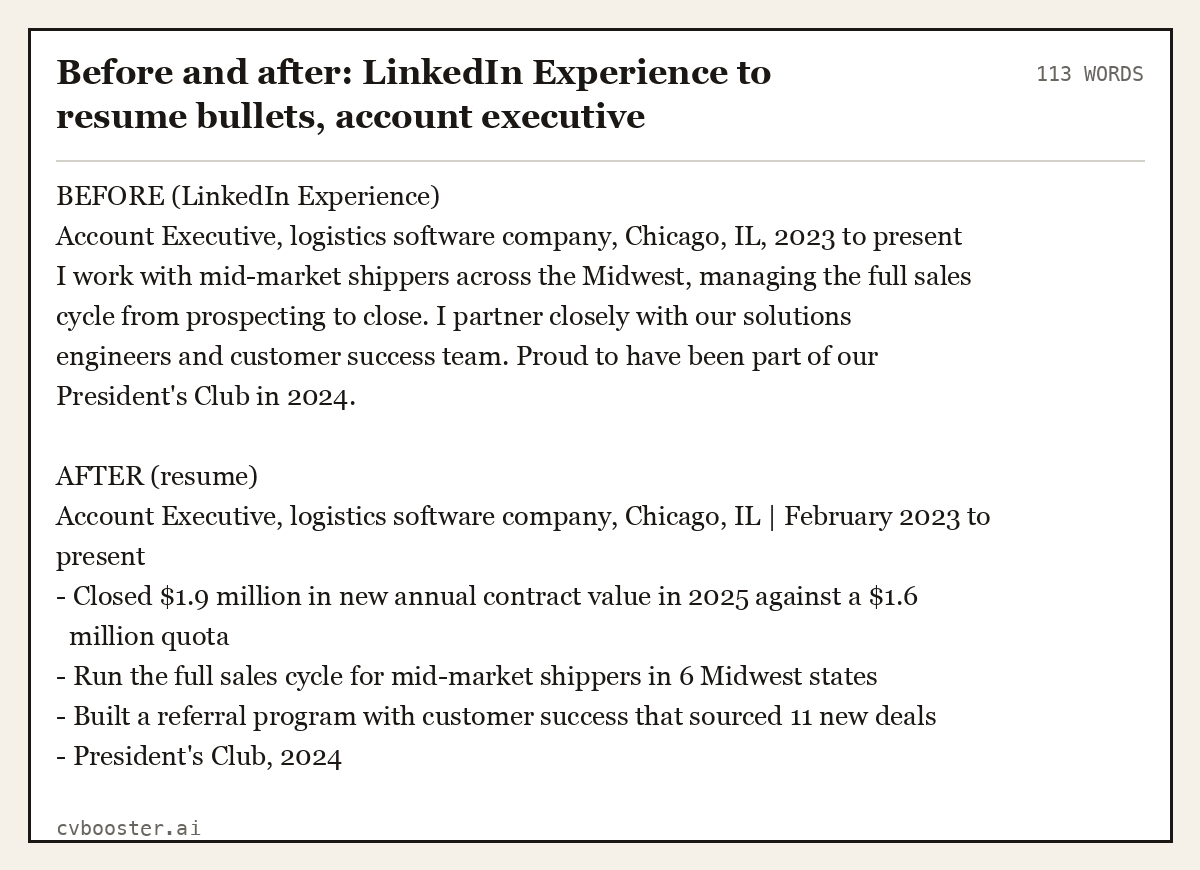
Before and after: LinkedIn Experience to resume bullets, account executive
113 wordsBEFORE (LinkedIn Experience) Account Executive, logistics software company, Chicago, IL, 2023 to present I work with mid-market shippers across the Midwest, managing the full sales cycle from prospecting to close. I partner closely with our solutions engineers and customer success team. Proud to have been part of our President's Club in 2024.
AFTER (resume) Account Executive, logistics software company, Chicago, IL | February 2023 to present - Closed $1.9 million in new annual contract value in 2025 against a $1.6 million quota - Run the full sales cycle for mid-market shippers in 6 Midwest states - Built a referral program with customer success that sourced 11 new deals - President's Club, 2024
The "after" bullets are the only place where the numbers live. If your LinkedIn already has them, copy them over. If it does not, find them before you send anything.
Example 4: LinkedIn headline and skills to a resume title and skills section
A LinkedIn headline is a keyword cloud for search. On a resume, the line under your name should be one job title. Skills get the same treatment: cut to the ones the advert names. Our LinkedIn headline examples and skills to put on LinkedIn guides cover the profile side.
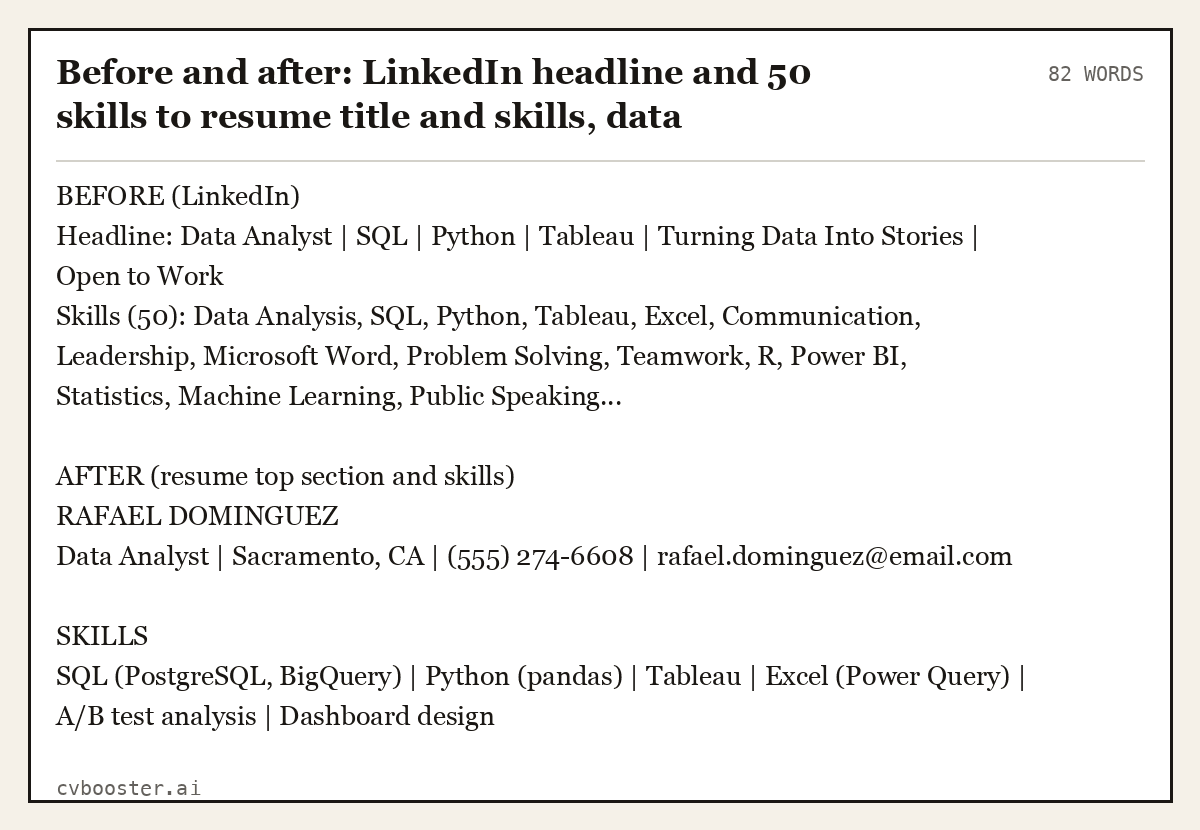
Before and after: LinkedIn headline and 50 skills to resume title and skills, data analyst
82 wordsBEFORE (LinkedIn) Headline: Data Analyst | SQL | Python | Tableau | Turning Data Into Stories | Open to Work Skills (50): Data Analysis, SQL, Python, Tableau, Excel, Communication, Leadership, Microsoft Word, Problem Solving, Teamwork, R, Power BI, Statistics, Machine Learning, Public Speaking...
AFTER (resume top section and skills) RAFAEL DOMINGUEZ Data Analyst | Sacramento, CA | (555) 274-6608 | rafael.dominguez@email.com
SKILLS SQL (PostgreSQL, BigQuery) | Python (pandas) | Tableau | Excel (Power Query) | A/B test analysis | Dashboard design
Communication, leadership and teamwork are gone from the list. They do not disappear; they move into bullets as proof, for example "presented the monthly churn dashboard to the leadership team".
Example 5: LinkedIn Projects and Featured to a resume projects section
For students and career changers, the Featured and Projects sections often hold the best evidence on the whole profile. On a resume, give each project a name, a date, what you did and what came out of it.
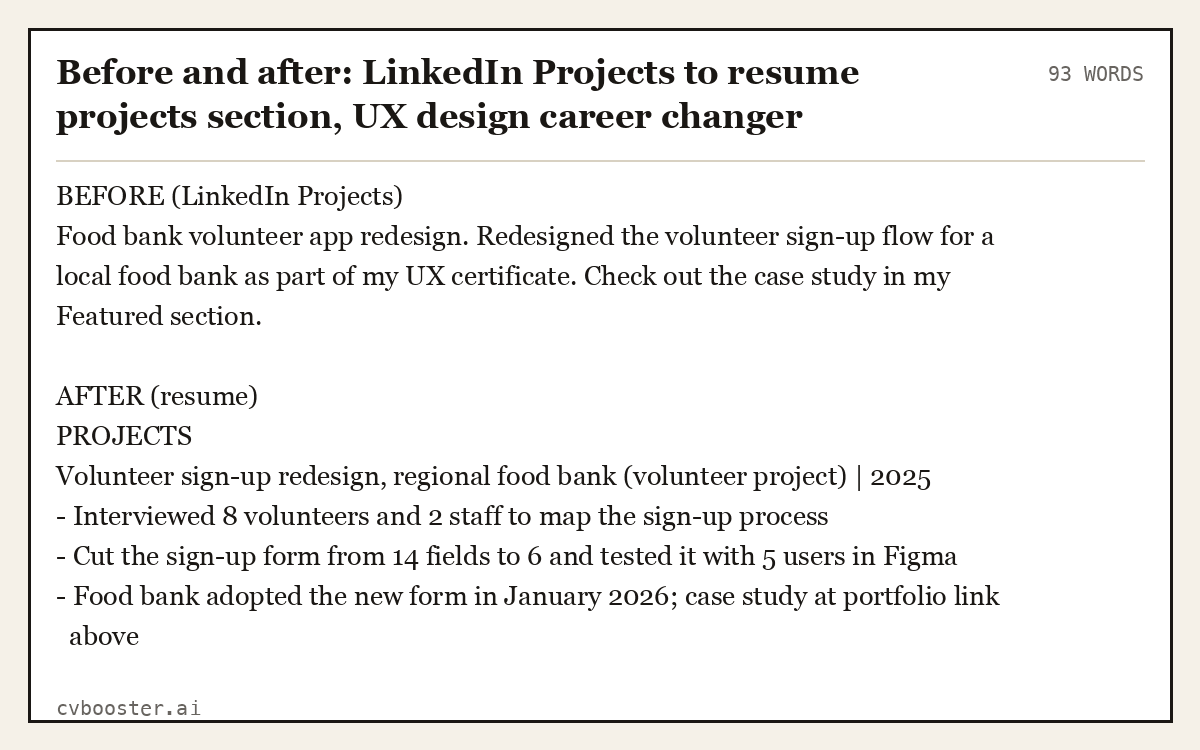
Before and after: LinkedIn Projects to resume projects section, UX design career changer
93 wordsBEFORE (LinkedIn Projects) Food bank volunteer app redesign. Redesigned the volunteer sign-up flow for a local food bank as part of my UX certificate. Check out the case study in my Featured section.
AFTER (resume) PROJECTS Volunteer sign-up redesign, regional food bank (volunteer project) | 2025 - Interviewed 8 volunteers and 2 staff to map the sign-up process - Cut the sign-up form from 14 fields to 6 and tested it with 5 users in Figma - Food bank adopted the new form in January 2026; case study at portfolio link above
Example 6: Recent graduate profile to a complete resume
A new graduate's LinkedIn is mostly education, one internship and a long list of clubs. The resume keeps the order but cuts the clubs to the one that shows something.
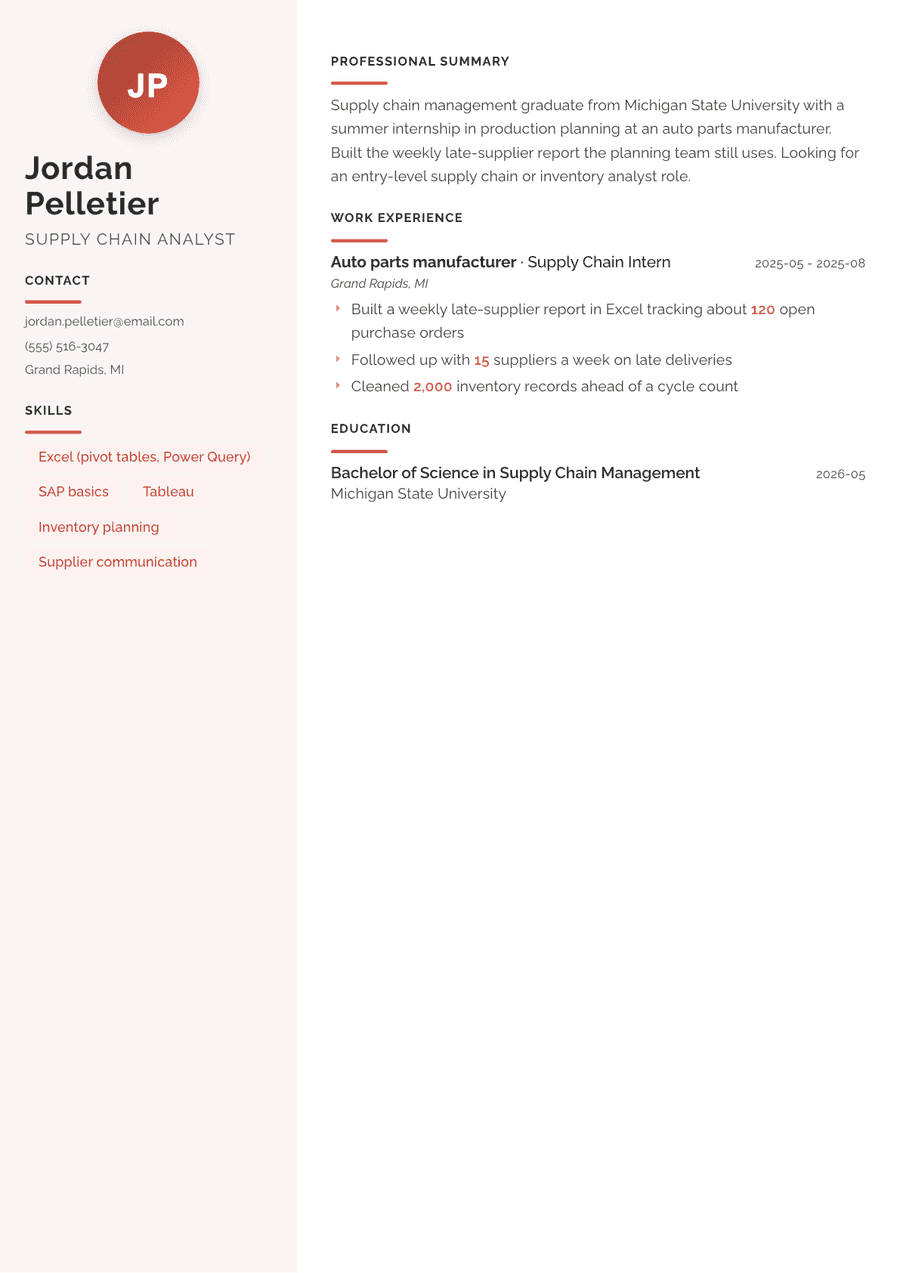
Before and after: recent graduate LinkedIn profile to one-page resume, supply chain analyst
213 wordsBEFORE (LinkedIn, saved as PDF) Headline: Recent Graduate | Supply Chain | Seeking Opportunities About: Recent supply chain management graduate from Michigan State University, eager to start my career. Hardworking, detail-oriented and a quick learner. Experience: Supply Chain Intern, auto parts manufacturer, summer 2025. Helped the planning team with inventory reports and supplier follow-ups. Activities: Supply chain student association, intramural soccer, residence hall council, volunteer tutor.
AFTER (resume) JORDAN PELLETIER Supply Chain Analyst | Grand Rapids, MI | (555) 516-3047 | jordan.pelletier@email.com
SUMMARY Supply chain management graduate from Michigan State University with a summer internship in production planning at an auto parts manufacturer. Built the weekly late-supplier report the planning team still uses. Looking for an entry-level supply chain or inventory analyst role.
EDUCATION Bachelor of Science, Supply Chain Management, Michigan State University, May 2026 - GPA 3.5 | Vice president, supply chain student association
EXPERIENCE Supply Chain Intern, auto parts manufacturer, Grand Rapids, MI | May to August 2025 - Built a weekly late-supplier report in Excel tracking about 120 open purchase orders - Followed up with 15 suppliers a week on late deliveries - Cleaned 2,000 inventory records ahead of a cycle count
SKILLS Excel (pivot tables, Power Query) | SAP basics | Tableau | Inventory planning | Supplier communication
Milano template: Use this template (Pro, paid when you download)
How to move your LinkedIn content into a resume builder
We do not import LinkedIn profiles, and we would not trust an import that did. An automatic copy brings across the warm first-person About text, all 43 skills and the paragraphs, which are the three things a resume has to change. A manual move takes about the length of one coffee and leaves you with a better document.
- Save your profile as a PDF using the steps above, or request the Positions file from your data archive.
- Open our resume builder and start with the contact line and job title.
- Paste each job's dates and title from the PDF, then rewrite the description as bullets.
- Write the summary last, after the bullets, so it can borrow their best number.
- Pick a design and check the result with our ATS checker.
Building in any design costs nothing with a free account, which downloads a plain text file; PDF and Word versions need Pro.
Keep your LinkedIn and resume in step
The dates, job titles and employers must match. A recruiter will open your profile after reading your resume, and a different end date looks like a mistake, or worse. Everything else can differ: the profile can stay warm and broad, the resume short and aimed at one job. When you update one, update the dates on the other the same day.
Frequently asked questions
Can I create a resume from my LinkedIn profile?
Yes. On desktop, open your profile, click More or Resources in the introduction section and select Save to PDF. That file holds your job titles, dates and descriptions. Rewrite it into resume form: a three-line summary, result bullets for each job and a short skills list matched to the job you want.
Is the LinkedIn PDF good enough to send as a resume?
We would not send it. It keeps LinkedIn's layout, includes every skill and section, and reads like a profile written in the first person. Use it as raw material. Copy the facts into a one or two page resume, rewrite the descriptions as results, and cut everything the target job does not need.
Why is Save to PDF missing on my LinkedIn?
LinkedIn Help says the option is not available in the mobile app, works only when the profile and language setting are in English, and may not be available to every member. Switch to a desktop browser and check your language setting. If it is still missing, request your data archive from Settings and Privacy instead.
Should my resume match my LinkedIn profile exactly?
The facts should match: employers, job titles and dates. The wording does not need to. Your LinkedIn can be broader and more personal, while your resume is shorter, written without "I", and aimed at one job. Recruiters check both, so a different start date is the one thing that looks careless.
How do I turn my LinkedIn About section into a resume summary?
Cut it to three sentences. First, your job title and years of experience. Second, one result with a number. Third, the role you want next. Remove "I", hobbies and words like passionate. The rest of the About text can stay on LinkedIn, where a personal tone works well.
More in this series: related guides
- Best Job Search Websites: 9 Sites and How to Use Each One
- Costco Cover Letter: 6 Examples for Warehouse Jobs to Copy
- Cover Letter Outline: Fill-In Template and 6 Full Letters
- How to Write a CV: Step by Step, With 6 Complete CV Examples
- Kitchen Hand Resume: 6 Examples, Duties and Skills to List
- LPN Cover Letter: 6 Examples for New Grads and Experienced
- Legal Cover Letter: 7 Examples for Law Firm and Legal Jobs
- Resume Template Copy and Paste: 6 Plain Text Templates
Looking for a worked example for your job title? Browse the resume examples by job title.