AI Recruitment Tools: What They Do With Your Resume

AI recruitment tools are software that employers use to read, sort and contact applicants: they turn your resume into data fields, compare it with the job, rank or filter candidates, chat with you to book interviews, and score video interviews or online tests. For you, that means the first reader of your resume is often software. The constraint is that you cannot see which tools an employer uses, so your resume has to work for all of them. The US Department of Justice's guidance on AI in hiring lists what these tools do and what employers must not do. Below is each tool, what it does to your resume, your rights, and six examples.
You applied at 9:14 p.m. At 9:15 p.m. you got an email thanking you for your interest. Nobody at that company has thanked anyone that fast in their life. That was the software, and it has already read your resume twice.
The one fix that works for every tool
Almost every AI hiring tool starts by reading your resume as text and matching it against the job ad. So the single most useful change is to describe your experience in the same words the ad uses, in plain text, in a standard layout.
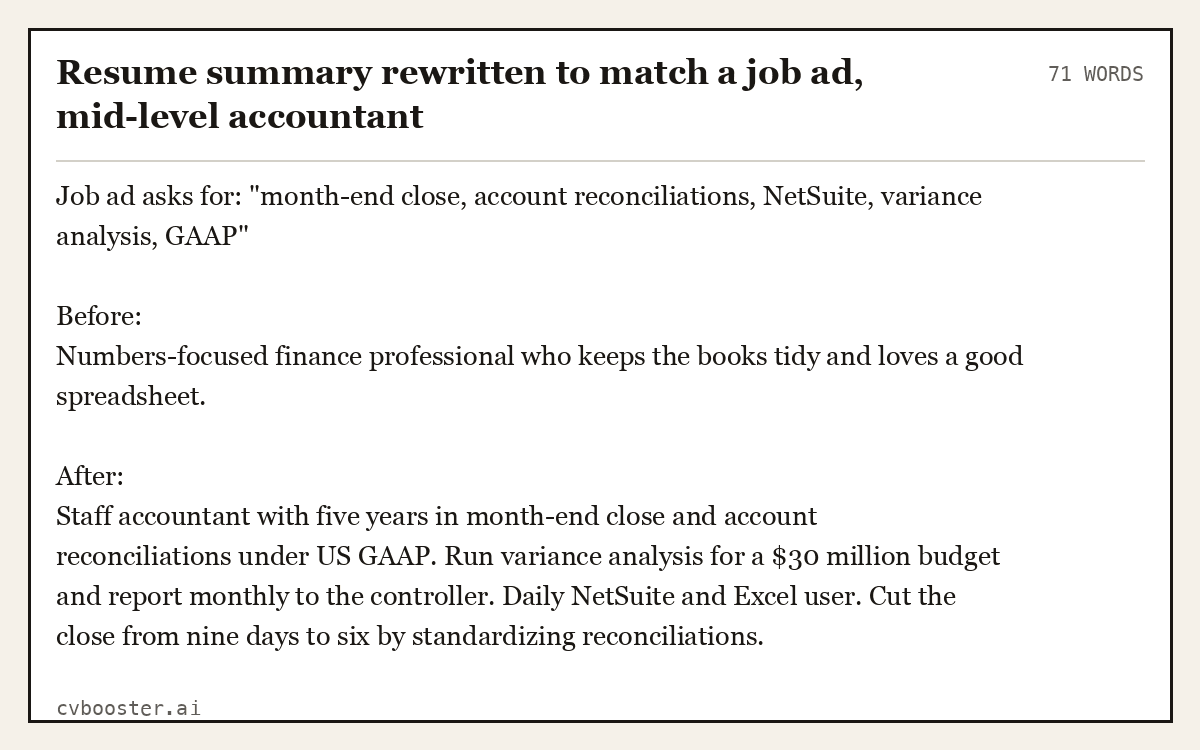
Resume summary rewritten to match a job ad, mid-level accountant
71 wordsJob ad asks for: "month-end close, account reconciliations, NetSuite, variance analysis, GAAP"
Before: Numbers-focused finance professional who keeps the books tidy and loves a good spreadsheet.
After: Staff accountant with five years in month-end close and account reconciliations under US GAAP. Run variance analysis for a $30 million budget and report monthly to the controller. Daily NetSuite and Excel user. Cut the close from nine days to six by standardizing reconciliations.
The "after" version is not keyword stuffing. Every term is true and sits inside a sentence with a result. That reads well to software and to the person who opens it next.
Create my CVOr start from one of our free resume templates
What AI recruitment tools actually do
The Department of Justice guidance gives a plain list of how employers use these technologies: to show job ads to targeted groups, to decide if an applicant meets qualifications, to hold online video interviews, to run computer-based skills tests, and to score resumes. Here is what each one means for you.
| Tool type | What it does | What it does to your resume |
|---|---|---|
| Resume parsing | Reads your file and fills fields: name, titles, dates, skills | Breaks if your layout uses tables, text boxes or images |
| Matching and ranking | Compares your fields with the job requirements and scores or orders candidates | Missing terms push you down the list |
| Knockout questions | Asks yes or no questions such as work authorization, license, location | A "no" can end the application before anyone reads it |
| Chatbots | Answers questions, asks screening questions, books interviews by text or chat | Your typed answers become part of your file |
| One-way video interviews | Records your answers to set questions, sometimes with automated scoring | Your spoken words may be transcribed and analyzed |
| Skills tests and assessments | Online tests, simulations, sometimes game-like tasks | A score that sits beside your resume |
| Sourcing tools | Search profiles and old applications for matches to new jobs | An old resume in a database can bring you back months later |
For a deeper look at the first two, see our page on what ATS software actually does.
How resume parsing and ranking work
Parsing comes first. The software pulls your text out of the file and sorts it into fields. If it reads your job title as your company, or loses your dates, the ranking that follows works with bad data.
Ranking then compares the fields with the job. Some systems look for exact terms, others for related terms, and many let the recruiter set filters such as years of experience or a required certification. You will not know which. Write for the strictest one: use the exact title of a certification, spell out abbreviations once ("Certified Public Accountant (CPA)"), and put skills in a plain list.
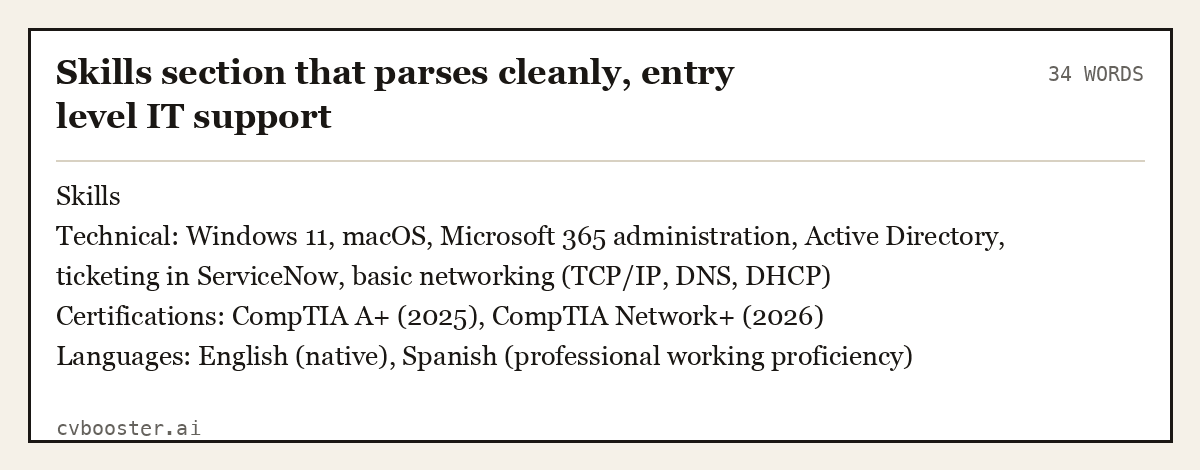
Skills section that parses cleanly, entry level IT support
34 wordsSkills Technical: Windows 11, macOS, Microsoft 365 administration, Active Directory, ticketing in ServiceNow, basic networking (TCP/IP, DNS, DHCP) Certifications: CompTIA A+ (2025), CompTIA Network+ (2026) Languages: English (native), Spanish (professional working proficiency)
If you are not sure your file parses, run it through our free ATS checker, and use the ATS friendly resume guide to fix the layout. To find the words that matter, our list of ATS keywords from real job ads shows how to pull them from a posting.
Chatbots and knockout questions
Many applications now start or end with a chat: a bot asks if you can work weekends, whether you hold a license, when you can start. These answers are often the filters, so treat them like part of the application.
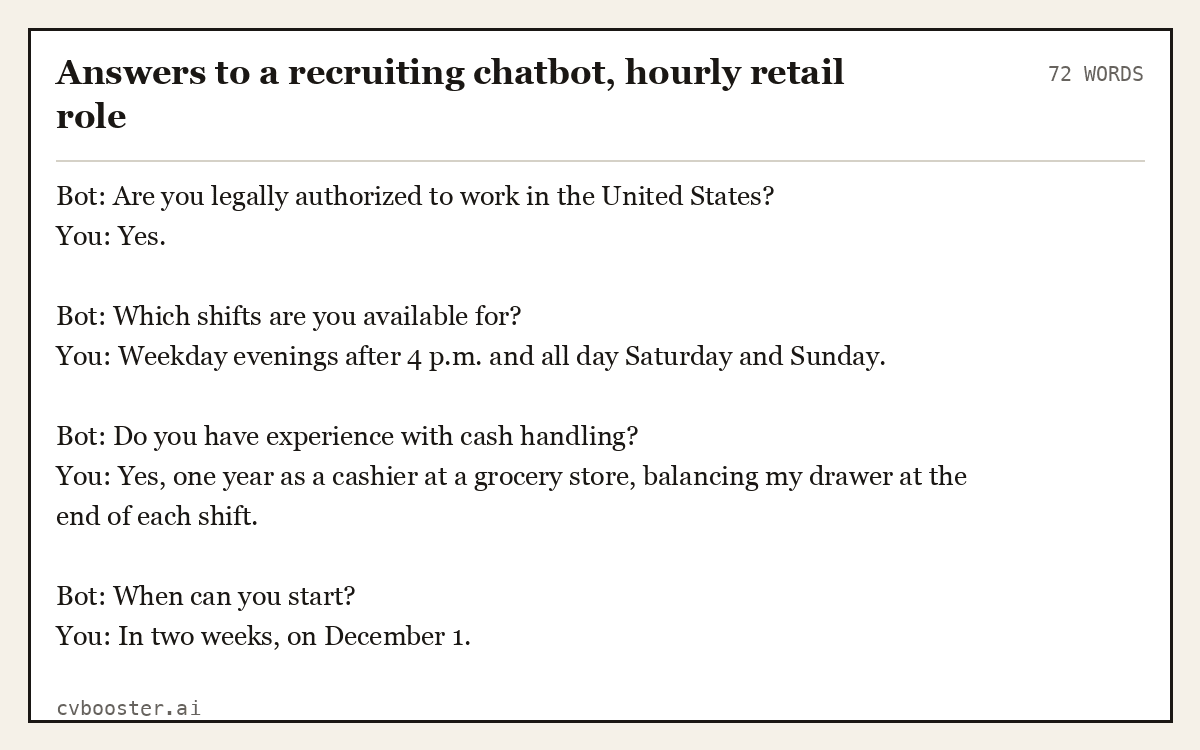
Answers to a recruiting chatbot, hourly retail role
72 wordsBot: Are you legally authorized to work in the United States? You: Yes.
Bot: Which shifts are you available for? You: Weekday evenings after 4 p.m. and all day Saturday and Sunday.
Bot: Do you have experience with cash handling? You: Yes, one year as a cashier at a grocery store, balancing my drawer at the end of each shift.
Bot: When can you start? You: In two weeks, on December 1.
Give complete, specific answers. "Yes, one year as a cashier" carries more information than "yes", and a recruiter who reads the transcript later sees it.
One-way video interviews
In a one-way video interview you record answers to questions on screen, with no person on the other side. Some employers watch them, and some use software to transcribe or score them. Answer as if both will happen: clear structure, the words from the job ad, and a result.
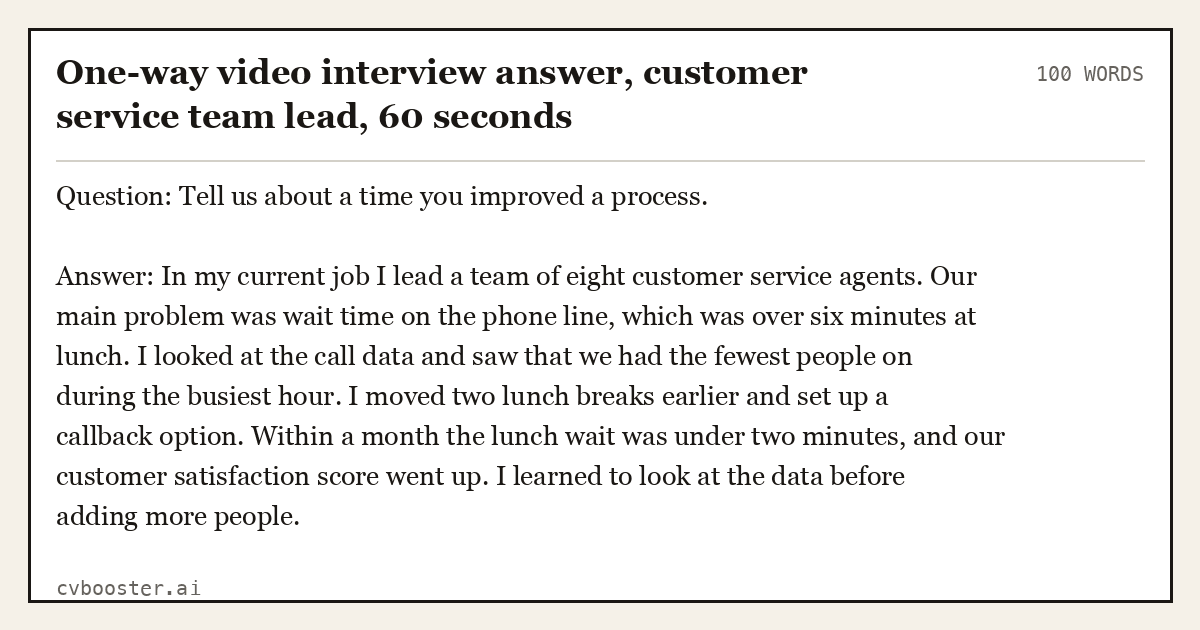
One-way video interview answer, customer service team lead, 60 seconds
100 wordsQuestion: Tell us about a time you improved a process.
Answer: In my current job I lead a team of eight customer service agents. Our main problem was wait time on the phone line, which was over six minutes at lunch. I looked at the call data and saw that we had the fewest people on during the busiest hour. I moved two lunch breaks earlier and set up a callback option. Within a month the lunch wait was under two minutes, and our customer satisfaction score went up. I learned to look at the data before adding more people.
Look at the camera, not the screen, and keep the background plain. If the platform lets you practice, use the practice question. Our STAR method answers work in the same shape.
Your rights when AI tools are used in hiring
A few rules already apply, and they are worth knowing.
Disability and accommodations. The Department of Justice guidance on algorithms, AI and disability discrimination explains that employers violate the ADA if their hiring technologies unfairly screen out a qualified person with a disability, and that employers must provide requested reasonable accommodations unless doing so would be an undue hardship. If a timed test, a game or a video interview disadvantages you because of a disability, you can ask for an alternative.
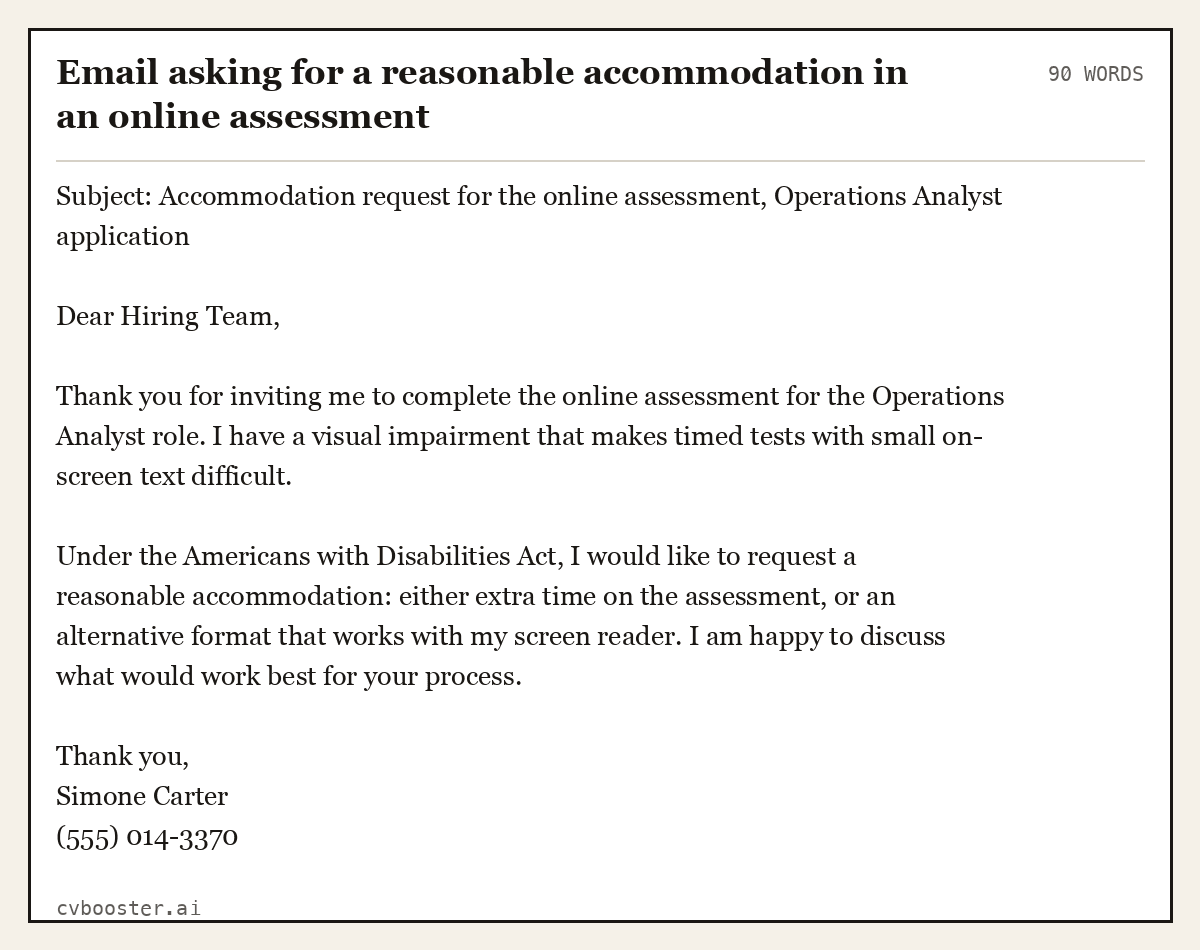
Email asking for a reasonable accommodation in an online assessment
90 wordsSubject: Accommodation request for the online assessment, Operations Analyst application
Dear Hiring Team,
Thank you for inviting me to complete the online assessment for the Operations Analyst role. I have a visual impairment that makes timed tests with small on-screen text difficult.
Under the Americans with Disabilities Act, I would like to request a reasonable accommodation: either extra time on the assessment, or an alternative format that works with my screen reader. I am happy to discuss what would work best for your process.
Thank you, Simone Carter (555) 014-3370
New York City. Local Law 144 of 2021, explained on the city's Automated Employment Decision Tools page, bars employers and employment agencies from using such a tool unless it has had a bias audit within one year of use, the audit information is public, and notices have been given to candidates. The city says the notice must be provided 10 business days before the tool is used, and you can file a complaint if an employer skipped these steps.
The European Union. If you apply to jobs in the EU, its AI Act treats AI tools for employment, including CV-sorting software for recruitment, as high-risk. The European Commission's AI Act page says the rules for high-risk systems in areas including employment will apply from 2 December 2027.
Other states and cities are working on their own rules, so check the law where the job is.
What not to do
- Do not hide keywords in white text. Parsers read it, and so does the recruiter when it shows up in the plain text view. It looks like what it is.
- Do not paste the whole job ad into your resume. Matching the language of the ad is good. Copying it is not, and a person will notice.
- Do not let an AI writer invent experience. If a chatbot adds a tool you have never used, take it out. Our AI resume fabrication audit shows how to check a draft line by line.
- Do not apply to everything at once. Sourcing tools keep old applications. Fifty applications with fifty versions of your history can follow you around.
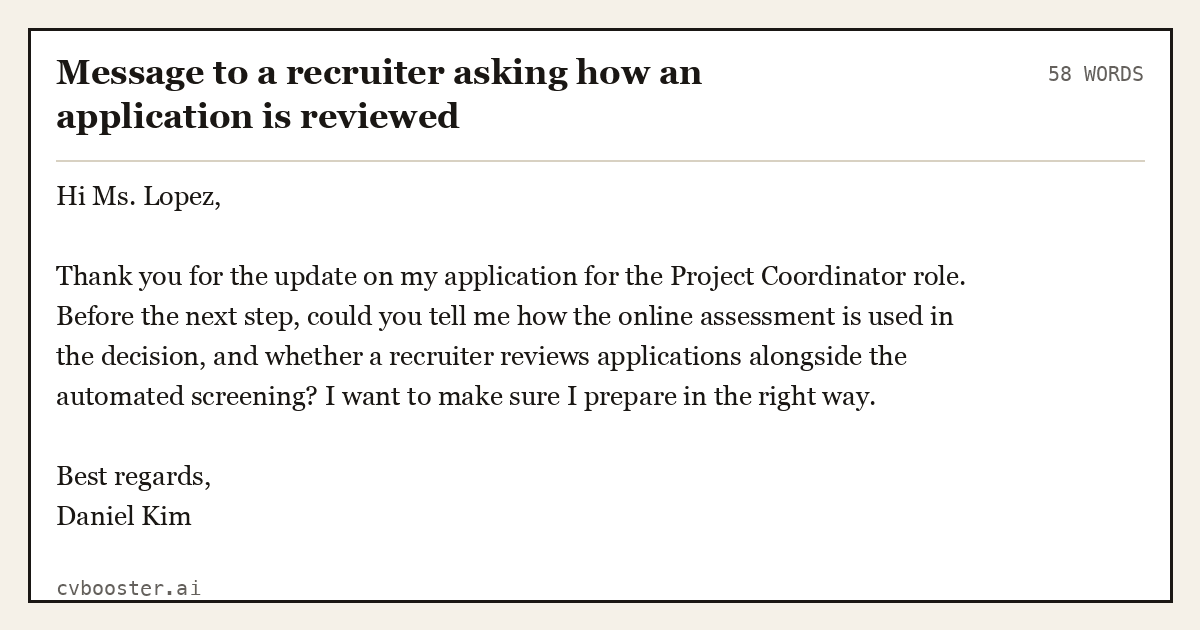
Message to a recruiter asking how an application is reviewed
58 wordsHi Ms. Lopez,
Thank you for the update on my application for the Project Coordinator role. Before the next step, could you tell me how the online assessment is used in the decision, and whether a recruiter reviews applications alongside the automated screening? I want to make sure I prepare in the right way.
Best regards, Daniel Kim
Frequently asked questions
What are AI recruitment tools?
They are software that employers use to manage hiring with algorithms or artificial intelligence: resume parsing and ranking, chatbots that screen and schedule, one-way video interviews, online assessments and tools that search for candidates. They decide who a recruiter sees first, so your resume needs to be readable by software as well as by people.
Do AI recruiting tools reject resumes automatically?
Some applications are filtered by knockout questions, such as work authorization or a required license, and some systems rank candidates so low-scoring resumes are rarely opened. Whether a person reviews every application depends on the employer. The safest approach is to answer screening questions fully and match your resume to the job ad.
How do I get my resume past AI screening?
Use a simple single-column layout, standard headings and real text. Mirror the exact terms from the job ad where they are true for you, spell out abbreviations once, list certifications by their full names and put skills in a plain list. Then check the file with a free ATS checker before you apply.
Is it legal for employers to use AI in hiring?
Yes, but anti-discrimination laws still apply. Under the ADA, employers must not let hiring technology unfairly screen out qualified people with disabilities and must provide reasonable accommodations. New York City requires bias audits and notices for automated employment decision tools, and the EU treats AI hiring tools as high-risk.
Can I ask an employer if they use AI to review my application?
Yes. You can ask a recruiter politely how applications are reviewed and whether a person looks at them. In New York City, employers using automated employment decision tools must notify candidates. If you need an accommodation because of a disability, ask for it in writing as early as possible.
More in this series: related guides
- ATS Full Form: Applicant Tracking System, Explained
- Achievements in Resume: 36 Examples by Job, and the Formula
- CV Meaning: What Curriculum Vitae Means, With Examples
- Citizenship on Resume: When to List It and How to Word It
- Dancer Resume Example: 5 Complete Resumes for Auditions
- Declaration in Resume: Format and 10 Samples to Copy
- How Far Back Should a Resume Go: The 10 to 15 Year Rule
- How to Ask Someone to Be a Reference: 10 Messages to Copy
- How to Become an Arborist: Steps, ISA Certification, Pay
- How to Build a Resume Website: 7 Steps and Copyable Text
- How to Introduce Yourself in a Letter: 8 Examples to Copy
- Job Titles: 200+ Examples by Department and by Level
- Personal Details in Resume: What to Include, With Examples
- Resume Builder for High School Students: 5 Teen Resumes
- Resume Margins: The Right Size for Every Situation
- Resume Summary for Freshers: 14 Examples by Degree
- Should I Use a Resume Template: Yes, If It Passes 8 Checks
- Six Figure Jobs: 27 Careers With Median Pay Over $100K
- Strengths and Weaknesses List: 90 Examples and 8 Answers
- Timeline Resume Template: 6 Examples and When to Use One
- What Is Background Information: Definition and 7 Examples
- Why Should We Hire You: 10 Sample Answers That Work
Looking for a worked example for your job title? Browse the resume examples by job title.