Resume Margins: The Right Size for Every Situation

Resume margins should be 1 inch on all four sides. If you need room to fit one page, go down to 0.75 inch, and never below 0.5 inch. Keep the left and right margins equal, and keep the top and bottom equal to each other, so the page looks centered when printed or opened as a PDF.
One inch is also the default: Microsoft's own help page says that in Word "each page automatically has a one-inch margin" (Change margins, Microsoft Support). Below: a table by situation, the steps for Word and Google Docs, and two complete resumes.
You shrank the margins to 0.3 inch so everything fits on one page. It fits. It also looks like a legal contract printed by someone who was paying per sheet.
Resume margin size by situation
| Situation | Margins | Why |
|---|---|---|
| Standard resume, fits comfortably | 1 inch all sides | Default, clean, prints safely |
| A few lines over one page | 0.75 inch all sides | Gains space without looking cramped |
| Dense one-page resume, experienced | 0.6 to 0.75 inch sides, 0.5 to 0.75 inch top and bottom | Last resort before cutting content |
| Short resume (student, first job) | 1 to 1.25 inch | More white space so the page does not look empty |
| Two-page resume | 1 inch all sides | No need to squeeze; use the space |
| Printed and bound or hole-punched | 1.25 inch left, 1 inch others | Leaves room for the binding |
| Federal resume (USAJOBS) | 1 inch | Long text reads best with standard margins |
The absolute floor is 0.5 inch. Many home and office printers cannot print right to the edge, so text inside a very narrow margin can be cut off on paper.
How to set resume margins in Word
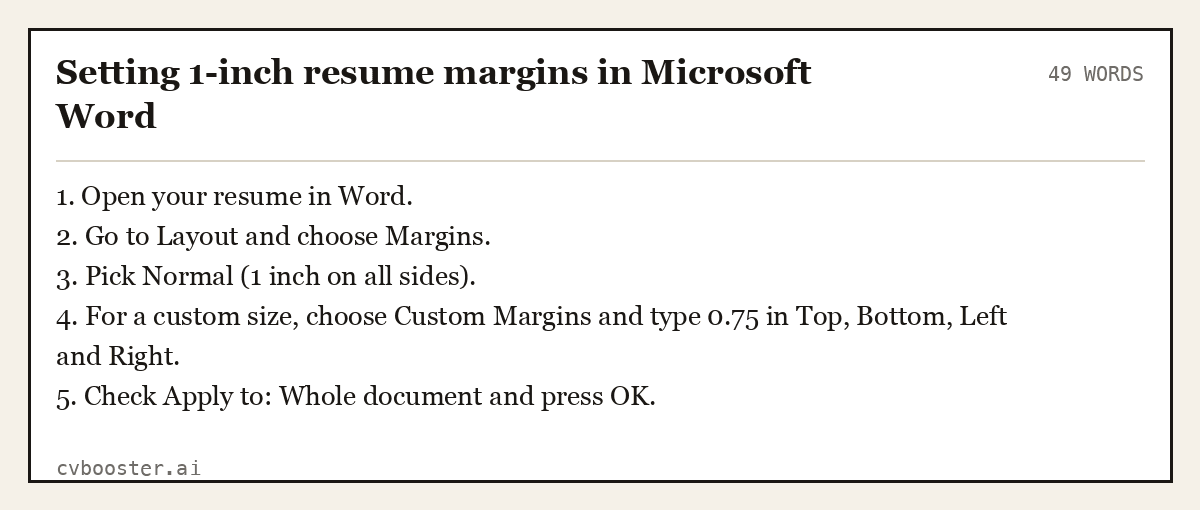
Setting 1-inch resume margins in Microsoft Word
49 words1. Open your resume in Word. 2. Go to Layout and choose Margins. 3. Pick Normal (1 inch on all sides). 4. For a custom size, choose Custom Margins and type 0.75 in Top, Bottom, Left and Right. 5. Check Apply to: Whole document and press OK.
Microsoft's margins help page covers presets and section breaks if your document has more than one section.
Create my CVOr start from one of our free resume templates
How to set resume margins in Google Docs
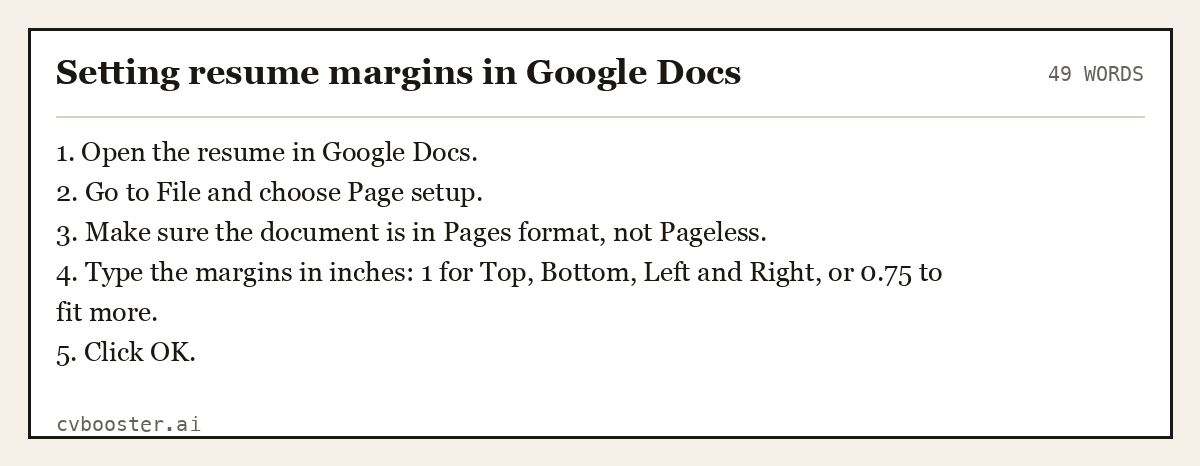
Setting resume margins in Google Docs
49 words1. Open the resume in Google Docs. 2. Go to File and choose Page setup. 3. Make sure the document is in Pages format, not Pageless. 4. Type the margins in inches: 1 for Top, Bottom, Left and Right, or 0.75 to fit more. 5. Click OK.
Google's page settings help notes that margins are not available in pageless documents, which is the most common reason the margin box seems to be missing. Our Google Docs resume templates page has layouts that are already set.
Margin settings for three common problems
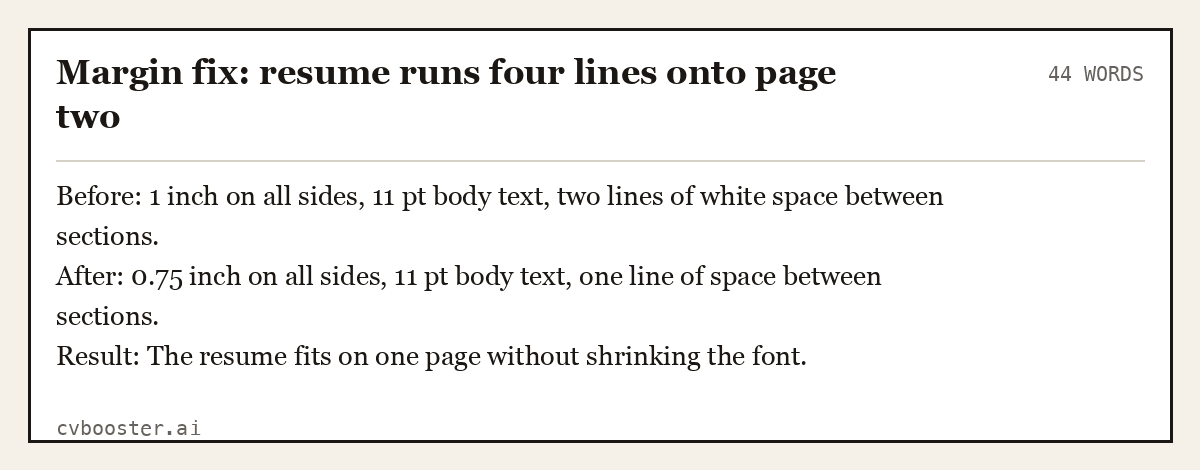
Margin fix: resume runs four lines onto page two
44 wordsBefore: 1 inch on all sides, 11 pt body text, two lines of white space between sections. After: 0.75 inch on all sides, 11 pt body text, one line of space between sections. Result: The resume fits on one page without shrinking the font.
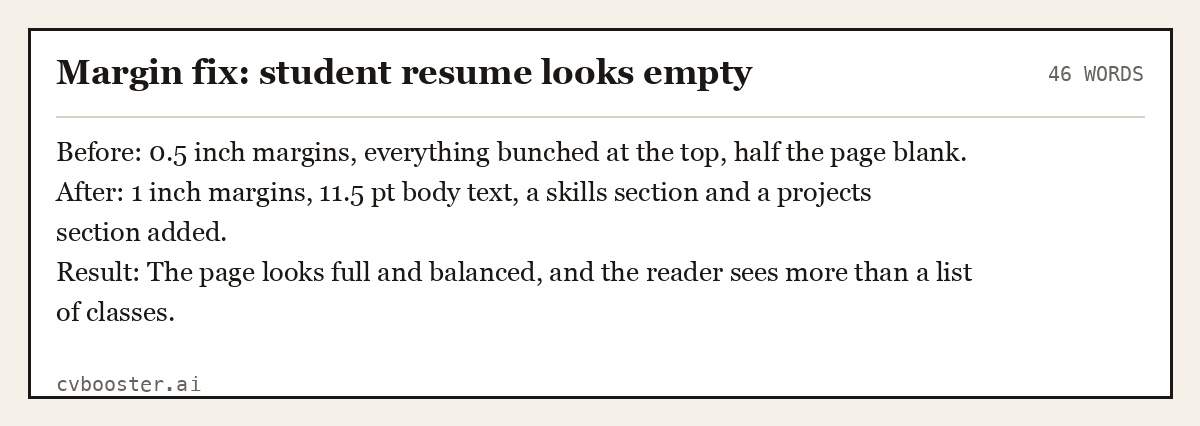
Margin fix: student resume looks empty
46 wordsBefore: 0.5 inch margins, everything bunched at the top, half the page blank. After: 1 inch margins, 11.5 pt body text, a skills section and a projects section added. Result: The page looks full and balanced, and the reader sees more than a list of classes.
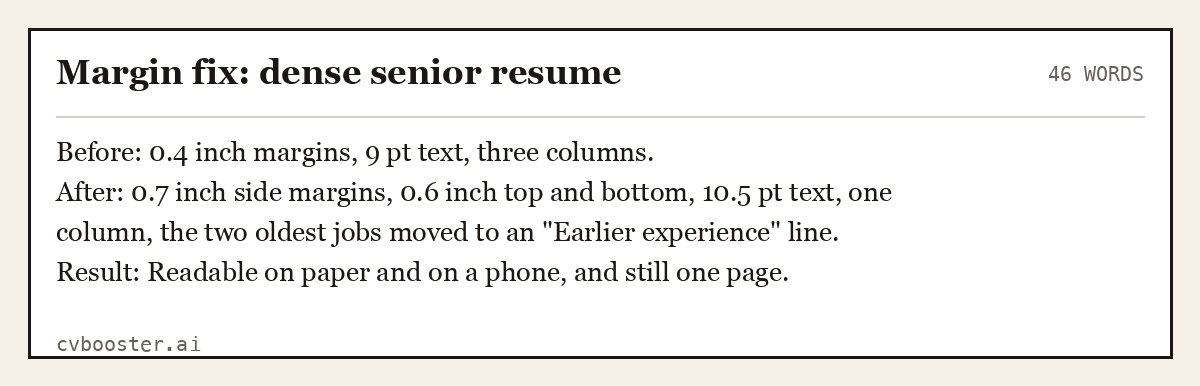
Margin fix: dense senior resume
46 wordsBefore: 0.4 inch margins, 9 pt text, three columns. After: 0.7 inch side margins, 0.6 inch top and bottom, 10.5 pt text, one column, the two oldest jobs moved to an "Earlier experience" line. Result: Readable on paper and on a phone, and still one page.
Shrinking margins is the third step, not the first. Cut weak bullets and old roles first, then tighten spacing, then margins. Our one-page resume guide covers the cuts, and resume length covers when two pages is the right answer.
Two complete resumes with standard margins
Both are rendered by our engine, which sets the margins for each design, so you write the content and the page spacing is handled for you. The first is a one-page early-career resume; the second is a denser experienced resume on the same width.
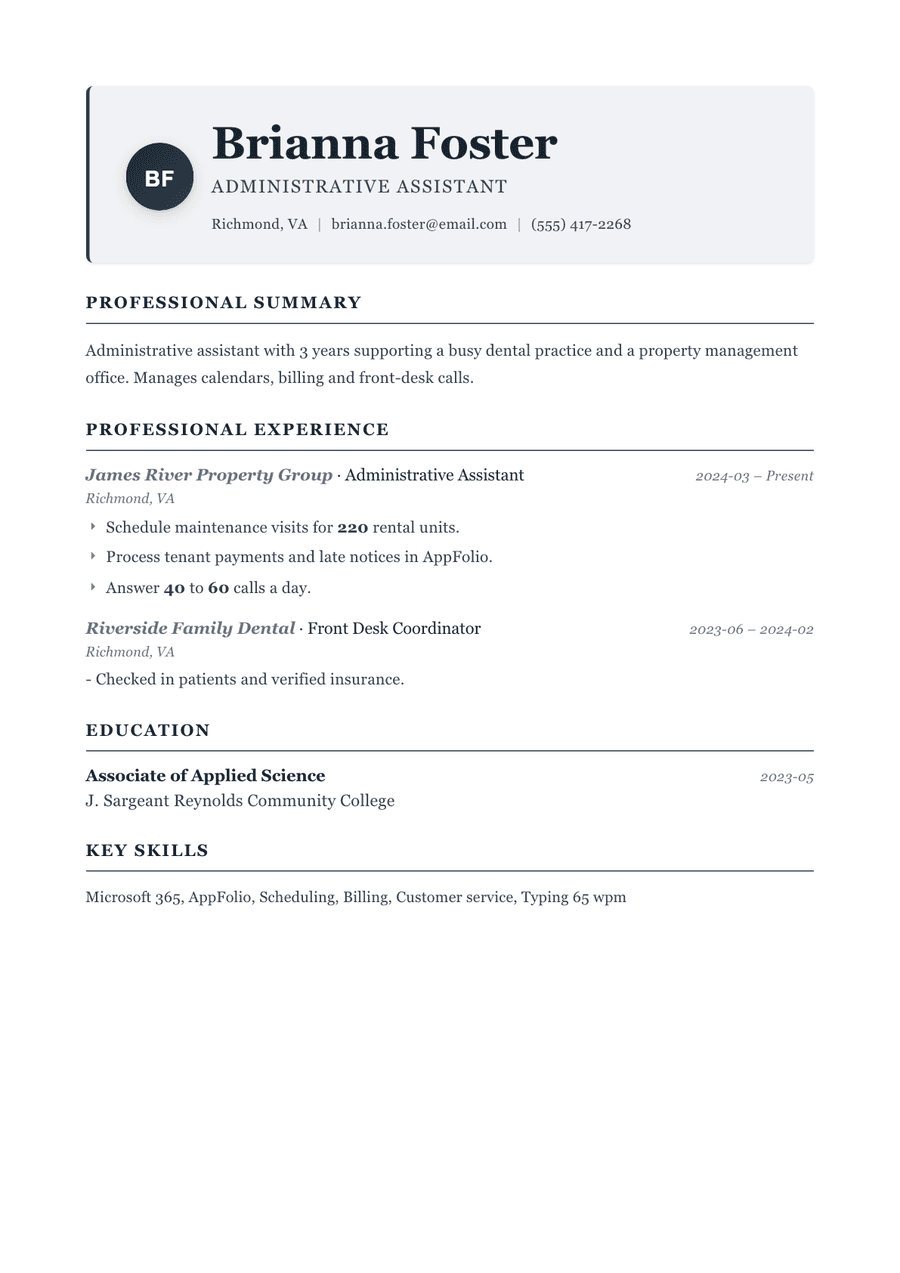
Complete one-page resume, administrative assistant
115 wordsBrianna Foster Administrative Assistant (555) 417-2268 · Richmond, VA · brianna.foster@email.com
Summary Administrative assistant with 3 years supporting a busy dental practice and a property management office. Manages calendars, billing and front-desk calls.
Experience Administrative Assistant, James River Property Group, Richmond, VA · March 2024 to Present - Schedule maintenance visits for 220 rental units. - Process tenant payments and late notices in AppFolio. - Answer 40 to 60 calls a day.
Front Desk Coordinator, Riverside Family Dental, Richmond, VA · June 2023 to February 2024 - Checked in patients and verified insurance.
Education Associate of Applied Science, J. Sargeant Reynolds Community College, 2023
Skills Microsoft 365, AppFolio, Scheduling, Billing, Customer service, Typing 65 wpm
Traditional template: Use this template
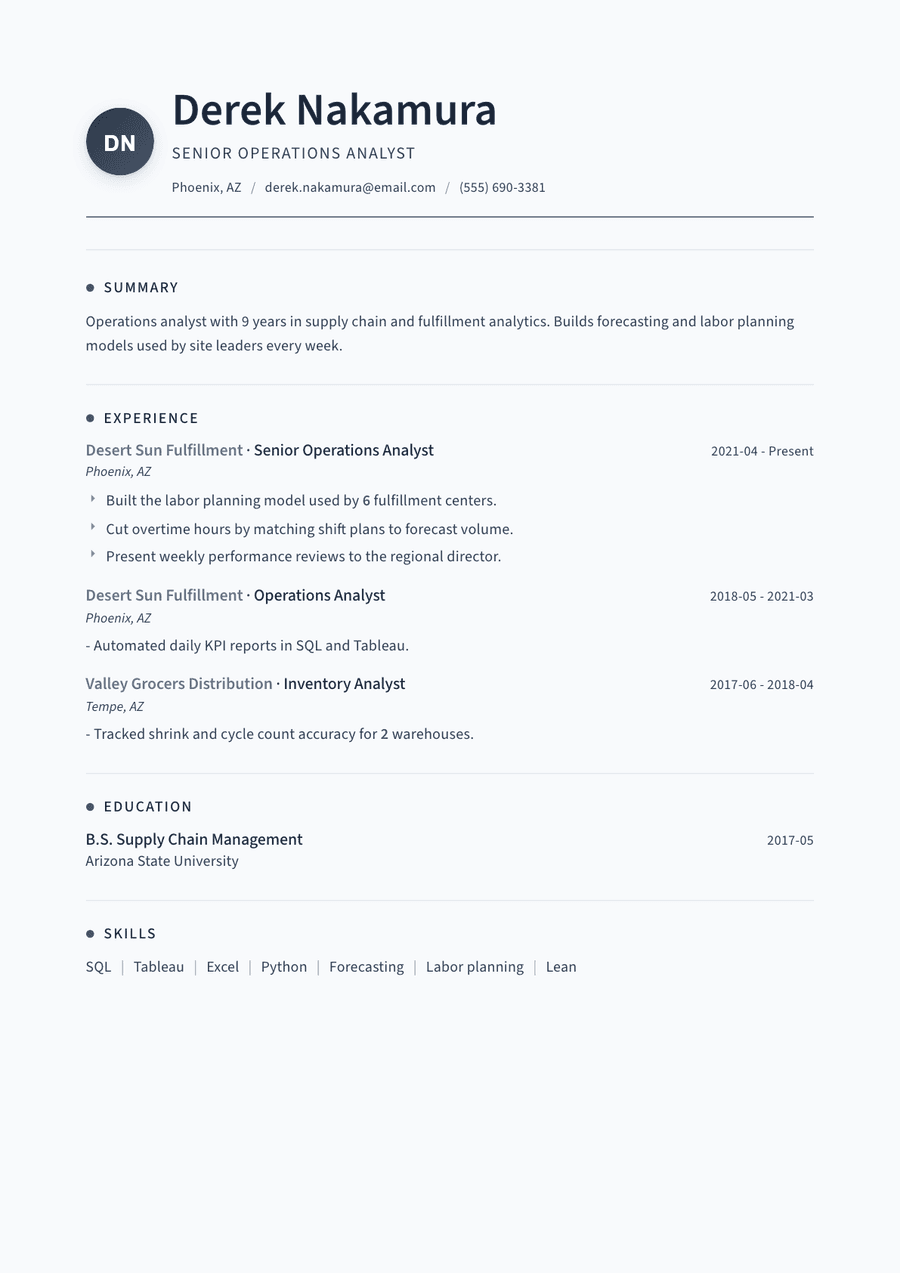
Complete one-page resume, experienced operations analyst
139 wordsDerek Nakamura Senior Operations Analyst (555) 690-3381 · Phoenix, AZ · derek.nakamura@email.com
Summary Operations analyst with 9 years in supply chain and fulfillment analytics. Builds forecasting and labor planning models used by site leaders every week.
Experience Senior Operations Analyst, Desert Sun Fulfillment, Phoenix, AZ · 2021 to Present - Built the labor planning model used by 6 fulfillment centers. - Cut overtime hours by matching shift plans to forecast volume. - Present weekly performance reviews to the regional director.
Operations Analyst, Desert Sun Fulfillment, Phoenix, AZ · 2018 to 2021 - Automated daily KPI reports in SQL and Tableau.
Inventory Analyst, Valley Grocers Distribution, Tempe, AZ · 2017 to 2018 - Tracked shrink and cycle count accuracy for 2 warehouses.
Education B.S. Supply Chain Management, Arizona State University, 2017
Skills SQL, Tableau, Excel, Python, Forecasting, Labor planning, Lean
Thread template: Use this template
Other spacing that matters as much as margins
- Font size: 10.5 to 12 pt for body text. Our resume fonts guide lists safe choices.
- Line spacing: 1.0 to 1.15.
- Space between sections: one blank line, or 8 to 12 pt of space before each heading.
- Paper size: US Letter in the US and Canada, A4 almost everywhere else. See paper size for a resume.
Academic formats use the same 1-inch convention: the APA Style margins page sets 1 inch on all sides for papers, and Purdue's Online Writing Lab covers resume layout more broadly.
Frequently asked questions
What margins should a resume have?
Use 1 inch on all four sides. That is Word's default and looks clean on screen and on paper. If your resume runs slightly over one page, reduce all margins to 0.75 inch. Avoid going below 0.5 inch, because printers can clip text near the edge and the page starts to look crowded.
Is 0.5 inch margin OK for a resume?
It is the minimum, not the target. Half-inch margins can work for a dense one-page resume, especially at the top and bottom, but the page will look tight. Before going that low, cut older roles and weak bullets, reduce spacing between sections, and try 0.75 inch first.
Should resume margins be the same on all sides?
Ideally yes, or at least symmetrical: left equal to right, top equal to bottom. Equal margins make the page look centered. The one common exception is a printed resume that will be bound or hole-punched, where a slightly wider left margin keeps text clear of the binding.
What is the standard margin size for a resume in Google Docs?
Google Docs starts new documents with 1-inch margins, which is the right standard for a resume. Change it under File, then Page setup. If you cannot see the margin settings, your document is in pageless format; switch it to pages format first and the margin boxes will appear.
Do margins affect ATS scanning?
Not directly. Applicant tracking systems read the text, not the white space. Extremely narrow margins can cause problems only if they push text into headers or footers, which some parsers skip. Keep your contact details in the main body of the page, and standard margins will never be the issue.
More in this series: related guides
- AI Recruitment Tools: What They Do With Your Resume
- ATS Full Form: Applicant Tracking System, Explained
- Achievements in Resume: 36 Examples by Job, and the Formula
- CV Meaning: What Curriculum Vitae Means, With Examples
- Citizenship on Resume: When to List It and How to Word It
- Dancer Resume Example: 5 Complete Resumes for Auditions
- Declaration in Resume: Format and 10 Samples to Copy
- How Far Back Should a Resume Go: The 10 to 15 Year Rule
- How to Ask Someone to Be a Reference: 10 Messages to Copy
- How to Become an Arborist: Steps, ISA Certification, Pay
- How to Build a Resume Website: 7 Steps and Copyable Text
- How to Introduce Yourself in a Letter: 8 Examples to Copy
- Job Titles: 200+ Examples by Department and by Level
- Personal Details in Resume: What to Include, With Examples
- Resume Builder for High School Students: 5 Teen Resumes
- Resume Summary for Freshers: 14 Examples by Degree
- Should I Use a Resume Template: Yes, If It Passes 8 Checks
- Six Figure Jobs: 27 Careers With Median Pay Over $100K
- Strengths and Weaknesses List: 90 Examples and 8 Answers
- Timeline Resume Template: 6 Examples and When to Use One
- What Is Background Information: Definition and 7 Examples
- Why Should We Hire You: 10 Sample Answers That Work
Looking for a worked example for your job title? Browse the resume examples by job title.