Should I Use a Resume Template: Yes, If It Passes 8 Checks

Yes, you should use a resume template, as long as it is a simple, single-column layout with real text, standard headings and no tables, text boxes or graphics holding your information. A good template saves hours and keeps your spacing consistent. The constraint is how the template is built, because a pretty design that hiring software cannot read costs you more than it saves. MIT's resume checklist goes as far as "Do not use a template; applicant tracking systems have trouble reading it." Below is why both sides are right, an 8-point checklist, and two real CVs built in templates.
You spent an evening choosing between two templates with slightly different greys. The applicant tracking system read both of them as one long sentence. The grey was never the problem.
Our answer: use one, but choose it like a stranger will read it
The schools disagree on the surface and agree underneath. MIT warns against templates because many downloaded Word templates hide your text in tables and text boxes. Harvard's guide to creating a strong resume hands students its own templates in Word and Google Docs, because those are plain and well built. The lesson is the same: the risk is in the construction, not in the word template.
Run any template through these eight checks before you put a single word in it.
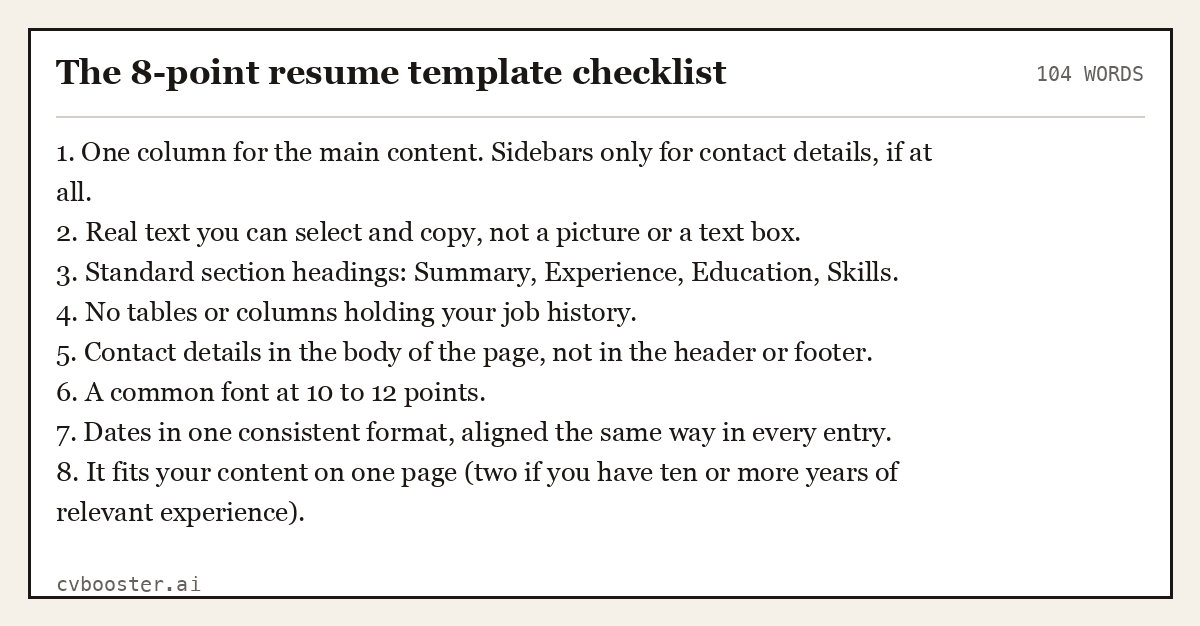
The 8-point resume template checklist
104 words1. One column for the main content. Sidebars only for contact details, if at all. 2. Real text you can select and copy, not a picture or a text box. 3. Standard section headings: Summary, Experience, Education, Skills. 4. No tables or columns holding your job history. 5. Contact details in the body of the page, not in the header or footer. 6. A common font at 10 to 12 points. 7. Dates in one consistent format, aligned the same way in every entry. 8. It fits your content on one page (two if you have ten or more years of relevant experience).
Create my CVOr start from one of our free resume templates
UC Berkeley's resume guide says the same thing in one line: to make a resume ATS friendly, "avoid using headers, footers, text boxes, tables, colors, pictures, or graphics." Our view is slightly softer on color. A single accent color in headings is fine for most jobs. Color that carries information, such as a colored skills bar, is not.
The 30-second test for any template
You can check whether software will read a template without any special tool. Fill it in, save it as a PDF, open the PDF, select all the text and paste it into a plain text editor.
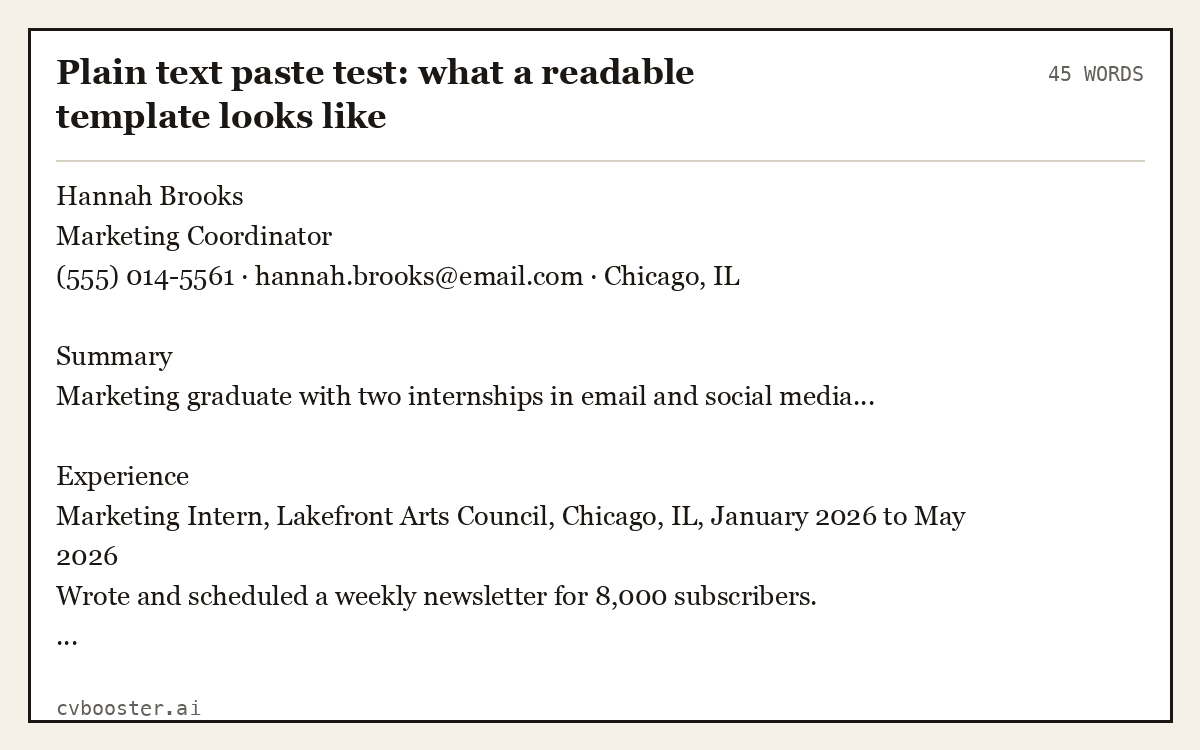
Plain text paste test: what a readable template looks like
45 wordsHannah Brooks Marketing Coordinator (555) 014-5561 · hannah.brooks@email.com · Chicago, IL
Summary Marketing graduate with two internships in email and social media...
Experience Marketing Intern, Lakefront Arts Council, Chicago, IL, January 2026 to May 2026 Wrote and scheduled a weekly newsletter for 8,000 subscribers. ...
If the paste comes out in this order, the template is fine. If your job titles appear after your skills, your dates are missing, or the text is jumbled across two columns, the template fails the test. Our free ATS checker does the same check with more detail.
Are resume templates bad? The real pros and cons
| Pros | Cons | |
|---|---|---|
| Time | Hours saved on spacing and layout | Time lost if you have to rebuild a broken one |
| Consistency | Same fonts, margins and date style throughout | Some force sections you do not need |
| Readability | Good ones are clean for people and software | Fancy ones can hide text from software |
| Standing out | Your content does the work, not the design | Popular designs are recognizable to busy recruiters |
The last point is the one people worry about most: will a recruiter recognize the template? Sometimes, yes. Nobody rejects a resume for it. They reject resumes that say nothing. A recognizable layout with three strong results beats an original layout with a list of duties every time.
Two real CVs built in templates
These were filled in and rendered in our editor, so you can see a simple template at work for two very different career stages.
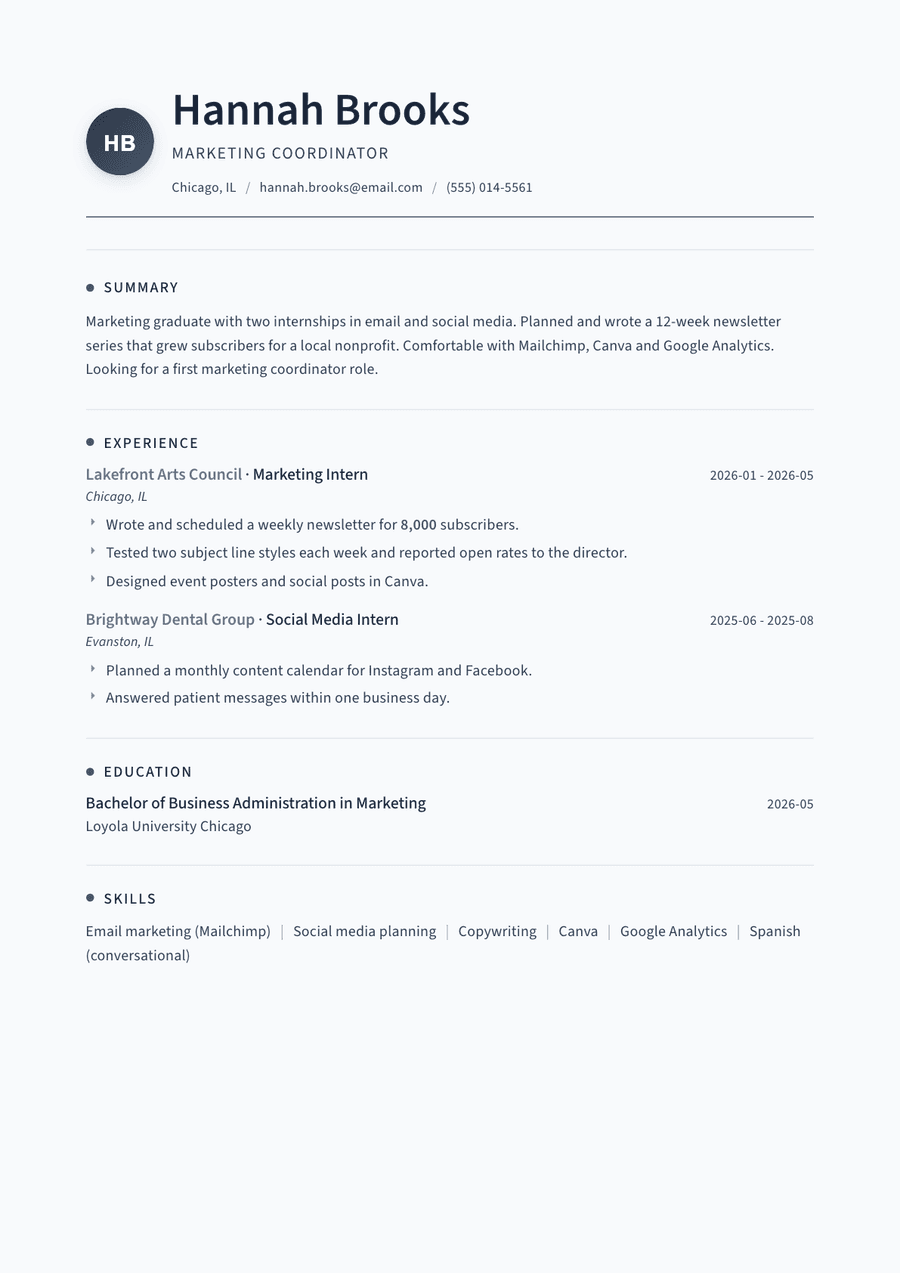
Entry level marketing graduate, single-column template
159 wordsHannah Brooks Marketing Coordinator (555) 014-5561 · hannah.brooks@email.com · Chicago, IL
Summary Marketing graduate with two internships in email and social media. Planned and wrote a 12-week newsletter series that grew subscribers for a local nonprofit. Comfortable with Mailchimp, Canva and Google Analytics. Looking for a first marketing coordinator role.
Experience Marketing Intern, Lakefront Arts Council, Chicago, IL · January 2026 to May 2026 - Wrote and scheduled a weekly newsletter for 8,000 subscribers. - Tested two subject line styles each week and reported open rates to the director. - Designed event posters and social posts in Canva.
Social Media Intern, Brightway Dental Group, Evanston, IL · June 2025 to August 2025 - Planned a monthly content calendar for Instagram and Facebook. - Answered patient messages within one business day.
Education Bachelor of Business Administration, Marketing, Loyola University Chicago, May 2026
Skills Email marketing (Mailchimp) · Social media planning · Copywriting · Canva · Google Analytics · Spanish (conversational)
Thread template: Use this template
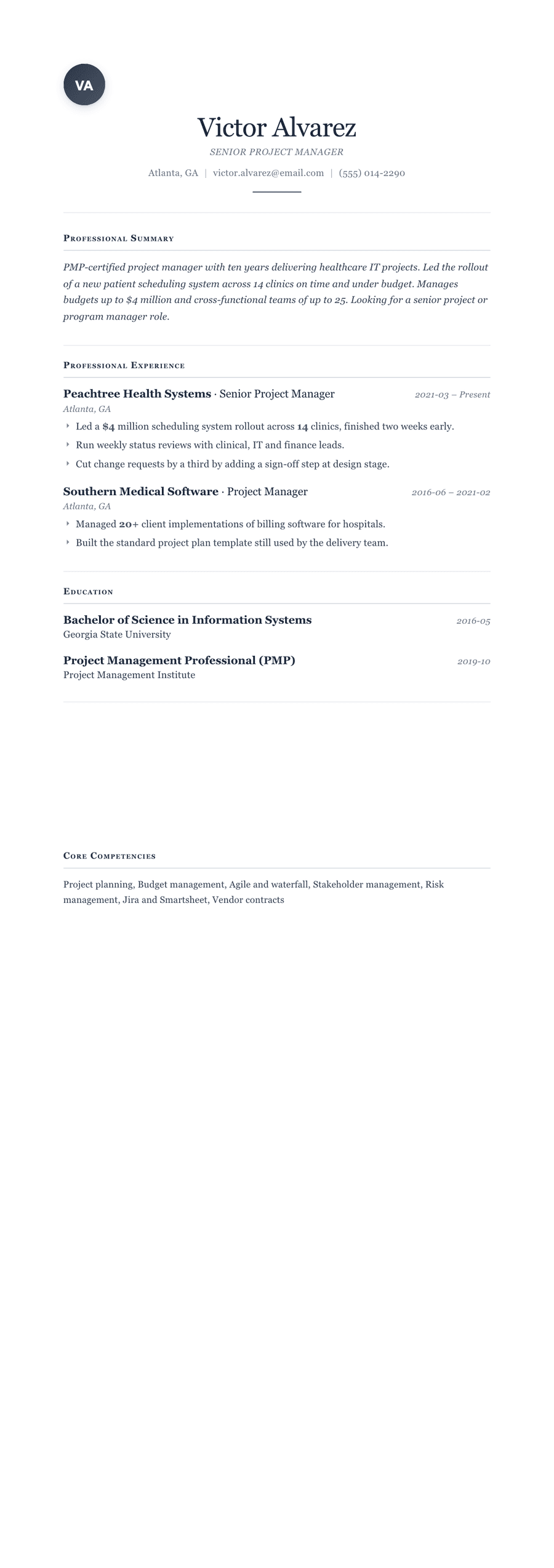
Experienced project manager, 10 years, classic template
197 wordsVictor Alvarez Senior Project Manager (555) 014-2290 · victor.alvarez@email.com · Atlanta, GA
Summary PMP-certified project manager with ten years delivering healthcare IT projects. Led the rollout of a new patient scheduling system across 14 clinics on time and under budget. Manages budgets up to $4 million and cross-functional teams of up to 25. Looking for a senior project or program manager role.
Experience Senior Project Manager, Peachtree Health Systems, Atlanta, GA · March 2021 to present - Led a $4 million scheduling system rollout across 14 clinics, finished two weeks early. - Run weekly status reviews with clinical, IT and finance leads. - Cut change requests by a third by adding a sign-off step at design stage.
Project Manager, Southern Medical Software, Atlanta, GA · June 2016 to February 2021 - Managed 20+ client implementations of billing software for hospitals. - Built the standard project plan template still used by the delivery team.
Education Bachelor of Science, Information Systems, Georgia State University, May 2016 Project Management Professional (PMP), Project Management Institute, October 2019
Skills Project planning · Budget management · Agile and waterfall · Stakeholder management · Risk management · Jira and Smartsheet · Vendor contracts
Cornerstone template: Use this template
Both are free designs. Build in any template. Pro ones are paid when you download. For more layouts side by side, browse the resume templates or the resume examples by job.
When a template is the wrong choice
- Federal jobs. USAJOBS applications want specific details for each role, such as hours per week and supervisor contact, and a design template gets in the way. See our federal resume example.
- Academic CVs. Long publication and teaching lists need a CV format, not a one-page resume template.
- Some creative roles. A designer's resume can be part of the portfolio, and building your own layout shows the skill. Even then, keep a plain version for online applications.
- When it forces the wrong order. A template that puts education first is wrong for someone with ten years of experience. Move the sections or pick another.
Fixing a template that almost works
Most templates fail on one or two points. You do not need to start over: fix the parts that break the checklist.
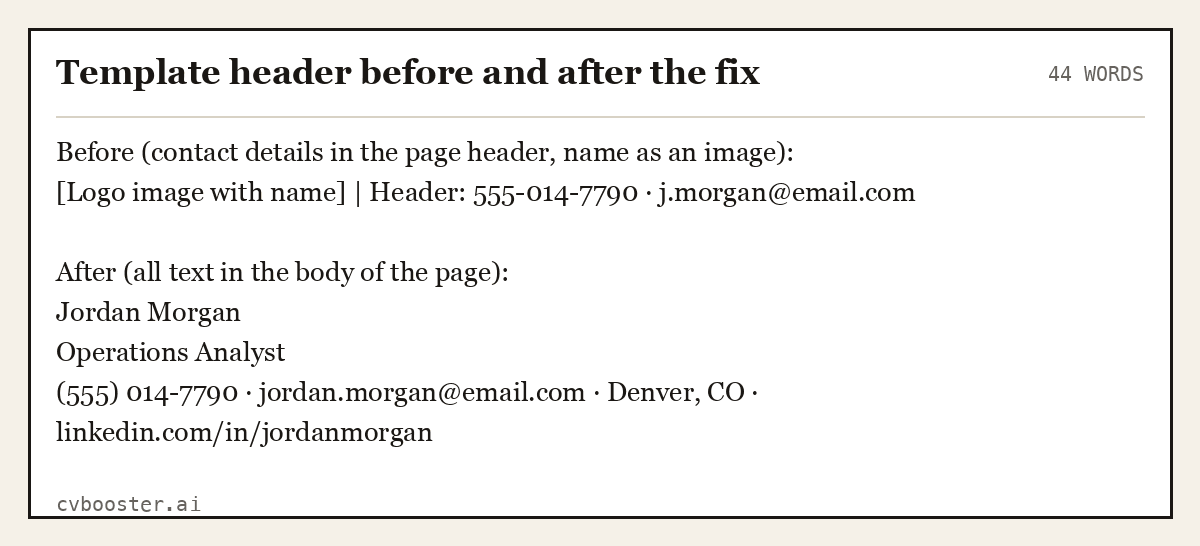
Template header before and after the fix
44 wordsBefore (contact details in the page header, name as an image): [Logo image with name] | Header: 555-014-7790 · j.morgan@email.com
After (all text in the body of the page): Jordan Morgan Operations Analyst (555) 014-7790 · jordan.morgan@email.com · Denver, CO · linkedin.com/in/jordanmorgan
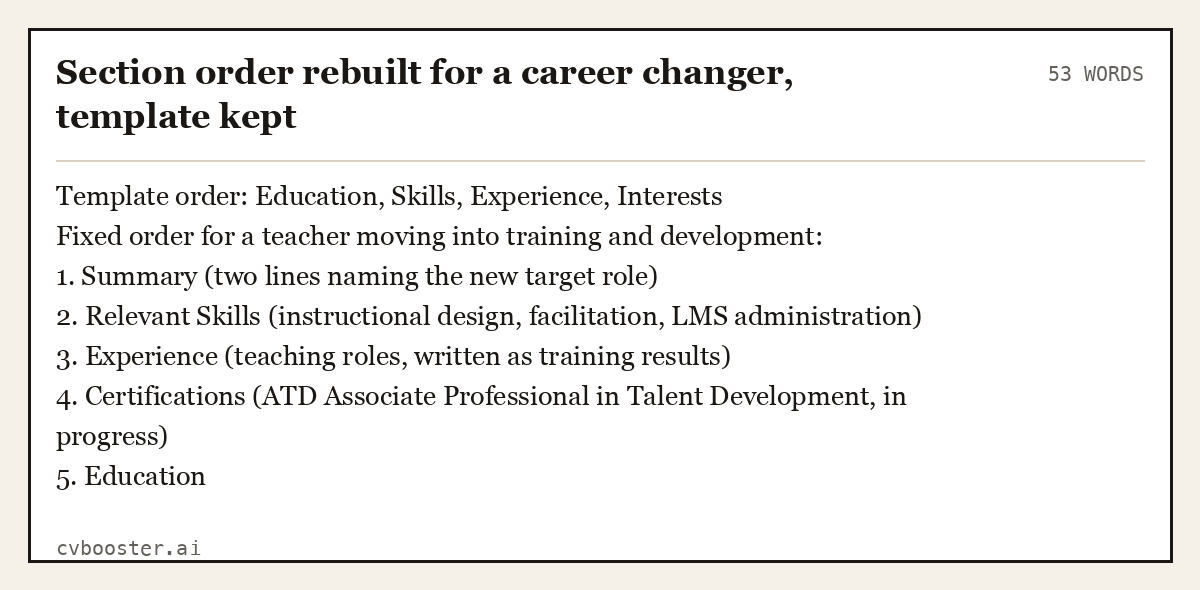
Section order rebuilt for a career changer, template kept
53 wordsTemplate order: Education, Skills, Experience, Interests Fixed order for a teacher moving into training and development: 1. Summary (two lines naming the new target role) 2. Relevant Skills (instructional design, facilitation, LMS administration) 3. Experience (teaching roles, written as training results) 4. Certifications (ATD Associate Professional in Talent Development, in progress) 5. Education
The same idea applies to length. If a template is built for two pages and you have one page of content, do not stretch your story to fill it. Our guides to the one page CV and the best resume format explain when each layout fits.
Word, Google Docs or a resume builder?
- Word templates. Easy to edit and widely accepted. Check every one for tables and text boxes, which are common in downloaded Word designs. Our Microsoft Word resume templates page lists what to look for.
- Google Docs templates. Free and simple, with fewer hidden tables. See our Google Docs resume templates.
- Canva templates. Beautiful and often unreadable to software, because many designs are built from text boxes. Use them for print or a portfolio, not online applications. Our Canva resume template page covers the workarounds.
- A resume builder. You fill in fields and the builder handles the layout, so you can switch designs without retyping.
Frequently asked questions
Are resume templates bad?
No. Simple, well-built templates are fine and save a lot of time. The problem is badly built ones: designs with tables, text boxes, columns or images holding your information, which hiring software may read in the wrong order or not at all. Test any template before you use it.
Do recruiters care if you use a resume template?
Most recruiters care about what the resume says, not whether the layout came from a template. A clean, recognizable template with strong results reads well. What hurts is a design that is hard to scan, spreads onto extra pages, or hides details like dates and job titles.
Do resume templates work with ATS?
Simple ones do. Applicant tracking systems read plain text best, so choose a template with one column, standard headings, real text and contact details in the body of the page. Avoid tables, text boxes, graphics and headers or footers for important information. Run the copy and paste test to check.
Should I make my resume from scratch instead?
Only if you are comfortable with layout and want full control, for example for a design portfolio. For most people a simple template, or a builder that formats for you, gives a cleaner result faster. Starting from scratch in a blank document often leads to uneven spacing and inconsistent dates.
Which resume template should I use?
Pick the simplest one that fits your content on one page and passes the eight checks above. Entry-level candidates do well with a clean single-column design. Experienced candidates need a template with room for more roles. Creative fields can add one accent color, but keep the structure plain.
More in this series: related guides
- AI Recruitment Tools: What They Do With Your Resume
- ATS Full Form: Applicant Tracking System, Explained
- Achievements in Resume: 36 Examples by Job, and the Formula
- CV Meaning: What Curriculum Vitae Means, With Examples
- Citizenship on Resume: When to List It and How to Word It
- Dancer Resume Example: 5 Complete Resumes for Auditions
- Declaration in Resume: Format and 10 Samples to Copy
- How Far Back Should a Resume Go: The 10 to 15 Year Rule
- How to Ask Someone to Be a Reference: 10 Messages to Copy
- How to Become an Arborist: Steps, ISA Certification, Pay
- How to Build a Resume Website: 7 Steps and Copyable Text
- How to Introduce Yourself in a Letter: 8 Examples to Copy
- Job Titles: 200+ Examples by Department and by Level
- Personal Details in Resume: What to Include, With Examples
- Resume Builder for High School Students: 5 Teen Resumes
- Resume Margins: The Right Size for Every Situation
- Resume Summary for Freshers: 14 Examples by Degree
- Six Figure Jobs: 27 Careers With Median Pay Over $100K
- Strengths and Weaknesses List: 90 Examples and 8 Answers
- Timeline Resume Template: 6 Examples and When to Use One
- What Is Background Information: Definition and 7 Examples
- Why Should We Hire You: 10 Sample Answers That Work
Looking for a worked example for your job title? Browse the resume examples by job title.