How to Build a Resume Website: 7 Steps and Copyable Text

To build a resume website, pick a simple builder or a free host, buy a domain with your name, and publish one page with five parts: a hero line, a short about section, your experience with results, two or three proof pieces, and a contact block. That is a weekend job, not a coding project. The constraint is that the site is a companion to your resume, never a replacement, because applications still go through forms that ask for a file. Google's own SEO Starter Guide explains how a page like this gets found by name. Below are the seven steps and seven sections of copyable site text.
A recruiter types your name into Google. The first result is a photo from a wedding in 2017 and a comment you left on a soup recipe. A resume website is how you choose the first result.
Step 1: Decide what the site has to do
A resume website does one of three jobs, and the job decides the layout:
- Show the work. Designers, writers, photographers, architects and engineers with projects. The site is mostly proof.
- Be found by name. Managers, sales people, nurses, teachers. One clean page that ranks for your name and links to your resume.
- Explain a change. Career changers and freelancers who need more room than a resume gives to say what they do now.
Write the job in one sentence before you choose a tool. Here is the line that goes at the top of the page, the first thing a visitor reads.
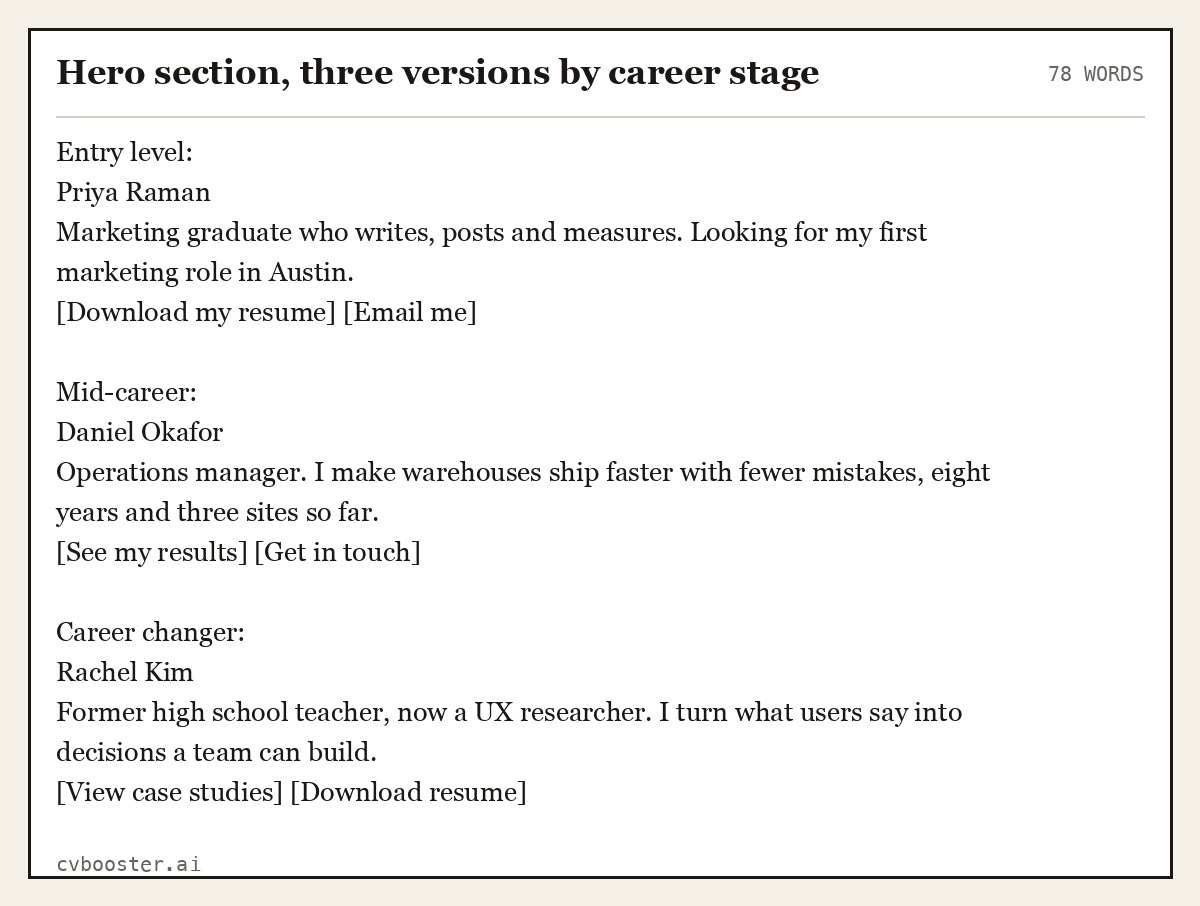
Hero section, three versions by career stage
78 wordsEntry level: Priya Raman Marketing graduate who writes, posts and measures. Looking for my first marketing role in Austin. [Download my resume] [Email me]
Mid-career: Daniel Okafor Operations manager. I make warehouses ship faster with fewer mistakes, eight years and three sites so far. [See my results] [Get in touch]
Career changer: Rachel Kim Former high school teacher, now a UX researcher. I turn what users say into decisions a team can build. [View case studies] [Download resume]
Create my CVOr start from one of our free resume templates
Step 2: Choose a builder or a free host
There are three honest routes, from easiest to most control:
| Route | Good for | What it takes |
|---|---|---|
| Drag-and-drop builder (Squarespace, Wix, Carrd, Google Sites) | Most people | An afternoon, a monthly plan for your own domain |
| Portfolio platform (Behance, Dribbble, Notion public pages) | Designers and makers | A free profile, less control over the address |
| Static host (GitHub Pages, Netlify) | Anyone comfortable editing a template | Free hosting, a little HTML |
GitHub's own guide to creating a GitHub Pages site walks through publishing a site from a repository, step by step. If the word repository already makes you tired, take the builder. Nobody hires you for your hosting choice.
Step 3: Buy a domain with your name
Your name as a .com is the cleanest address: firstnamelastname.com. If it is taken, add your field (danielokafor-ops.com) or a middle initial. Avoid numbers and jokes in the address. You can check who already holds a domain with ICANN's registration data lookup.
Connect the domain to your builder or host. Every major builder has a help page for this. It takes ten minutes and one confusing screen of settings.
Step 4: Write the about section
The about section is three short paragraphs: what you do, how you got here, and what you want next. Write it in the first person on your own site. It is the one place where "I" is normal.
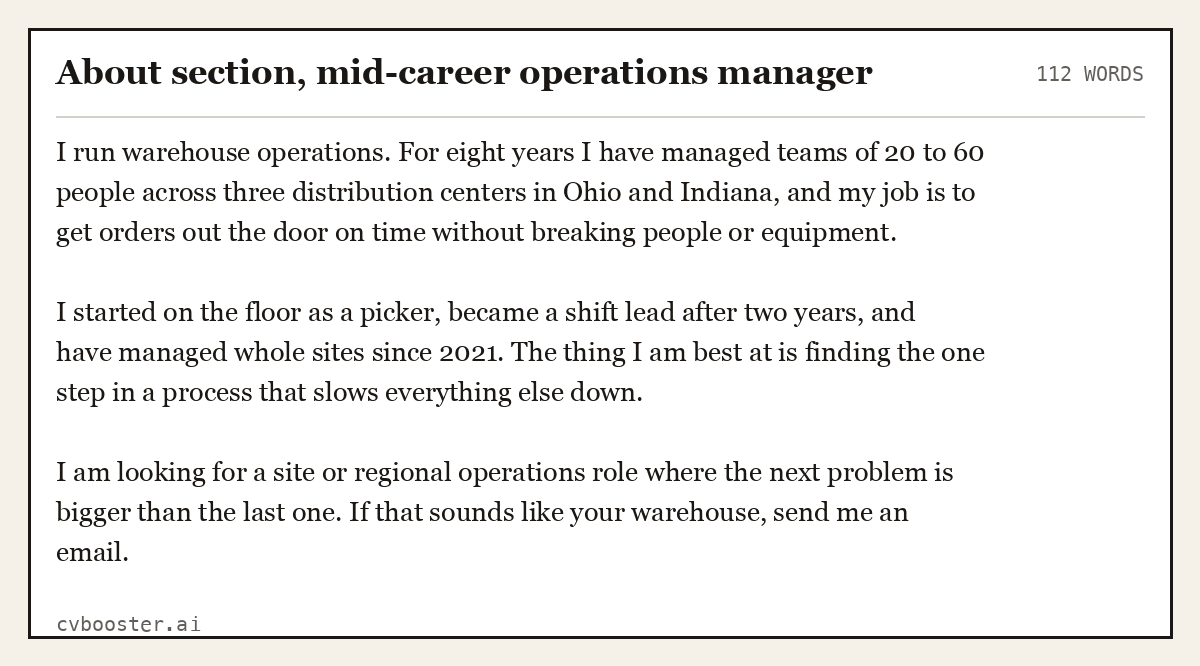
About section, mid-career operations manager
112 wordsI run warehouse operations. For eight years I have managed teams of 20 to 60 people across three distribution centers in Ohio and Indiana, and my job is to get orders out the door on time without breaking people or equipment.
I started on the floor as a picker, became a shift lead after two years, and have managed whole sites since 2021. The thing I am best at is finding the one step in a process that slows everything else down.
I am looking for a site or regional operations role where the next problem is bigger than the last one. If that sounds like your warehouse, send me an email.
Shorter versions work for one-page sites. Our about me examples and short bio examples have more lengths and tones to copy.
Step 5: Turn your experience into proof
Do not paste your whole resume onto the site. Pick the three roles or projects that matter for the job you want, and give each a short result block. A visitor should understand each one in ten words.
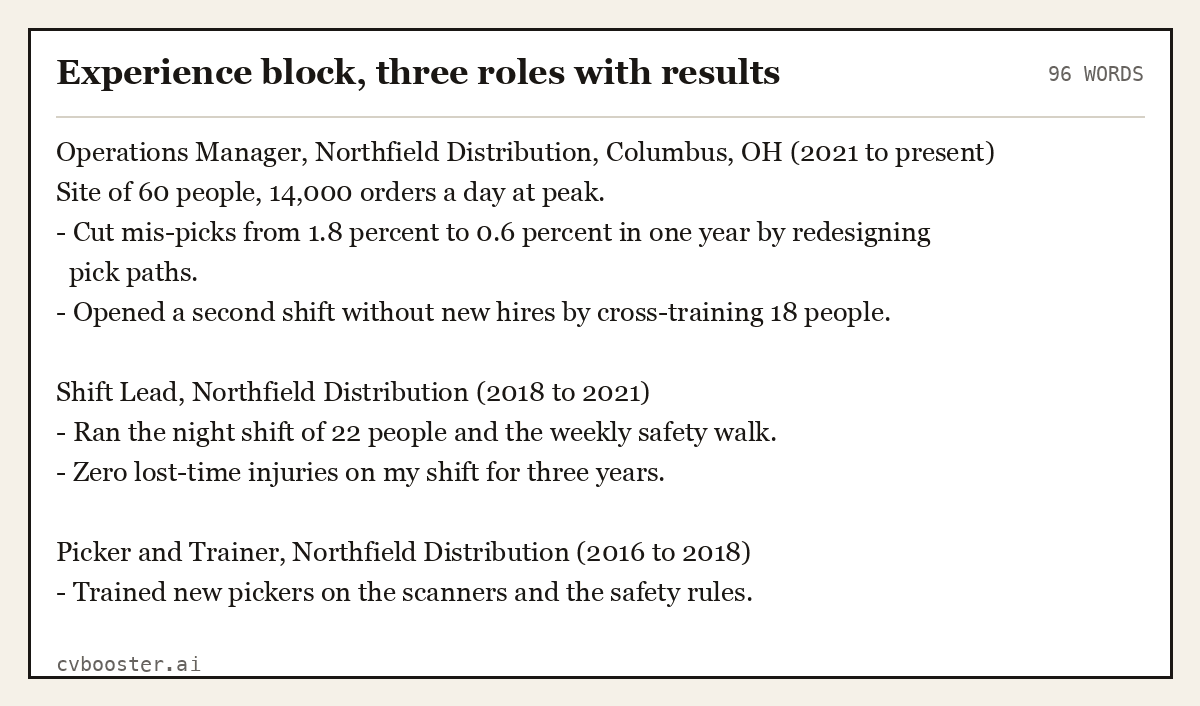
Experience block, three roles with results
96 wordsOperations Manager, Northfield Distribution, Columbus, OH (2021 to present) Site of 60 people, 14,000 orders a day at peak. - Cut mis-picks from 1.8 percent to 0.6 percent in one year by redesigning pick paths. - Opened a second shift without new hires by cross-training 18 people.
Shift Lead, Northfield Distribution (2018 to 2021) - Ran the night shift of 22 people and the weekly safety walk. - Zero lost-time injuries on my shift for three years.
Picker and Trainer, Northfield Distribution (2016 to 2018) - Trained new pickers on the scanners and the safety rules.
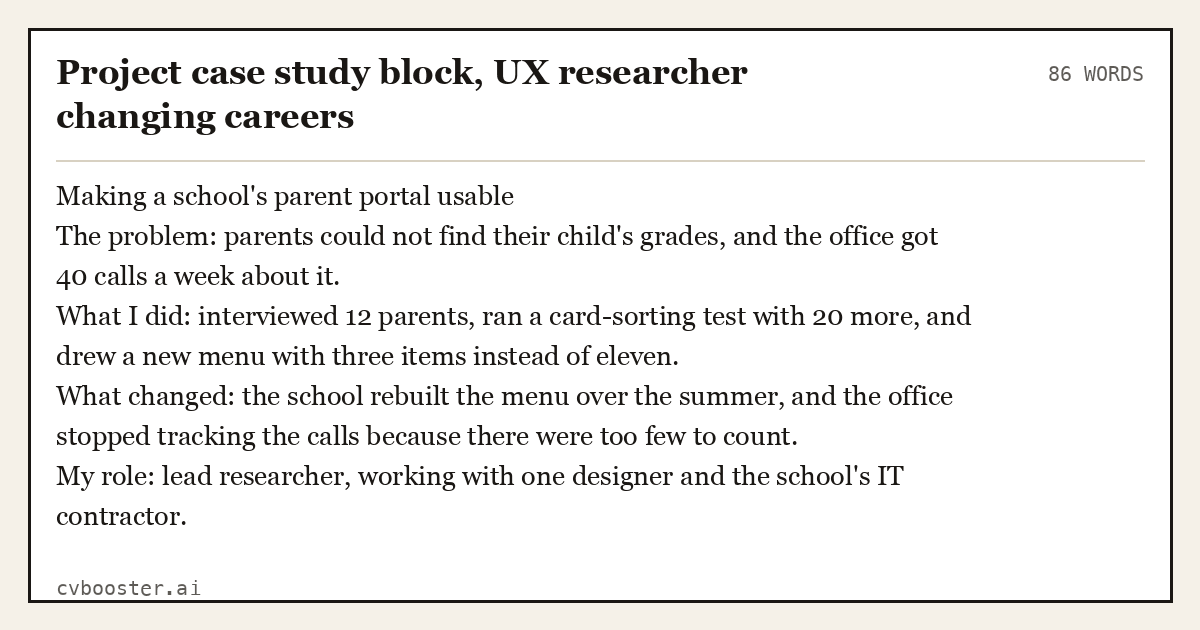
Project case study block, UX researcher changing careers
86 wordsMaking a school's parent portal usable The problem: parents could not find their child's grades, and the office got 40 calls a week about it. What I did: interviewed 12 parents, ran a card-sorting test with 20 more, and drew a new menu with three items instead of eleven. What changed: the school rebuilt the menu over the summer, and the office stopped tracking the calls because there were too few to count. My role: lead researcher, working with one designer and the school's IT contractor.
Numbers in your own case study come from your own work. Use the ones you can show if someone asks.
Step 6: Add the contact block and the resume file
The contact block is short: email, LinkedIn, phone if you want calls, city. Add a button to download your resume. Keep the file on the site up to date, because the old version with your previous job will be the one someone downloads at the worst moment.
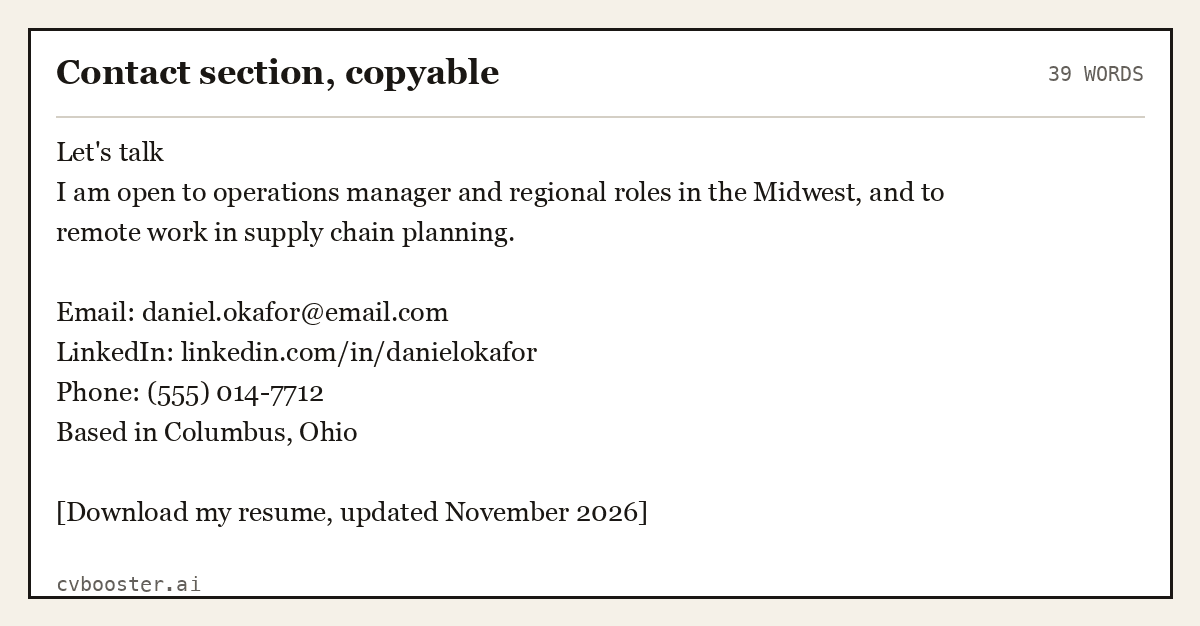
Contact section, copyable
39 wordsLet's talk I am open to operations manager and regional roles in the Midwest, and to remote work in supply chain planning.
Email: daniel.okafor@email.com LinkedIn: linkedin.com/in/danielokafor Phone: (555) 014-7712 Based in Columbus, Ohio
[Download my resume, updated November 2026]
If you have not updated the resume yet, do it before the site goes live. The resume is the document that gets forwarded. Our guide on how to make a resume covers it, and the resume templates give you a design to fill in.
Step 7: Check it like a stranger would
Before you share the link, run four checks:
- Search check. Your name in the page title and the main heading. Google's SEO Starter Guide explains why descriptive titles matter.
- Accessibility check. Images have alt text, headings are in order and the text has enough contrast. The W3C's easy checks take ten minutes and need no tools.
- Phone check. Open it on your phone. Most people who click your link from an email will.
- Stranger check. Ask a friend to look for ten seconds, then tell you what you do. If they cannot, rewrite the hero line.
Then add the link to your resume header, your email signature and your LinkedIn profile.
A complete one-page site you can copy
Here is a full single page for a nurse who wants to be found by name. It shows that a resume website does not need a portfolio to be useful.
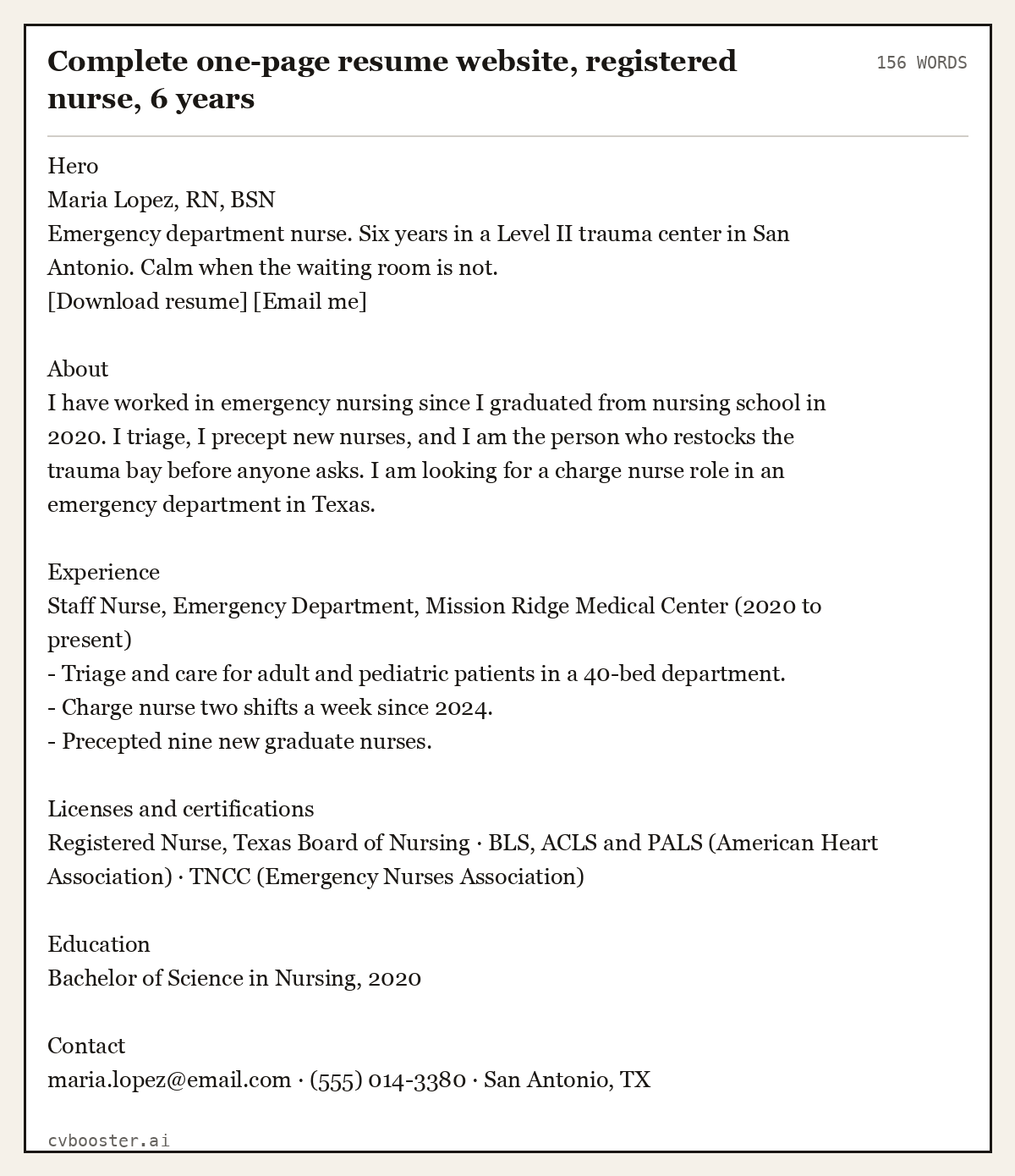
Complete one-page resume website, registered nurse, 6 years
156 wordsHero Maria Lopez, RN, BSN Emergency department nurse. Six years in a Level II trauma center in San Antonio. Calm when the waiting room is not. [Download resume] [Email me]
About I have worked in emergency nursing since I graduated from nursing school in 2020. I triage, I precept new nurses, and I am the person who restocks the trauma bay before anyone asks. I am looking for a charge nurse role in an emergency department in Texas.
Experience Staff Nurse, Emergency Department, Mission Ridge Medical Center (2020 to present) - Triage and care for adult and pediatric patients in a 40-bed department. - Charge nurse two shifts a week since 2024. - Precepted nine new graduate nurses.
Licenses and certifications Registered Nurse, Texas Board of Nursing · BLS, ACLS and PALS (American Heart Association) · TNCC (Emergency Nurses Association)
Education Bachelor of Science in Nursing, 2020
Contact maria.lopez@email.com · (555) 014-3380 · San Antonio, TX
What not to put on a resume website
- Your home address, date of birth or ID numbers. A city is enough. The site is public and stays that way.
- Anything you would not say in an interview. Old blogs, jokes about past employers, political rants.
- A skills bar chart. "Excel: 80 percent" means nothing to anyone. Name the tool and what you did with it.
- Testimonials you cannot back up. If a former manager wrote you a recommendation, link the real one on LinkedIn.
- A different job history from your resume. Recruiters compare. Same dates, same titles.
Thinking about whether you need a portfolio instead? Our page on portfolio vs resume explains which one a hiring team expects in which field, and LinkedIn profile vs resume covers the third place people will look.
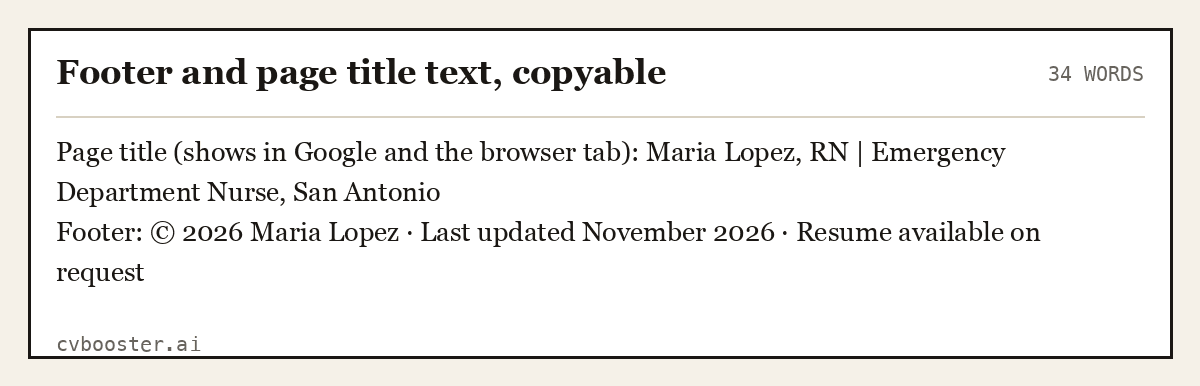
Footer and page title text, copyable
34 wordsPage title (shows in Google and the browser tab): Maria Lopez, RN | Emergency Department Nurse, San Antonio Footer: © 2026 Maria Lopez · Last updated November 2026 · Resume available on request
Frequently asked questions
Do I need a resume website?
Not for every job. It helps most when your work is visual, when you want to be found by name, or when you are changing careers and need more space than a resume gives. For many roles a strong resume and a complete LinkedIn profile are enough, and the website is a bonus.
Is there a free way to build a resume website?
Yes. GitHub Pages hosts static sites for free from a public repository, and several builders offer free plans on their own subdomain. A custom domain with your name usually costs a yearly registration fee. The free routes work, but the address looks less clean on a resume.
What should a resume website include?
A hero line with your name and what you do, a short about section, your experience written as results, two or three proof pieces such as projects or certifications, a contact block and a download link for your current resume. Everything else is optional and should earn its place.
Can a resume website replace my resume?
No. Most applications still go through forms and applicant tracking systems that ask for a resume file. The website is where people go after they have seen your resume or searched your name. Keep both, with the same dates and job titles.
How do I get my resume website on Google?
Put your full name in the page title and the main heading, connect a domain with your name, and link to the site from your LinkedIn profile and email signature. Google's free Search Console lets you submit the page so it is found faster.
More in this series: related guides
- AI Recruitment Tools: What They Do With Your Resume
- ATS Full Form: Applicant Tracking System, Explained
- Achievements in Resume: 36 Examples by Job, and the Formula
- CV Meaning: What Curriculum Vitae Means, With Examples
- Citizenship on Resume: When to List It and How to Word It
- Dancer Resume Example: 5 Complete Resumes for Auditions
- Declaration in Resume: Format and 10 Samples to Copy
- How Far Back Should a Resume Go: The 10 to 15 Year Rule
- How to Ask Someone to Be a Reference: 10 Messages to Copy
- How to Become an Arborist: Steps, ISA Certification, Pay
- How to Introduce Yourself in a Letter: 8 Examples to Copy
- Job Titles: 200+ Examples by Department and by Level
- Personal Details in Resume: What to Include, With Examples
- Resume Builder for High School Students: 5 Teen Resumes
- Resume Margins: The Right Size for Every Situation
- Resume Summary for Freshers: 14 Examples by Degree
- Should I Use a Resume Template: Yes, If It Passes 8 Checks
- Six Figure Jobs: 27 Careers With Median Pay Over $100K
- Strengths and Weaknesses List: 90 Examples and 8 Answers
- Timeline Resume Template: 6 Examples and When to Use One
- What Is Background Information: Definition and 7 Examples
- Why Should We Hire You: 10 Sample Answers That Work
Looking for a worked example for your job title? Browse the resume examples by job title.